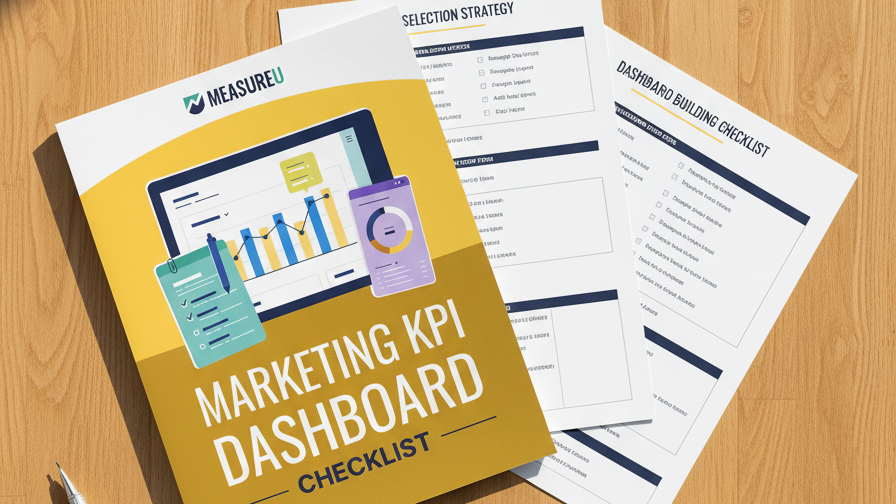
This is an overview of a Data Driven Insiders resource.
Here at Data Driven, we’re always looking for ways to make things easier for you guys. We think you’re going to love our new dashboard for you to measure your content marketing.

Here’s how to set it up:
- Open the template and click the Copy icon at the top-right.

- Change the Data Source to your Google Analytics account (you will need to have data coming into your account to make use of the dashboard). Click ‘Copy Report’ and the template will populate with your own Analytics data.

- Next, edit the name of the report, change the logo, and choose a theme to customize it for your company.

Use the page dropdown at the top-left to switch between weekly, monthly and quarterly views.

Now you have a detailed and convenient overview of how your content marketing is performing without having to build a report yourself.
Get access to the Dashboard and take control of your content marketing analytics.