
or join Academy for $49/mo
Build Dashboards People Actually Open
23 lessons. Real builds. By the end, you'll have live Data Studio dashboards connected to your data — not another folder of half-finished projects. Taught by Julie Brade, who's built reporting systems for brands doing six to nine figures.
- Build complete dashboards from scratch (not just one chart at a time)
- 23 video lessons, ~4.5 hours total — no fluff
- Lifetime access + updates as Data Studio changes
- Taught by Julie Brade, Director of Measurement at MeasureU
Your Data Exists. Your Dashboards Don't.
85%
You're Building the Same Report Every Week
Every Monday morning, you're pulling the same numbers into the same spreadsheet. Copy. Paste. Format. Send. Then someone asks a follow-up question and you start over. You're spending hours on reports that could update themselves — if you knew how to build them.
67%
Your Stakeholders Don't Trust the Numbers
Your data lives in spreadsheets that nobody believes. Different people pull different numbers from different places. Nobody agrees on what's true. The problem isn't the data — it's that there's no single source of truth anyone can point to.
62%
Your Dashboards Look Like You Made Them in a Hurry
Screenshots pasted into slides. Spreadsheets with conditional formatting. Default chart colors that clash with your brand. You know the data is solid, but the presentation undercuts your credibility before anyone reads a single number.
You Have the Data — But Nobody Acts on It
The numbers are there. They're accurate. But they're buried in tabs and exports that nobody opens twice. Your data isn't in a format that makes decisions obvious — so decisions get made without it.
Course Curriculum
Six modules. 23 lessons. From GA4 reports to branded dashboards.

1 GA4 Reports
- Understanding built-in GA4 reporting
- When to use GA4 reports vs Data Studio
- Customizing and building your favorite reports
- Getting answers to your questions with GA4 data
Result: You'll understand exactly what GA4 reports can (and can't) do — so you know when it's time to move to Data Studio instead of fighting the built-in tools.
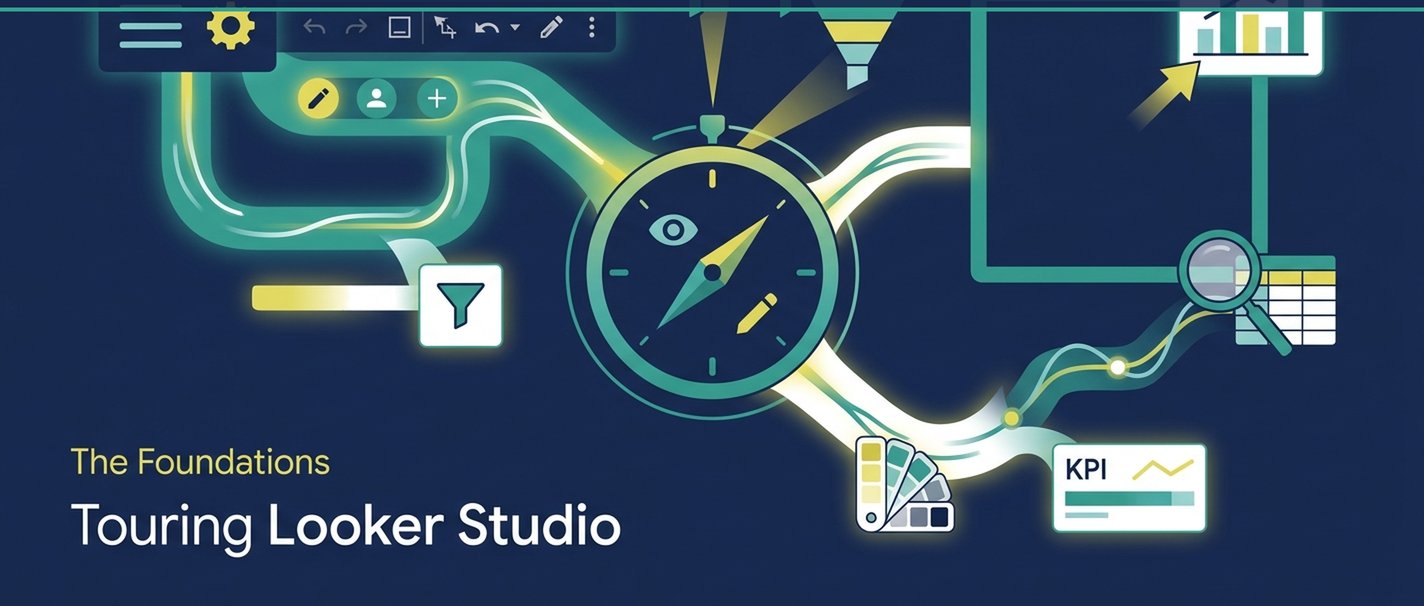
2 Data Studio Foundations
- What makes a good dashboard (before you build anything)
- Planning your dashboard structure
- Touring the Data Studio interface
- Data sources, dimensions, and metrics fundamentals
Result: You'll plan dashboards that answer real questions — not just throw charts on a page and hope someone finds them useful.

3 Building Dashboards
- Connecting your data sources
- Creating traffic acquisition reports
- Measuring a basic user journey end-to-end
Result: You'll build your first real dashboard — connected to live data, showing traffic and user journeys in a format stakeholders can actually read.

4 Advanced Dashboards
- Calculating conversion rates with custom formulas
- Adding forecasts to your dashboard
- Conditional formatting for visual clarity
- Interactive elements and dashboard navigation
Result: You'll add the features that separate a basic report from a dashboard people actually use — forecasts, calculated fields, and conditional formatting that highlights what matters.

5 Data Connections
- Google connectors (Analytics, Ads, Search Console)
- Google Sheets as a data source
- Partner and community connectors
- Managing and refreshing your data sources
Result: You'll connect multiple data sources into a single dashboard — GA4, Google Ads, Sheets, and third-party tools — so all your data lives in one place.

6 Dashboard Branding
- Customizing your report theme and layout
- Page-level design and navigation
- Chart styling and white-labeling for clients
Result: You'll turn functional dashboards into professional, branded reports — the kind you'd confidently share with a client or present to leadership.
What You'll Walk Away With
Skills you can use the week you learn them
Automated Reports
No more weekly manual pulls. Your dashboards connect to live data and update themselves — so Monday morning is about reading the numbers, not building the spreadsheet.
Professional Dashboards
Clean, branded, stakeholder-ready. Dashboards that look like you hired a designer — because the data deserves better than default chart colors and cramped layouts.
Multi-Source Data
Combine GA4, Google Ads, Sheets, and third-party tools in one view. One dashboard that tells the whole story instead of five tabs that each tell a piece.
Dashboards You Built — You Can Change
No more afraid to touch it. You built it, you understand how it works, and when requirements change — you can update it yourself in minutes.
Ready to Build Dashboards That Get Used?
23 lessons. 6 modules. From GA4 reports to branded, client-ready dashboards. Everything you need to build reporting that updates itself.
Your Instructor: Julie Brade

Julie has been teaching analytics since 2015. She's trained thousands of marketers across hundreds of companies — from small businesses setting up their first dashboard to enterprise teams building reporting systems across dozens of data sources. Her specialty is turning raw data into dashboards that people actually open and use.
She builds real reporting systems every day — for 6-figure startups and 9-figure brands. When a stakeholder says “I don't trust these numbers,” Julie's the one who fixes it.
- ✓ Teaching analytics since 2015 (10+ years)
- ✓ GA4, GTM, and Data Studio expert
- ✓ Built reporting systems for 6-figure and 9-figure brands
- ✓ Conference speaker and recognized industry educator
What Students Say
"The Data Studio training gave me the confidence to build dashboards my clients actually use. Before this, I was just pasting screenshots into slide decks."
Kathy Olson-Verville
"I went from dreading monthly reports to having dashboards that update themselves. My clients are impressed and I'm saving hours every week."
Lori Baxter
"Even the most veteran Google Analytics professional seems to be intimidated at the release of GA4. Going through this course was a really great way to understand GA4 and its nuances."
Jay Buecek
"The training helped me understand not just how to build dashboards, but how to think about what data actually matters. That changed everything."
Sunny Kumar
PortraitFlip
"Another client accepted my 'Google Analytics 4' deal. The entire offer was based on a quick video and a blogpost I based on the GA4 migration presentation."

Marco Kramer
"The classes were extremely helpful in understanding Google Analytics 4 and how all businesses benefit."

Brett Attee
Hours every week exporting and formatting
“Can you send me the raw data?”
Spreadsheet charts and screenshots
Scrambling to pull numbers before every call
Snapshots out of date when you send them
Afraid to touch anything because it might break
Dashboards update automatically
Interactive dashboards they can explore
Clean, professional dashboards that look intentional
One link to a live dashboard, always current
Live connections that reflect what's actually happening
You built it, you understand it, you can change it
Two Ways to Get This Course
Get this course on its own, or get everything with Academy
Data Studio Course Only
Lifetime access to this course
- All 23 video lessons across 6 modules
- GA4 Reports → Foundations → Building → Advanced → Data Connections → Branding
- Real dashboard builds with live data
- Lifetime access to all updates

MeasureU Academy
All 12 courses + tools + community
- This Data Studio Course + 11 other courses
- GA4, GTM, Google Ads, and more
- Tools, templates, calculators, frameworks
- Full community access
- Cancel anytime — no commitment
Think about it: Academy costs half of what the Data Studio course costs standalone. And you get 12 courses instead of one. If you need anything beyond dashboards — GA4, GTM, ads — this is the obvious choice.
Want More Than Just Data Studio?
You're here because dashboards are a gap in your skills. But they're probably not the only one. GA4 has its own learning curve. GTM doesn't configure itself. MeasureU Academy gives you all 12 courses for $49/month. Cancel anytime.
Join Academy — $49/mo30-Day Money-Back Guarantee
If the course isn't what you expected, email us within 30 days for a full refund. No questions asked.
We've taught thousands of students. We're confident this will be worth your time. But if it's not — you're covered.
Frequently Asked Questions
+ − Do I need experience with Data Studio to take this course?
+ − How long does the course take?
+ − What's the difference between this course and Academy?
+ − Can I get a refund?
+ − Is the content up to date?
+ − Do I need to know GA4 first?
+ − What if I get stuck?
+ − Who teaches this course?
Build Dashboards That Get Used
23 Lessons. 6 Modules. Live Data. Real Builds.
$99
One-time payment • Lifetime access
30-Day Money-Back Guarantee