
Four Resources in One — From Planning Your Dashboard to Building It in Looker Studio
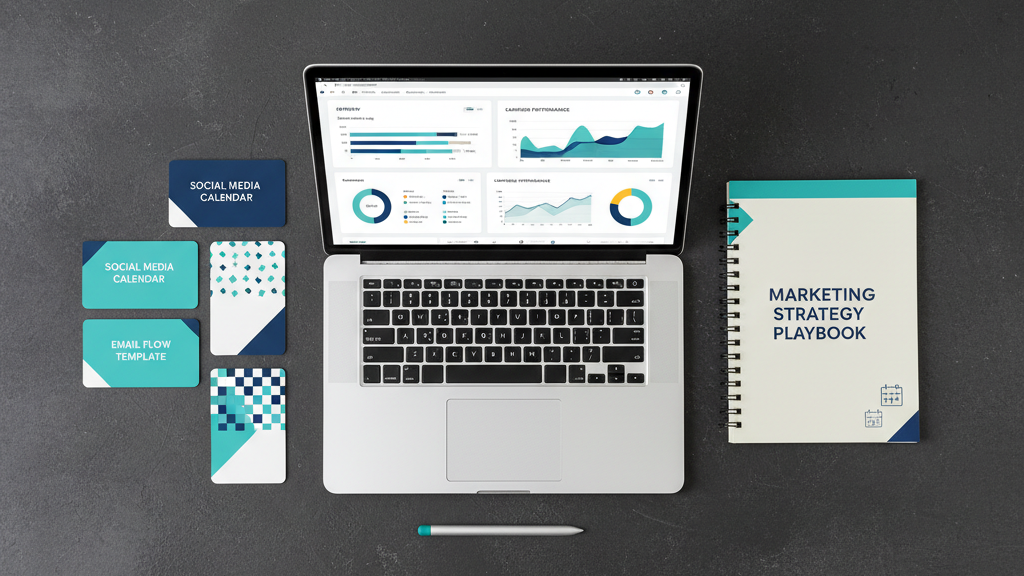
Building a marketing dashboard from scratch usually means staring at a blank Looker Studio canvas and hoping for the best. This toolkit gives you everything you need to plan it, design it, and populate it with real data — demo dashboards, a planning PDF, building block templates, and a GA4 demo.
MeasureU is trusted by 50,000+ digital marketers
Instant download — all four resources delivered to your inbox. No spam, ever.
MeasureU Has Been Featured In



 Google Ads
 What's Inside the Toolkit
Looker Studio Demo Dashboard
A fully built Looker Studio dashboard you can copy and connect to your own data sources. See exactly how a professional marketing dashboard is structured.
Dashboard Planner PDF
Plan your dashboard before you build it. Define your audience, KPIs, data sources, and layout on paper first — so you build the right dashboard the first time.
Building Blocks + GA4 Demo
Reusable chart and table components you can drop into any dashboard, plus a GA4-connected demo showing real data in action.
Built for marketers, analysts, and agency teams who build dashboards for clients or internal stakeholders.
Most marketing dashboards fail before they launch. Someone opens Looker Studio, adds a few charts, and sends a link. The stakeholder looks at it once, doesn't understand what they're seeing, and never opens it again. The dashboard was technically correct, but it wasn't built for the person reading it.
This toolkit fixes that by starting with planning. The Dashboard Planner walks you through who the dashboard is for, what questions it should answer, and which KPIs actually matter. Then the demo dashboards and building blocks give you a head start on the actual build.
- ✓ Building your first Looker Studio dashboard? Start with the demo dashboard. Copy it, connect your data sources, and customize from there. It's faster than starting from scratch.
- ✓ Dashboards that nobody uses? The Planner PDF forces you to define the audience and their questions before you add a single chart. That's usually where things go wrong.
- ✓ Need reusable components? The building blocks are individual chart and table templates you can drop into any Looker Studio report. No need to rebuild common visualizations from scratch.
- ✓ Want to see it working with real GA4 data? The GA4 demo shows exactly how the dashboard looks when connected to a live Google Analytics property.
Instant access. No credit card.
The Same Templates Jeff's Team Uses for Client Dashboards
Jeff Sauer has been building marketing dashboards since before Looker Studio was called Data Studio. This toolkit contains the same planning process and templates his team uses when onboarding new dashboard clients — whether the report goes to a solo marketer or a CMO.
Four dashboard resources. One toolkit. Zero guesswork.
Download the toolkit, plan your dashboard with the PDF, then copy the Looker Studio templates and start building. Most people have a working dashboard within a day.