
Work Backwards from the Results You Want — This Calculator Tells You What It'll Cost
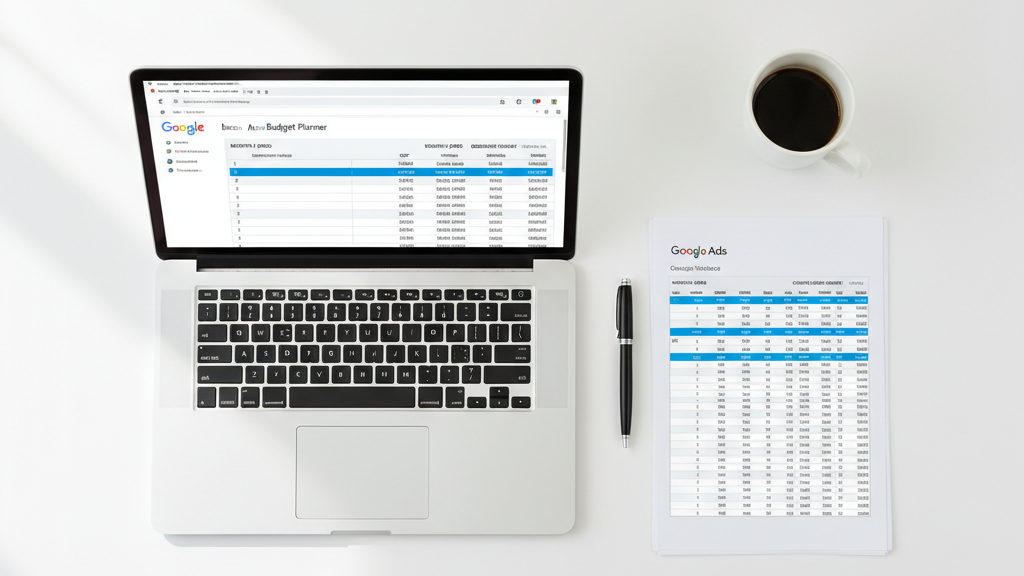
Most advertisers pick a Google Ads budget based on what feels comfortable. Then they wonder why the results don't add up. This spreadsheet flips it around — plug in your revenue target, average CPC, and conversion rate, and it calculates the monthly spend you actually need.
MeasureU is trusted by 50,000+ digital marketers
Google Sheets calculator — make a copy and plug in your numbers. No spam, ever.
MeasureU Has Been Featured In



 Google Ads
 What's Inside
Revenue-First Budgeting
Start with the number that matters — your revenue goal — and let the calculator work backwards through conversion rates, lead volume, and CPC to get your monthly spend.
Scenario Comparison
Adjust your inputs and instantly see how different CPCs, conversion rates, or deal sizes change the budget. Compare aggressive vs. conservative scenarios side by side.
Built for Real Campaigns
Every formula comes from managing real Google Ads accounts since 2005. The math accounts for the metrics that actually show up in your Ads dashboard.
Works for any industry, any budget size. Plug in your numbers and get an answer in under 5 minutes.
Here's what usually happens with Google Ads budgets: someone picks a round number — $1,000/month, $5,000/month — and runs with it. Three months later, they either ran out of money before hitting their goal, or they're spending more than they needed to.
This calculator makes the connection between what you want to achieve and what it will cost. You enter your target revenue, your average deal size, your conversion rate, and your expected CPC. The spreadsheet does the rest — clicks needed, leads needed, and total monthly spend.
- ✓ Setting a budget for the first time? The calculator gives you a defensible starting number based on real inputs, not a guess. Walk into the budget conversation with math behind your recommendation.
- ✓ Need to justify a budget increase? Show stakeholders exactly how more spend connects to more revenue. The spreadsheet makes the case for you — just share the numbers.
- ✓ Running campaigns across multiple products or services? Duplicate the sheet for each one. Different CPCs and conversion rates mean different budgets — this calculator accounts for that.
- ✓ Want to see what happens if your CPC drops? Change one number and the entire budget recalculates. Great for testing "what if" scenarios before committing real dollars.
Instant access. No credit card.
The Same Math Jeff Uses When Planning Client Budgets
Jeff Sauer has been managing Google Ads budgets since 2005. This calculator uses the same formulas his team runs through when onboarding a new client — before a single dollar gets spent.
Your Google Ads budget should come from math — not a gut feeling
Plug in your revenue target, conversion rate, and CPC. Get your monthly spend in under 5 minutes.