
15 Google Ads Tasks Your Team Should Be Running Every Day
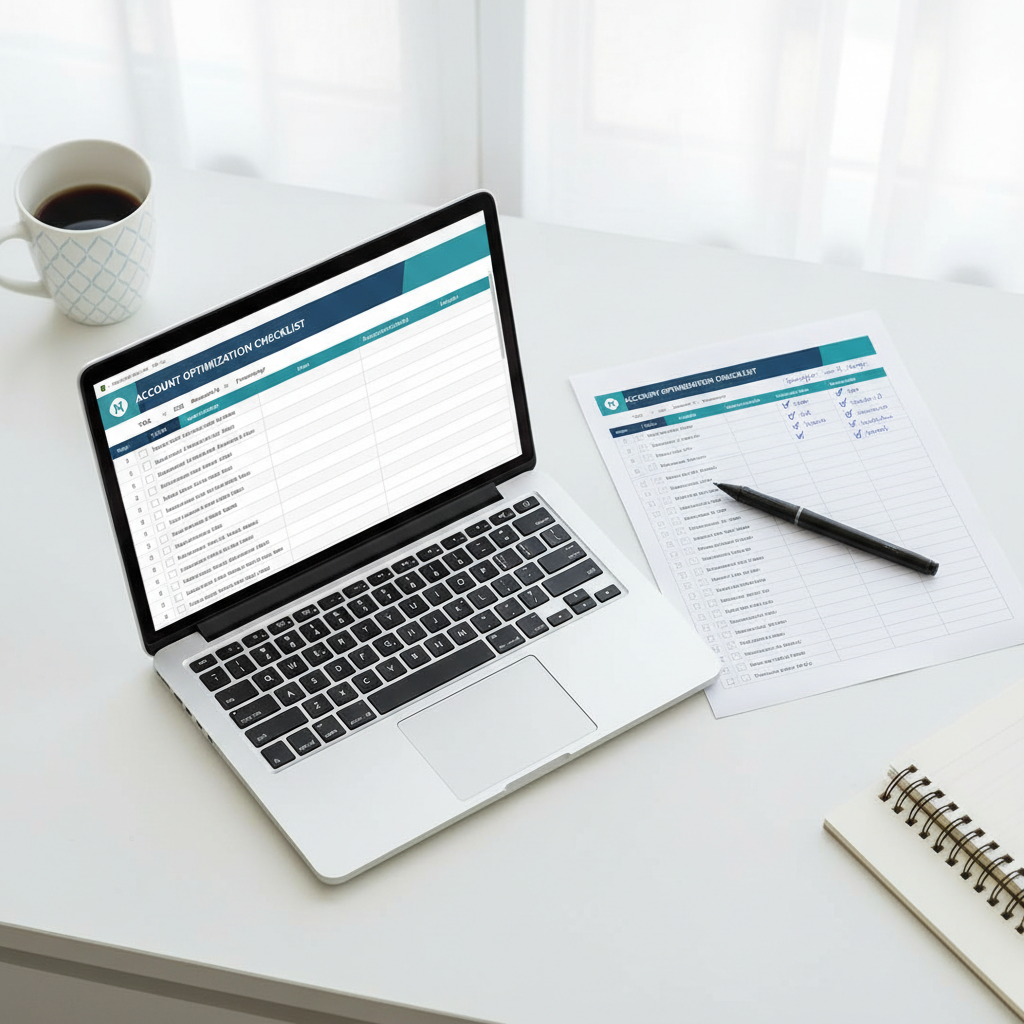
Google Ads accounts don't optimize themselves. The difference between an account that performs and one that slowly bleeds money is a short list of tasks someone checks on regularly. This spreadsheet has 15 of them — with who should own each one and how often it needs to happen.
MeasureU is trusted by 50,000+ digital marketers
Google Sheets template — make a copy and start using it today. No spam, ever.
MeasureU Has Been Featured In



 Google Ads
 What's Inside
15 Tasks with Clear Ownership
Every task has an "Assigned To" column — Analyst, PPC Specialist, PPC Manager, or PPC Writer. No ambiguity about who does what.
Daily, Weekly, and As-Needed
Each task has a frequency so your team knows what to check daily (CPCs, search queries, quality scores) versus what to do when needed (pausing ads, writing new copy).
Copy It, Customize It, Use It
It's a Google Sheet — make a copy, add your team members' names, and start tracking completions. Add a "Contingencies" column for notes on what you found.
Built for teams and agencies managing Google Search Ads accounts. Works for any account size.
Most Google Ads accounts don't have a maintenance routine. Someone logs in when they remember, checks whatever catches their eye, and logs out. The keywords that slowly drain budget? Nobody's watching them. The ad copy that stopped converting two weeks ago? Still running.
This spreadsheet turns "check on the account" into 15 specific tasks with names next to them. It takes about 15 minutes to go through if you're doing it daily. The tasks that matter most — CPC monitoring, search query mining, quality score reviews — are all daily items for a reason.
- ✓ Running an agency with multiple account managers? Assign tasks across your team so every account gets the same level of attention. The "Assigned To" column makes ownership clear.
- ✓ Not sure which tasks to prioritize? The frequency column tells you. Daily items like CPC checks and search query mining are non-negotiable. "As needed" items like pausing ads and writing new copy happen when the daily checks surface something.
- ✓ Managing your own account solo? You'll still use every task on this list — you just wear all four hats. The structure helps you remember what to check instead of flying blind.
- ✓ Want to customize it? It's a Google Sheet. Add columns for notes, change the frequencies to match your workflow, or duplicate it for each client account.
Instant access. No credit card.
The Same Routine Jeff's Team Runs on Client Accounts
Jeff Sauer has been managing Google Ads since 2005. This checklist is the daily operating procedure his team follows on every client account — 15 tasks, clear ownership, and a rhythm that catches problems before they compound.
15 tasks. Clear owners. A daily rhythm that keeps your accounts healthy.
Copy the spreadsheet, assign the tasks, and run it tomorrow morning. Most teams see the first problems surface within a week.