
Your Shopping Campaigns Are Only as Good as Your Product Feed
Most Google Shopping problems have nothing to do with your bids or budgets. They start in Merchant Center — a broken feed, missing fields, or tax settings that got skipped during setup. This checklist walks through every decision from Merchant Center configuration to campaign structure so your products actually show up where they should.
MeasureU is trusted by 50,000+ digital marketers
PDF download — delivered instantly. No spam, ever.
MeasureU Has Been Featured In



 Google Ads
 What's Inside
Merchant Center Done Right
Logo uploads, tax and shipping settings, Google Ads account linking — every Merchant Center setup step that trips people up on day one.
Feed Optimization That Drives Clicks
Title formatting, image requirements, product type hierarchies, and supplemental feeds — the feed quality details that determine whether your products get impressions or get buried.
Campaign Structure & Bidding
Standard vs. Smart Shopping, inventory filters, priority settings, ad group segmentation, and CPC bid strategy — so your budget goes to your best products first.
Built for ecommerce teams running Google Shopping campaigns.
Google Shopping looks simple from the outside. Upload a feed, set a budget, watch your products appear in search results. But anyone who's actually run Shopping campaigns knows the reality: disapproved products, feeds that mysteriously break overnight, and budgets that burn through your worst-margin items while your bestsellers barely get clicks.
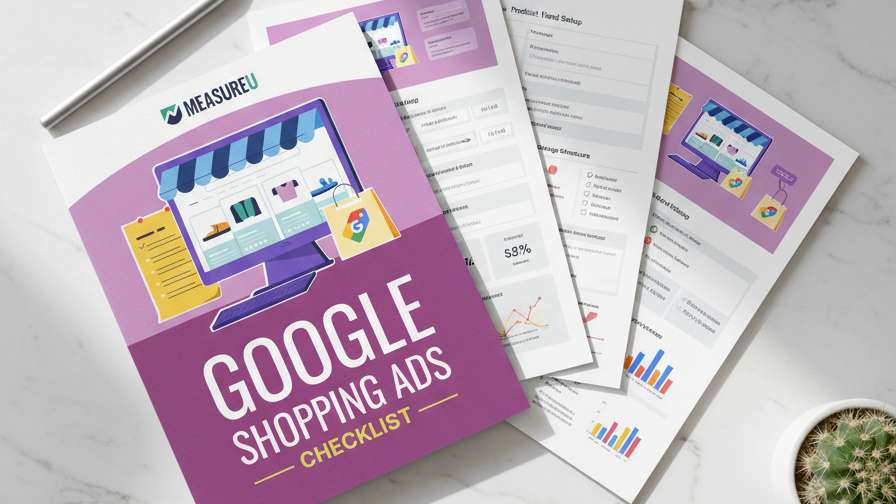
This checklist covers six sections — from your initial Merchant Center configuration all the way through campaign structure and product group segmentation. Each item is a specific action, not a suggestion.
- ✓ Getting product disapprovals you can't figure out? The Merchant Center section walks through logo uploads, tax configuration, and shipping settings — the three setup items that cause 80% of early disapprovals.
- ✓ Not sure if your feed is actually complete? The Product Listing Feed section covers required fields, feed source options, supplemental feeds, and how to use the diagnostics tab to catch problems before they cost you money.
- ✓ Product titles that aren't getting impressions? The Feed Optimization section covers title formatting, image best practices, and product type hierarchies that help Google match your products to the right searches.
- ✓ Confused about Standard vs. Smart Shopping? The campaign setup section breaks down when each type makes sense, plus naming conventions, inventory filters, and priority settings.
- ✓ Budget going to the wrong products? The Structuring Campaigns section shows you how to segment product groups so your top sellers get the spend they deserve.
Instant access. No credit card.
Built by a Team That Manages Real Ecommerce Ad Spend
Jeff Sauer has been running Google Ads campaigns since 2005 — back when Shopping campaigns were called Product Listing Ads and feed management meant editing spreadsheets by hand. This checklist comes from the process his team uses when onboarding new ecommerce accounts, whether you're selling 50 products or 50,000.
A broken feed costs you money every single day it's live
Download the checklist, open Merchant Center alongside it, and fix every issue in one sitting. Most teams finish in under two hours.