
Know Your Break-Even ROAS Before You Spend a Dollar on Shopping Ads
Google Shopping campaigns look profitable until you factor in product costs, shipping, and returns. This calculator accounts for your actual margins so you know the real ROAS you need to hit — not the one that looks good in a dashboard.
MeasureU is trusted by 50,000+ digital marketers
Google Sheets calculator — make a copy and plug in your product data. No spam, ever.
MeasureU Has Been Featured In



 Google Ads
 What's Inside
True Margin Calculations
Factor in product cost, shipping, returns, and platform fees. The calculator shows your real margin per sale — not the inflated number you see in Ads Manager.
Break-Even ROAS by Product
Different products have different margins. This spreadsheet calculates the minimum ROAS each product category needs to be profitable.
CPC and Budget Modeling
Enter your average CPC and conversion rate to see how many clicks and how much spend you need to generate your target number of orders.
Built for ecommerce brands and agencies running Google Shopping campaigns at any scale.
A 400% ROAS sounds great until you realize your product margins are 20%. After COGS, shipping, and returns, that 400% ROAS actually means you broke even. Most ecommerce advertisers don't discover this until they've been running campaigns for months.
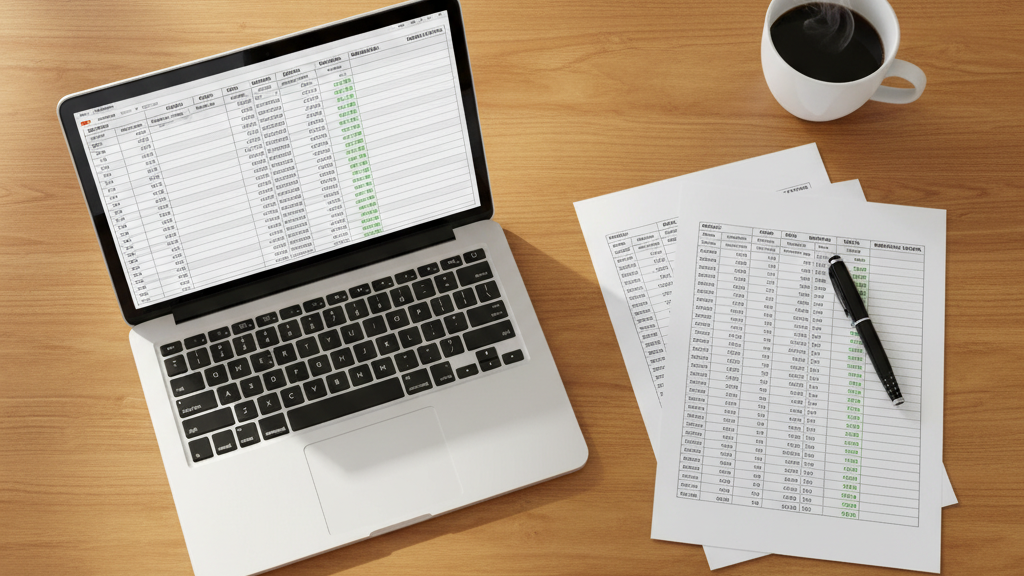
This spreadsheet connects your product economics to your advertising metrics. You enter what you actually pay for goods, what you charge, and your return rate. The calculator tells you the exact ROAS threshold where Shopping ads start making money.
- ✓ Selling products with different margins? Enter each product category separately. A product with 60% margins needs a very different ROAS target than one with 25% margins.
- ✓ Not sure if Shopping ads are worth it for your catalog? Run the numbers first. Some products simply don't have enough margin to support paid advertising — better to know that before you spend.
- ✓ Reporting ROAS to a client or stakeholder? This spreadsheet gives you the context behind the number. A 300% ROAS means nothing without knowing what "profitable" actually looks like for that product.
- ✓ Want to model scaling scenarios? Adjust your CPC assumptions and see how increasing spend changes profitability. CPCs often rise as you scale — the calculator helps you plan for that.
Instant access. No credit card.
Built from Real Ecommerce Campaign Data
Jeff Sauer has managed Google Shopping campaigns for ecommerce brands since the format launched. This calculator uses the same margin and ROAS analysis his team runs before recommending a budget for any ecommerce client.
Your break-even ROAS is a number — not a feeling
Enter your product margins, CPC, and conversion rate. Find out if Shopping ads can actually work for your catalog.