
Get Google Tag Manager Installed on Your Site in Under 30 Minutes
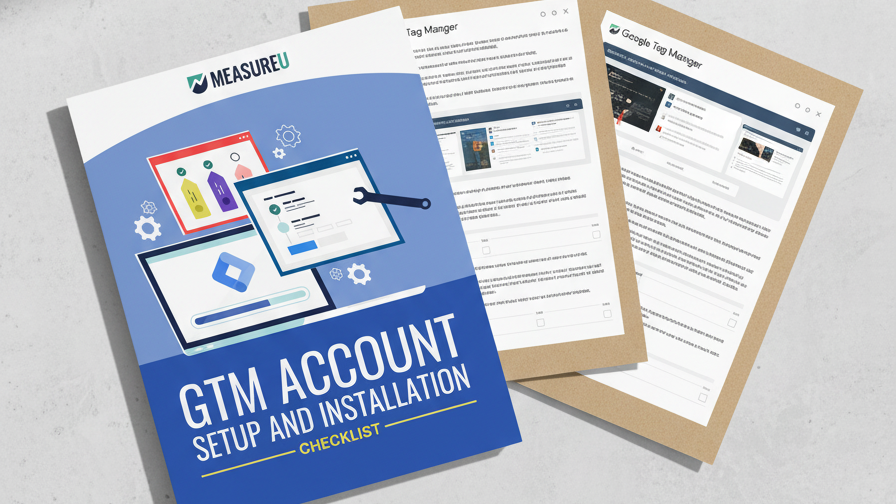
GTM's interface is intimidating the first time you see it. Tags, triggers, variables, containers — it feels like it was designed for developers. This 5-step checklist has a screenshot at every step so you can follow along and get it installed without touching a line of code. Plus a pre-built container template you can import to skip the boring parts.
MeasureU is trusted by 50,000+ digital marketers
PDF download — delivered instantly. No spam, ever.
MeasureU Has Been Featured In



 Google Ads
 What's Inside
Account & Container Setup
Create your GTM account, set up your first container, and understand the difference between accounts and containers — with a screenshot at every click.
Installation Without a Developer
Install GTM on WordPress with a plugin or add the code manually. Both methods covered step by step, so you pick whichever one fits your comfort level.
Pre-Built Container Template
Import a ready-made container configuration so you don't start from a blank slate. Includes a GA4 tag, basic event tracking, and consent mode setup.
Written for marketers setting up GTM for the first time. No developer needed.
Google Tag Manager is one of those tools where the first 20 minutes determine whether you love it or give up entirely. The interface throws a lot of terminology at you — containers, workspaces, tags, triggers, variables — and if you click the wrong thing early on, you spend the next hour trying to figure out where you went wrong.
This checklist strips all of that down to 5 concrete steps with a screenshot at every single one. You'll go from "I don't have a GTM account" to "GTM is installed, tested, and firing correctly on my site" without asking your developer for help.
- ✓ Never used GTM before? Step 1 walks you through account creation with the exact buttons to click and fields to fill in. No guessing.
- ✓ Not sure where the code goes on your website? Step 3 covers both the WordPress plugin method (zero code) and the manual installation method (two code snippets, two locations).
- ✓ How do you know it's actually working? Step 4 shows you how to use Preview mode and Tag Assistant to verify GTM is connected and firing before you publish anything.
- ✓ Don't want to build everything from scratch? Step 5 gives you a container template you can import in one click — GA4 tag, basic events, and consent mode already configured.
- ✓ Worried about breaking your website? GTM's Preview mode lets you test everything in a sandbox before it goes live. The checklist shows you exactly how to use it.
Instant access. No credit card.
The Same Setup Process MeasureU Teaches in Its GTM Course
MeasureU's GTM course starts with this exact checklist. Jeff Sauer and the MeasureU team have walked 50,000+ marketers through GTM setup — and the #1 reason people struggle is that they skip a step they didn't know existed. This checklist makes sure that doesn't happen.
GTM installed correctly the first time — that's all this checklist does
Download it, follow the 5 steps, and you'll have a working GTM setup before your coffee gets cold.