
YouTube Videos on Your Site? Find Out If Anyone Actually Watches Them — in 20 Minutes.
You embedded YouTube videos on your site because you thought they'd help. But if you're not tracking plays, pauses, and watch progress, you have no idea if they're working. This guide walks you through setting up YouTube video tracking in GTM so every interaction shows up in your GA4 reports.
MeasureU is trusted by 50,000+ digital marketers
PDF download — delivered instantly. No spam, ever.
MeasureU Has Been Featured In



 Google Ads
 What's Inside
8 Built-In Video Variables
Enable Video Provider, Status, URL, Title, Duration, Current Time, Percent, and Visible variables so every video interaction carries rich context.
Play, Pause, and Progress Tracking
Set up a YouTube Video trigger that fires on start, complete, pause, and percentage milestones — so you know exactly how far people watch.
Works for Any Embedded YouTube Video
Whether you have one video or fifty across your site, this setup captures them all. No code changes to your pages required.
Requires GA4 and GTM. Works for any embedded YouTube video on your site.
You invested time making videos and embedding them on your site. Maybe they're product demos, tutorials, or testimonial clips. But right now, GA4 doesn't tell you whether anyone presses play, how long they watch, or whether they finish. That data exists — you just need to collect it.
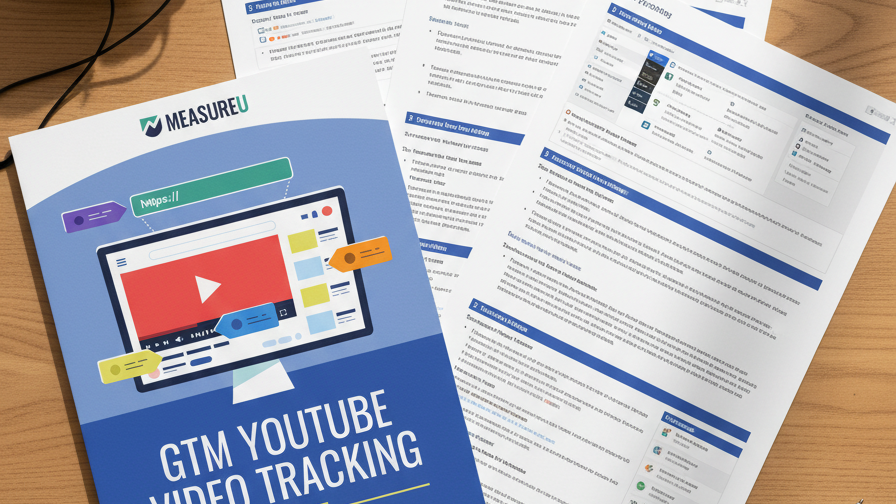
This guide walks through 6 steps in GTM: enable the video variables, create a YouTube trigger, connect your GA4 property, and start seeing video engagement data in your reports. Every step has a screenshot so you can follow along without guessing.
- ✓ Which video variables should you turn on? Step 1 walks through the 8 built-in video variables in GTM — Video Provider, Status, URL, Title, Duration, Current Time, Percent, and Visible — and shows the exact checkboxes to enable.
- ✓ How do you capture play, pause, and completion? Step 2 creates a YouTube Video trigger that fires on start, complete, pause, seek, and progress milestones with the exact trigger configuration shown.
- ✓ Where does your Measurement ID go? Steps 3 and 4 grab your GA4 Measurement ID and set up the Google tag so video events land in the right property.
- ✓ What parameters should the GA4 event tag send? Step 5 builds the event tag that passes video title, percent watched, and status as event parameters you can use in explorations and reports.
- ✓ How do you verify it's working? Step 6 covers testing in GTM preview mode and publishing the container so your video tracking goes live.
Instant access. No credit card.
Built by a Team That Measures Video for a Living
Jeff Sauer has been working in digital analytics since 2005 and runs a YouTube channel with hundreds of marketing videos. His team at MeasureU has trained 50,000+ marketers on measurement — and this is the same video tracking setup they deploy on every client site.
Find out if your embedded videos are actually doing their job
Download the guide, open GTM, and follow the 6 steps. You'll have YouTube video data in GA4 within 20 minutes.