
Most People Use 10% of Microsoft Clarity — The Other 90% Is Where the Real Findings Are
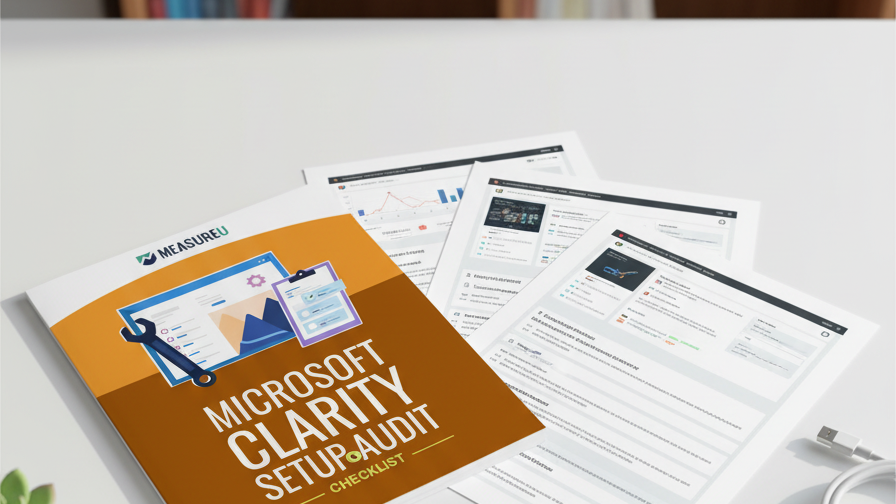
Clarity is free, which means most people install it, look at a heatmap or two, and forget about it. But heatmaps are barely the beginning. Rage click detection, funnel tracking, GA4 integration, custom tags for conversion tracking, content insights — all free, all sitting there unconfigured. This 8-step checklist covers everything from installation through advanced setup so you're actually using what Microsoft gave you.
MeasureU is trusted by 50,000+ digital marketers
PDF download — delivered instantly. No spam, ever.
MeasureU Has Been Featured In



 Google Ads
 What's Inside
Beyond Heatmaps
Rage clicks, dead clicks, excessive scrolling, quick-backs — Clarity tracks user frustration signals that heatmaps can't show you. The checklist covers how to find and act on each one.
GA4 Integration
Connect Clarity to Google Analytics 4 so you can see session recordings alongside your GA4 data. One toggle, massive context — and most people never turn it on.
Funnel Tracking
Build conversion funnels inside Clarity to see exactly where users drop off — and watch the session recordings of people who abandoned. Free, and most competitors charge hundreds for this.
Works whether you're setting up Clarity for the first time or auditing an existing installation.
Microsoft Clarity is one of those rare tools where the free version is actually good. Not "good for free" — genuinely good. Session recordings, heatmaps, scroll depth, rage click detection, funnel tracking, GA4 integration, custom tags, content insights. All of it. Zero dollars. No usage caps.
The problem is that most people install it and stop at heatmaps. Which is like buying a Swiss Army knife and only using the toothpick. This 8-step checklist walks through every feature worth configuring — from initial installation and privacy compliance through advanced funnel tracking and content insights.
- ✓ Not sure if Clarity is installed correctly? Step 1 covers three installation methods plus privacy compliance settings you need to configure before collecting any data.
- ✓ Using GA4 but haven't connected it to Clarity? Step 2 walks through the GA4 integration — one toggle that lets you see Clarity session recordings linked to your analytics data. Most people miss this entirely.
- ✓ Want to know where users get frustrated? Step 3 covers rage clicks, dead clicks, and excessive scrolling — the UX frustration signals that tell you exactly where your site is failing people.
- ✓ Need to track conversions without code? Steps 4 and 5 cover custom tags for content and conversion tracking plus custom identifiers for user-level analysis — no developer required.
- ✓ Where are users dropping off in your checkout? Step 6 sets up funnel tracking inside Clarity so you can see the exact page where people leave — and watch recordings of the sessions where it happened.
Instant access. No credit card.
The Clarity Configuration Jeff's Team Actually Uses
This isn't a theoretical walkthrough. It's the same Clarity setup Jeff Sauer's team configures for every client and every MeasureU property. Free tool, properly configured, giving you user behavior data that competitors charge $100+/month for. The only cost is the 30 minutes it takes to follow this checklist.
Free tool. 8 steps to configure it properly. No reason not to.
Download the checklist and set up Clarity the way it was meant to be used. You'll wonder why you waited this long.