
or join Academy for $49/mo
Finally Understand What Your GA4 Data Is Actually Telling You
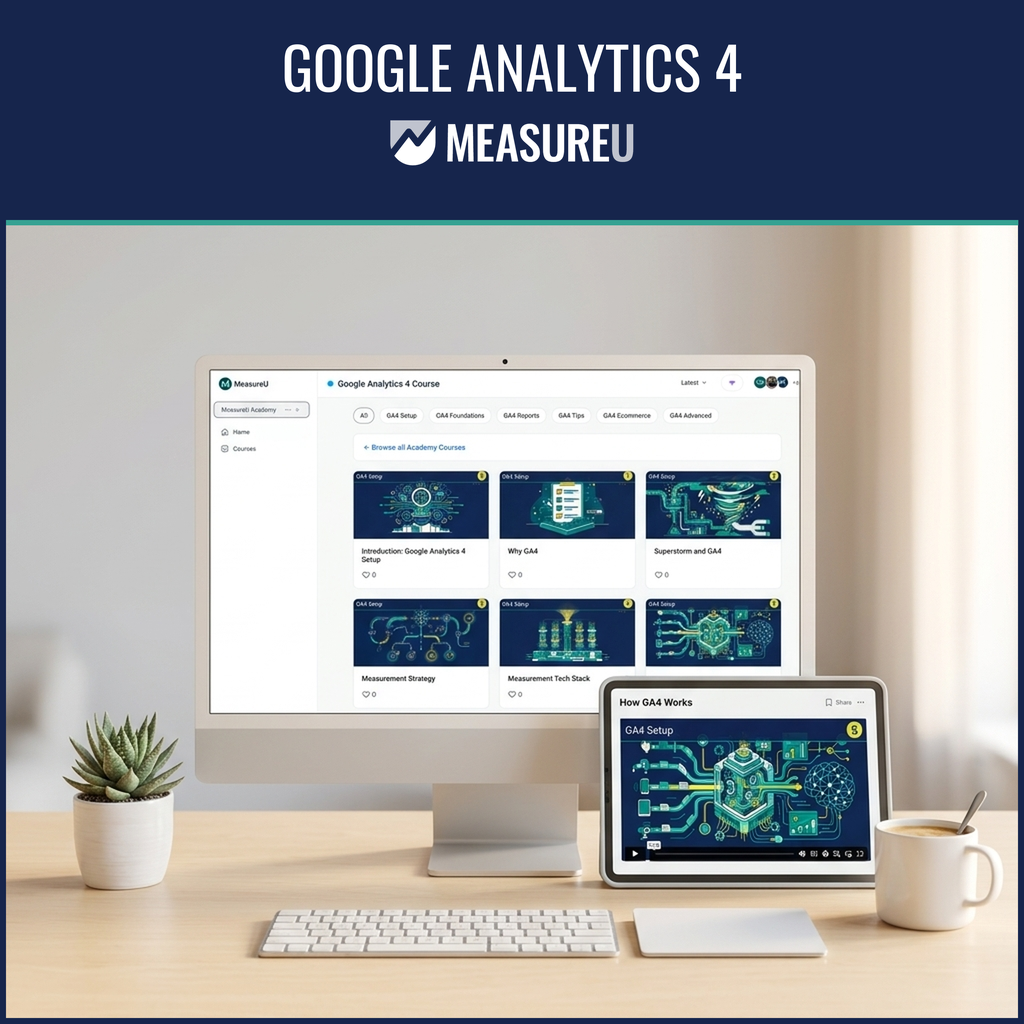
A structured, practitioner-taught course that takes you from "why don't these numbers match?" to confidently building reports, diagnosing issues, and making decisions you trust. Taught by Julie Brade, who's been building tracking systems for real businesses since 2015.
- Works for beginners — no analytics background required
- Lifetime access with updates as GA4 changes
- Taught by a practitioner, not an academic
- Also included with MeasureU Academy ($49/mo)
Your GA4 Setup Is Probably Broken. You Just Don't Know It Yet.
73%
of GA4 setups are silently broken — no errors, just wrong data.
There's no red warning. No alert. The tags are firing. But the data flowing into your reports is incomplete or just wrong. A Seresa.io audit of 147+ implementations found this is the norm.
67%
of data professionals don't trust their own analytics.
You pull a report. Something feels off. You pull a different report and get different numbers. According to Precisely's 2025 survey, two-thirds of people working with data don't trust it. That gut feeling? It's not imposter syndrome.
85%
of marketers spend more than half their time fixing data problems.
You're supposed to be running campaigns. Instead, you're cross-referencing three different reports trying to figure out why your conversion counts don't match. DemandScience found most performance marketers spend the majority of their time troubleshooting.
Your competitors aren't smarter. They just learned GA4 properly.
Every week you spend second-guessing your data is a week someone else is using theirs to make faster decisions. They just took the time to learn the tool properly — structured, from the ground up.
Course Curriculum
Six modules. 92 lessons. A structured path from foundations to advanced analysis.

1 GA4 Foundations
- How GA4 organizes data (events, parameters, user properties)
- Account structure: accounts, properties, and data streams
- Tour of GA4: every workspace explained
- Creating your GA4 account, property, and data stream
Result: You'll understand how GA4 thinks — which makes everything else click into place.

2 GA4 Setup
- Installing GA4 via Google Tag Manager
- Configuring data streams and enhanced measurement
- Setting up custom events and conversions
- Cross-domain tracking and internal traffic filters
Result: You'll have a GA4 setup you actually trust — not just "installed and hoping."
3 GA4 Reports
- Standard reports: acquisition, engagement, monetization
- Answering traffic and page questions with data
- Customizing reports and using the Library
- Explorations: free form, funnel, and path analysis
Result: You'll pull real answers from GA4 — not just stare at dashboards wondering what they mean.

4 GA4 Ecommerce
- GA4 ecommerce requirements and data layer setup
- Purchase and checkout tracking
- Other ecommerce behaviors (add to cart, view item)
- Ecommerce debugging and validation
Result: You'll have ecommerce tracking that captures every transaction — not just the ones that happen to fire.

5 GA4 Tips & Tricks
- Troubleshooting and debugging GA4
- Removing PII from your data
- Admin permissions and settings
- Using measurement plans to build faster
- Auditing existing GA4 accounts
Result: You'll know how to maintain and audit GA4 setups — yours and your clients'.
6 GA4 Advanced
- GA4 audiences for Google Ads remarketing
- Linking BigQuery, Search Console, and Google Ads
- Connecting GA4 with other platforms
- Advanced segments and comparisons
Result: You'll graduate from "GA4 user" to "the person everyone asks when something breaks."
What You'll Walk Away With
Skills you can use the week you learn them
A GA4 Setup You Actually Trust
Every configuration step covered — the ones most tutorials skip because they're boring. Boring keeps your data reliable.
Reports That Answer Real Questions
Build custom reports for your specific business. Know what's working, what's not, and what to do about it.
Debugging & Auditing Skills
When data looks wrong — and it will — you'll know exactly how to diagnose it. Troubleshooting, PII removal, account auditing.
Advanced Analysis
Audiences for Google Ads, attribution models, BigQuery integration, Search Console linking. The stuff that separates users from experts.
Know What Your Data Actually Means
Six modules. A structured path. Taught by someone who does this every day.
Your Instructor: Julie Brade

Julie has been teaching analytics since 2015. She's trained thousands of marketers across hundreds of companies — from small businesses figuring out GA4 for the first time to enterprise teams untangling complex multi-property setups. Her specialty is translating genuinely complicated data systems into strategies that non-technical people can actually use.
She builds real tracking systems every day — for 6-figure startups and 9-figure brands. When something breaks in GA4, she's the one who gets called to fix it.
- ✓ Teaching analytics since 2015 (10+ years)
- ✓ GA4, GTM, and Data Studio expert
- ✓ Built tracking systems for 6-figure and 9-figure brands
- ✓ Conference speaker and recognized industry educator
What Students Say
"Another client accepted my 'Google Analytics 4' deal. The entire offer was based on a quick video and a blogpost I based on the GA4 migration presentation."

Marco Kramer
"The classes were extremely helpful in understanding Google Analytics 4 and how all businesses benefit."

Brett Attee
"Without this access, I was basically lost dealing with GA4 and Google Ads. If I wasn't a member, and knew of this membership, I would feel ashamed to not be a part of it."

Justin Regis
"This gave me the structure, support, and clarity I didn't realize I was missing. If you're serious about measurement, this is where you level up."

Alina Popa
"The hands-on approach meant I left with working implementations, not just theory. I could immediately apply what I learned to my client work."

Fred Pike
GTM Expert, Northwoods
"Even the most veteran Google Analytics professional seems to be intimidated at the release of GA4. Going through this course was a really great way to understand GA4 and its nuances."
Jay Buecek
Piece together random YouTube tutorials
Pay $299+ for theory-heavy courses
Hope your setup works (no one checked)
Hours reconciling reports that never match
"I'm not really a data person"
Developer says "tags are firing!" — disappears
Structured 6-module path that builds on itself
$99 for practitioner-taught, hands-on lessons
Know your setup is right — you built it yourself
Custom reports that answer your actual questions
"Let me show you what the data says"
Understand your tracking well enough to verify it
Two Ways to Learn GA4
Get this course on its own, or get everything with Academy
GA4 Course Only
Lifetime access to this course
- The complete GA4 Course — 6 modules, 92 lessons
- Lifetime access — learn at your own pace
- Free updates as GA4 changes
- Expert Community access

MeasureU Academy
All 13 courses + tools + community
- This GA4 Course + 12 other courses
- Google Ads, GTM, Data Studio, and more
- Tools, templates, calculators, frameworks
- Full community access
- Cancel anytime — no commitment
Want More Than Just GA4?
MeasureU Academy includes this course plus 12 others — Google Ads, GTM, Data Studio, and more. Plus tools, templates, frameworks, and community access. $49/month. Cancel anytime.
Join Academy — $49/mo100% Money-Back Guarantee
If the course isn't what you expected, email us within 30 days for a full refund. No questions asked. No hoops. No guilt trips.
We've been teaching analytics long enough to know this works. But you shouldn't have to take our word for it.
Frequently Asked Questions
+ − Do I need prior analytics experience?
+ − How long does the course take?
+ − What's the difference between this course and Academy?
+ − Can I get a refund?
+ − How current is the content?
+ − Do I need Google Tag Manager?
+ − What if I get stuck?
+ − Who teaches this course?
Learn GA4 the Right Way
A structured course taught by a practitioner. Lifetime access. Updates included.
