
or join Academy for $49/mo
Turn Session Recordings Into Conversion Fixes (Not Just Videos You Never Watch)
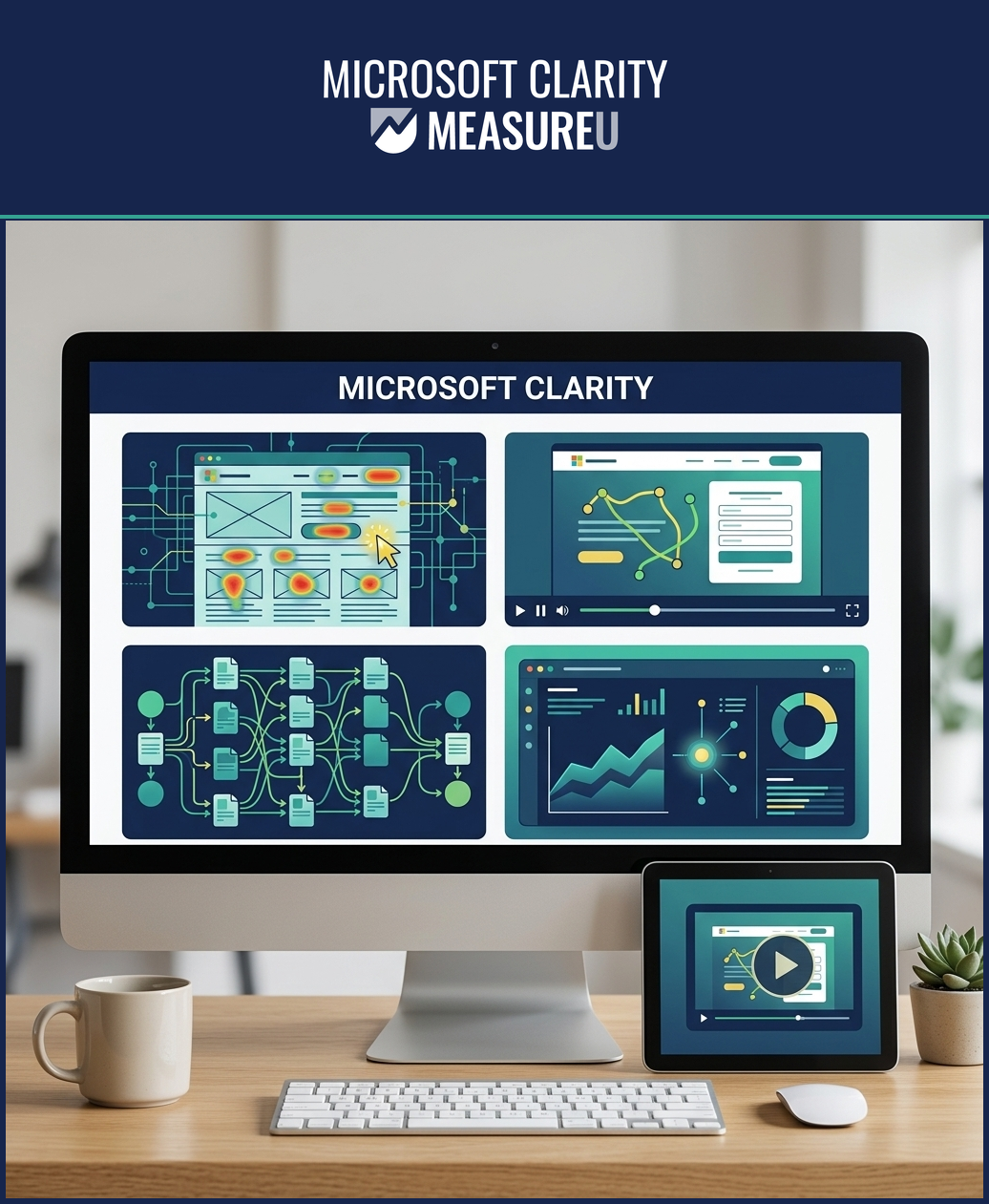
A framework for using Microsoft Clarity to find real UX problems, prioritize fixes, and prove what's working — instead of drowning in recordings you'll never review. 25 video lessons across 3 modules. Taught by Julie Brade, with contributions from Jeff Sauer.
- Install and configure Clarity the right way — with or without GTM
- Use heatmaps, recordings, and filters to find actual UX problems
- Set up smart events and custom tags for targeted analysis
- Lifetime access + case studies and Q&A recordings included
You Installed Clarity. Then What?
73%
of teams install Clarity and never build a workflow around it.
You added the tracking code. Recordings started flowing in. But you opened the dashboard twice, watched a few random sessions, and never went back. It's collecting data nobody uses — because nobody showed you how to use it systematically.
67%
of marketers say GA4 shows them what happened, but not why.
Your analytics tells you bounce rate went up. Conversions dropped on mobile. But why? GA4 can't show you a user rage-clicking a broken button or scrolling past your CTA without noticing it. Clarity can — if you know where to look.
85%
of heatmap tools get used without a framework for action.
You've seen heatmaps. You know where people click. But what do you do with that? Without a framework for turning visual data into prioritized fixes, heatmaps are just colorful pictures that confirm what you already suspected.
62%
of design decisions are still based on opinions, not evidence.
The HiPPO effect is real — the highest-paid person's opinion wins. Your team argues about button colors and page layouts with no data to settle the debate. Clarity gives you the evidence, but only if you set it up to answer the right questions.
Course Curriculum
Three modules. 25 lessons. From setup to real case studies.
1 Clarity Foundations
- What Microsoft Clarity is and how it works
- How Clarity uses AI for automated insights
- Installing Clarity with and without Google Tag Manager
- How Clarity compares to other session recording tools
Result: You'll have Clarity properly installed and configured — and understand exactly what it can (and can't) do compared to other tools.

2 Touring Clarity
- Dashboard, settings, projects, and teams
- Heatmaps: click, scroll, and area maps
- Session recordings: filtering and reviewing
- Integrations with GA4 and other platforms
Result: You'll know every feature in the Clarity interface and how to navigate from dashboard to recordings to heatmaps without wasting time.

3 Using Clarity
- Setting up and using smart events
- Custom tags for targeted session analysis
- Real case studies with actionable walkthroughs
- Building a Clarity workflow you'll actually use
Result: You'll have a repeatable process for using Clarity to find UX problems, prioritize fixes, and measure the impact — not just watch random recordings.
What You'll Walk Away With
Skills you can use the week you learn them
Heatmaps That Answer Questions
Click maps, scroll maps, and area maps — with a framework for interpreting them. Know where users stop scrolling, what they ignore, and what they rage-click.
Session Recordings With Purpose
Filter recordings by behavior, device, and custom tags. Watch the sessions that matter — not random visitors browsing your About page.
Smart Events and Custom Tags
Tag sessions by campaign, user type, or funnel stage. Then filter recordings to see exactly what those users experienced — not what you assumed.
Evidence-Based Design Decisions
Real case studies showing how to use Clarity data to settle design debates, prioritize fixes, and prove what's actually working on your site.
Ready to Use Clarity for Real?
25 lessons. 3 modules. From setup to case studies. Everything you need to turn session recordings into conversion fixes.
Your Instructor

Julie Brade
Director of Measurement
Julie's been teaching analytics since 2015 — thousands of students across GA4, GTM, and behavior analytics. She specializes in turning raw session data into actionable UX insights, with contributions from Jeff Sauer on measurement strategy.
- ✓ Teaching analytics 10+ years
- ✓ GA4, GTM, and behavior analytics expert
- ✓ Turns session data into UX fixes for 6-9 figure brands
What Students Say
"Julie's teaching style makes even the most technical topics approachable. I went from never opening Clarity to using it every week for client reports."
Kathy Olson-Verville
"The smart events and custom tags section was the missing piece. Now I can filter recordings by exactly the user behavior I need to investigate."
Sunny Kumar
"I installed Clarity months ago and never used it. This course gave me a framework that turned it from a novelty into a real tool in my workflow."
Jay Buecek
"The case studies alone were worth the price. Seeing how Julie walks through real problems with Clarity data gave me a process I can replicate."
Lori Baxter
"Microsoft Clarity is free, but worthless without knowing how to use it. This course fixes that. Now I actually have evidence for my design recommendations."

Marco Kramer
"Finally a course that doesn't just show you features — it shows you how to build a workflow that sticks. I use Clarity differently now because of Julie."
Justin Regis
Install Clarity and forget about it
Watch random recordings with no goal
Heatmaps that look cool but lead nowhere
GA4 tells you what — but never why
Design decisions based on opinions and HiPPOs
No framework for turning observations into fixes
Clarity configured with smart events and custom tags
Filtered recordings that answer specific questions
Heatmaps with a framework for prioritizing fixes
Visual evidence that explains the “why” behind GA4 numbers
Design decisions backed by user behavior data
A repeatable process from observation to action
Two Ways to Get This Course
Get this course on its own, or get everything with Academy
Microsoft Clarity Only
Lifetime access to this course
- All 25 video lessons across 3 modules
- Foundations → Touring Clarity → Using Clarity
- Smart events, custom tags, and case studies
- Lifetime access to all updates
- Expert Community access

MeasureU Academy
All 13 courses + tools + community
- This Clarity Course + 12 other courses
- GA4, GTM, Google Ads, Data Studio, and more
- Tools, templates, calculators, frameworks
- Full community access
- Cancel anytime — no commitment
Think about it: Academy costs half of what the Clarity course costs standalone. And you get 13 courses instead of one. If you need anything beyond Clarity — GA4, GTM, reporting — this is the obvious choice.
Want More Than Just Clarity?
You're here because you want to use Clarity properly. But Clarity works best alongside GA4, GTM, and Data Studio. MeasureU Academy gives you all 13 courses for $49/month. Cancel anytime.
Join Academy — $49/mo30-Day Money-Back Guarantee
If the course isn't what you expected, email us within 30 days for a full refund. No questions asked.
We've taught thousands of students. We're confident this will be worth your time. But if it's not — you're covered.
Frequently Asked Questions
+ − Do I need to know GA4 or GTM to take this course?
+ − How long does the course take?
+ − What's the difference between this course and Academy?
+ − Isn't Clarity free? Why pay to learn it?
+ − Can I get a refund?
+ − Who teaches this course?
+ − What if I get stuck?
See What Your Users See. Fix What They Can't.
Turn Recordings Into Revenue.
$99
One-time payment • Lifetime access
30-Day Money-Back Guarantee