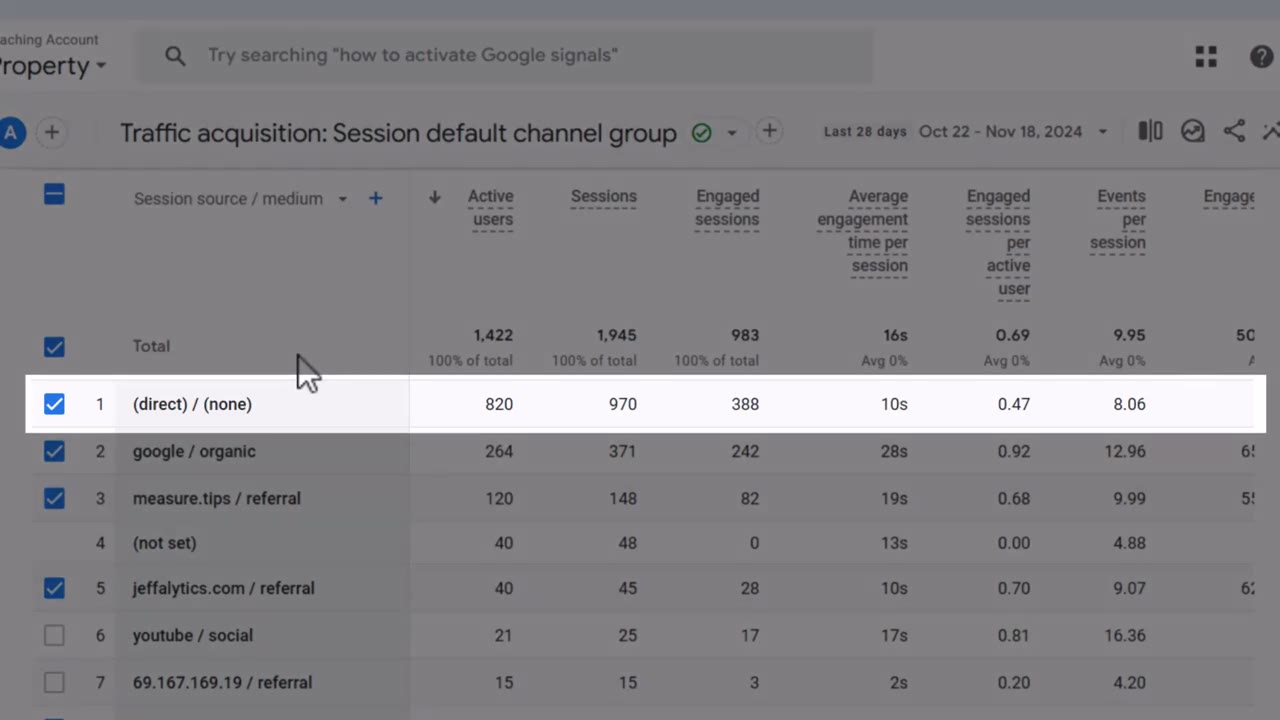
Open Google Analytics 4 right now. Go to your Traffic Acquisition report. Find the row that says “Direct.”
What percentage is it?
If it's over 30%, you have a problem. If it's over 50%? You've got a data dumpster fire—and I'm going to help you put it out.
Most marketers I talk to have no idea what their Direct traffic number actually means. They think Direct traffic is people who love their brand so much they type the URL into their browser every morning.
That would be nice. But your brand isn't Google, and the internet doesn't work that way anymore.
Watch the Full Breakdown
I walk through this entire diagnostic process—plus the exact fix—in the video below:
The video covers the full diagnostic walkthrough plus a live demo of tagging links. Keep reading below for the written breakdown with all the details you can reference anytime.
What You'll Learn in This Post
- Direct traffic over 30% is a red flag; over 50% means stop everything else and fix this first
- The “Direct” bucket is GA4's junk drawer for any traffic it can't identify
- UTM parameters have been free since 2000—this is a knowledge problem, not a tech problem
- One business went from 50% Direct to under 15% in a single quarter just by tagging links before sending them
Table of Contents
- What GA4 Direct Traffic Really Means
- 5 Traffic Sources Hiding in Your Direct Bucket
- How High Direct Traffic Breaks Your Traffic Attribution
- How to Fix It: UTM Parameters Explained
- The Results You Can Expect
- Your Action Plan (Start Today)
What GA4 Direct Traffic Really Means
Most people assume Direct traffic means someone typed your URL directly into the browser. And yeah—that does happen. But it's maybe 10 or 15 percent of what's actually in that bucket.
The rest? Traffic that Google Analytics 4 received and couldn't identify.
Here's what ends up in the Direct bucket:
- Stripped referrers — A lot of secure sites automatically remove referral information
- Mobile app clicks — Gmail on mobile, the LinkedIn app, basically any in-app browser
- Forwarded emails — Someone forwards an email, opens it in Outlook, clicks through
- Private shares — Links shared in Slack channels, text messages, DMs
- PDF links — Someone opens your whitepaper three days later and clicks a link inside
In all of those cases, GA4 receives the visit and has no idea what to do with it. So it labels it Direct and moves on.
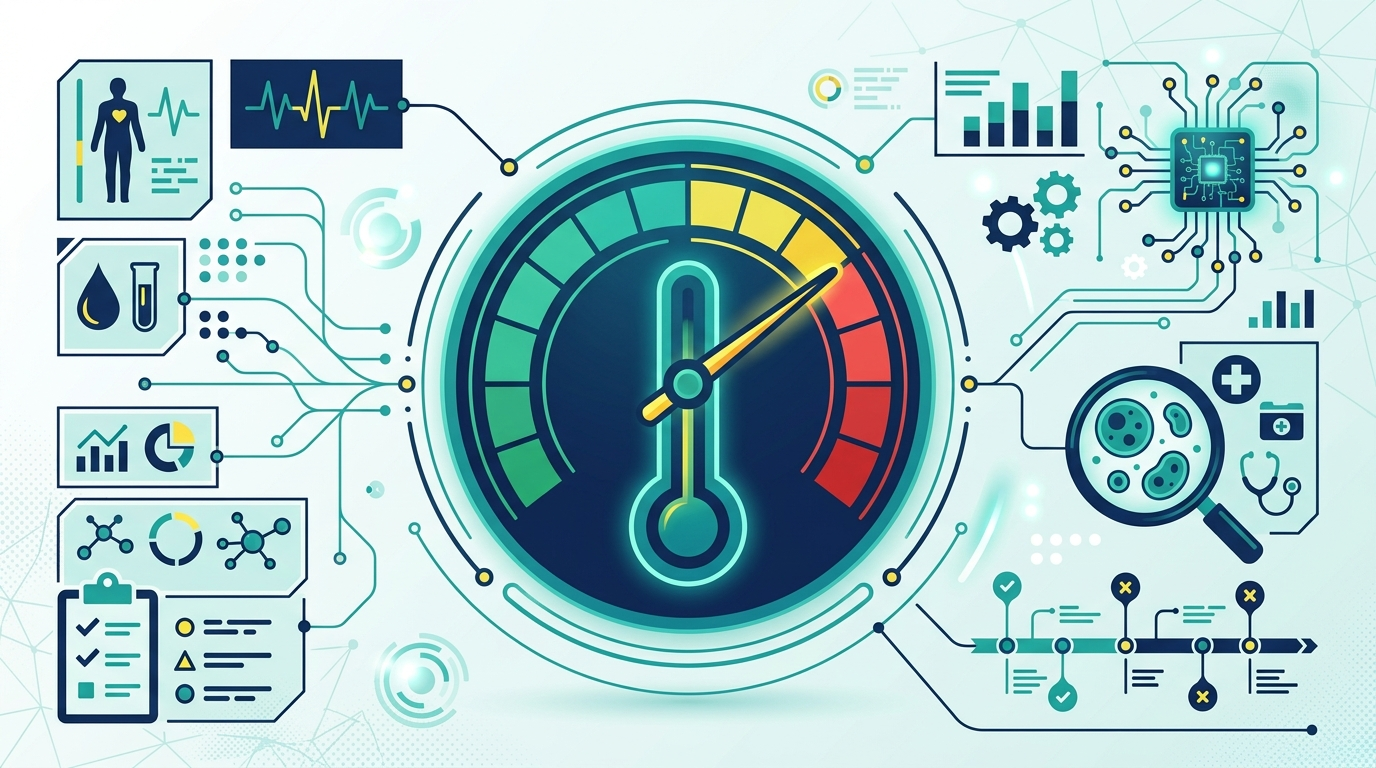
Here's a number I share a lot: We run a diagnostic at MeasureU called the Clean Data Quiz. We've taken hundreds of marketers through it. Sixty-six percent of them fail at the very first step.
Step one is “Collect”—are you actually gathering usable data? Not attribution modeling, not advanced reporting. Can you trust what you're collecting?
High Direct traffic is the most visible sign that you can't. It's like taking your temperature with a thermometer to see if you have a fever. A high temperature doesn't tell you exactly what's wrong—but it tells you something is.
5 Traffic Sources Hiding in Your Direct Bucket
I've seen this pattern hundreds of times. Direct sitting at 38%, 45%, sometimes higher. You dig in and it's always the same stuff.
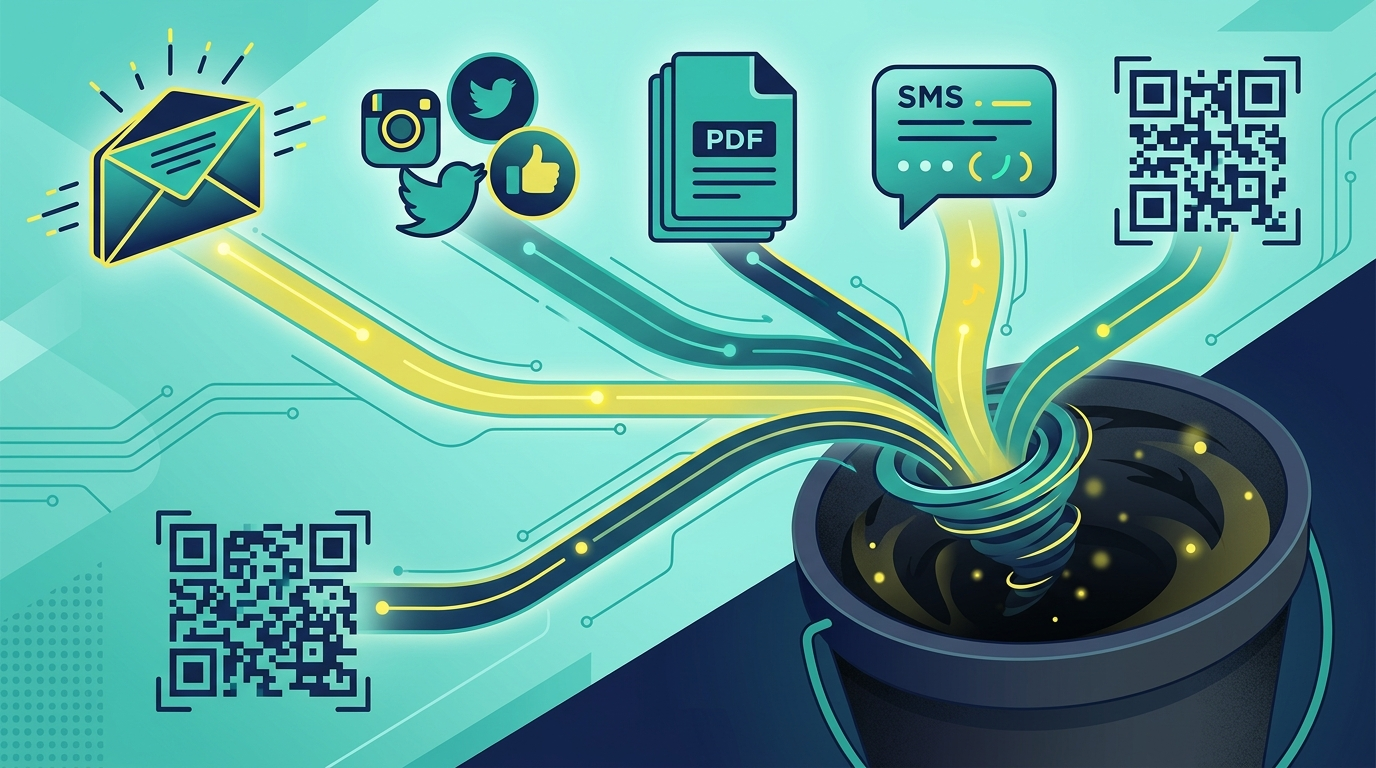
1. Email (The Biggest Culprit)
If your team is sending emails where the links don't have UTM parameters—every single person who clicks through is going into your Direct bucket.
All of that revenue. All of that engagement. Invisible to your reports.
In 2005, email marketers were sending newsletters with no tracking on the links. That traffic showed up as Direct, and nobody knew what drove the visit. Twenty years later? Same exact thing is still happening.

2. Organic Social Posts
Teams treat organic posts like they're free, so the links never get tagged. And GA4 can track some of that—but not always.
When a link gets shortened and redirected, or opened in an in-app browser, the referrer often gets lost. That visit becomes Direct.
3. PDFs and Downloadable Content
This one's sneaky. If you have case studies, whitepapers, or lead magnets with links inside—those links almost certainly have no tracking on them.
Someone downloads your PDF, comes back three days later, clicks a link. Direct. You have no idea that PDF drove the visit.
4. SMS Campaigns
SMS marketing is huge right now. But anybody running text message marketing without UTM tags on every link is completely invisible in their own analytics.
5. QR Codes and Private Shares
QR codes. Slack links. Discord messages. Links shared in private Facebook groups.
Every new surface is just another place where untagged traffic goes to disappear.
The companies that tag everything properly and consistently? Their Direct number drops to 12%, 15%—whatever the real loyal-visitor number actually is. The visitors were there the whole time, driven by marketing. The traffic channel just couldn't be seen.
How High Direct Traffic Breaks Your Traffic Attribution
Here's where this gets really expensive.
GA4's default attribution model is called Data Driven attribution. But for years, it was last-click—and a lot of people still think in last-click terms.
Last-click gives 100% of conversion credit to the last channel someone touched before buying. If your customer read three emails, clicked an organic result, and then converted after clicking a paid ad? Paid gets all the credit.

Email: zero. Organic: zero.
Now add untagged Direct to that picture.
If your email links have no UTMs, those sessions get dropped into Direct. When those people eventually convert, Direct gets the credit.
Your team looks at the data and thinks Direct is performing beautifully. But Direct isn't a channel. Direct is a black hole you're accidentally giving conversion credit to.
I've watched teams build a case to cut their SEO budget because organic looked like it wasn't performing. Fixed the tracking, ran the numbers. Organic was the first-touch source on 60% of conversions. They'd been about to defund the channel that was starting almost every deal.
Here's a stat I cannot get out of my head: The average CMO tenure is shorter than any other C-suite role. CMOs get let go because they can't defend their channels with data.
They cut email because “it's not driving results”—but email was never tagged. They push budget into paid because paid always gets credit. The channels that are actually building long-term relationships keep getting defunded.
And the whole thing traces back to a tracking problem that's been solvable for over two decades.
How to Fix It: UTM Parameters Explained
That's where UTM tagging comes in. And here's the thing—it's been available for free since the year 2000.
UTM stands for Urchin Tracking Module. Urchin was the analytics company Google bought in 2005—the acquisition that became Google Analytics. I was beta testing the product right after that deal happened.
And the UTM format they created that year? It's still the exact format we use today.
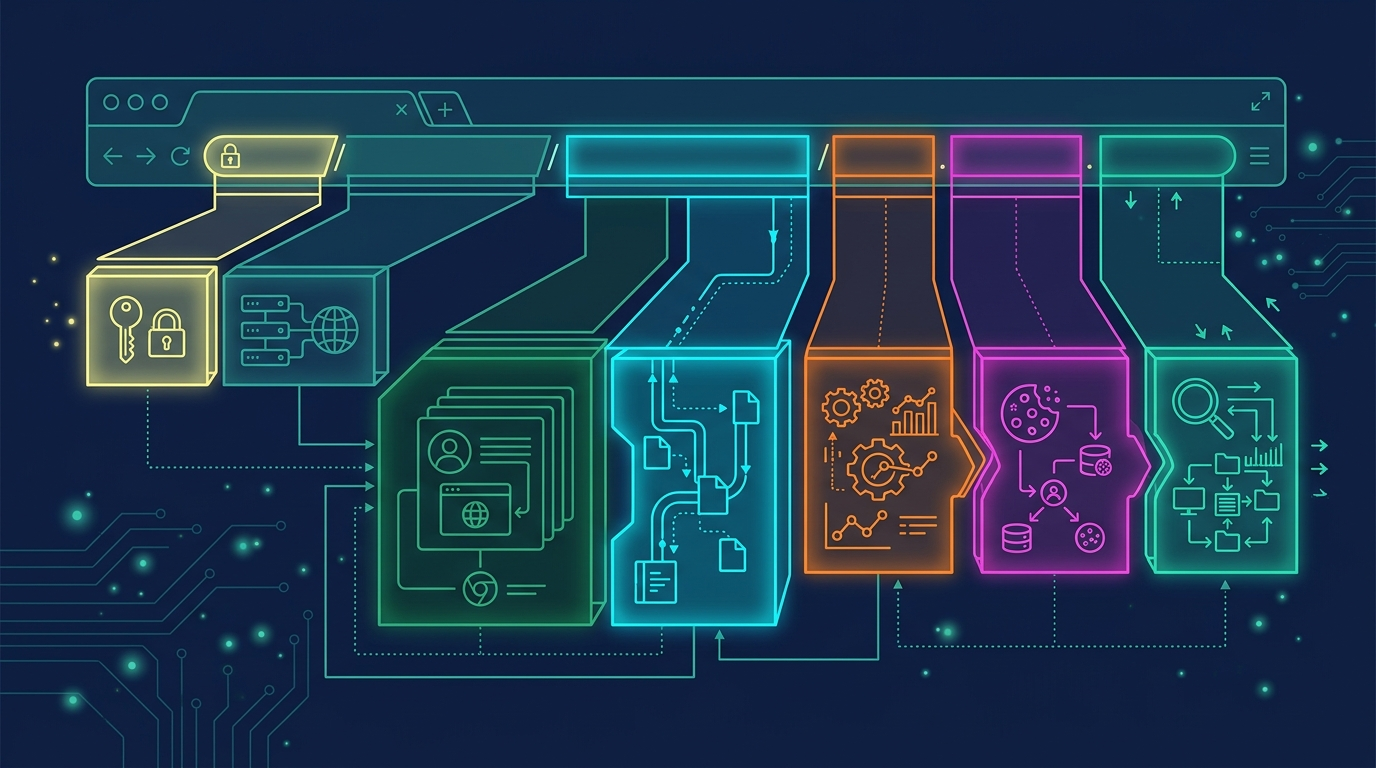
This has never been a technical problem. UTM parameters don't require a developer. They don't require any code on your website.
This is a knowledge problem. And the people who should be teaching it aren't. So the same mistake keeps happening on thousands of accounts, every year, on whatever the newest channel happens to be.
The 3 UTM Parameters You Need on Every External Link
There have been five UTM parameters for 20+ years, but there are three you really need:
- utm_source — Where the traffic is coming from (like “june_newsletter” or “linkedin”)
- utm_medium — The type of channel (like “email” or “organic-social”)
- utm_campaign — The specific send (like “summer_promo” or “product_launch”)
What It Looks Like in Practice
Your base URL:
yoursite.com/offerWith UTM tags:
yoursite.com/offer?utm_source=june_newsletter&utm_medium=email&utm_campaign=summer_promoLooks messy, I know. But GA4 reads it perfectly. And you don't have to build these by hand.
The Easy Way to Create UTM Links
I've got a tool I want to give you—our Traffic Tracking Toolkit. It's a UTM builder spreadsheet plus a traffic source planning guide. You put in source, medium, and campaign—it spits out the URL. Copy it, paste it into your email. Done.
It's the system we use inside MeasureU. You can have it set up and be tagging your first campaign within an hour.
Get the Traffic Tracking Toolkit inside MeasureU Pro →
If you've been sending emails and PDFs for years without UTMs—that history is sitting inside your Direct number. You can't recover what you missed.
But once you start tagging properly, you stop losing what's ahead.
The Results You Can Expect
I've taught this to teams in 45 minutes.
Businesses I've worked with have gone from 50% Direct to under 15% in a single quarter. Not by doing anything complicated—just by tagging links before they go out.

When you fix the tracking, the picture changes completely:
- You can see how email is warming up leads before paid closes them
- You can see which channels are doing real work versus which ones are just collecting last-click credit by accident
- You can walk into a budget meeting with numbers nobody can argue with
That's the whole point. You become the person in the room who actually knows what's working. That's a different job than the one most marketers have right now.
Your Action Plan (Start Today)
Here's what I want you to do right now:
- Pull up your GA4 Traffic Acquisition report and find your Direct percentage
- Assess the damage:
- Under 30%? You're in decent shape—still worth auditing
- Over 40%? You've got real work ahead
- Over 50%? Stop everything else. This is your most important marketing problem right now.
- Pick one campaign—an email, a PDF, whatever's going out next—and tag it with UTM parameters before it goes
That's how the habit starts.
This is genuinely not hard. Your analytics will never look the same again. And neither will your budget conversations.
Fix Your Direct Traffic for Good
Ready to stop guessing where your traffic comes from?
Inside MeasureU Academy, you get the Traffic Tracking Toolkit (UTM builder + traffic source planning guide), plus step-by-step training on GA4 attribution, reporting, and clean data practices. It's the same system we use with our clients.