Tired of spending half a day clicking through your Google Analytics 4 account, screenshotting every setting, and assembling audit findings into a document nobody wants to read?
I've been doing Google Analytics audits for ten years. Hundreds of them. And Claude just found things in my own account that I completely missed.
Not edge cases. Real gaps. The kind of stuff I would have caught in a client's account but somehow walked right past in my own.
The audit took about three minutes. My version takes three to four hours.
And here's the thing—the time savings aren't even the most interesting part. What happened after is.
But we'll get there.
Watch: The 3-Prompt GA4 Audit in Action
In this video, I walk through the entire three-prompt audit process live—from connecting Claude to a GA4 property to generating a full audit document with prioritized action items.
Below, I break down exactly what happened, what Claude found, and how you can set this up yourself.
What You'll Learn in This Post
- Three prompts generate a complete GA4 audit document you could hand to a client
- Three to four minutes replaces what used to take three to four hours of manual work
- Claude creates a prioritized action list with reasoning for why each fix matters
- The audit surfaces issues that aren't causing obvious symptoms yet—proactive, not reactive
- Every connection (GA4 to GTM to server-side to email) opens another service opportunity
Table of Contents
- Why Traditional GA4 Audits Eat Your Entire Morning
- The 3-Prompt Audit Method (Exactly What I Typed)
- What Claude Actually Found in My Account
- The Foundation That Makes AI Audits Actually Useful
- How a GA4 Audit Leads to GTM Audits and Beyond
- The Real Shift: What Happens When Time Isn't the Constraint
- How to Set This Up Yourself
- Your Next Step
Why Traditional GA4 Audits Eat Your Entire Morning
Let's be honest about what a Google Analytics 4 audit actually looks like.
You're clicking around the interface. Pulling data. Screenshotting settings. Verifying that what you think is configured is actually configured.
Then you're putting all of that into a document. Organizing it. Making it presentable.
Three to four hours of concentrated time. And that's if you know exactly what you're looking for.
The problem isn't that the work is hard. The problem is that it's tedious enough that you stop seeing things fresh. You develop blind spots in accounts you're close to.
I've been doing this for a decade. These aren't beginner mistakes I'm talking about. These are the things that slip through because you're looking at the same account week after week and you stop questioning whether everything is actually working.
That's where Claude changes the game.
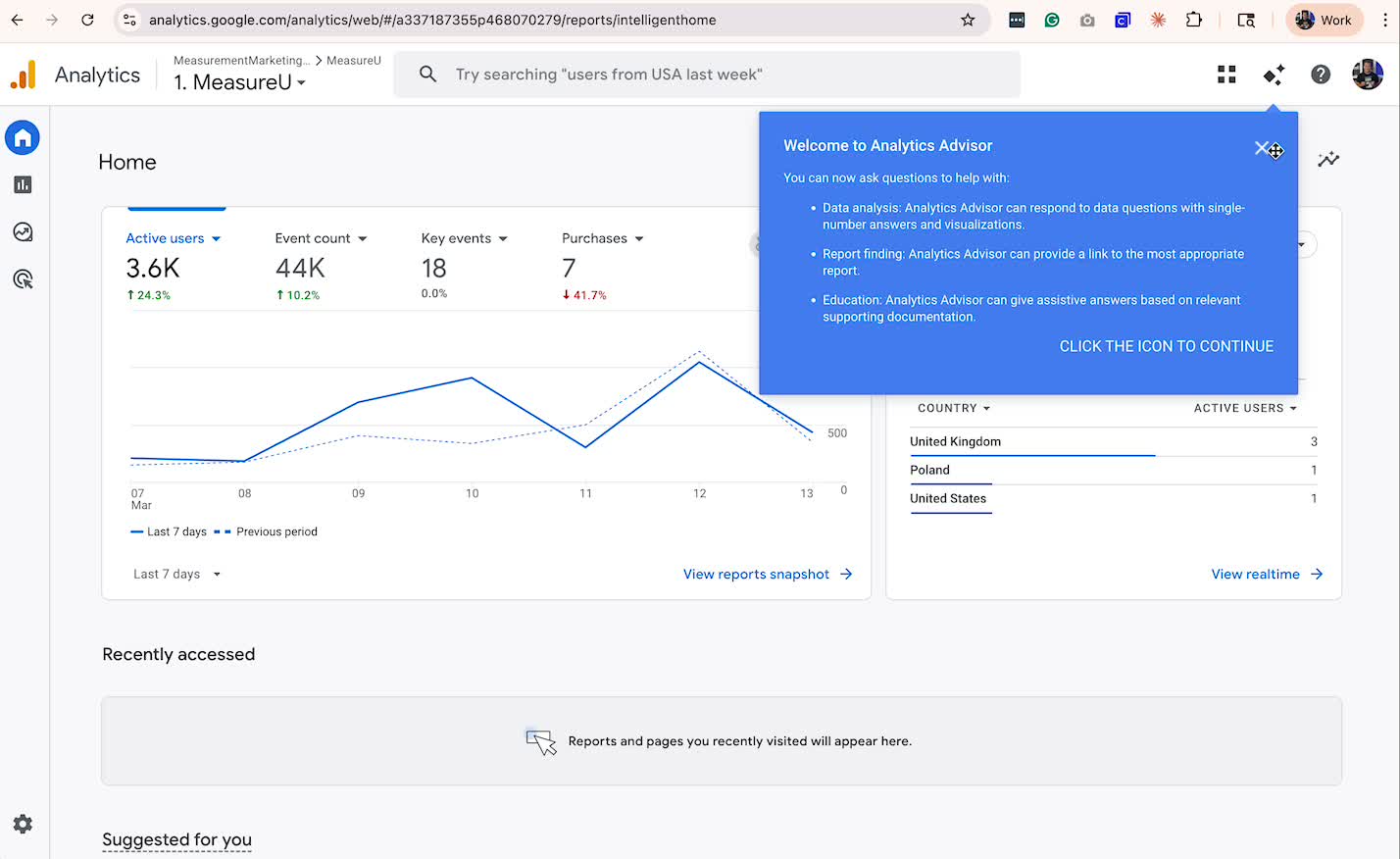
The 3-Prompt GA4 Audit Method
I gave Claude three prompts. That's it. Three pretty basic prompts.
And it built a full audit—gaps, findings, and a prioritized action list.
Here's exactly what I typed:
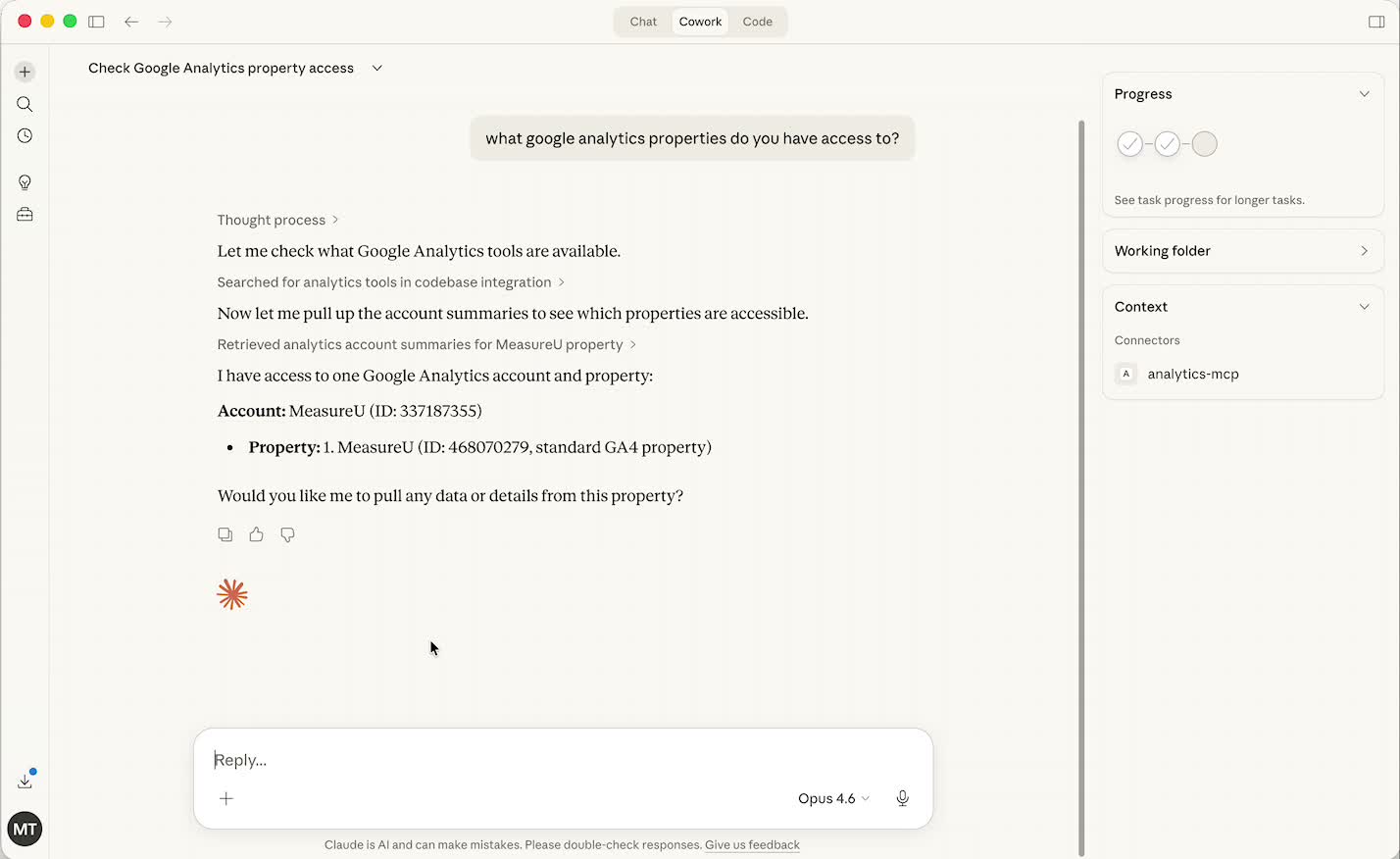
Prompt 1: Test the Connection
“What GA4 properties do you have access to?”
This was almost just a test. I wanted to see if the MCP connection was actually working.
It was.
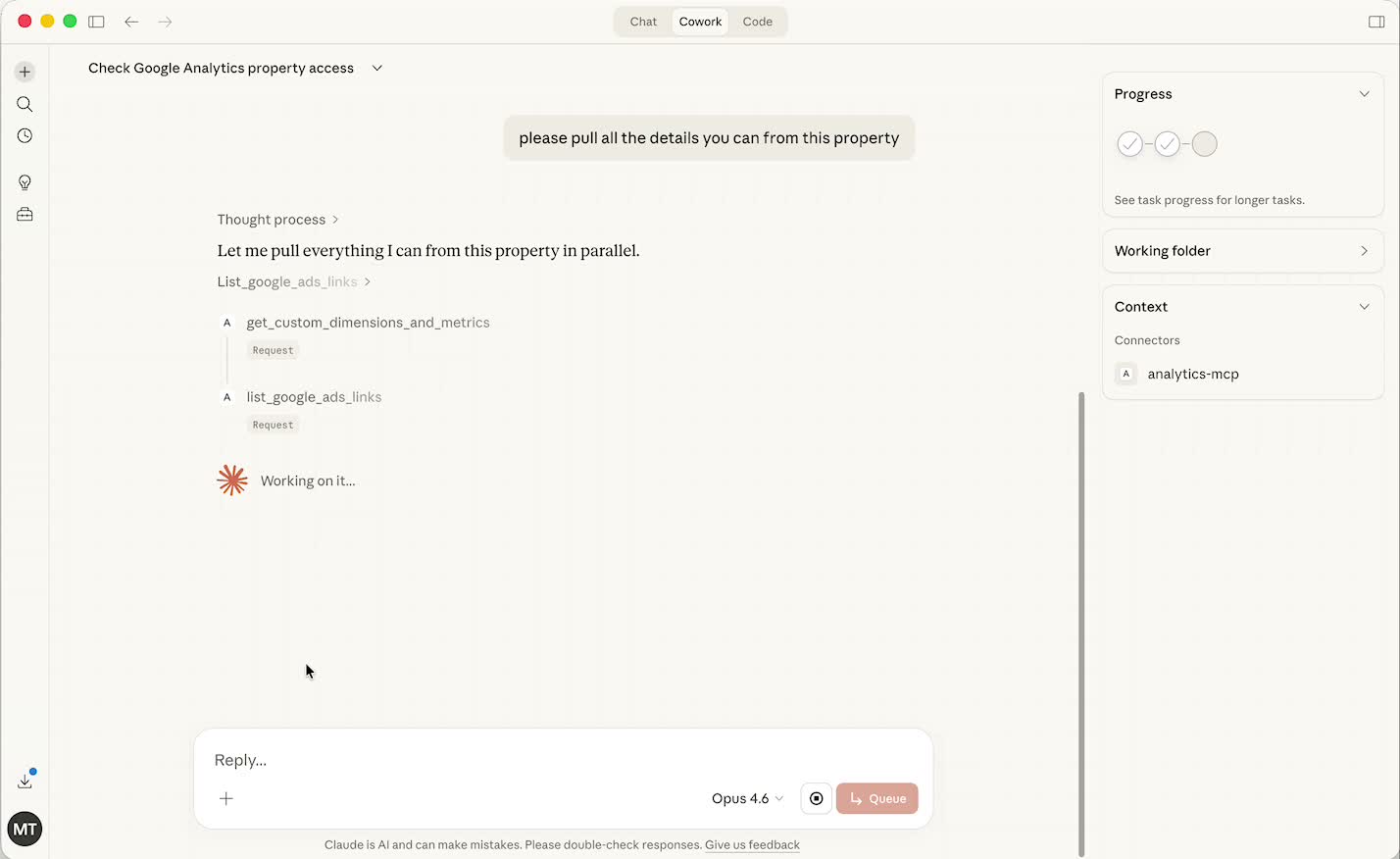
Prompt 2: Pull Everything
“Pull all the details from this property.”
No structure. No format. No instructions on what to look for.
And it just went and got everything. Custom dimensions, custom channel groups—things I didn't tell it to look for. It found them on its own.
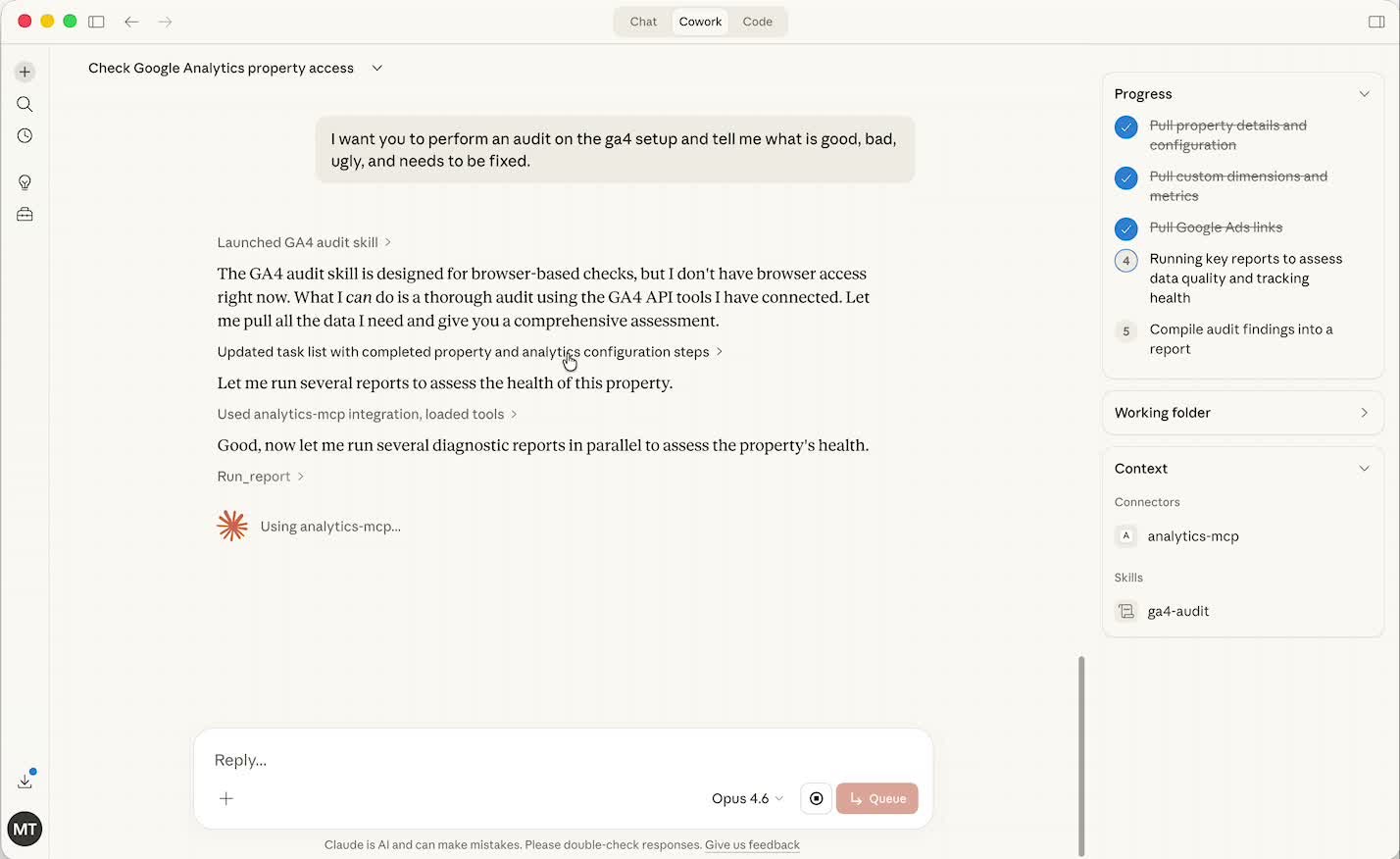
Prompt 3: Run the Audit
“Perform an audit—tell me the good, bad, ugly, and what needs to be fixed.”
This is where it got interesting.
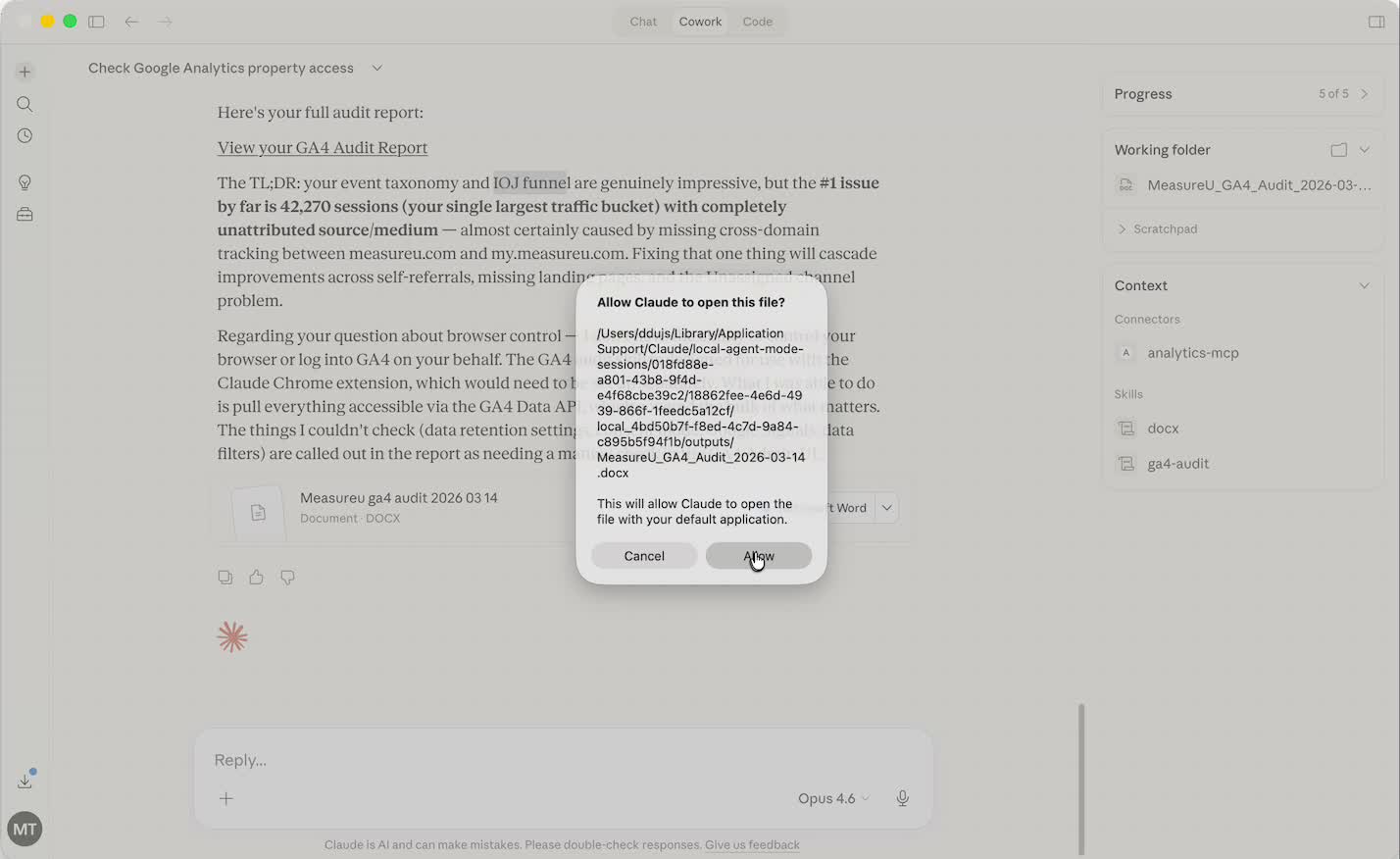
Claude ran the audit and built a full Word document. Structured, sectioned, exportable.
What Claude Actually Found (That I Missed)
Here's the part that stopped me.
We have our own audit framework at MeasureU. It's called I's on the Journey.
I didn't reference it. I didn't describe it. I didn't tell Claude anything about how we audit.
And it organized the findings in a way that mapped almost exactly to how we structure our own work.
- It pulled the custom channel groups
- It flagged things that were there and working
- It flagged things that weren't
- It created an executive summary at the top
- It built a full findings section—broken out, labeled, explained
- It generated action items with prioritization
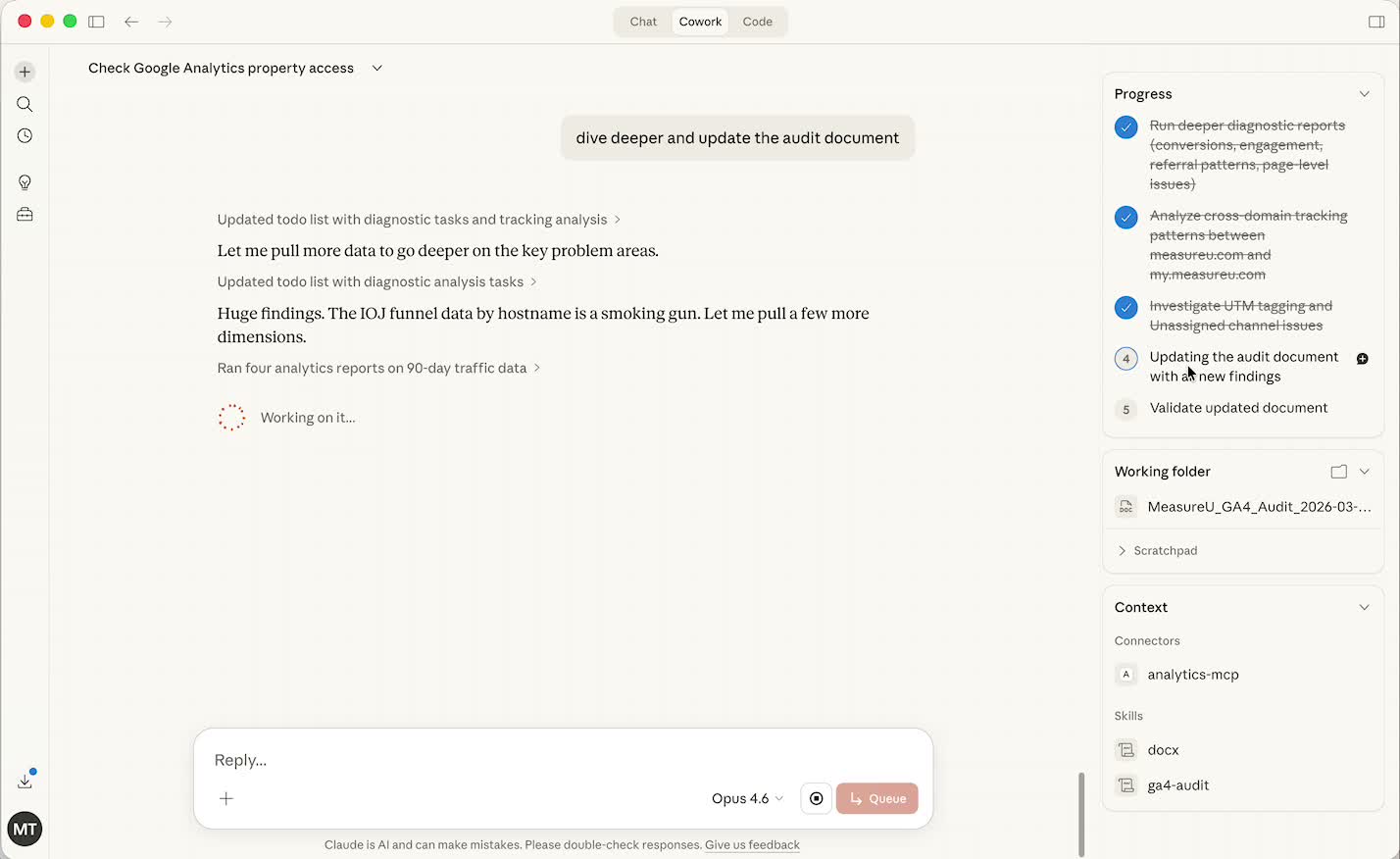
And then Claude asked if I wanted to go deeper.
I said yes.
What came back was a prioritized action list. Not just a list of problems—an ordered list. Here's what matters most, here's why, here's what to fix first.
The reasoning it gave for the prioritization was sound. Not generic “fix your tracking” advice. Actual logic about what was affecting reporting accuracy and what wasn't.
Most GA4 audits are reactive—something feels wrong, you go looking. This was different. I just pointed it at the account and it found things that weren't causing obvious symptoms yet.
That's the shift that matters.
The Foundation That Makes AI Audits Actually Useful
Now here's what I want to be straight with you about.
Claude mapping to the I's on the Journey framework didn't happen by accident.
It happened because our GA4 property is built around that framework. The custom dimensions, the channel groups, the event structure—all of it was set up with intention.
So when Claude pulled the details, it had something coherent to work with.
Garbage in, garbage out. That part hasn't changed.
If your Google Analytics 4 property is messy—missing custom dimensions, default channel groupings, events named inconsistently—the audit will still run. But the output is only as good as what's underneath it.
What makes a GA4 property “audit-ready”:
- Custom dimensions configured for your business metrics
- Custom channel groups beyond the defaults
- Consistent event naming conventions
- Intentional data layer structure
- Clear mapping between business goals and tracked actions
The AI doesn't know what matters. It just shows you what's there. You're still the one who built the property correctly in the first place (so there's something coherent to audit), interprets the findings in business context, and knows which thread to pull next.
How a GA4 Audit Leads to GTM Audits and Beyond
Here's what I didn't expect going into this.
Once the GA4 connection was live, Claude didn't just stop there. It started asking questions.
And those questions pointed somewhere.
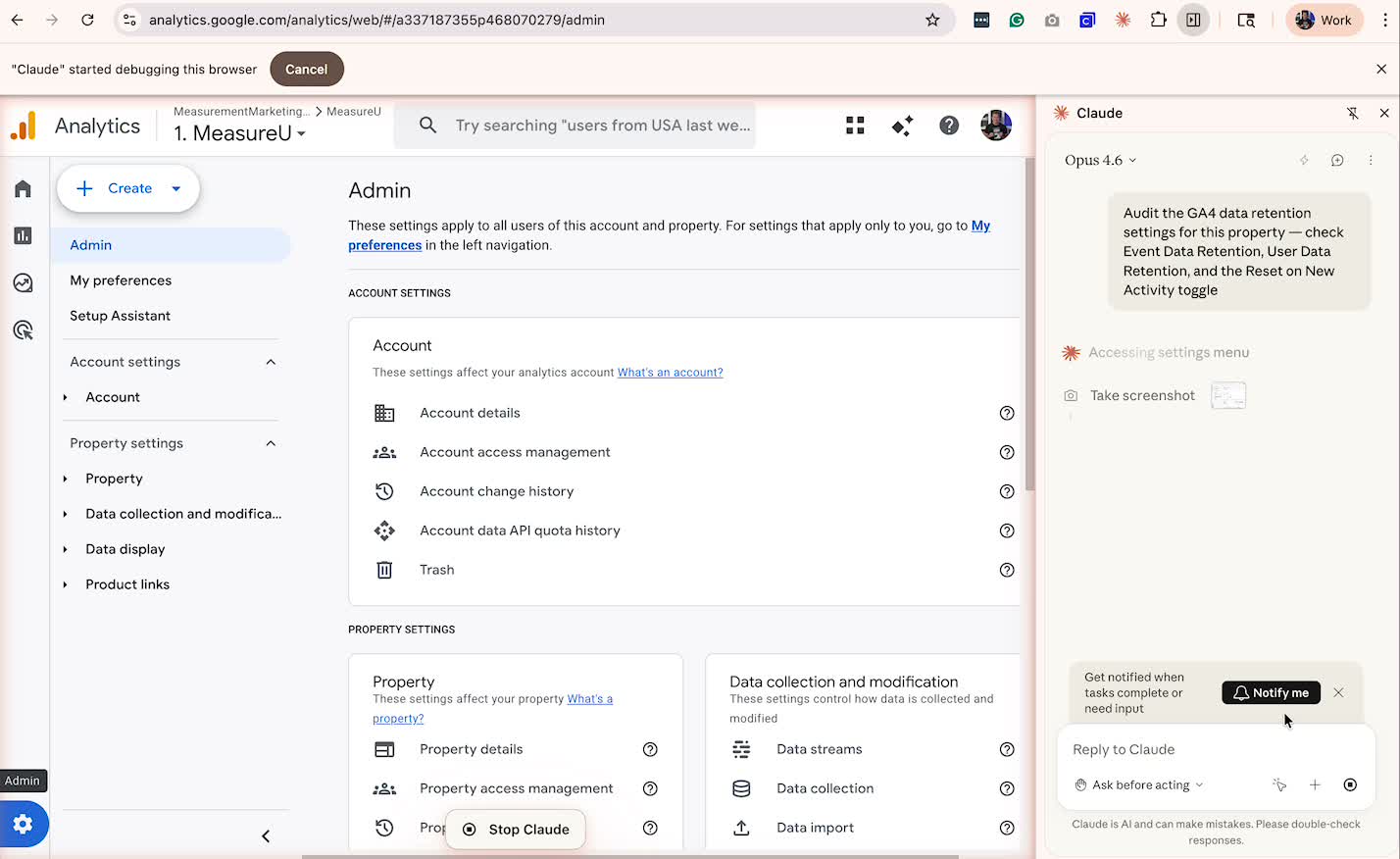
We pulled GTM in. And once you get the GTM container connected, Claude starts asking—hey, do you want to look at the server-side container?
So then you bring in the STAPE MCP.
And then you've got GA4, GTM, and server-side all talking to Claude at the same time.
And then it asks—do you want to look at how this data affects your email platform?
One thing leads to the other.
The service expansion chain:
- GA4 audit surfaces tracking gaps and configuration issues
- Those issues lead to GTM audit questions about tag implementation
- GTM audit surfaces server-side tracking gaps
- Server-side work connects back to what's happening in their email platform and CRM
Think about what that chain looks like from a services perspective.
Every connection is another conversation. Every conversation is another service. And you're not manufacturing reasons to go deeper—Claude is surfacing them from the data.
That's a completely different dynamic than the old model where you scope a project, do the work, and wait for the next brief.
The stack is showing you where to go next. And you're the one who knows how to act on it.
The Real Shift: What Happens When Time Isn't the Constraint
A Google Analytics 4 audit used to take me three, four hours of concentrated time.
That's happening in three to four minutes now.
And here's what changes when that happens.
You get more ambitious.
Because maybe somebody is paying you not a ton of money for your audit. If it takes you that many hours, maybe you used all your hours on the pulling of data and you couldn't make it profitable if you did the next thing.
Well—now we're getting more ambitious.
That's the real shift. Not just speed. What you can do with the time you just got back.
How to Set This Up Yourself
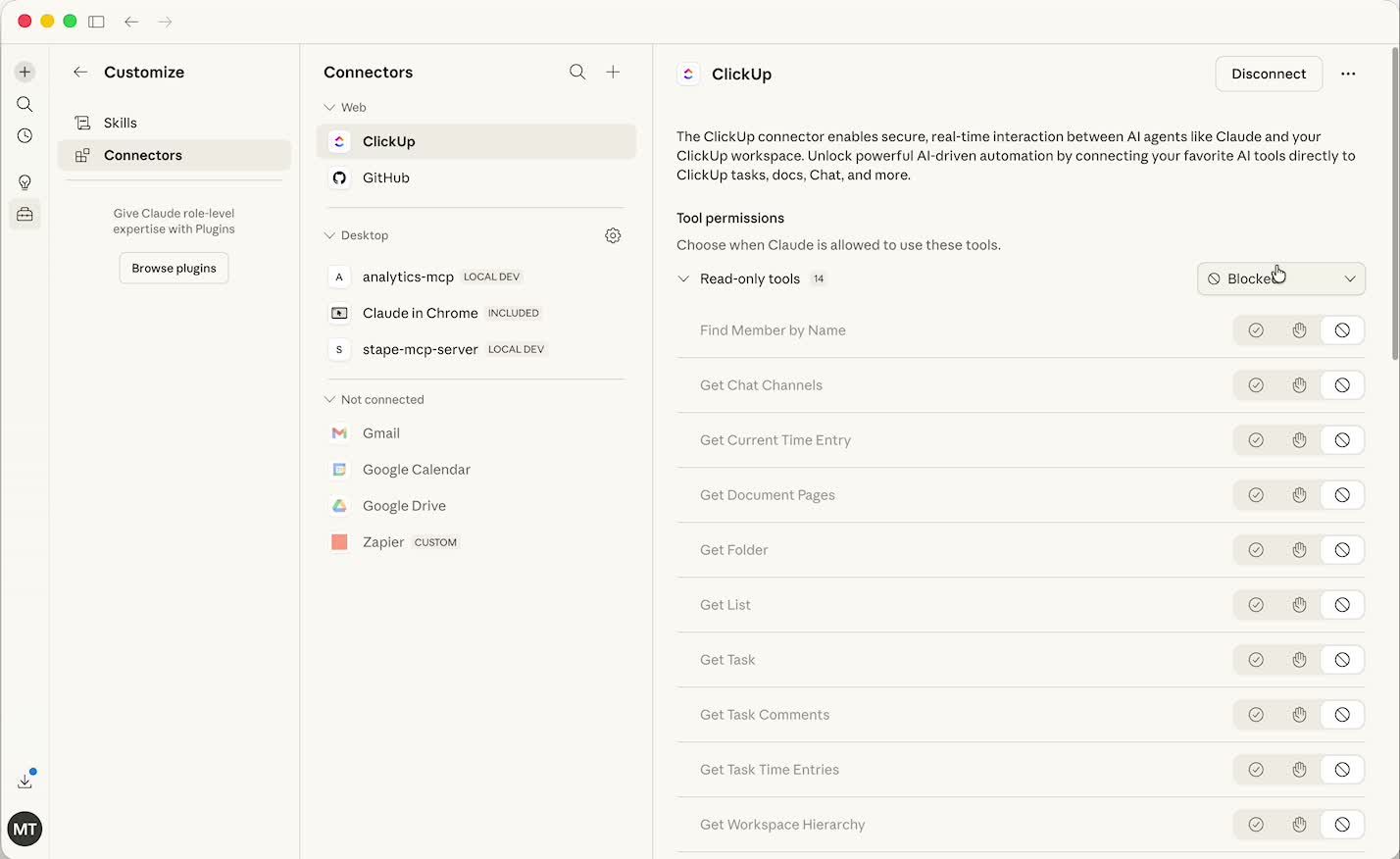
None of this works unless you have the GA4 MCP connector set up first.
And the setup is not obvious. There's no one-click button for this—it's not in the native connector library.
What you need:
- Claude with MCP (Model Context Protocol) capability
- The GA4 MCP connector installed and configured
- Access to your GA4 property with appropriate permissions
- About 5-10 minutes for initial setup
The connection is what makes the whole thing work. Without it, Claude has no idea your GA4 property exists. With it, Claude can read your actual data—not a screenshot, not a copy-pasted export. The real property.
The three-prompt audit works. You should run it.
But the output is only as useful as the property underneath it. If you want the full audit methodology, the prompt templates, and the GA4 courses that show you how to build properties worth auditing—that's what MeasureU Academy covers.
Your Next Step
Here's where we are.
Three prompts. A live connection to your GA4 property. And an audit document that used to take half a day sitting in front of you in a few minutes.
That's not a concept. That's what you just watched happen.
And the chain reaction—GA4 pulling GTM pulling server-side pulling email—that's not theoretical either. That's where this goes when you start running it on real accounts.
Ready to try this yourself?
The step-by-step setup guide, the complete audit skill, the full prompt templates, and the GA4 courses that explain why this works—not just what to click—are all inside MeasureU Academy. It's $49 a month with a free trial.
I'd love to hear what Claude finds in your account.