
How Ad Platforms Treat Bots and Invalid Traffic
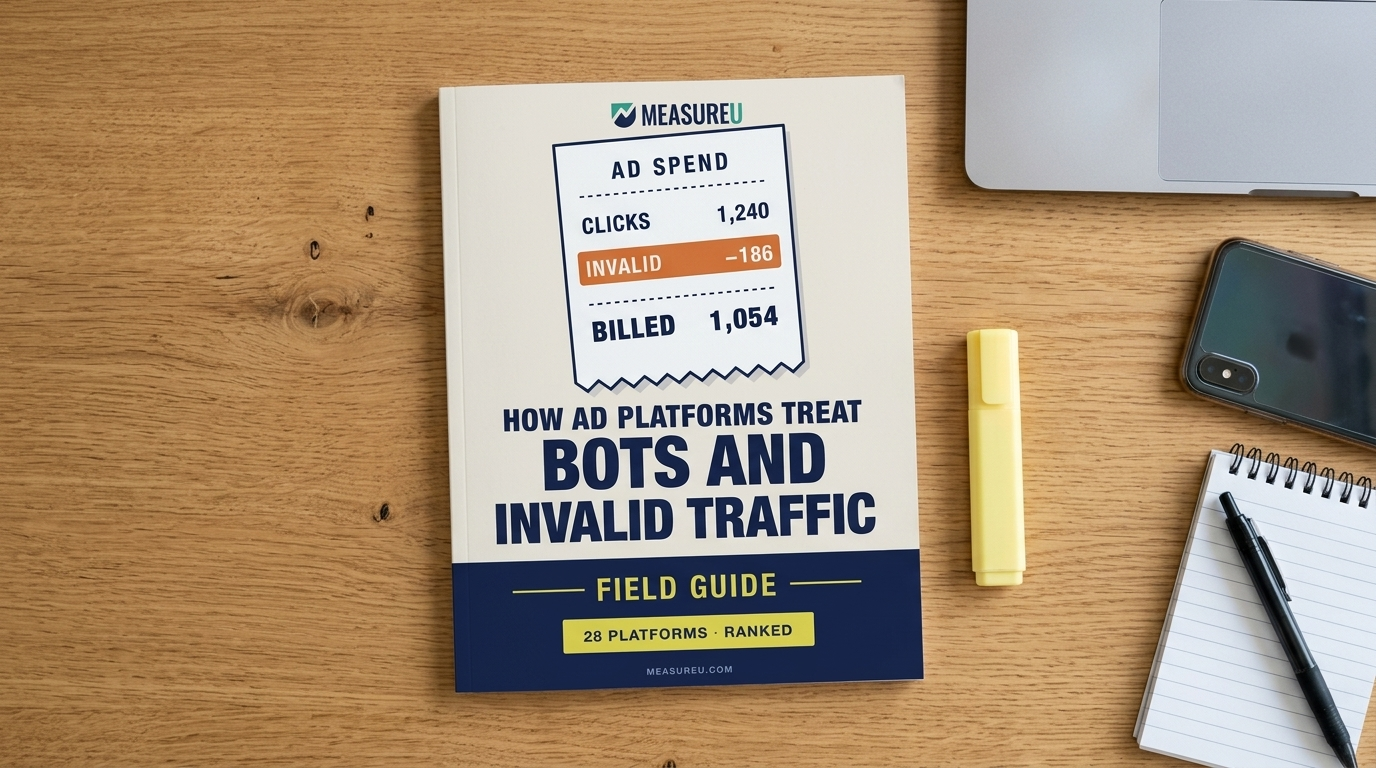
Every ad platform says it fights invalid traffic. Meta’s own ad terms say it is “not responsible for click fraud” that “may affect the cost of running ads.” This field guide reads what 28 ad platforms actually document and ranks them best to worst on three things: is invalid traffic filtered automatically, do you pay for it, and can you see how much was removed.
MeasureU is trusted by 50,000+ digital marketers
45-page PDF, delivered instantly. No spam, ever.
MeasureU Has Been Featured In



 Google Ads
 What's Inside
See Where Your Platform Ranks
The leaderboard ranks all 28 ad platforms best to worst across six markets (search and local, retail media, social, programmatic, native, and streaming and audio), with a one-line reason next to every grade.
Check Your Own Account in 5 Minutes
Before the rankings, the guide gives the menu path to the invalid-click numbers in Google Ads, Microsoft Advertising and LinkedIn, plus what to compare on Meta, which shows you none of what it filtered.
Know What to Do With Your Grade
Every grade comes with a next step, from adding the invalid-click column to your default view to reading the billing clause in your platform's terms, plus the checks to run on paid sessions in your own analytics.
Written for marketers and agency owners who spend on Google, Meta, LinkedIn or Microsoft ads, and maybe a retail, programmatic or streaming platform too. Every source is listed, so you can read the platform’s own pages yourself.
Known bots say what they are. Crawlers and data center traffic show up on industry lists, and most platforms filter them. Disguised invalid traffic poses as people (hijacked devices, click farms, bots running in a normal browser), and catching it takes more than a list. Then there’s the bill. Spotify’s advertiser terms say paid funds “are nonrefundable and belong to Spotify.”
Find your platform by market, read its one page, and you’ll know what it filters, what happens to your bill when it catches something, and where (if anywhere) it shows you the count. Each page also covers the settings you can turn on and what MRC has audited, and it links the platform’s own pages so you can check them. Where a platform documents nothing, the page says so and lists where we looked.
- ✓ Are you paying for bot clicks on the channel you spend the most on? The leaderboard ranks all 28 platforms on filtering, billing and what you can see, so you know where yours sits before you open its page.
- ✓ Where in your account is the invalid-click number? The 5-minute check walks the exact menus in Google Ads, Microsoft Advertising and LinkedIn, and says what to compare on Meta, where no such view exists.
- ✓ Does your platform’s contract match its help center? We read both wherever we could reach the contract. When the advertising terms promise less than the help pages, the platform’s page quotes the two side by side.
- ✓ Is the column in your report telling the whole story? Microsoft’s own docs say clicks it credits after billing “will remain listed in your reports as ‘standard-quality clicks’.” The platform pages point out quirks like that one wherever the docs reveal them.
- ✓ Running retail media, programmatic or streaming alongside search and social? All six markets sit side by side, from Amazon Sponsored Ads and The Trade Desk to Netflix, Roku and Spotify, so you can compare what your whole media plan catches.
Instant access. No credit card.
How This Guide Was Built
Jeff Sauer built and ran a digital marketing agency before founding MeasureU, where he has trained 50,000+ marketers. For this guide, the MeasureU team read each platform’s help center, advertising terms, methodology pages and developer documentation, plus the SEC filings for Outbrain and The Trade Desk, and checked every platform against MRC’s list of accredited services and TAG’s certification registry. We didn’t run campaigns or send traffic through any platform. Every row on every platform page is marked Documented, Inferred, Not documented, or on a page that blocked us, and every source is listed at the back.
Look up your ad platform’s grade before next month’s invoice
Download the guide, run the 5-minute check on the account you spend the most in, then find that platform on the leaderboard and read its page. Each grade comes with the next step to take.