
On-demand · 90-minute workshop + recordings
Run a GA4 Audit in Seconds. Build GTM Tags Without a Developer. This Is What Happens When Claude Has Live Access to Your Actual Analytics.
Model Context Protocol (MCP) connects Claude directly to your GA4 and GTM accounts. Step-by-step installation guides get you set up at your own pace, and the recorded 90-minute session with Manisha Mistry, Technical Director at MeasureU, is built entirely for using MCP with your real data, not for working through setup.
- Access your GA4 data and get a report in seconds
- Build GTM tags, triggers, and variables by describing what you need
- Step-by-step installation guides included - set up at your own pace
- FREE for MeasureU Pro members
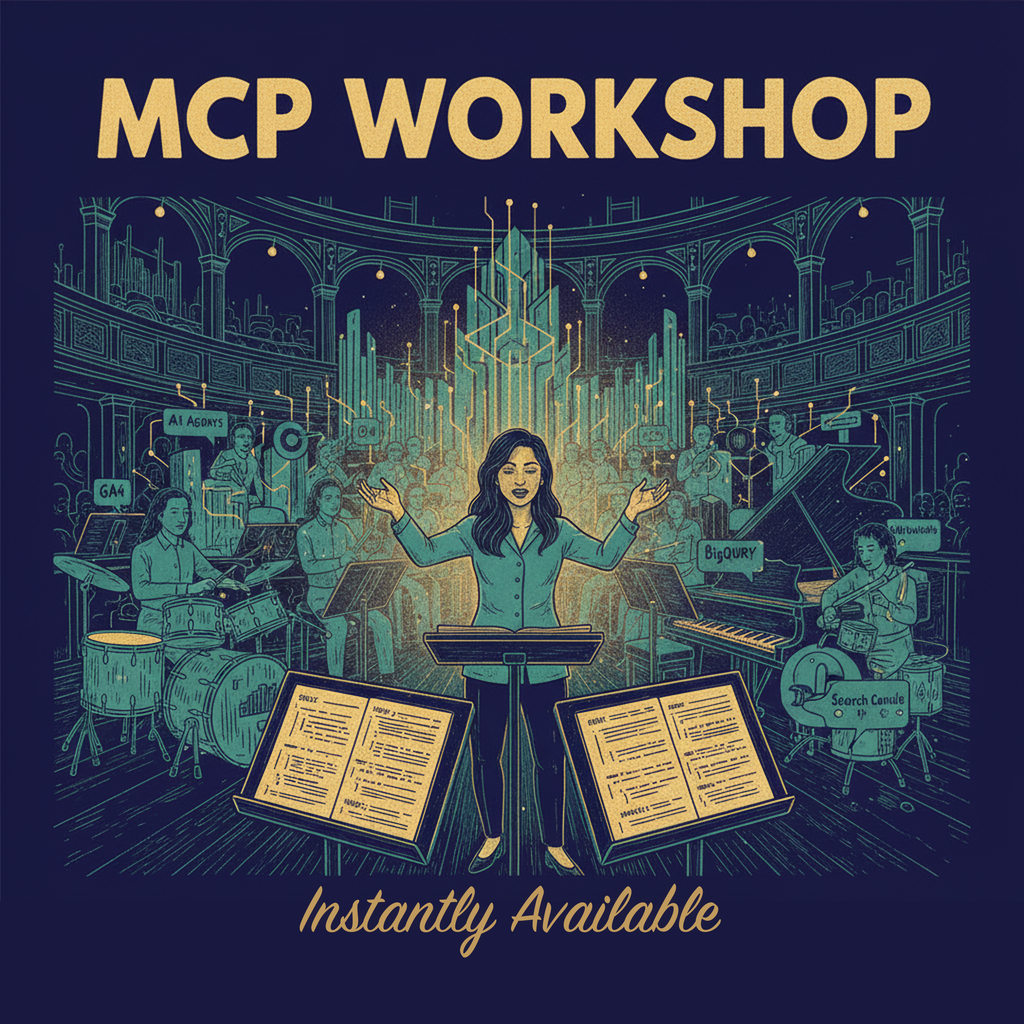
Here Is What Becomes Possible When Claude Has Live Access to Your GA4 and GTM
This is not a chatbot giving you marketing advice based on what it read somewhere. This is Claude with direct, live access to your actual accounts. Here is what that opens up:
Access your GA4 data in minutes
Ask Claude how many sessions or conversions you had yesterday and get a real answer. Ask how much traffic came from AI sources and get a number drawn from your live GA4 data, not a guess based on what your data probably looks like.
Build a GTM container and publish it
Tell Claude what you need tracked and it creates the tag, the trigger, and the variable. You describe the outcome you want. It does the build.
Get your data cleaner without digging through reports
Ask Claude to check your UTM breakdown and surface discrepancies. Ask Claude to check your sources. Specific data-quality questions answered against your live GA4 data, not against generic guidance about what your data probably looks like.
Implement advanced tracking without a developer
The work that used to require an agency or a contractor. Done in a conversation, with Claude handling the technical execution.
Run reports directly from your live GA4 data
No more copying numbers into a chatbox. Claude sees your actual data and gives you answers grounded in what is really there.

Why Most Marketers Still Cannot Use AI for Real Analytics Work
GA4 and GTM Are Not Like Other AI Integrations
Most AI tools connect in minutes. GA4 and GTM are different. The setup is technical, the documentation assumes expert-level knowledge, and one misconfiguration means your tracking is quietly broken while you keep making decisions on bad numbers. Most people who try to set it up themselves get stuck before they finish. So they never get to the part where Claude is actually doing useful work.
Claude Without MCP Is Just Guessing About Your Data
You have probably asked Claude or ChatGPT about your analytics setup. It sounds helpful. But it is working from general knowledge, not your actual account. It cannot see your tags or your configuration. So you get reasonable-sounding advice that may have nothing to do with your real situation.
What Marketers Usually Try Instead (And Why the Problem Stays Unsolved)
Before finding this, most people have already attempted at least one of these:
- Hiring an agency or contractorYou pay someone to set it up, they hand it back, and six months later you still do not understand what is in your account or whether it is working. You are dependent every time something needs to change. And it always needs to change.
- Generic AI chatbotsChatGPT and Claude are powerful. But without MCP they have no access to your actual GA4 or GTM data. They are giving you general guidance, not a real audit of your real setup. The advice sounds right. It may not be.
- Taking a GA4 courseYou learn how the platform works in theory. But courses teach you to use the interface manually, not how to make AI do the work for you. You finish knowing more and still spending hours on tasks that should take minutes.
MCP for Marketers in 90 Minutes: The Workshop Built So You Actually Use It
Most workshops sell you the idea of a skill. This one is built around a different promise: you get MCP installed and connected first, then you watch the session that shows you how to actually use it.
That matters because installation is where everything usually falls apart. GA4 and GTM MCP servers require specific setup steps that most people cannot figure out alone. They get stuck, they give up, and they never get to the part where Claude is doing the actual work.
The moment you join, you get step-by-step installation guides for both your GA4 and GTM MCP servers. You follow the guides at your own pace and get everything connected. The recorded installation support session walks through the exact troubleshooting steps, so when something goes wrong you know how to get sorted. Not probably sorted. Sorted.
Once you are installed, Claude has access to your accounts and the recorded 90 minutes with Manisha is not for setup. It is for work. Running audits. Building tags. Getting your tracking clean. Real tasks, your real data, with an expert walking you through every step.
How You Get Installed and Working — At Your Own Pace
The workshop runs in two phases: get installed, then use it. Everything is recorded and available the moment you join. Here is exactly how it works:
Your installation starts here.
Step-by-step guides for your GA4 and GTM MCP servers are delivered the moment you join. These are the exact setup instructions built by MeasureU, designed to get you connected without needing a developer. Follow the guides at your own pace and you will be ready to put MCP to work.
Your safety net.
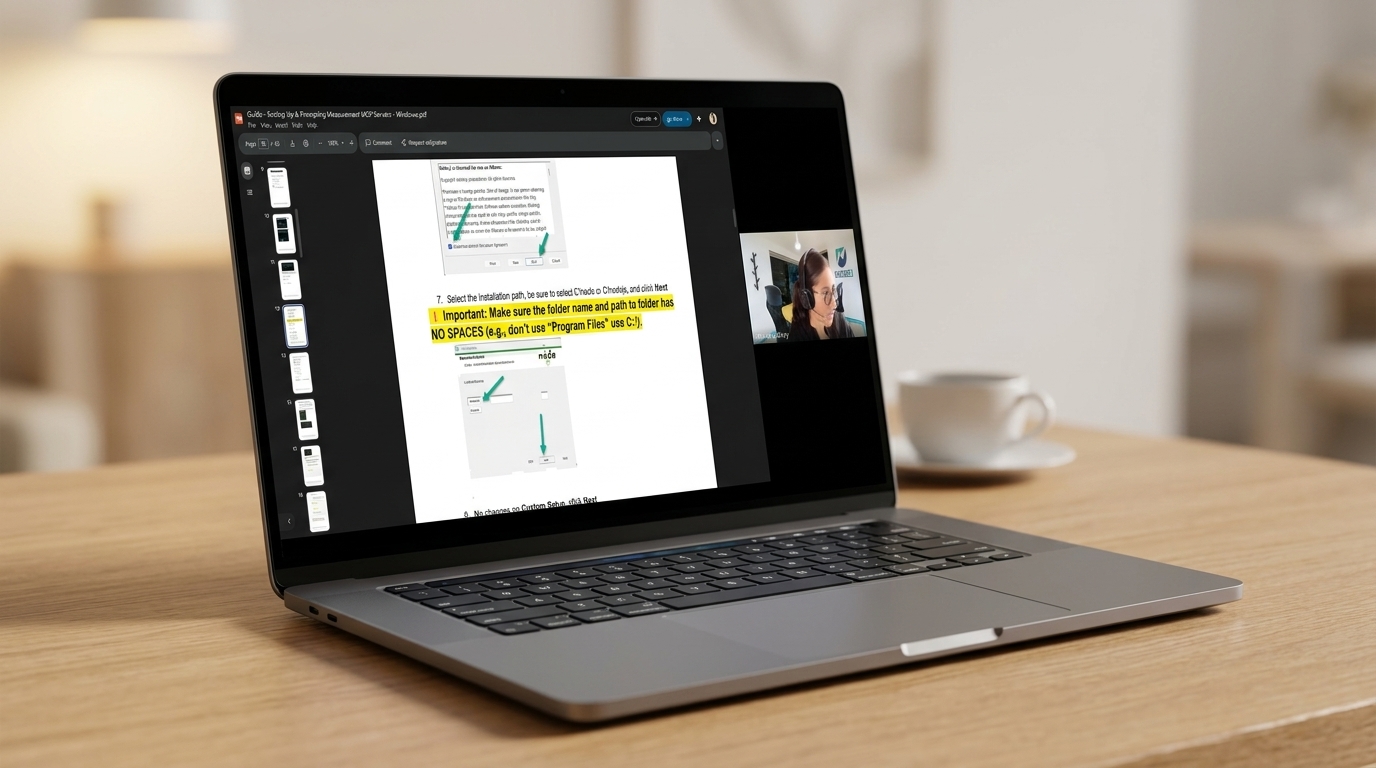
The recorded GA4 + GTM MCP Installation Support session. If a step confused you, if something didn't connect, or if the guide left a question unanswered, this walkthrough shows you exactly how to fix it. It's the recording of a live troubleshooting session built specifically to get both servers connected.
See how marketers put it to work.
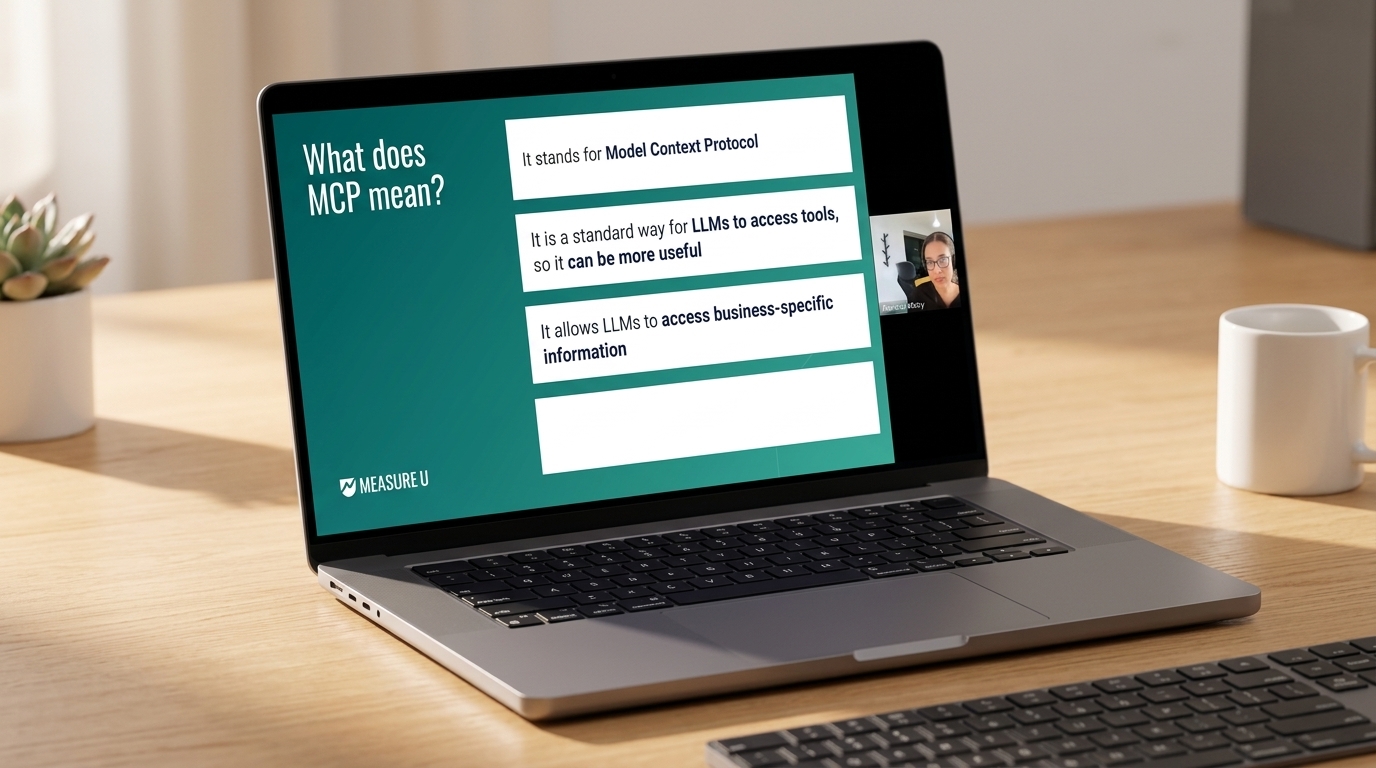
The recorded MeasureMastermind drop-in. Hear how other marketers approached their setup, what they ran first once connected, and the questions that came up along the way — so you can move faster on your own.
You're installed. Every minute is for real work.
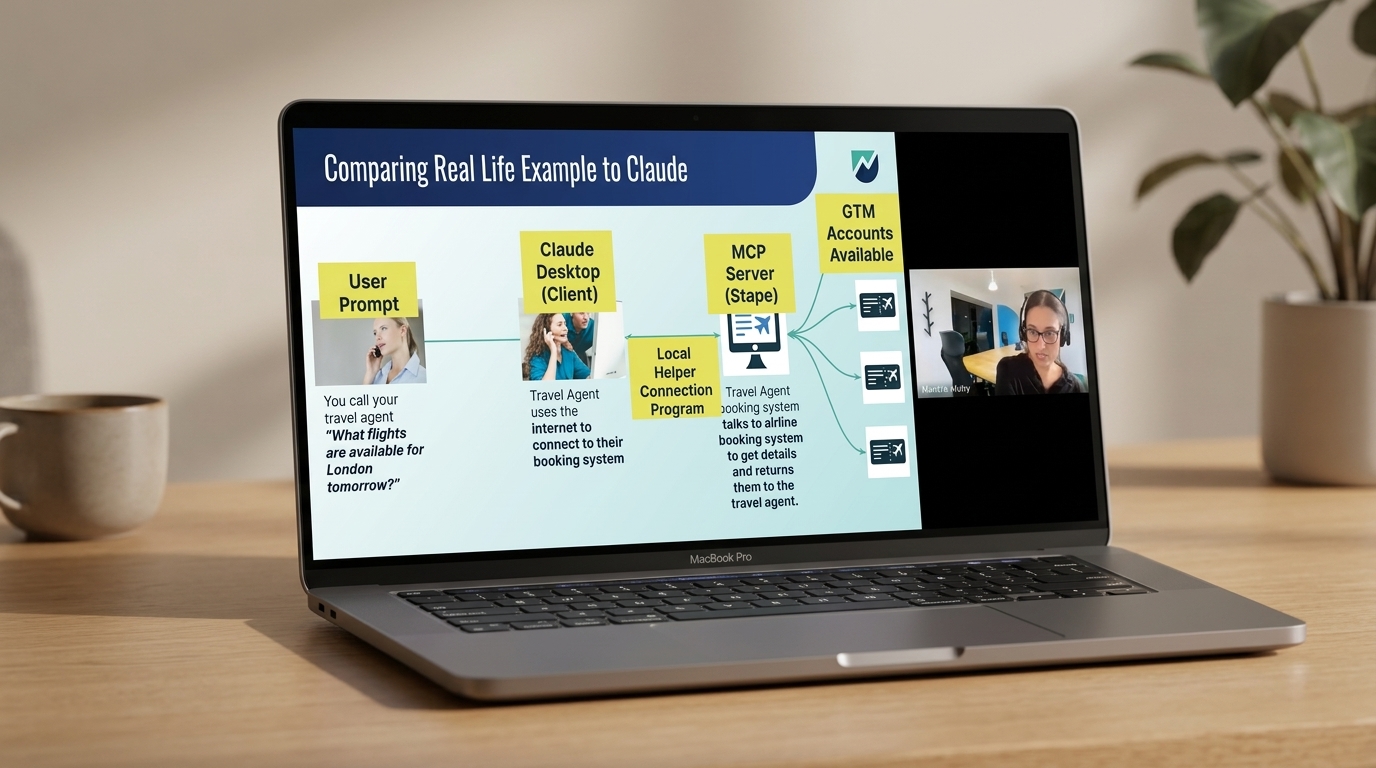
The recorded 90-minute session with Manisha Mistry, Technical Director at MeasureU. With Claude connected to your GA4 and GTM, the 90 minutes is for audits, tag builds, data quality checks, and advanced tracking work on real accounts. No time lost to setup. Follow along with your own accounts, your own questions, on your own schedule.
~30 min: Run real queries, verify your setup works
~30 min: Install a skill with Manisha walking through every step
~30 min: Q&A and independent practice on your own data
"I loved this workshop format. The combination of Manisha's awesome teaching, the amazingly detailed and easy to follow guides, followed by time to implement and get help when stuck, and finally actual use cases to put the training to immediate use is brilliant! I hope you'll do more of these when it makes sense with the content."
- Dina Pruitt, D2 Strategic
Everything You Get
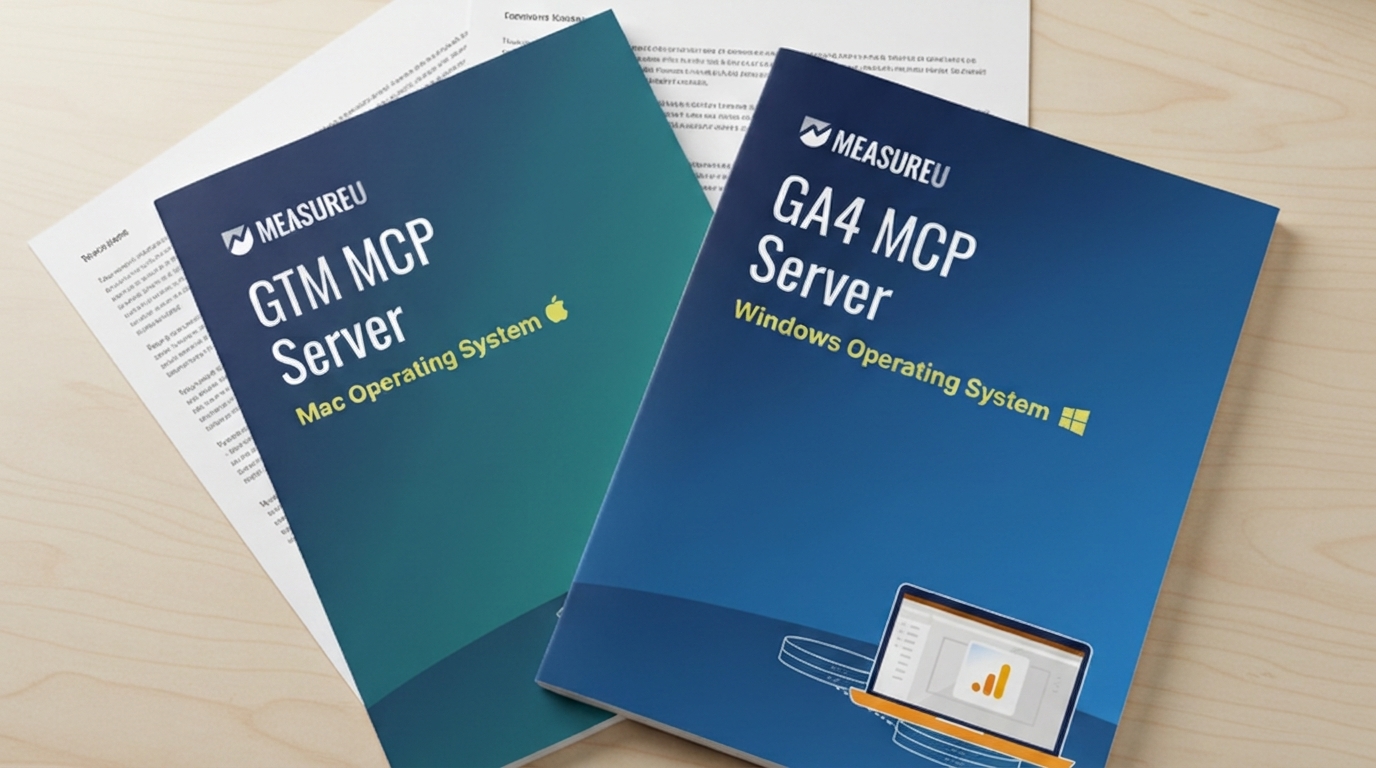
Installation Guides (Included)
Step-by-step PDFs written for GA4 and GTM users. Set up both servers on your operating system at your own pace.
Recorded Workshop
- 90-minute recorded "MCP for Marketers in 90 Minutes" session with Manisha Mistry
- One skill installed during the session - a full walkthrough of what a skill is, how it works, and how to install one
Bonuses
- BONUS GA4 + GTM MCP Installation Support — the recorded troubleshooting session that walks through getting both servers connected, step by step.
- BONUS MeasureMastermind Drop-In recording. Normally exclusive to MeasureU Pro members.
- BONUS Microsoft Clarity MCP Server Installation Guide, Mac and Windows versions.
Claude for Marketers QuickStart Series (3 Sessions with Jeff Sauer)
Three recorded sessions that take you from first login to full Claude Code workflows — taught by Jeff Sauer.
Claude 101 for Marketers
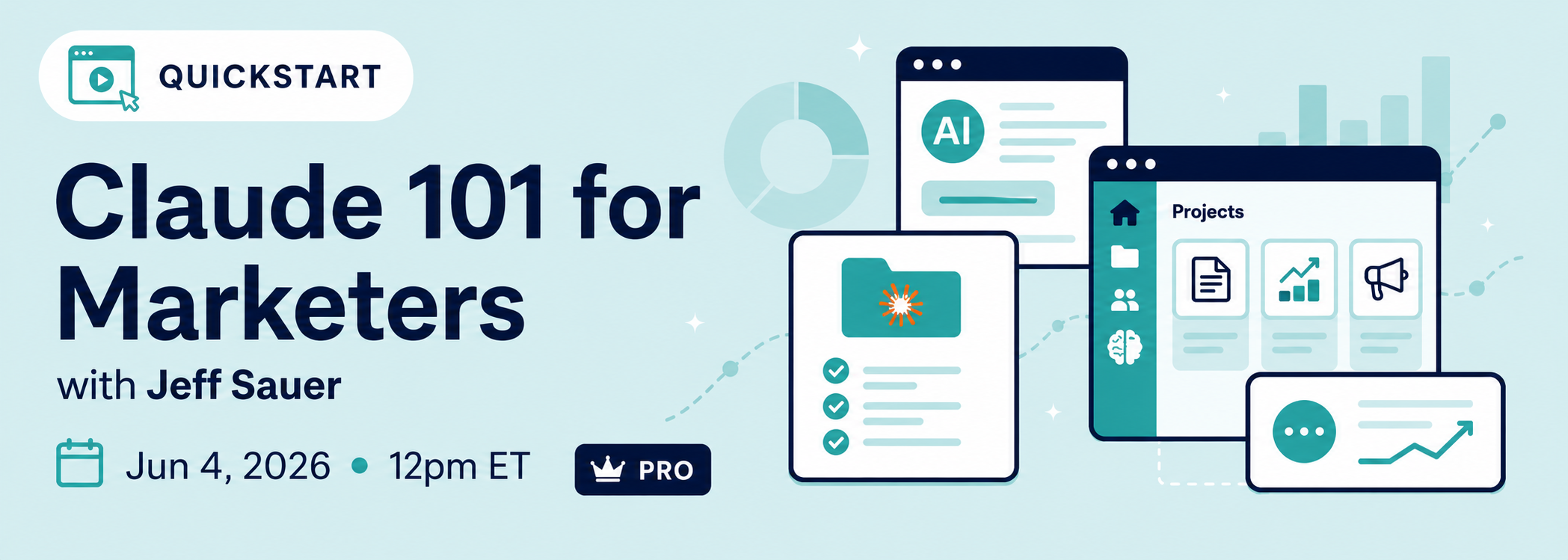
A guided tour of claude.ai — Projects, Artifacts, Memory, the model picker. Build your first Project and walk away with two use cases you can run right away.
Claude 201 for Marketers
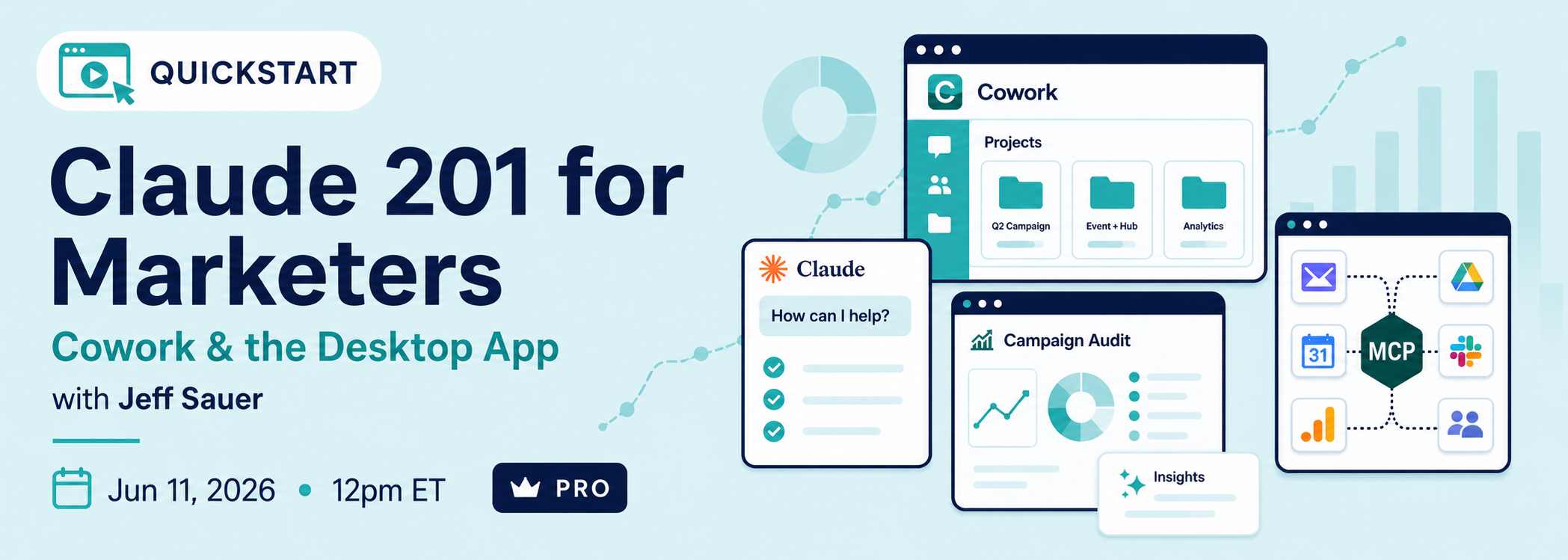
Install the desktop app and unlock Cowork — Claude watching your screen and building alongside you. Native integrations, a real Project folder, and a full GA-style audit built end-to-end.
Claude 301 for Marketers
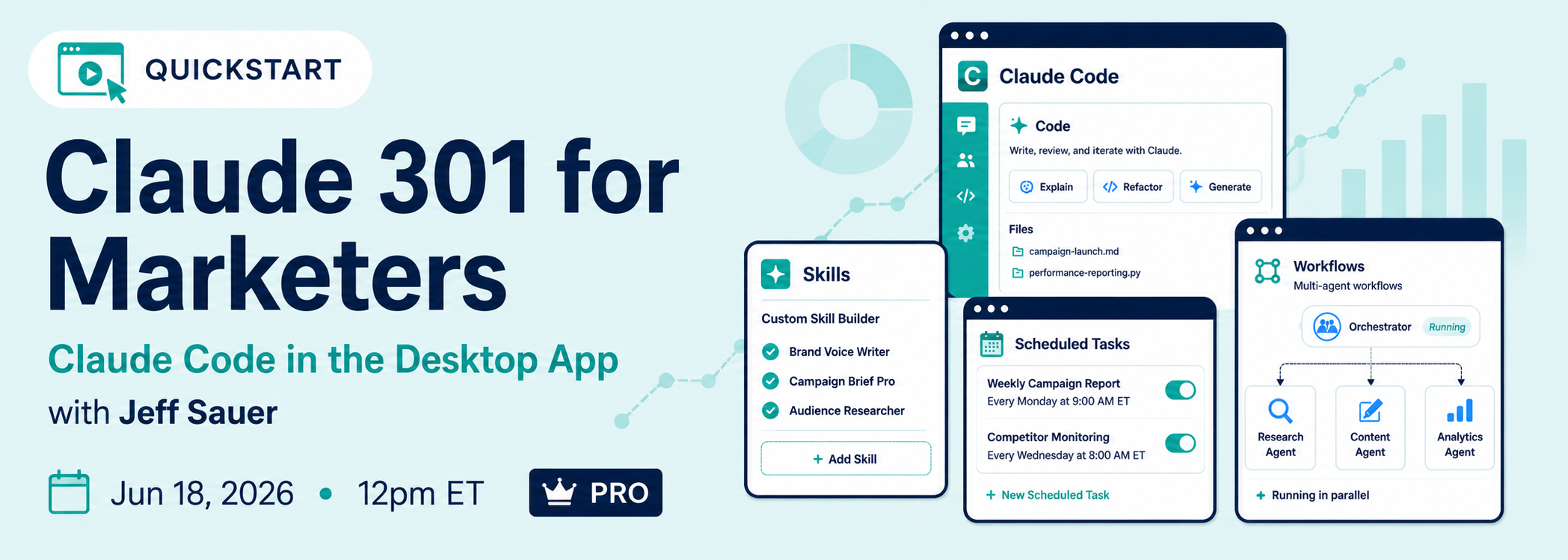
Claude Code's desktop GUI mode. Build custom Skills you save and re-run forever, set up scheduled tasks, and see four real workflows demoed: morning briefing, voice-note router, social-content pipeline, and discovery-call processor.
Access
- Lifetime access to all session recordings and materials
- Everything delivered through the MeasureU platform
"This workshop was SO helpful with getting the MCP servers set up for someone on the non-dev side of the world. It saved me hours of trying to figure out the setup on my own! And the shared prompts were incredibly helpful for learning how to format to get the best answers from Claude. 110% recommend starting out using MCP servers and Claude!"
- Anna Slyter, NordicClick
Get Instant Access to the Full MCP Workshop
$299 for the full workshop package. Not ready for the full workshop? The GA4 + GTM MCP Guides-Only Package is $49.
Your Instructor

Manisha Mistry
Technical Director, MeasureU
Manisha figured out how to set up every MCP server integration MeasureU uses in production. She took the raw developer documentation, tested it across dozens of configurations, and turned it into a process any marketer can follow. She knows these servers from the inside because she's the one who made them work for non-developers.
She delivered MeasureU's original three-day MCP workshop in October 2025. The testimonials on this page come from attendees of that workshop. This 90-minute session is a focused version of that training, built for marketers who need to get up and running quickly.
At MeasureU, Manisha teaches MCP, AEO (AI Engine Optimization), and server-side GTM. What she's known for in the community is making technical topics feel approachable without dumbing them down. She explains things from where you actually are, not from where a developer would be.
"Manisha has a real talent for making you feel comfortable with tools and skills you may not be fully confident in. She created a virtual classroom that felt safe to ask questions, no matter your level... These live workshops close that gap. I believe they are one of the best ways to learn, because you get real-time guidance, hands-on practice, and the space to make mistakes without feeling awkward."
- John Paglio, flyte new media
The Old Way vs. What This Workshop Gives You
The Old Way
- Export a GA4 report. Format it. Paste it into Claude. Hope it reads the columns correctly.
- Get an insight that sounds plausible. Spend 10 minutes verifying whether the numbers are real.
- Spend 30-60 minutes on data prep before the first analytical question gets asked.
- Pull a new export every time a follow-up question needs a different date range.
- Check manually whether a GTM tag fired correctly on a specific page.
- Find a developer MCP tutorial. Get 20% through it. Close the tab.
The New Way
- Ask Claude a question directly. Get an answer built on your actual GA4 numbers.
- See which data the answer came from, right in the response.
- Skip the export entirely. Start with the question.
- Ask follow-ups in the same session without pulling another report.
- Ask the GTM MCP server whether a tag is set up correctly. Get the answer in seconds.
- Have the guides, the recorded walkthrough, and the working knowledge to keep going.
90 Minutes With the Person Who Set Up MCP for Every Marketer at MeasureU
You can keep spending time on documentation that wasn't written for you. Or you can spend 90 minutes with Manisha and leave actually connected.
What's Included and What It's Worth
Total value: $1,000
$299
Instant access to every guide, recording, and bonus
Get Instant Access — $299Want just the guides without the full workshop? GA4 + GTM Guides-Only Package - $49
How This Compares to Your Other Options
| Option | Cost | What You Get |
|---|---|---|
| MCP for Marketers in 90 Minutes | $299 | Instruction specific to GA4 and GTM, four platform-specific guides, recorded troubleshooting support, lifetime recording access, taught by the person who's helped many marketers set up their MCP servers |
| Hire a developer to set up MCP | $500-$2,000+ | A working server with no marketing context and no usage training. You'll still need to figure out what to do with it. |
| AI analytics SaaS subscription | $200-$500/month | A third-party layer over your data at ongoing monthly cost. The GA4 MCP server connects directly, for free. |
| Generic AI marketing workshop | $399+ | Broad AI coverage, little or no MCP specifics, no GA4 or GTM focus, no dedicated MCP support |
| Developer documentation | Free | Raw docs written for engineers. No hands-on help. No marketing context. High probability of an abandoned install. |
The GA4 MCP server is free. The GTM MCP server is free. What it costs you to keep working around them is the hours you spend on manual exports every week and the decisions you make from AI that's guessing at your numbers.
Already a MeasureU Pro Member?
This workshop is included free with your membership. No purchase needed. Log in to your MeasureU account and access it through the member portal. All bonuses, the recorded workshop, and lifetime access to recordings are covered under your MeasureU Pro membership.
Not a Pro member yet? You can add a MeasureU Pro monthly membership as an order bump at checkout. Pro includes this workshop plus access to MeasureU's full library of workshops, ongoing MeasureMastermind sessions, MeasureLab Q&As, and the member community.
"It feels like a secret weapon & why I maintain my membership because even in busy periods when I can't focus on the formal learning context I know the group will always have my back for those tricky questions that platform support teams can never answer."
- Christina Jones
Get Connected to MCP — Start Today
$299 gets you the full package: four installation guides, the recorded 90-minute workshop, all bonuses, the Claude QuickStart series, and lifetime access to every recording.
The Guarantee
30-Day Money-Back Guarantee. Go through the guides and the recordings, and if this isn't what you expected, email us within 30 days of purchase for a full refund. No questions. Every purchaser keeps lifetime access to the recordings and materials.
Is This Right For You?
This Is For You If...
- You use GA4 and GTM regularly and want AI to have direct access to that data, not a pasted export of it
- You're not a developer, but you can follow step-by-step instructions and you're comfortable working in GA4 and GTM
- You've looked at MCP documentation or tutorials and gotten lost in the developer-specific setup process
- You already use Claude for marketing work and want to extend that to data questions against your actual numbers
- You want to see MCP in active use with GA4 and GTM, not just explained as a concept
This Is NOT For You If...
- You're a developer comfortable reading raw API documentation and building your own server configurations without guidance
- You don't use GA4 or GTM - those are the only two servers covered in this workshop
- You're looking for ChatGPT or Gemini MCP integrations - this workshop is focused on Claude
- You need coverage of Stape or server-side tracking setups - not included here
- You want a broad survey of MCP across many tools - this workshop goes deep on GA4 and GTM specifically, not wide across the ecosystem
Frequently Asked Questions
+ − Do I need to be technical to take this workshop?
+ − Is this live or recorded?
+ − What MCP servers are covered?
+ − Do I need a Claude subscription?
+ − What if I get stuck during installation?
+ − Is this different from the free GA4 MCP guide on your site?
+ − Will this work on my Mac or Windows computer?
+ − What's the GA4 + GTM MCP Installation Support recording?
+ − I'm already a MeasureU Pro member. Do I need to buy this?
+ − What's the refund policy?
Guides-Only Package
Just Want the Installation Guides?
If the full workshop and the bonus sessions aren't what you need right now, you can get just the four installation guides on their own.
GA4 + GTM MCP Installation Guides
The same step-by-step PDFs delivered to full-workshop members. Instant access on purchase.
- GA4 MCP Server Installation Guide — Mac (PDF)
- GA4 MCP Server Installation Guide — Windows (PDF)
- GTM MCP Server Installation Guide — Mac (PDF)
- GTM MCP Server Installation Guide — Windows (PDF)
What's not included (only available with the full workshop):
- — Recorded 90-minute workshop with Manisha
- — GA4 + GTM MCP Installation Support recording (MeasureLab)
- — MeasureMastermind drop-in recording
- — Microsoft Clarity MCP Guide (bonus)
- — Skill installation walkthrough
- — Claude for Marketers QuickStart Series (3 sessions with Jeff Sauer)
$49
One-time purchase — lifetime access to the guides
Get the Guides Only — $49Already registered for the workshop? The guides are already included — no need to buy this.
Where Things Go From Here
Option A: Keep Working Around the Problem
- Keep exporting GA4 reports and pasting them into Claude, hoping the column headers survive the copy
- Keep getting insights that sound right until you check the actual numbers
- Spend another few months searching for an MCP tutorial that wasn't written for a software engineer
- Ask your developer. Get a server that works technically but doesn't connect to anything your team actually does.
- Check back in six months and find out the marketers who figured this out early have only gotten further ahead
Option B: 90 Minutes That Gets You Connected
- Get four step-by-step installation guides the moment you join, covering GA4 and GTM on Mac and Windows
- Hit a snag? The recorded GA4 + GTM MCP Installation Support session walks through the fixes, and the MeasureMastermind drop-in recording shows how other marketers got working. Get everything connected.
- Get set up on your own schedule, no waiting for a live date
- Follow the recorded 90 minutes with Manisha. Run real queries. Install a skill alongside a complete walkthrough. Learn from someone who's helped many marketers set up these integrations.
- Leave connected, with the working knowledge to keep building
The workshop is $299, with instant access to every guide, recording, and bonus.
Get Instant Access — $299Not ready for the full workshop? Get the Guides-Only Package for $49