Right now, 65+ different AI platforms are sending traffic to your website.
Most marketers have no idea it's happening. And the ones who do check GA4 might still be missing most of it.
Here's the one that bothers me most: Google AI Overviews—the AI answer boxes at the top of Google search results—is sending traffic to your website. And in Google Analytics 4, that traffic looks completely identical to organic search. You cannot tell the difference. There's no separate row, no flag, nothing.
Know that feeling of thinking you have complete data, only to realize you've been flying blind?
I've been tracking this kind of problem for over a decade. Back in 2011, I wrote about bot filtering—bots disguising their traffic, inflating numbers, making analytics unreliable. Most people shrugged at the time. Now those same people are asking whether AI traffic is actually worth paying attention to.
Most of the articles I've seen on this topic hand you a partial list and leave you to figure out what to do with it. Others say AI traffic matters without giving you anything you can use.
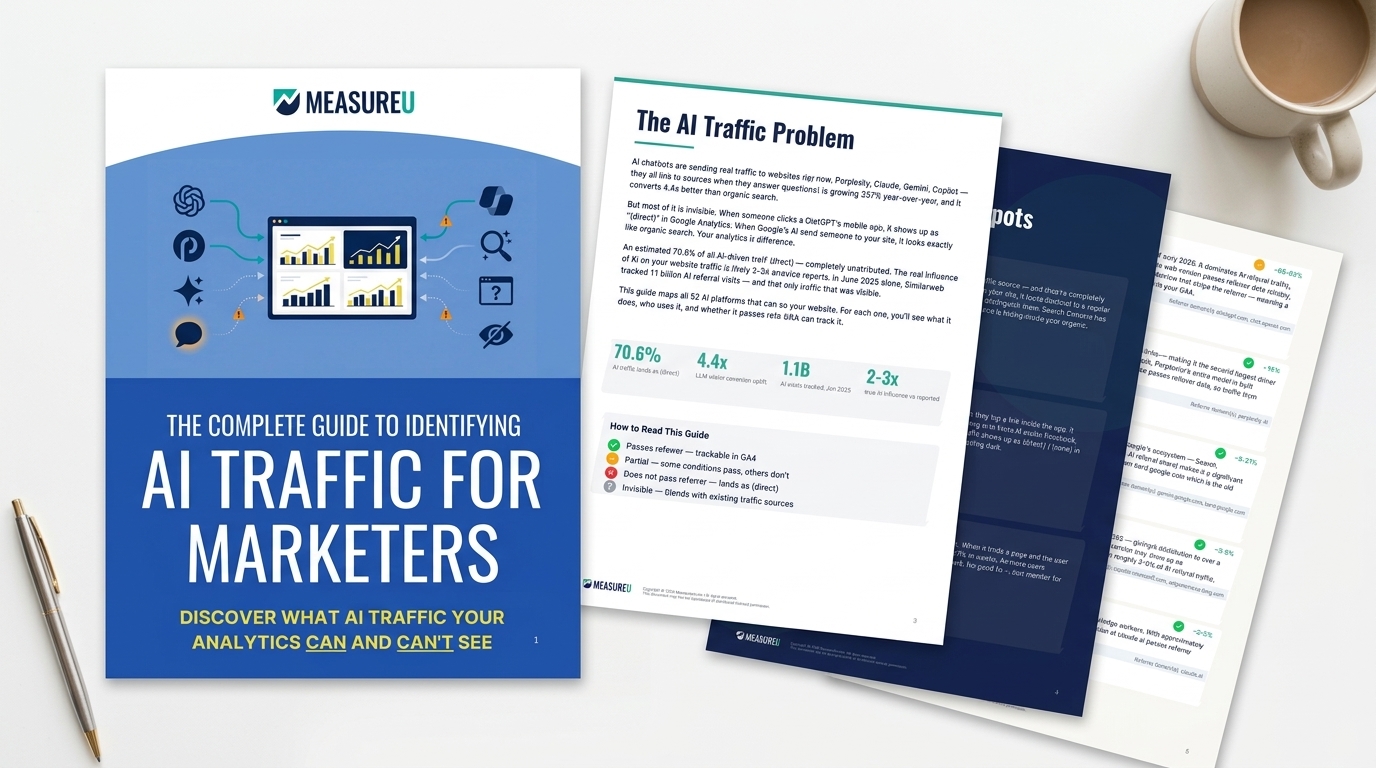
That's where this guide comes in. I'm going to walk you through 65+ AI traffic sources across 7 tiers, which ones are actually driving meaningful traffic right now, where GA4 is hiding the data from you, and how to set up one thing that makes the trackable AI traffic visible in your reports.
Watch the Full Breakdown
This post covers everything from the video and more. If you prefer to read, keep going.
What You'll Learn in This Post
- The Big 5 AI platforms (ChatGPT, Perplexity, Gemini, Copilot, Claude) drive the vast majority of measurable AI referral traffic
- Google AI Overviews is likely sending more traffic than any chatbot, and it's completely undifferentiated in GA4
- A custom channel grouping is the simplest fix to make AI traffic visible in one row
- Clean Data means knowing what you can measure and being honest about what you can't
Table of Contents
- The AI Traffic Landscape: 65+ Sources Across 7 Tiers
- The Big 5: Where Most AI Traffic Actually Comes From
- Why AI Overviews Tracking Is GA4's Biggest Blind Spot
- The Three Blind Spots in Your GA4 Setup
- How to Set Up AI Traffic Tracking in GA4 (The Fix)
- How to Actually Use Your AI Traffic Data
- What This Means for Your Digital Analytics Strategy
- Your Next Steps
The AI Traffic Landscape: 65+ Sources Across 7 Tiers

Let me give you the map first, then we'll zoom in.
I've catalogued 65+ AI traffic sources across 7 categories:
Tier 1 – The Big 5: ChatGPT, Perplexity, Google Gemini, Microsoft Copilot, and Claude. These are driving the overwhelming majority of measurable AI referral traffic right now.
Tier 2 – Established Platforms: AI tools with real user bases that have built consistent referral patterns over time.
Tier 3 – Niche Tools: Vertical-specific AI assistants, research tools, writing platforms.
Tier 4 – AI Browsers: Browsers with AI built directly into the interface.
Tier 5 – Coding Tools: GitHub Copilot and similar tools that behave differently enough to belong in their own category.
Tier 6 – Google AI: This includes AI Overviews, and I'll come back to that one separately because it's a special kind of problem.
Tier 7 – Emerging Platforms: Tools gaining ground fast right now.
And with a newly added tier 8, that's 65+ sources sounds like a lot. I don't want you to obsess over all 65.
The practical 80/20 here is that the top 10 sources are driving nearly all AI referral traffic. The rest of the list? Some of those tools send 3 visits a month to most sites.
But here's why the full list still matters.
DeepSeek wasn't on anyone's radar in 2024. Their R1 model dropped in January 2025 and DeepSeek traffic surged 312 percent. In one month. The long tail has a habit of becoming the main event.
The Big 5: Where Most AI Traffic Actually Comes From
Let me walk through what the Big 5 actually look like inside GA4.
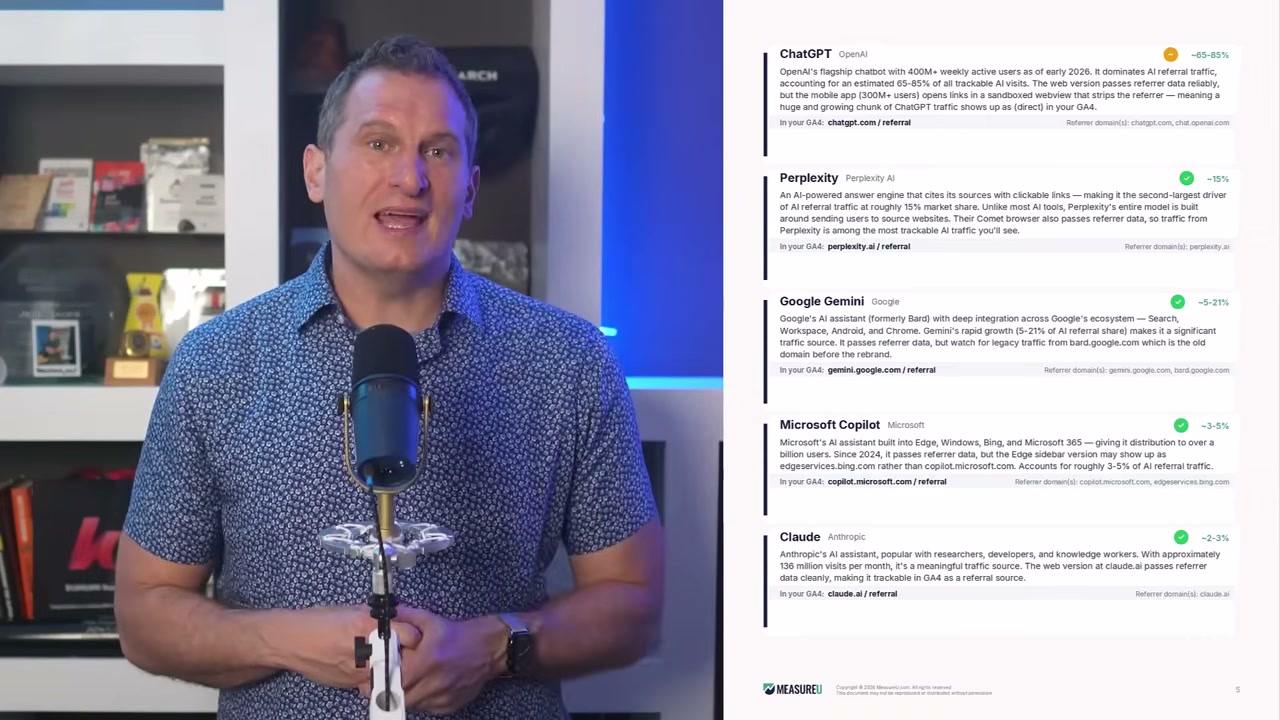
ChatGPT is currently sending somewhere between 65 and 85 percent of all AI referral traffic. In GA4, it shows up as chatgpt.com / referral. That's the most visible, the most tracked, the one you've probably already spotted in your referral sources.
But ChatGPT's share of the AI traffic landscape is shrinking. Other platforms are gaining ground fast.
Perplexity is sitting around 15 percent of AI referral traffic right now. Shows up as perplexity.ai / referral in GA4. The way Perplexity cites sources makes it a meaningful driver for content-heavy sites.
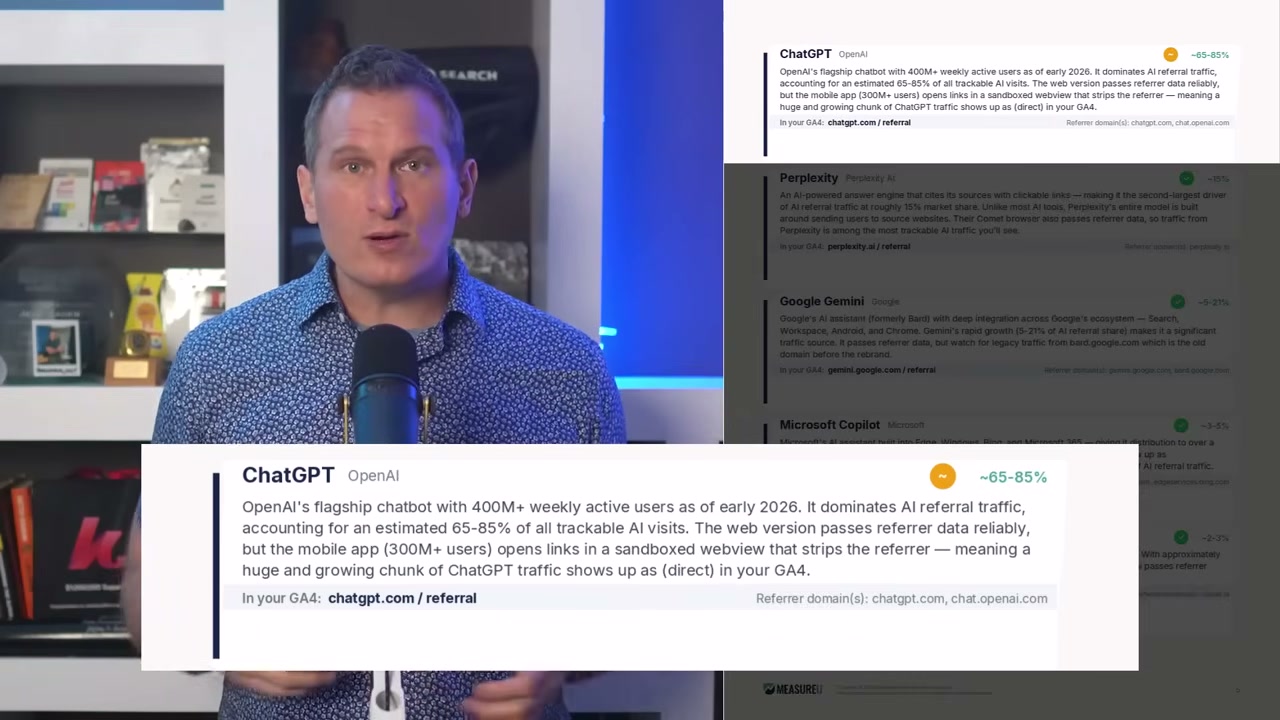
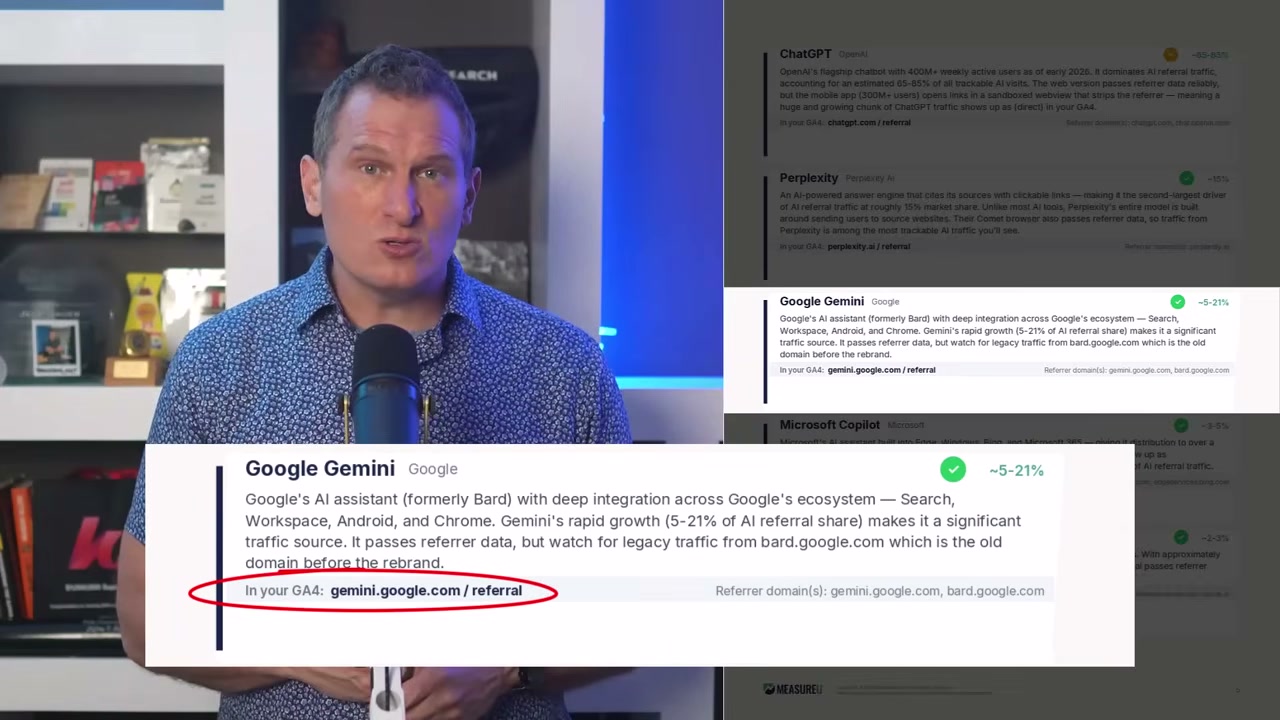
Google Gemini is somewhere between 5 and 21 percent, that wide range reflects how fast Gemini usage is growing. Shows up as gemini.google.com / referral.
Microsoft Copilot is around 3 to 5 percent: copilot.microsoft.com / referral.
Claude is around 2 to 3 percent: claude.ai / referral.
If you set up GA4 to track just these five correctly, you have the foundation. And if you're only tracking ChatGPT right now, you're already behind. Six months from now that shift will be even more pronounced.
Why AI Overviews Tracking Is GA4's Biggest Blind Spot
Now here's where the picture gets uncomfortable.
Everything I just walked through are the cases where GA4 can actually see the traffic.
Google AI Overviews is a different beast entirely.
When someone clicks a link inside a Google AI Overview answer box, the referrer passed to your site is google / organic. Identical to a standard Google search click. GA4 has no way to separate an AI Overview click from a traditional search result click. They look exactly the same.
Google AI Overviews is probably the highest-volume AI traffic source out there right now. And AI Overviews tracking is impossible in standard GA4 setups. It's completely invisible by default.
Let that sink in. The biggest AI traffic source? You can't see it.
The Three Blind Spots in Your GA4 Setup

There are three categories of AI traffic where GA4 cannot see it.
Blind Spot #1: Google AI Overviews
As I just covered: when someone clicks a link inside a Google AI Overview, the referrer is google / organic. Indistinguishable from regular search. No separate row, no flag, nothing.
Blind Spot #2: Mobile Apps
ChatGPT mobile, Meta AI, and AI tools running inside mobile apps default to direct traffic in GA4. No referrer gets passed. That AI traffic lands in your Direct channel, indistinguishable from bookmarks or direct URL visits.
Blind Spot #3: Referrer Stripping
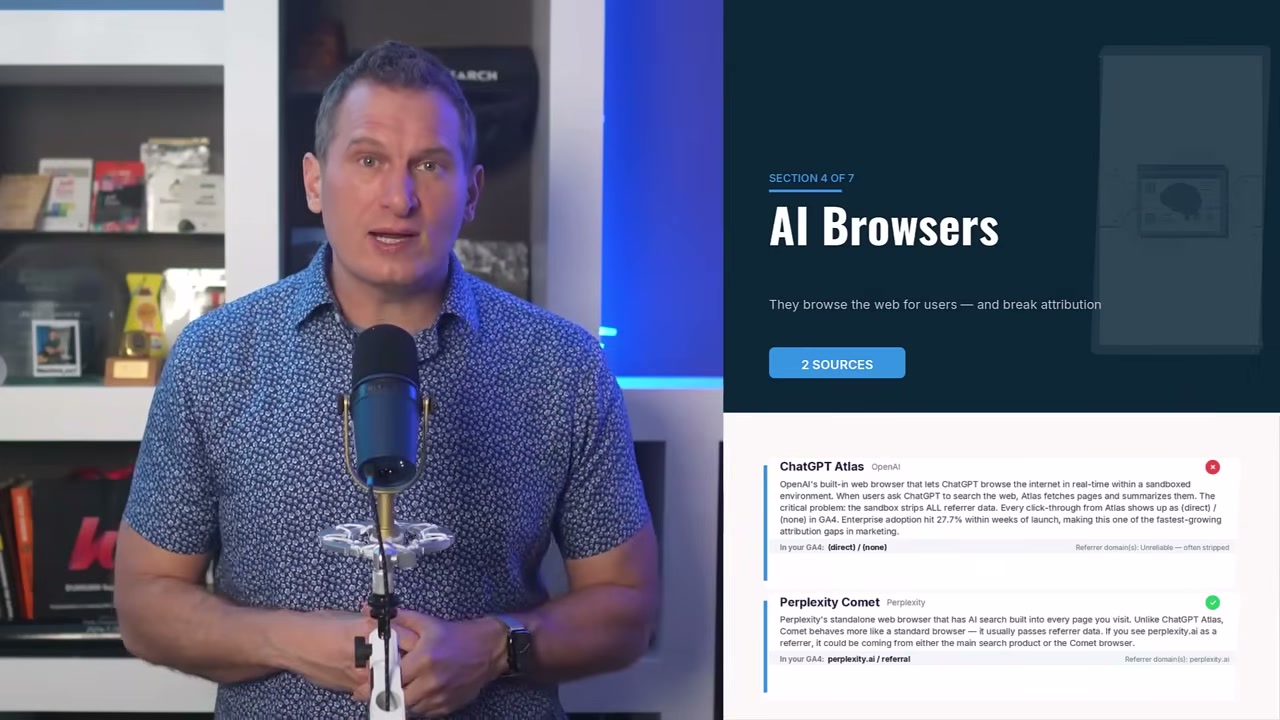
The ChatGPT Atlas browser strips referrer information before passing it to destination sites. Traffic from Atlas users shows up in GA4 without a source. Lands in Direct.
This is why I said at the start that checking GA4 might still leave you missing most of the picture. You can set everything up correctly and still have significant AI traffic buried in your Organic and Direct channels.
I'm not saying that to depress you. I'm saying it so you know where the edges of your data are.
The blind spots in your data aren't a failure of your setup. They're a feature of how these AI platforms are built. Some of these companies don't pass referrer information to destination sites.
Clean Data means knowing what you can measure and being honest about what you can't. That's always been the foundation, and it's just as true with AI traffic as it was with bot filtering ten years ago.
How to Set Up AI Traffic Tracking in GA4 (The Fix)
Okay, so what do you actually do with all of this?
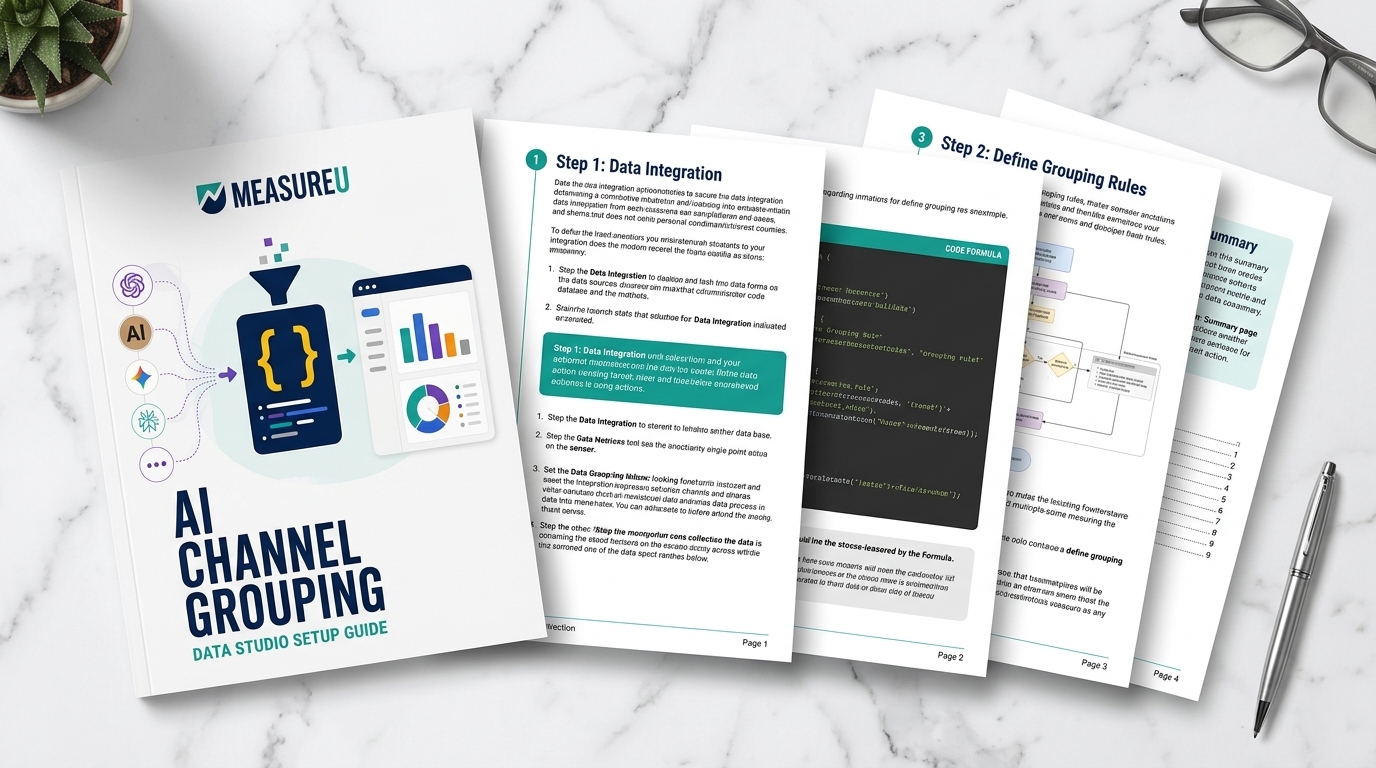
The most useful thing you can do in GA4 right now is set up an AI traffic channel grouping.
A channel grouping is a custom category in GA4 that groups traffic sources under one label. Right now, AI traffic from ChatGPT, Perplexity, Gemini, and the others is scattered across your Referral channel. Some are hiding in Direct. There is no row in GA4 that says “AI Traffic” by default.
That's where a custom channel grouping comes in.
You build a channel called “AI Traffic” and define the rules: if the session source matches chatgpt.com, perplexity.ai, gemini.google.com, and the rest of the sourced list, categorize that session as AI Traffic.
Once the channel grouping is live, you get one clean row in your Channels report. When a platform like DeepSeek surges, you see it in that row. Perplexity gaining on ChatGPT? You'll see that shift too. The data stops being invisible.

Julie from our team set up this exact custom channel grouping for our traffic and the traffic for our clients. Here's what it looks like:
Before the channel grouping: Where's Waldo. You open GA4 and your Referral channel has 40 different sources jumbled together. Finding AI traffic means manually scanning source/medium combinations, looking for chatgpt.com and perplexity.ai and hoping you caught them all.
After the channel grouping: You open GA4 and there's one row labeled AI Traffic. One number, trending over time.
Sure, it's not an apples-to-apples comparison to established channels like paid media and organic search. But it's a lot better than what you have right now.
How do you like them apples?
How to Actually Use Your AI Traffic Data
Once the channel grouping is running, here's how I'd suggest actually using it.
Check AI traffic monthly, not daily. AI traffic patterns don't shift overnight, except when they do, like DeepSeek in January 2025. Monthly cadence catches meaningful trends without turning the whole thing into a daily obsession.
Compare AI traffic against your other channels on the metrics that actually matter to you. Is AI traffic converting at a rate similar to organic search? Is the engagement rate higher or lower? That comparison is more useful than the raw visit count.
When a specific source starts gaining ground, look at which pages those users are landing on. If Perplexity is sending meaningful traffic to a specific article, that article is probably being cited in Perplexity answers somewhere. That's useful signal for your content strategy.
Chasing perfect data is a trap. The marketers getting real value from digital analytics are the ones asking better questions with good-enough data.
That's what Clean Data methodology looks like in practice. Not more data, better data with context you can use.
What This Means for Your Digital Analytics Strategy
Here's where we land.
There are 65+ AI platforms sending traffic to websites right now. The Big 5 (ChatGPT, Perplexity, Google Gemini, Microsoft Copilot, and Claude) are driving the vast majority of what's measurable in GA4.
Google AI Overviews are merged into Organic Search in GA4 and are likely sending more traffic than any individual chatbot platform. Mobile apps and ChatGPT Atlas are sending AI traffic straight into your Direct channel.
A custom channel grouping won't fix the blind spots in Organic and Direct. But the channel grouping makes the measurable portion of AI traffic visible and trackable in one place.
The channel grouping is the starting point. The blind spots are something to understand and work around, not a reason to give up on tracking.
I've been doing this for 20 years and I'm still adding new sources to the list every month. The AI traffic landscape is moving fast enough that anything from six months ago is probably already outdated.
Your Next Steps
- Set up the AI traffic channel grouping in your GA4 using the source list (ChatGPT, Perplexity, Gemini, Copilot, Claude as your starting five)
- Check your current Referral report to see what AI traffic is already showing up scattered across your sources
- Set a monthly calendar reminder to review AI traffic trends
- Explore MeasureU Pro for hands-on help building custom channel groupings and making sense of your AI traffic data
If you want help setting this up the right way, with the full 65+-source list already configured and a team that stays on top of new AI platforms as they emerge, check out MeasureU Pro. We help marketers build Clean Data foundations so they can make confident decisions, even when the analytics landscape keeps shifting.