Tired of staring at a blank page trying to write one LinkedIn post? Or briefing a freelancer and waiting three weeks just to get a first draft that still needs four rounds of edits?
I get it. I've spent 20 years in digital marketing, built and sold an 8-figure agency, and I've felt every version of that frustration.
But here's what changed everything for me: I stopped treating AI like a chatbot and started treating it like a marketing funnel builder that actually knows my brand.
What you're about to see is a complete marketing funnel, including a lead magnet, landing page, thank-you page, five social posts, a newsletter, a YouTube script, and an infographic, all built from one spreadsheet of data. In 25 minutes. And I recorded every second of it.
Watch the Full Marketing Funnel Build
In this video, I walk through exactly how I turned raw quiz data into seven finished marketing assets using Claude Code and my custom AI setup:
The whole thing starts with a spreadsheet of quiz results and ends with a full content pipeline ready to publish. If you want to see the exact workflow, the video above walks through every step.
What You'll Learn in This Post
- Seven assets from one spreadsheet: Lead magnet PDF, landing page with email capture, thank-you page, five LinkedIn posts, newsletter, YouTube script, and infographic
- Total build time: Under 30 minutes (not 30 minutes per asset, 30 minutes total)
- The secret sauce: Claude already knows my brand, audience, and writing style before I type a single command
- What this would cost elsewhere: $2,500 minimum with a freelancer or small agency, plus 3-4 weeks wait time
Table of Contents
- The $2,500 Funnel Problem (And Why Most AI Outputs Feel Generic)
- What Makes This AI Marketing Automation Setup Different
- The Complete Asset Breakdown: What I Built and How Long Each Took
- Why Your AI Outputs Probably Feel Generic (And How to Fix It)
- The Compounding Effect: Why This Gets Better Over Time
- Your Next Steps
The $2,500 Funnel Problem (And Why Most AI Outputs Feel Generic)
Here's what most people do when they first try AI for marketing.
They type something like “write me a LinkedIn post about my product.”
And it gives them back something that's… fine. Generic. Safe. Could be for literally anyone.
So they close the tab and think, okay, that's what AI is. A slightly better search engine with nicer grammar.

But that's not what I'm working with. Not even close.
The truth is, if you hired a real freelancer or a small agency to build the funnel I'm about to show you, you're looking at:
- $2,500 minimum for all seven assets
- 3-4 weeks before you see a first draft
- Multiple revision rounds because they don't actually know your brand
I got everything done in under 30 minutes. And every single piece was on-brand, built for my specific audience, ready to publish without a rewrite.
What Makes This AI Marketing Automation Setup Different
That's where my Claude setup comes in.
I've been building this out every single day for months. And the reason my outputs look completely different from what most people get comes down to one thing: I've trained it.
Let me show you what's actually happening under the hood.
The CLAUDE.md File
This is a plain text file that lives inside my Claude project. It tells Claude:
- Who I am (Jeff Sauer, 20 years in digital marketing)
- Who my audience is (marketers and business owners who want data-driven results)
- How I write (conversational, practical, no fluff)
- What my brand colors are
- What my CTA patterns look like
Claude reads all of this before it does anything. So when I type a slash command, it already knows it's building for me. Not for some generic marketer, for Jeff Sauer.

Custom Skills (The Slash Commands)
These are files I wrote that give Claude full context for specific marketing tasks:
- /leadmagnet : Has my audience profile, what a good resource looks like for them, design preferences
- /social : Knows I write LinkedIn posts that sound nothing like most LinkedIn posts
- /newsletter : Has my format, my reader, my closing style, all pre-loaded
- /resource-page : Knows my landing page structure, form placement, thank-you page flow
- /youtube : Understands my script format, hook structure, CTA placement
- /infographic : Knows my visual style and data presentation preferences
Watch what happens when I type one of these commands. Claude doesn't ask what my brand colors are. Doesn't ask who my audience is. It already knows.
The Complete Asset Breakdown: What I Built and How Long Each Took
This whole thing started with a spreadsheet of quiz results from my MeasureU audience. Just raw data, no design, no narrative, nothing I could actually use.
Here's exactly what came out:

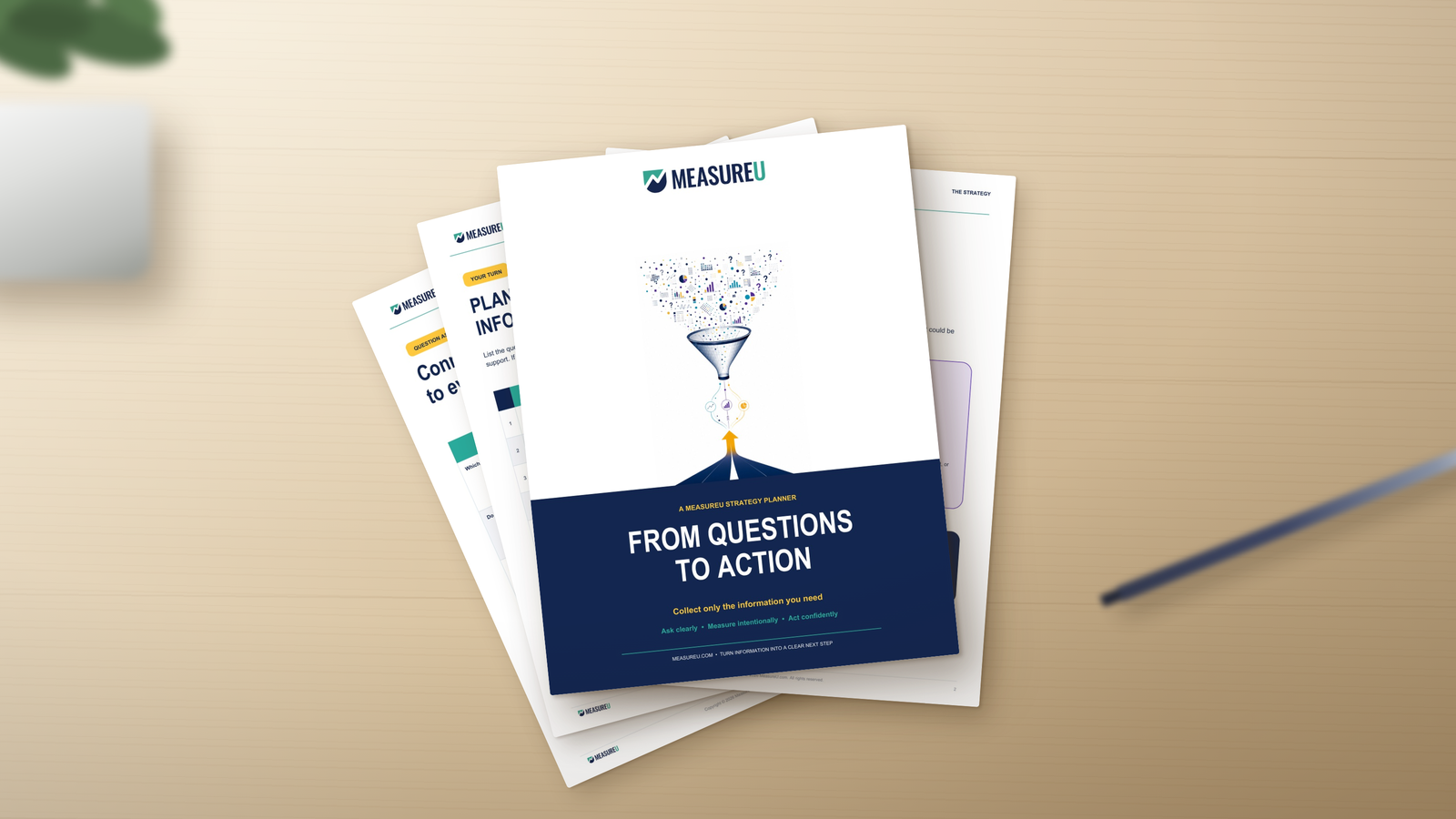
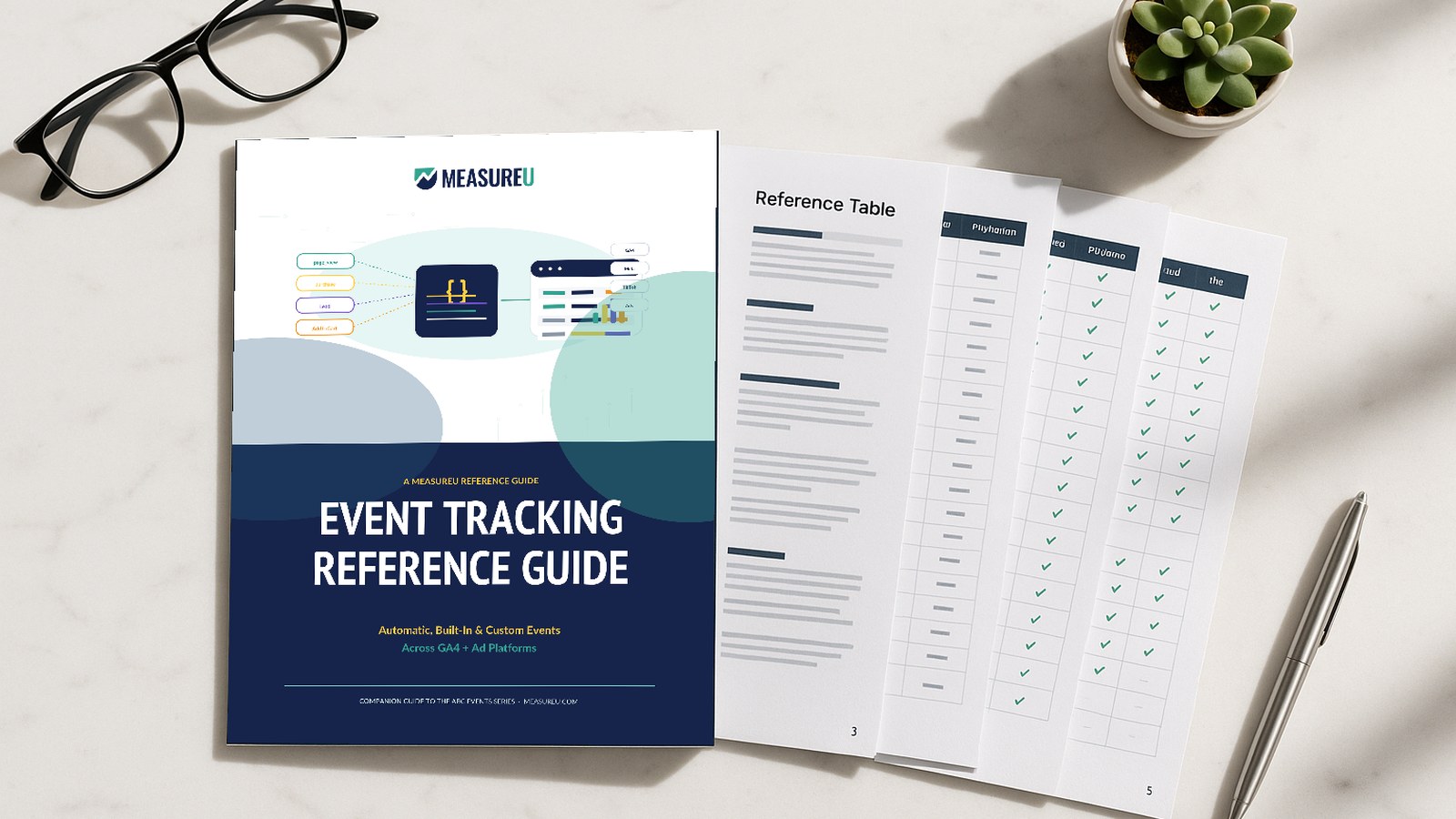
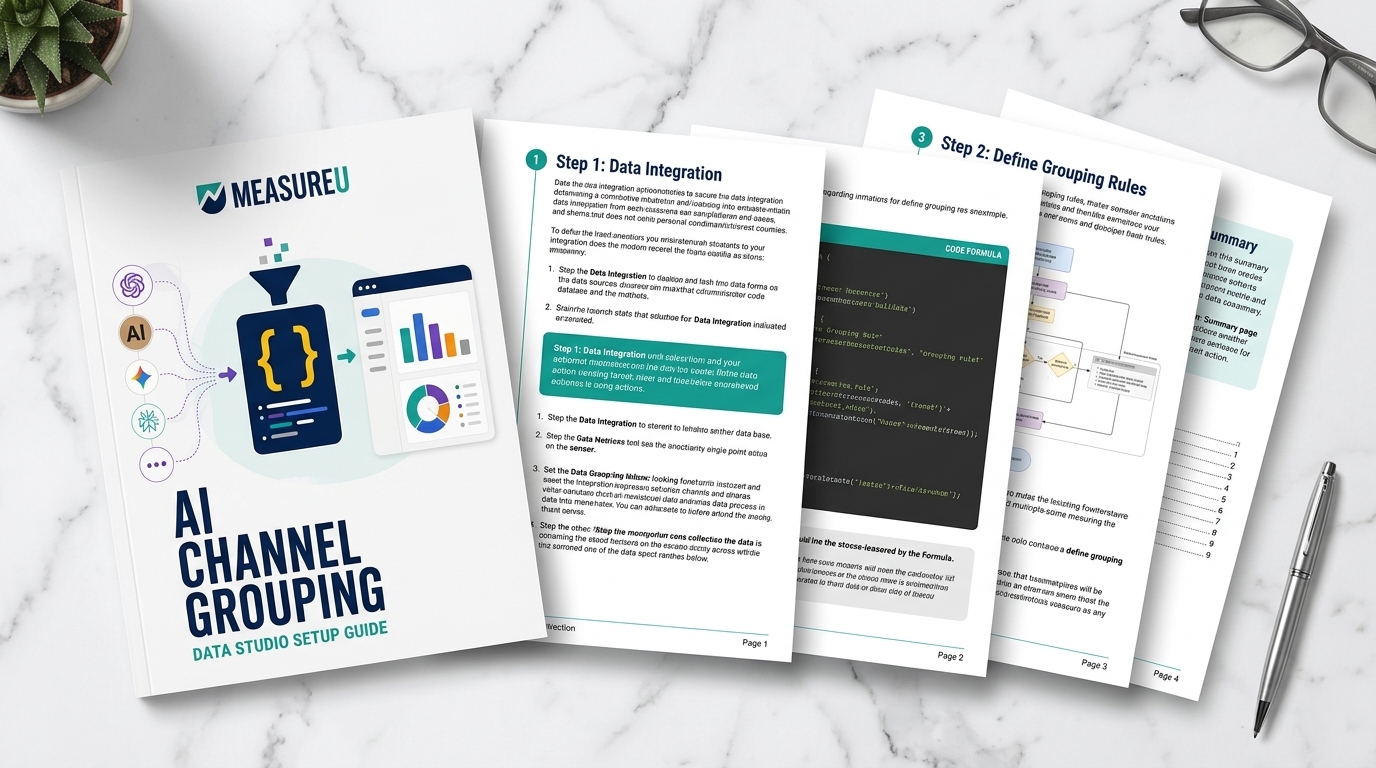
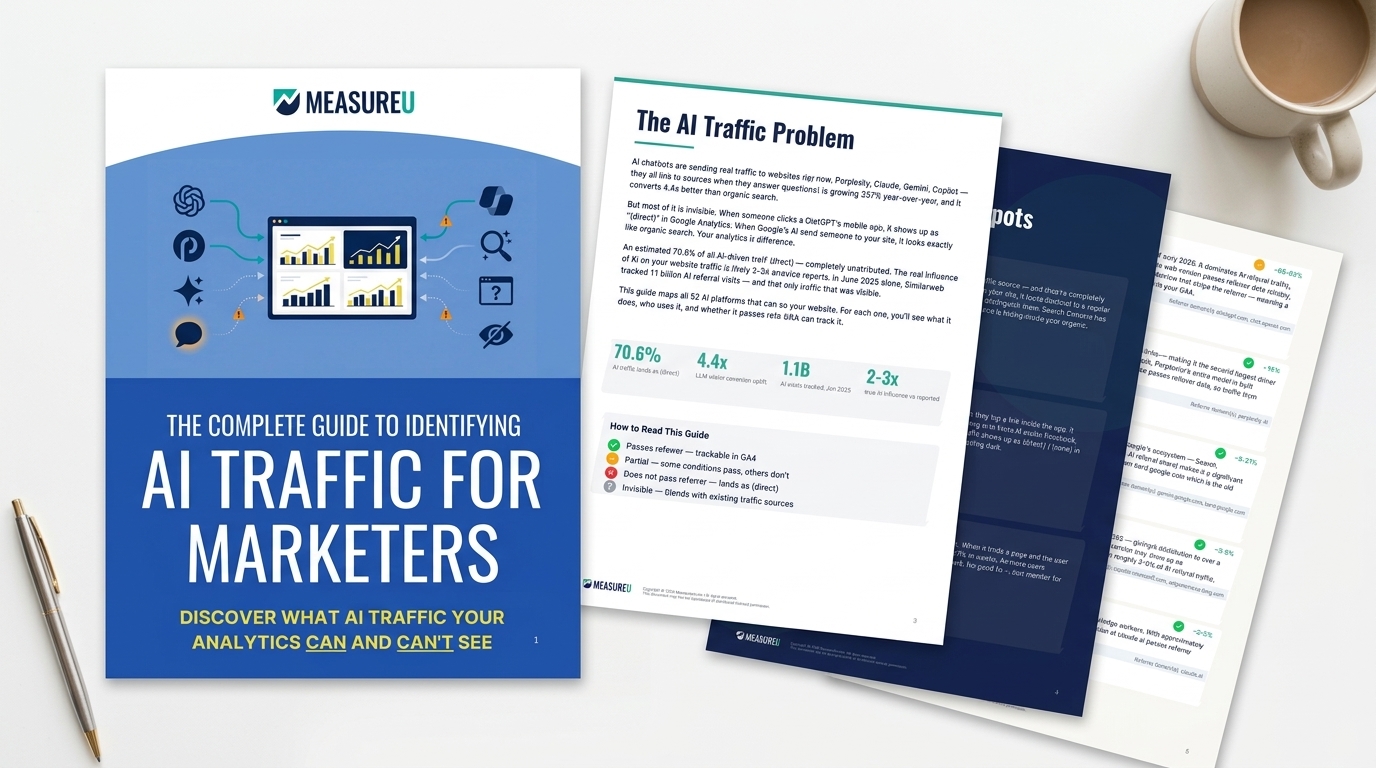
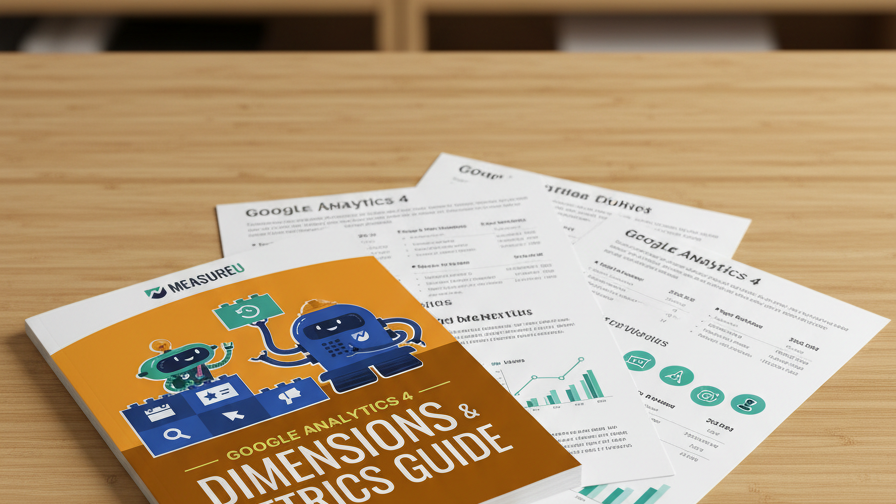
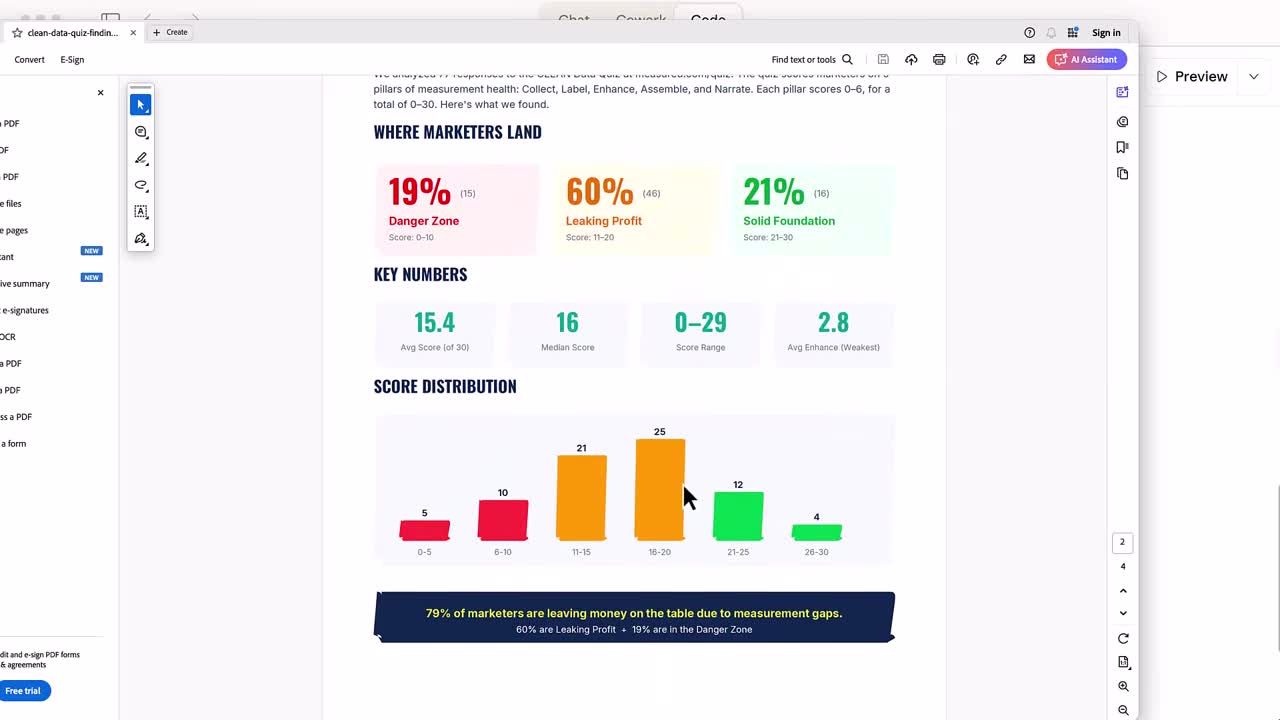
Asset 1: Lead Magnet PDF (7 minutes)
I typed /leadmagnet, described the resource I wanted, and Claude pulled the data from the spreadsheet and built a designed PDF with charts and visualizations.
Seven minutes start to finish.
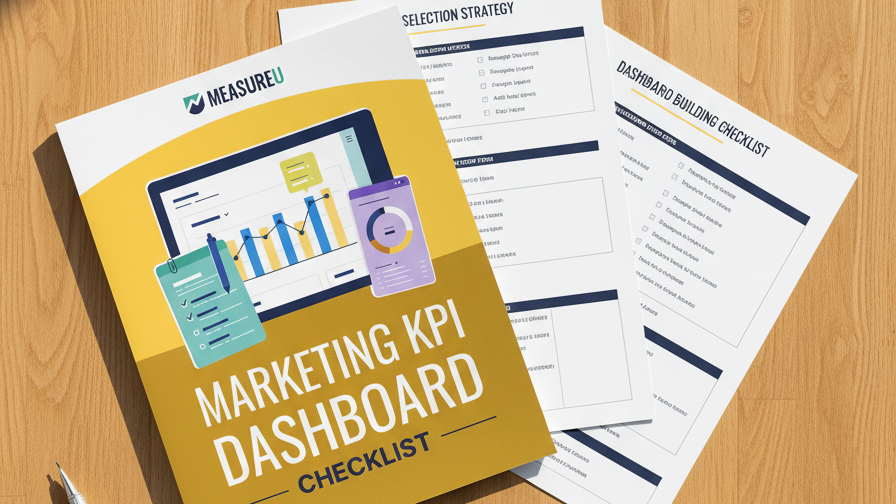
Asset 2: Landing Page + Thank-You Page (2 minutes)
I ran /resource-page and got a full HTML page with an email capture form. And a thank-you page with it, both done in about two minutes.
Ready to drop into any web builder.
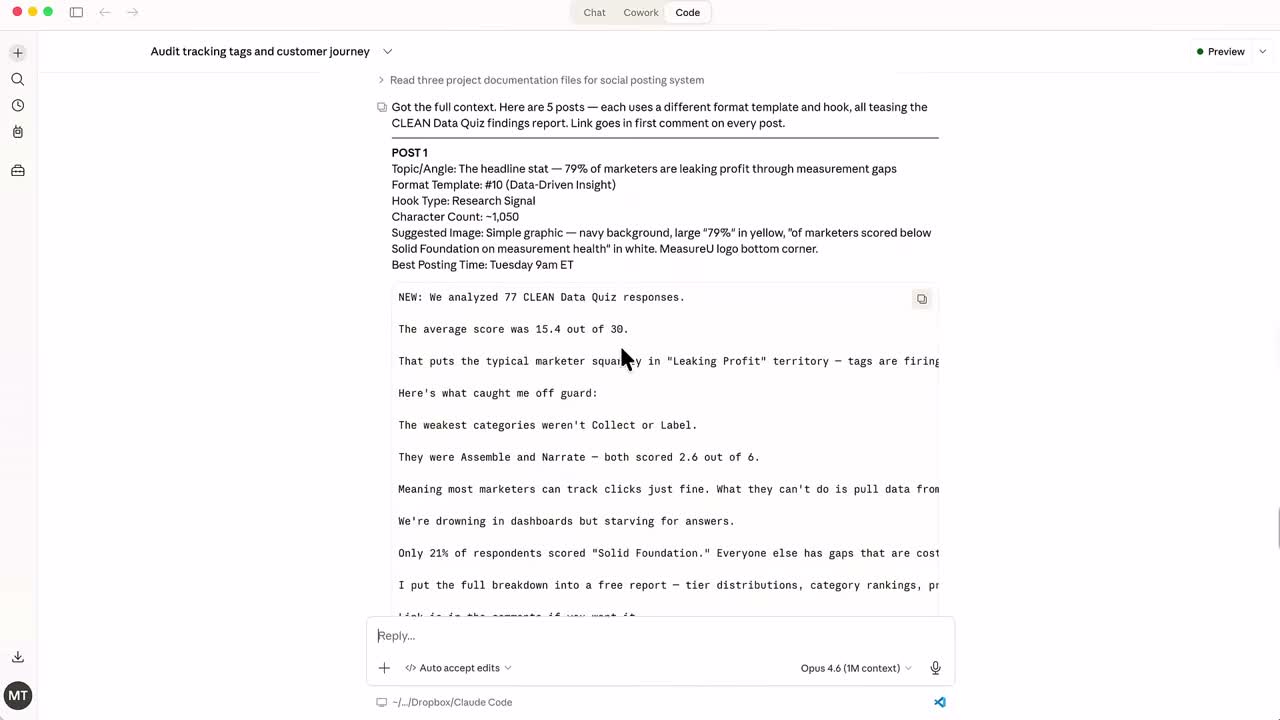
Asset 3: Five LinkedIn Posts (Under 2 minutes)
The /social skill wrote five different posts teasing the lead magnet, each one hitting a different angle from the same data.
- One leads with a stat
- One opens with a challenge
- One calls out a mistake most marketers are making right now
- Two others approach the topic from completely different emotional angles
These don't read like AI wrote them. They read like someone who's spent two decades in this industry wrote them, because that context is exactly what Claude is working from.
Asset 4: Newsletter (3 minutes)
The /newsletter skill, three minutes, ready to paste into your email platform.
Asset 5: YouTube Script (Same data, different format)
The /youtube skill treats the spreadsheet as source material and builds a full script around it. Same data that went into the lead magnet, but structured for video.
Asset 6: Blog Post
Same skill pattern, just as fast. (You're reading the output of a similar process right now, actually.)
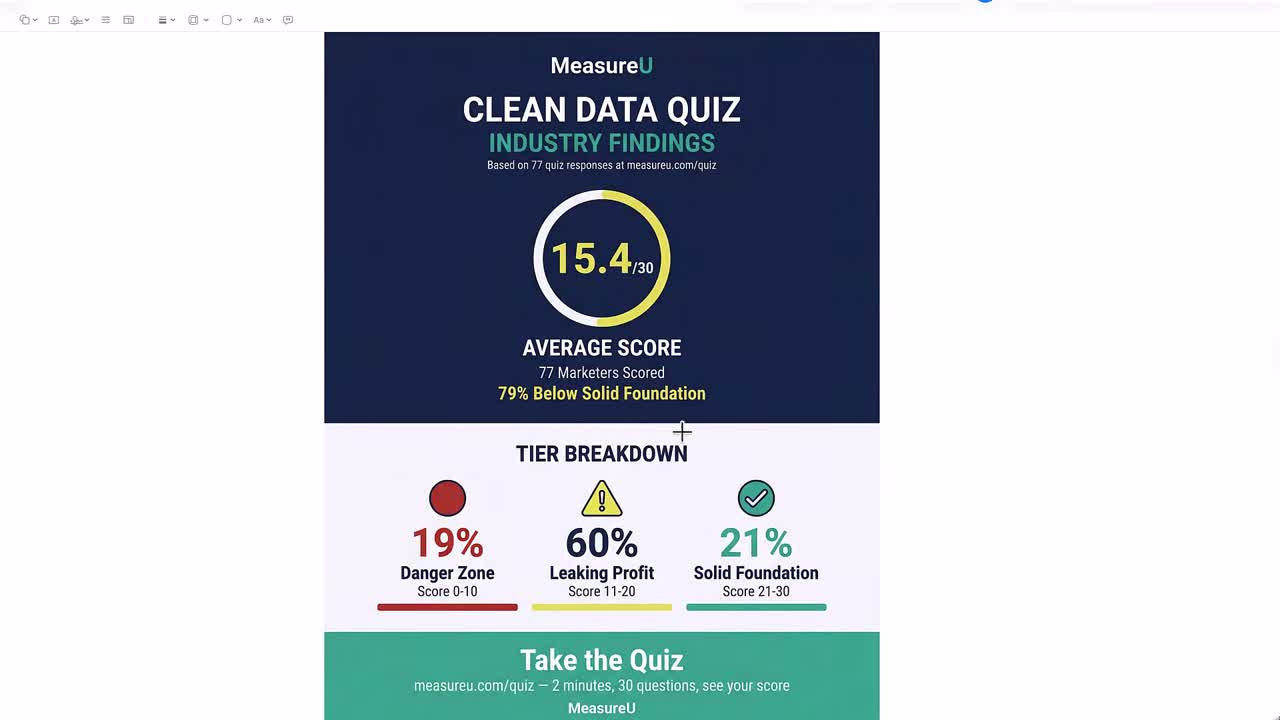
Asset 7: Infographic (5 minutes)
The /infographic skill, about five minutes, visual breakdown of the key stats from the spreadsheet.
Total time: Under 30 minutes for all seven assets.
Why Your AI Outputs Probably Feel Generic (And How to Fix It)
If you've been frustrated with AI outputs before, there's almost certainly one reason why.
You're treating it like a chatbot.
You retype the same context every time you open a new conversation. You explain who you are, who your audience is, what you're trying to accomplish, over and over and over.
And then you get back something that feels… okay. Not great. Not on-brand. Not ready to use.
You're not doing anything wrong. You just haven't trained it yet.
Here's what most people are doing:
- Opening a new chat
- Typing a one-line request
- Getting generic output
- Editing for 45 minutes to make it sound like them
- Closing the tab frustrated
Here's what I'm doing:
- Opening Claude Code (which already has my brand context loaded)
- Typing a slash command
- Getting output that sounds like me, formatted for my audience, ready to publish
- Moving on to the next thing
The gap between those two workflows isn't small. It's the difference between saving 20 minutes on a blog post and completely changing how your marketing gets made.
The Compounding Effect: Why This Gets Better Over Time
Here's what I want you to sit with for a second.
The demo you just watched wasn't a best-case scenario.
That was a Tuesday.

I run this same system across every piece of content I produce now. Doesn't matter if it's a webinar follow-up sequence, a new lead magnet for a different audience segment, a full launch campaign. Same process. Same speed.
And here's what compounds over time: every skill file I build makes the next one faster. Every output I get back teaches me something about what Claude needs to go deeper on.
After six months of this, I'm not just faster. The outputs are better than what I was producing manually because Claude has more context about my audience than any freelancer I've ever worked with.
And that context keeps growing.
Every time someone fills out a MeasureU quiz, that's more signal about what my audience actually needs. More data going into the system. Better assets coming out.
What Else I'm Running Through This Setup
Because I think it changes your sense of what's possible here:
- Sales pages: Full-length, built from a positioning document with my offer structure baked in
- Google Slides decks: With speaker notes already drafted
- Daily briefings: Pulling from six or more sources, hitting my inbox every morning already summarized and prioritized
- Deep research: Running multiple AI models in parallel, synthesizing what comes back into something I can use
- Full YouTube video production: Scripting, editor notes, packaging strategy, all from one brief
- Client dashboards: Same setup, different output every time
Your Next Steps
So here's where I want to leave you.
The marketers who build actual systems with AI are going to operate at a completely different level than the ones who don't. That gap is opening right now.
I want to be straight about how long this took to build: months. Not because it's technically hard. Because figuring out what worked meant a lot of dead ends first.
If you want to skip that part and start using skills like these right away, MeasureU Academy is where we're putting them.
- Some skills are available now
- We're adding more every month
- The stuff you saw today (the lead magnet, the landing page, the social posts, the infographic) is the kind of thing we're building inside
Not tutorials walking you through prompts. Actual files you drop into your own setup and run.
I've been in digital marketing for 20 years. I've watched a lot of things roll through this industry that people called the next big shift. Most of them made things 10 percent easier.
This is different.