The hardest part of winning a client isn't the pitch.
It's getting them to hand you the keys so you can go deeper and understand their business, and honestly, what you're getting yourself into.
And there's a five-minute move with Google Analytics 4 that makes that happen almost every time.
It's a rule I learned about twenty years ago that still applies today. I call it the NDA rule.
Here's how it works: if you can get a prospective client to give you access to review their marketing systems or data under NDA, the business is yours to lose. If they trust you that much, you're uniquely positioned against your competitors. They're highly unlikely to go to another provider or sign NDAs with four different bidders at the same time. It's just too much to manage.
And that's the thing most consultants never figure out. They think their proposal or pitch or PowerPoint wins the client.
That's not usually what wins the client.
It's proving that you're worthy of access, and what you do with it, that wins the client.
The moment someone gives you read access to their GA4 property, something shifts. Instead of being a vendor they're evaluating, you become someone who's already inside. That's a completely different relationship.
Watch the Full Breakdown
In the video I run the five-minute configuration check on a live GA4 property and read the report out loud the way a salesperson would, not the way a technician would.
What follows is the written version: the exact ask that gets you access, what the check actually covers, and the line between what you give away and what you charge for.
What You'll Learn in This Post
- Access beats the pitch. The consultant who wins isn't the one with the best proposal. It's the one who gets inside the GA4 property first.
- The under-an-hour rule. If you can discover a problem in under an hour, don't put it on an invoice. Use it to define the problem, then charge for the fix.
- Read findings like a salesperson. Every flag in your audit report is really a question: “What is this costing you right now?”
- A configuration check is not a paid audit. Keep the two separate and your pricing stays intact.
Table of Contents
- My Background With This Approach
- The Question: What's the Cheapest Way to Ask for Access?
- What the 5-Minute GA4 Configuration Audit Actually Covers
- Why You Give the Audit Away (But Never the Fix)
- Reading Your GA4 Audit Like a Salesperson
- Where the Free Audit Stops (And the Paid Engagement Begins)
- Stacking Into Premium Compliance Work
- Your Next Steps
My Background With This Approach
I'm Jeff Sauer, and I've spent twenty years turning technical expertise into lucrative paid engagements. My partners and I built and sold an eight-figure agency doing exactly this kind of work, five times on the Inc. 5000.
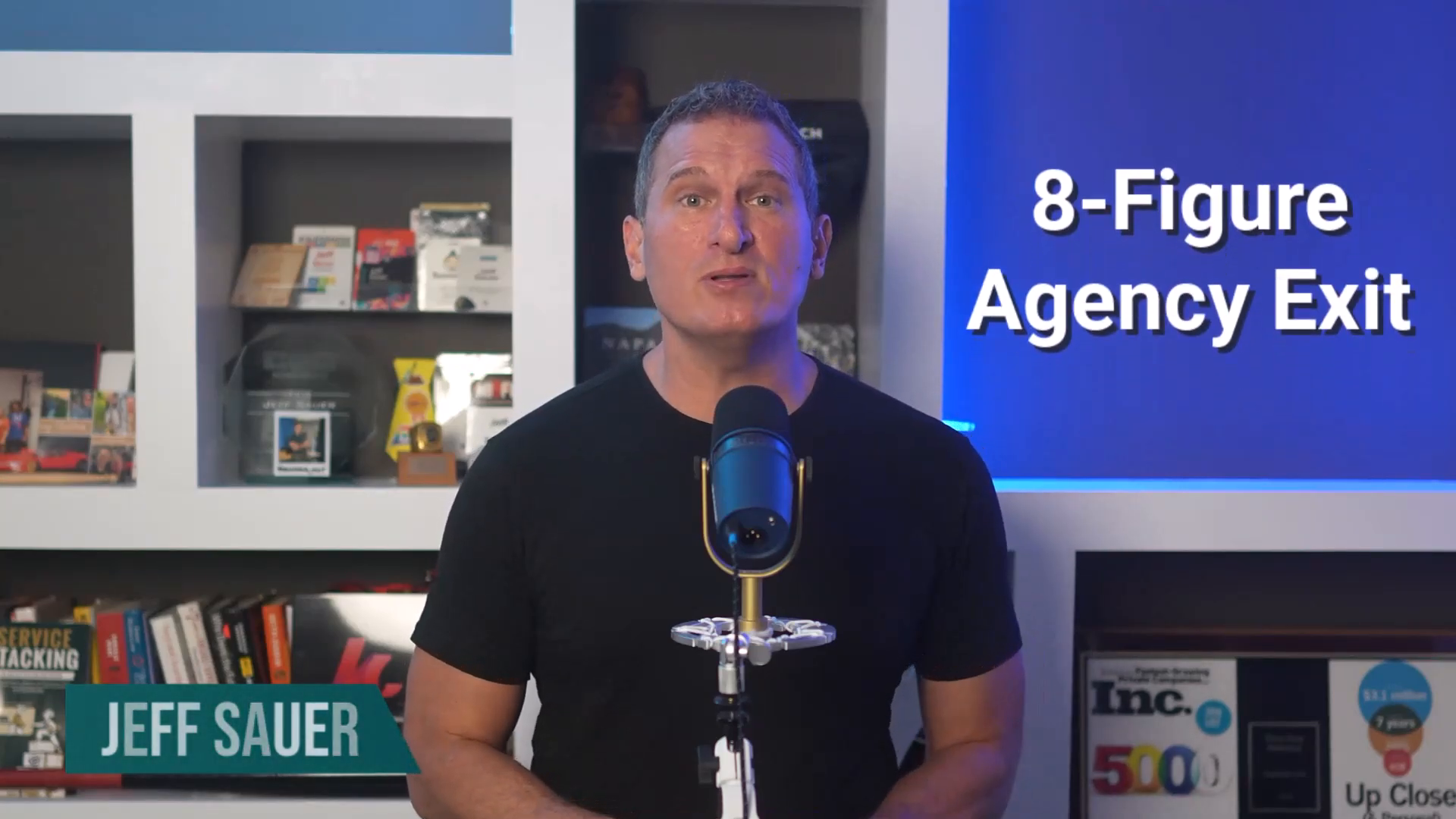
I created the Service Stacking methodology because I kept watching smart consultants leave money on the table. They didn't know how to frame their expertise into something people will actually pay for.
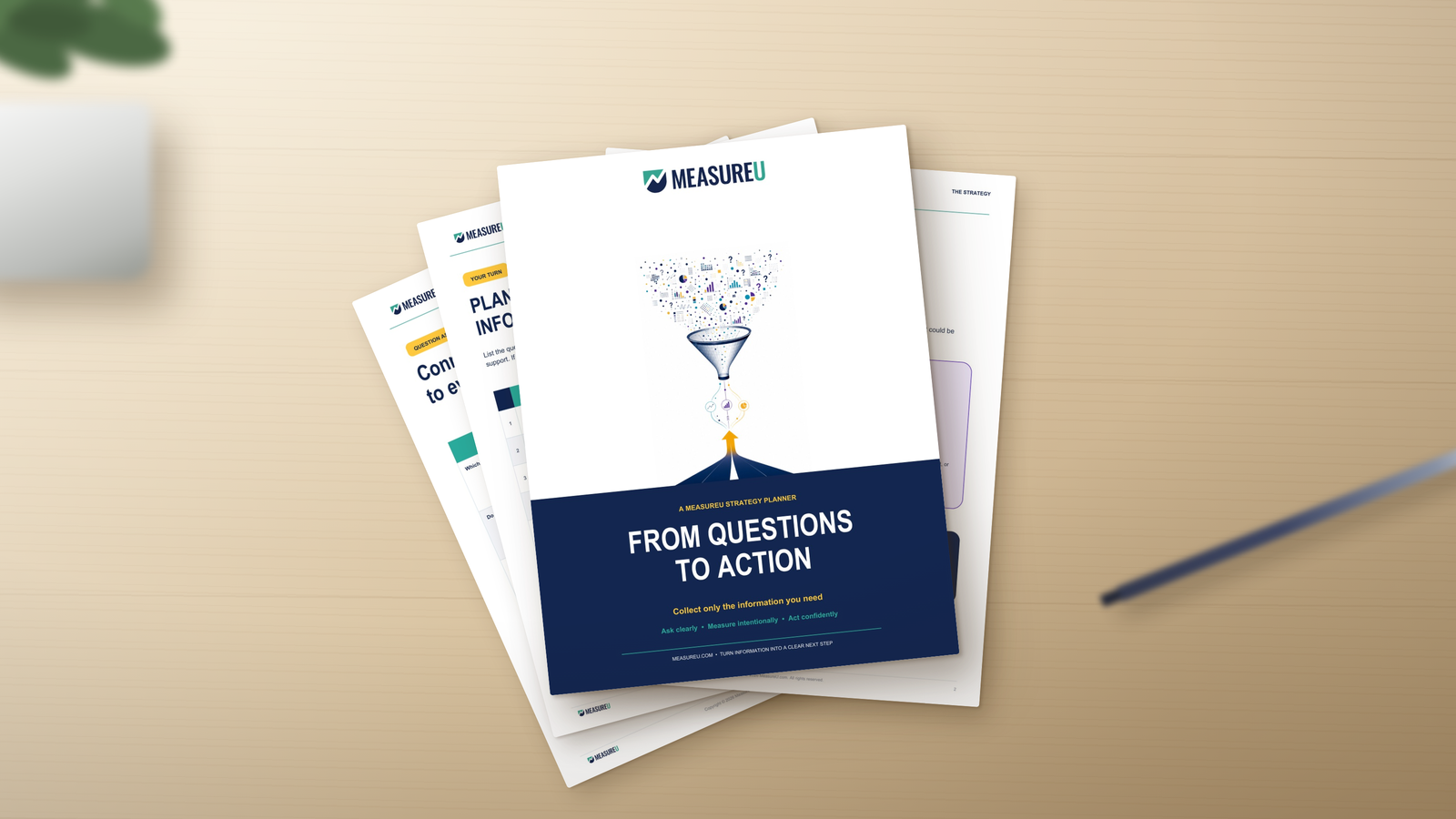
Recently we released a GA4 Audit tool to our MeasureU Pro members, and they're using it to score larger deals than ever with new and existing clients. Anyone can use it to discover opportunities for improvement with prospective clients and turn that into larger scale implementation work.
The Question: What's the Cheapest Way to Ask for Access?
Demanding access so you can do a four-hour paid audit they have to approve through procurement? Not the answer.
A discovery call where you're guessing at their setup? Not it either.
That's where the five-minute configuration check comes in.
You run it yourself in your own browser. It touches nothing on their end. And it gives them a PDF they can actually use.
All it requires is read-only access to their analytics data. No pitch involved, just a free second opinion about their marketing based on facts.
And that ask almost always gets a yes.
What the 5-Minute GA4 Configuration Audit Actually Covers
The audit tool pores over your client's GA4 configuration and reviews:
- Every data stream, URL, and measurement ID
- Google Signals status
- Data retention settings
- Whether Google Ads, BigQuery, and Search Console are linked
- The full property and account access list
- Audiences, custom definitions, and channel groups
- Reporting identity settings
- Whether GA4 is receiving consent signals
- Enhanced measurement settings
- URL parameter redaction
Every item comes back flagged one of three ways: configured, not configured, or needs attention.
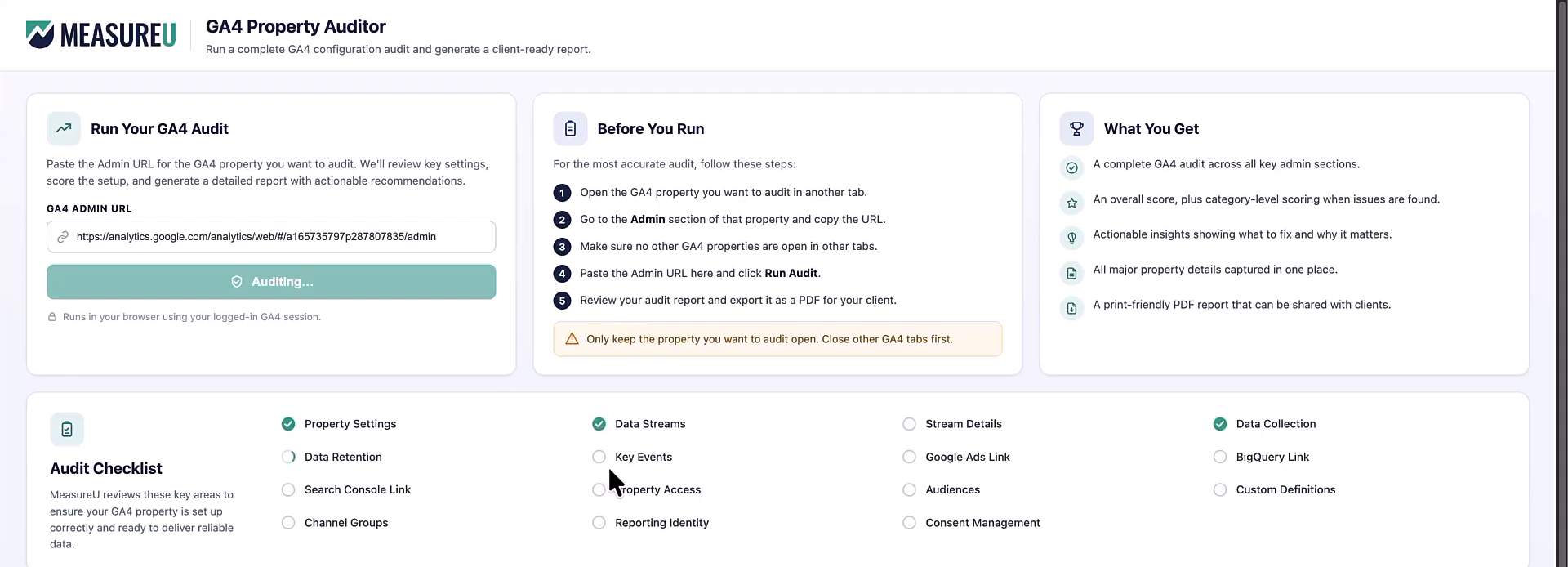
The whole thing exports to a PDF.
Proof This Works (Even When You Already Know What You're Doing)
We ran it on our own GA4 property. It pulled a full access list to the account, which started a real conversation inside our own team about who still had credentials they no longer needed.
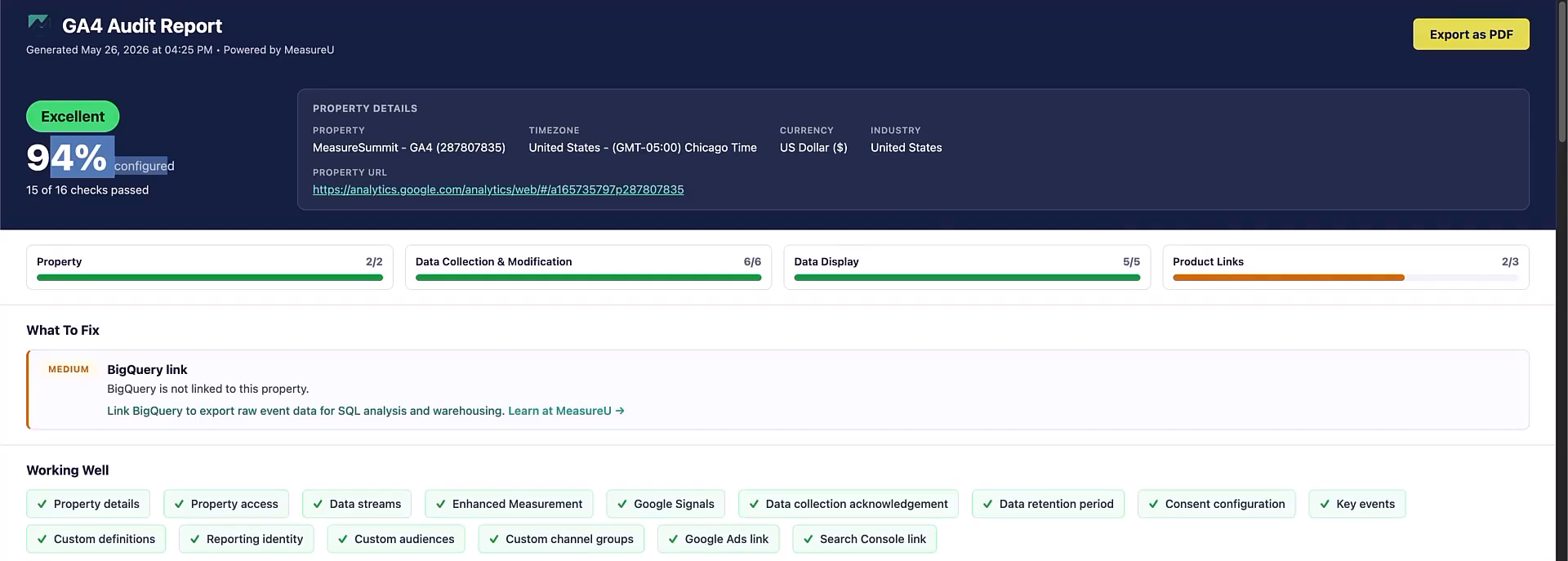
If a report can do that for a team that lives inside GA4 every day, imagine what it surfaces for a client who hasn't looked at their admin tab in eighteen months.
What It Doesn't Do
One thing this audit doesn't cover: it audits configuration, not data quality.
A broken conversion event won't show up here. Bad event naming is also outside what this tool sees.
But that's good news, because those additional audits are what you'll do in your paid engagement. The audit tool establishes a need and gives you a foot in the door so you can land much larger and longer-term contracts.
Why You Give the Audit Away (But Never the Fix)
Here's where most consultants get it backward.
They bill for the diagnosis and then give away the fix.
That's the wrong order.
The diagnosis is what gets you in the room. The fix is what you charge for.
If you can discover a prospective client's problem in under an hour, you shouldn't put it on an invoice. Even the highest hourly rate won't make that discovery worth your efforts.
Because what you're really doing in that hour is defining the problem. And once the client sees the problem clearly, they need someone to solve it.
That someone is you, because you're already in the room. You already have access. You already ran the report.
You're not giving them that free five-minute audit out of the kindness of your heart. You're making the opening move in a longer engagement.
Every lucrative project I've ever sold started with something I gave away.
The thing you give away has to be:
- Valuable enough that they take it seriously
- Fast enough that it doesn't cost you real time
Under an hour is the rule. This audit clears that bar comfortably.
Reading Your GA4 Audit Like a Salesperson
Most consultants look at an audit report and see a checklist of work to be done.
A salesperson looks at the same report and sees an opportunity.
The Access List
If you see names on that list that nobody on the current team recognizes? You're not looking at a cleanup task. You're looking at a security conversation.
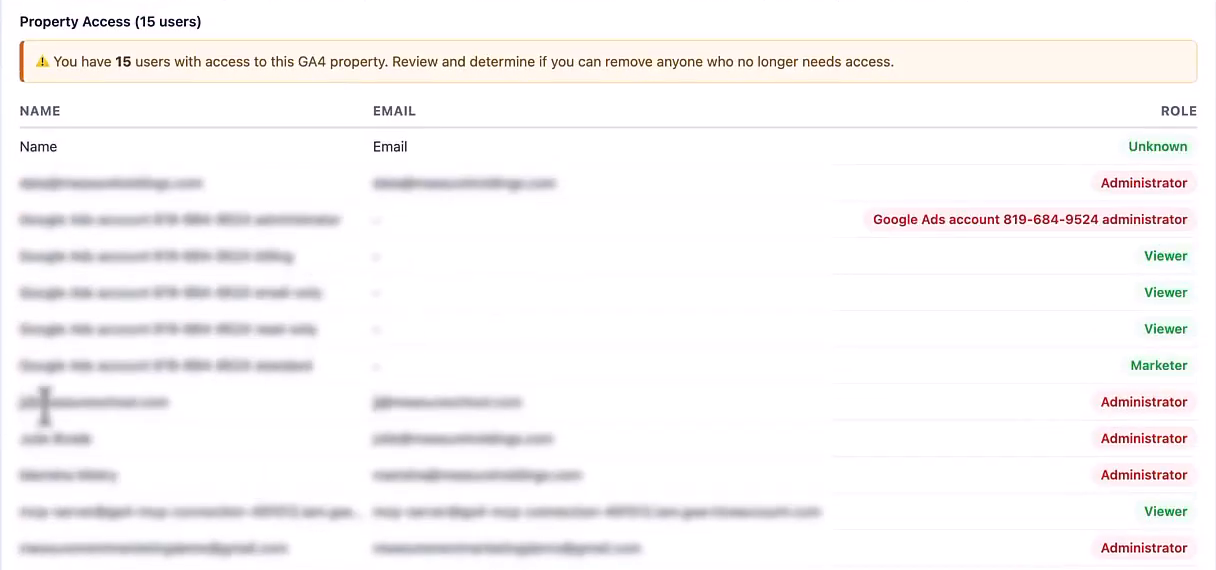
And security conversations have budgets attached to them.
The BigQuery Link
Not linked means the client has no raw event data sitting anywhere they own.
That's a data ownership conversation.
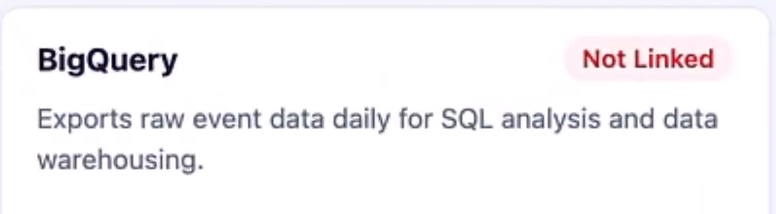
Instead of telling them “BigQuery is missing,” you ask them what happens to their data if they ever need to leave Google's ecosystem.
Consent Signals
The report tells you whether GA4 is receiving them. What it cannot tell you is whether the website is actually respecting them.
Retention Settings
This is where a lot of clients are quietly erasing their own history. If it's set to two months, they're doing exactly that on a rolling basis.
Most of them don't know that setting exists.
Telling them isn't a billable service. Getting them to ask you what the right setting is, and why, and what they've already lost, is where the scope starts.
Google Ads and Search Console Link Status
A missing link is not a problem you fix for free on the call.
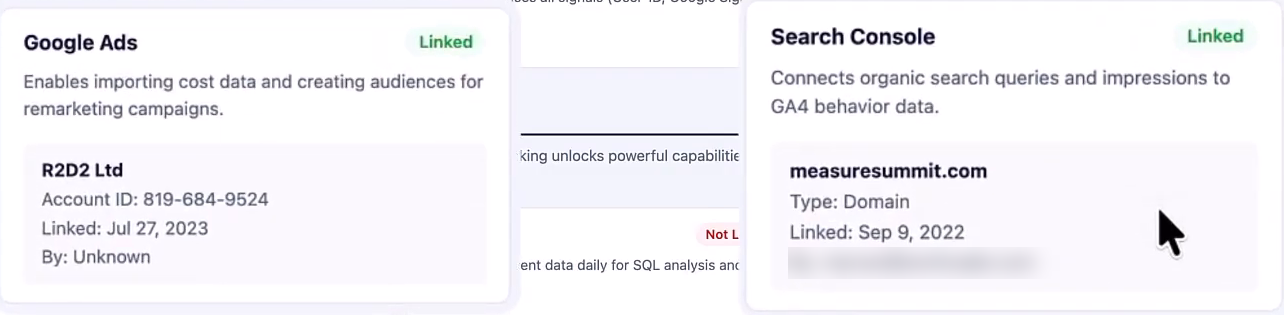
A missing link is the opening line of a proposal.
The Reframe
Here's what I want you to carry into every audit conversation:
Clients don't care about what you found. They care about the risk of not fixing the problem once it's discovered.
Every flag in that report is a question you get to ask out loud: “What is this costing you right now?”
You help the client answer that question, and the scope builds itself.
Where the Free Audit Stops (And the Paid Engagement Begins)
I want to be straight with you about something.
This is a configuration check, not a paid audit. Those are two different things, and conflating them is how you train clients to undervalue your real work.
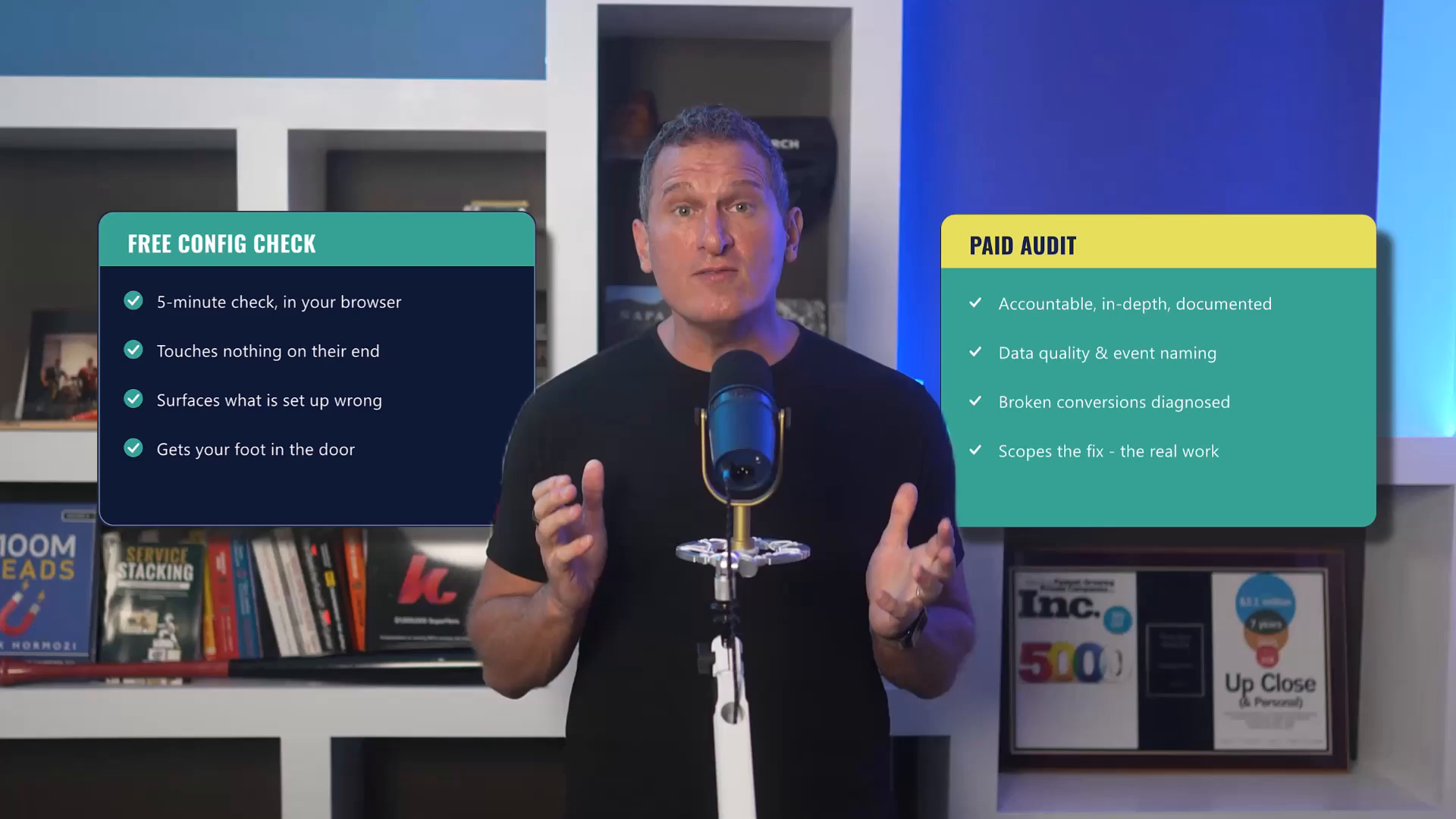
| Free Configuration Check | Paid GA4 Audit |
|---|---|
| Surfaces what's set up wrong | Accountable, in-depth, documented |
| Takes 5 minutes | Takes hours of real expertise |
| Configuration only | Data quality, event naming, broken conversions |
| Gets your foot in the door | Where the real engagement begins |
If you hand someone a free configuration report and call it an audit, you've just told them that audits are free.
I've made that mistake. And it's a hard one to walk back once the expectation is set.
How I Think About the Distinction
- The free audit discovers the problem
- The paid audit proves the problem, scopes the fix, and gives the client something they can act on
One gets your foot in the door. The other is where the real engagement begins.
Don't skip from one to the other without a scope conversation. The report gives you the opening. You still have to close.
And the close is a proposal, not more free work.
When you see BigQuery not linked, you don't fix it. You say: here's what that's costing you, here's what it would take to get it right, here's what I'd charge to do that properly.
Run the mini-audit to start the conversation. Run the paid audit to define the work. Keep those separate, and your pricing stays intact.
Stacking Into Premium Compliance Work
For the consultants who are already doing compliance and privacy work, or who want to be, this part matters.
One of the things the report checks is whether GA4 is receiving consent signals. That's a specific, technical flag.
And it matters, because consent is now a real liability for a lot of clients. Not just a checkbox.
But here's the thing: what the report confirms is that GA4 is receiving signals. What it cannot confirm is whether the website is actually respecting them on the front end.
Those are two completely different things.
A site can be sending signals to GA4 and still be handling consent wrong at the point of collection.
The space between “signals are being sent” and “consent is actually being honored” is a paid engagement.
What That Deeper Work Looks Like
- CMP setup review
- Tag firing logic analysis
- Data layer inspection
- Legal review (in some cases)
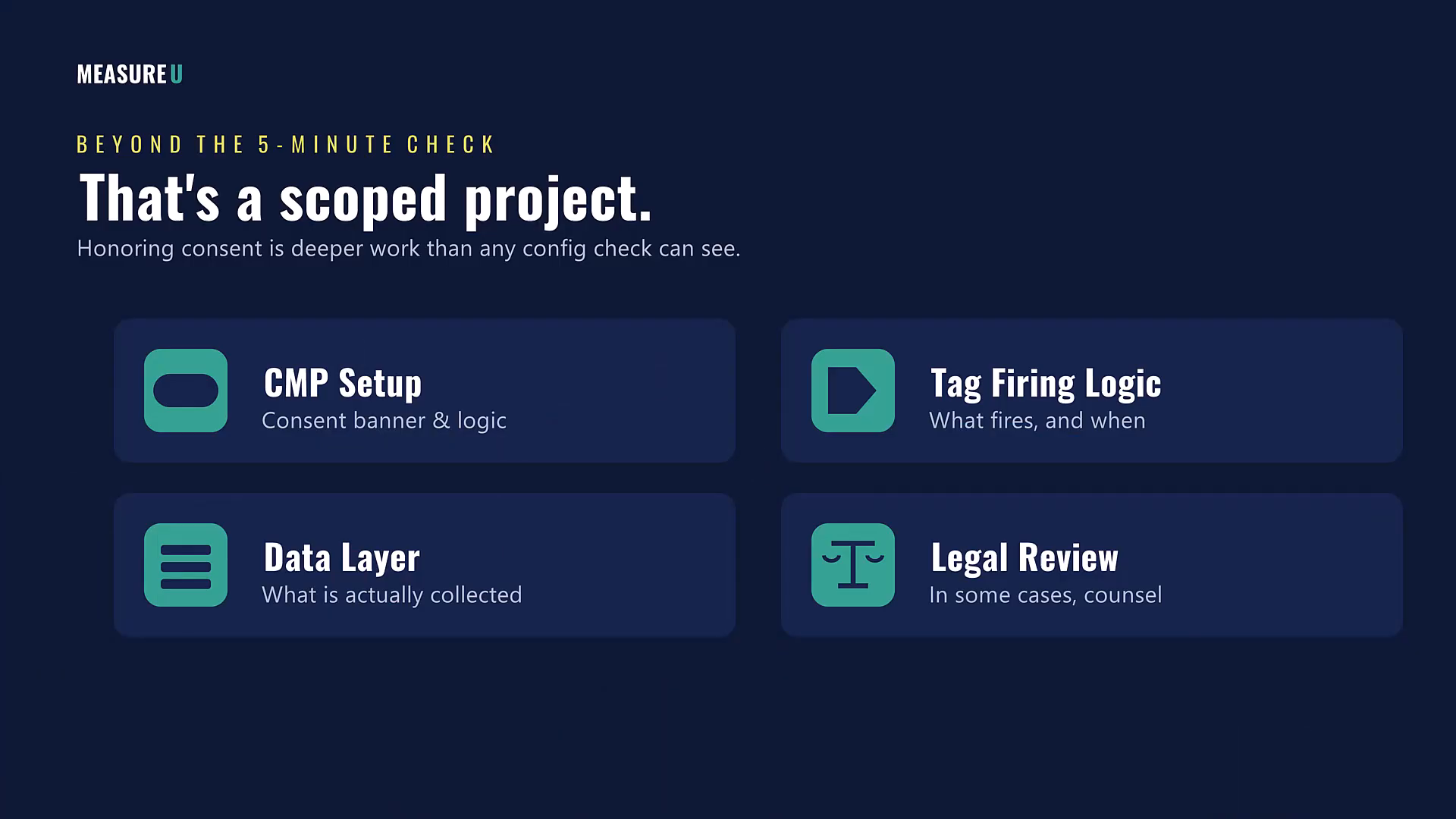
That's not a five-minute check. That's a scoped project.
And the mini-audit hands you the opening line. You pull up the report, you show the client the consent flag, and you say: “Your GA4 is receiving signals, but I can't tell from this whether your site respects them.”
CIPA, GDPR, state-level privacy laws: none of that is going away. Clients who are running paid media and collecting data need someone who can tell them whether they're exposed.
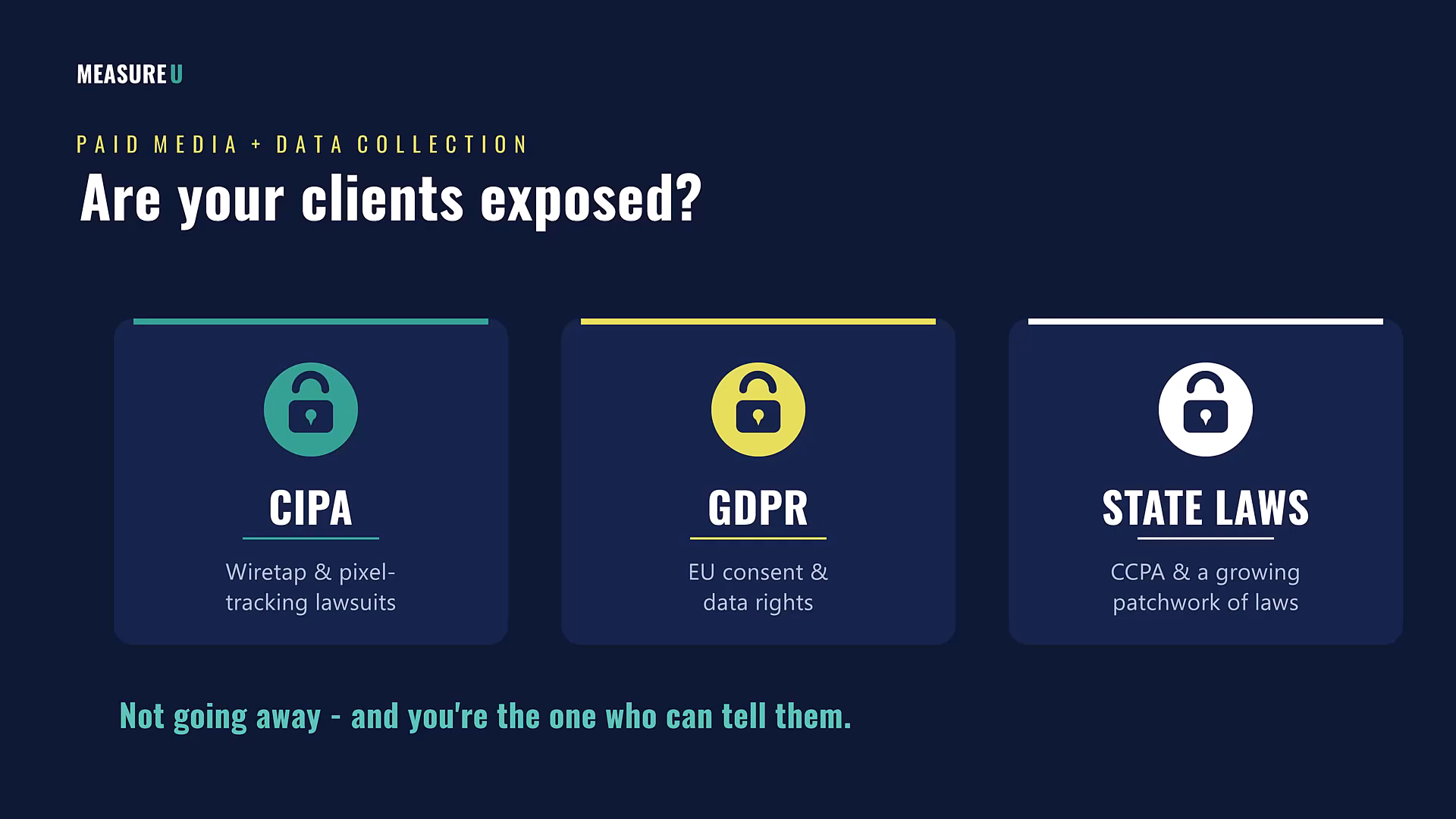
That someone can be you.
The audit gets you into the property. The consent finding opens the premium conversation. And that conversation is where the real implementation work begins.
Your Next Steps
If you have a client or a prospect you could run this on this week, here's what to do:
- Apply for MeasureU Pro, where the GA4 Audit tool and implementation support are available the moment you join
- Mention the Audit tool in your application so we can hit the ground running
Everything I've walked you through here, the audit tool, the report, the findings, is exclusively available inside our MeasureU Pro membership.
Plus implementation support: the ability to bring a finding to our experts and confidently turn it into a scoped proposal.
MeasureU Pro is a paid membership built for people who are serious about turning this skill into paid work. If you're doing measurement work for other people, or you want to add it to your current services, apply for MeasureU Pro today.