I’m going to be straight with you: if your consent management setup is broken, this article isn’t going to fix it before Black Friday.
It’s too late for that. And I’d rather tell you that up front than pretend otherwise.
What I can do is show you how to check your current consent setup, understand your risk going into the busiest week of the year, and set yourself up to actually fix it in January, instead of hoping it somehow gets done over the holidays. (Spoiler: it won’t.)
I’m Jeff Sauer, and I’ve spent over twenty years helping companies get their marketing data right. What I keep seeing this time of year is teams who know they have a consent problem, but they’re “too busy” to address it. The reality? You’re probably not going to be any less busy next month. Or next year. Waiting until conditions are perfect almost never works.
So here’s the mindset shift: this week, check, don’t change.
This post is sponsored by Cookiebot by Usercentrics.
Watch the Full Walkthrough
In this video, I walk through the exact steps to audit your consent setup before Black Friday, what to monitor during the sales rush, and how to build your January fix-it plan.
Key Takeaways
- Code freezes are real, and many teams locked their sites as early as October 1st
- Black Friday week means the highest concentration of new consent decisions all year
- Four browser-based checks can reveal your biggest compliance risks without touching code
- Document everything now so your January plan is ready the moment the freeze lifts
Table of Contents
- Why Consent Management Matters During Peak Season
- The Code Freeze Problem (And Why Timing Is Everything)
- The 4 Pre-Black Friday Consent Checks (No Code Required)
- What to Do When You Find Issues
- Monitoring Strategy for Black Friday Week
- Frequently Asked Questions
- Your Action Plan: Check, Monitor, Fix
Why Consent Management Matters During Peak Season
Let’s face it: Black Friday week is different from every other week of the year.
It’s the highest-traffic, highest-sales period for most online stores. Which also makes it the week when the most visitors are making consent choices on your site. For a lot of people, they’re seeing your consent banner and setting their preferences for the first time all year.
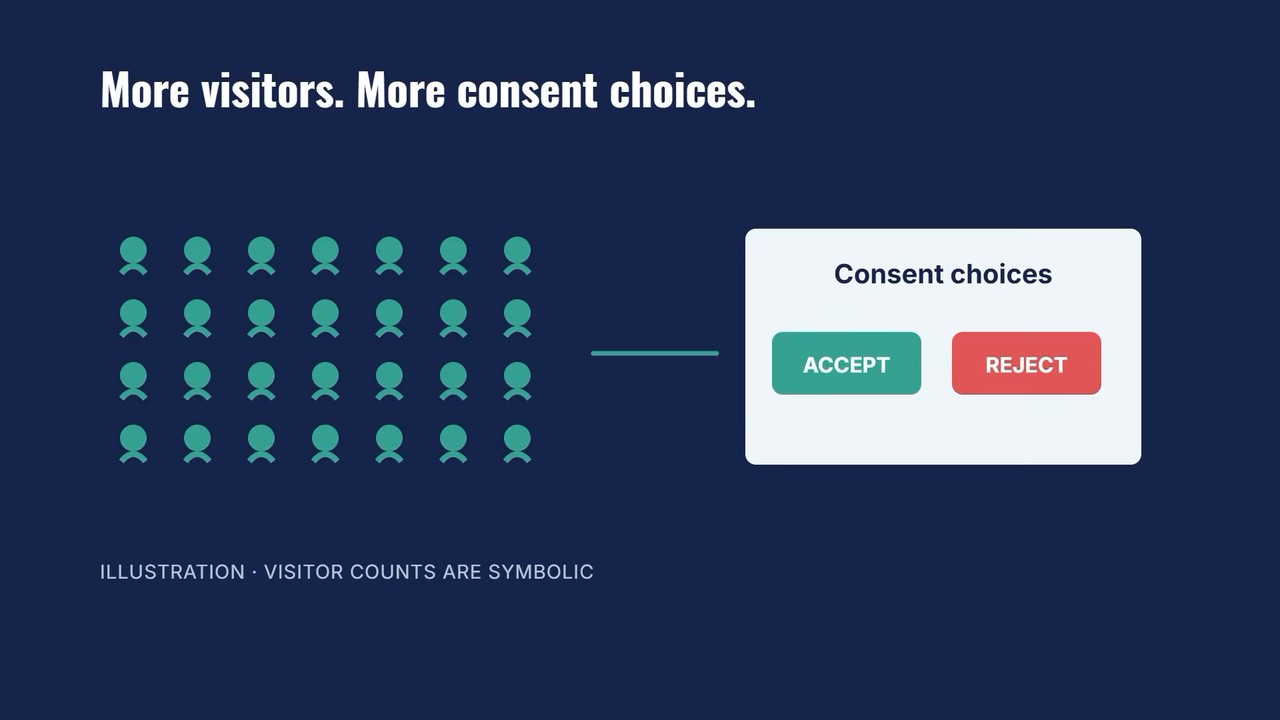
Every one of those visitors is either giving you permission to track them, or they’re not.
But here’s the thing: what happens if your setup is broken and not working as intended?
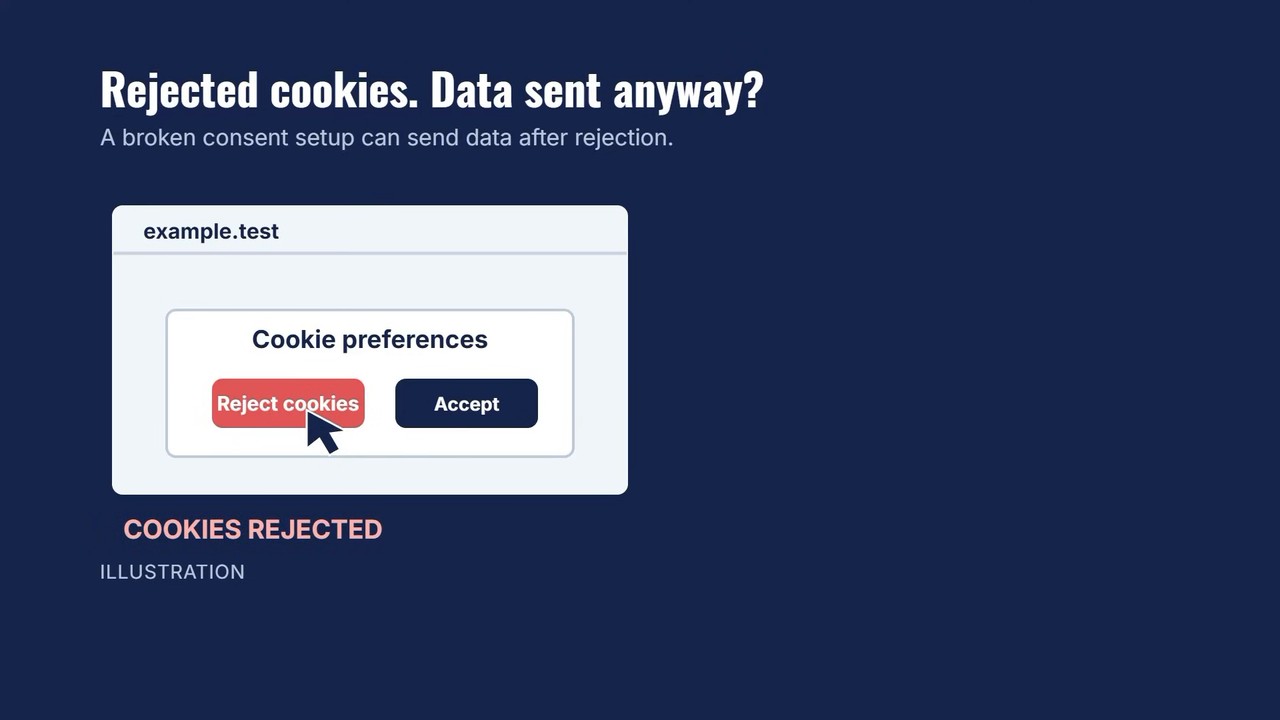
Say you think your banner stops tracking when someone rejects cookies, but the data gets sent to your server or analytics tools anyway. You’re creating problems you’ll need to clean up later. Or worse, you’re racking up compliance violations during your most visible sales period.
The numbers are sobering. According to Gartner, US state privacy fines totaled $3.425 billion in 2025. That’s more than the previous five years combined. And that was before several new state privacy obligations landed in 2026, with more taking effect before Black Friday.
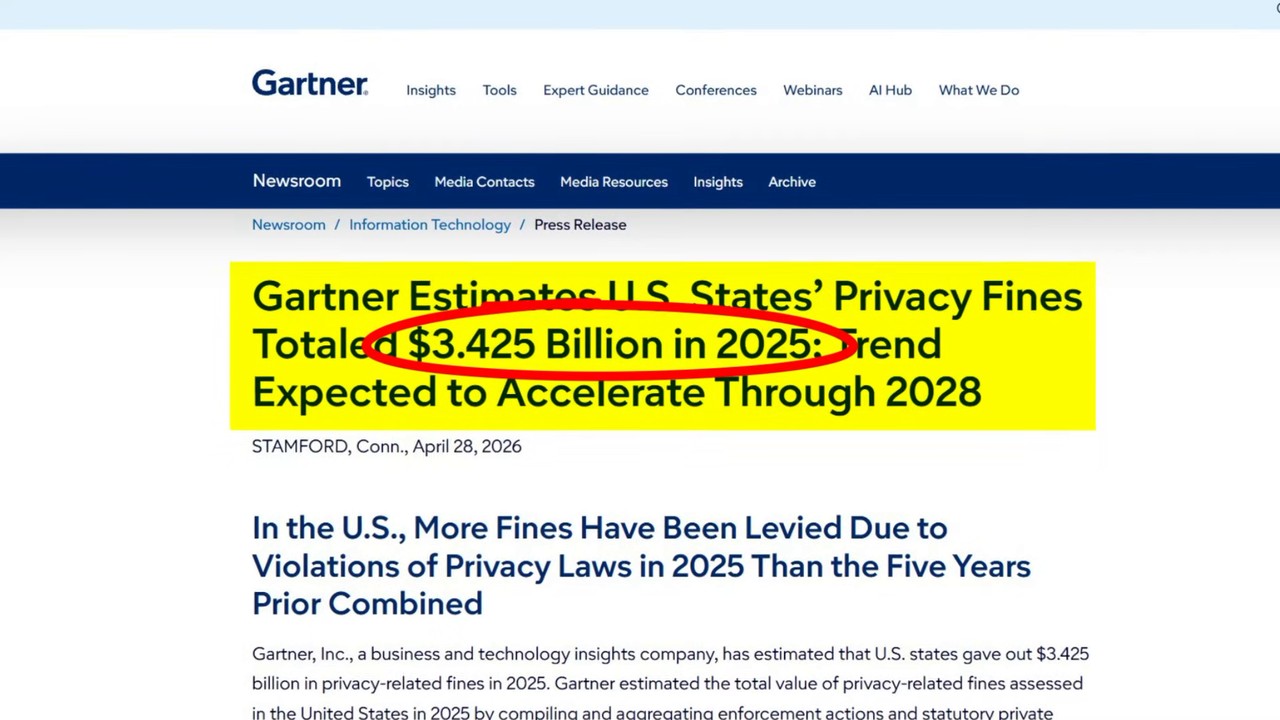
None of those laws pause enforcement just because it’s your peak sales season.
The Code Freeze Problem (And Why Timing Is Everything)
Part of what makes this so hard right now is the holiday season itself.
A lot of teams lock their sites before Black Friday so nothing new breaks right before the sales rush. It’s called a code freeze: no new deployments, no tag changes, no updates to the consent setup. Cookiebot‘s own Black Friday checklist mentions teams with freeze dates as early as October first.
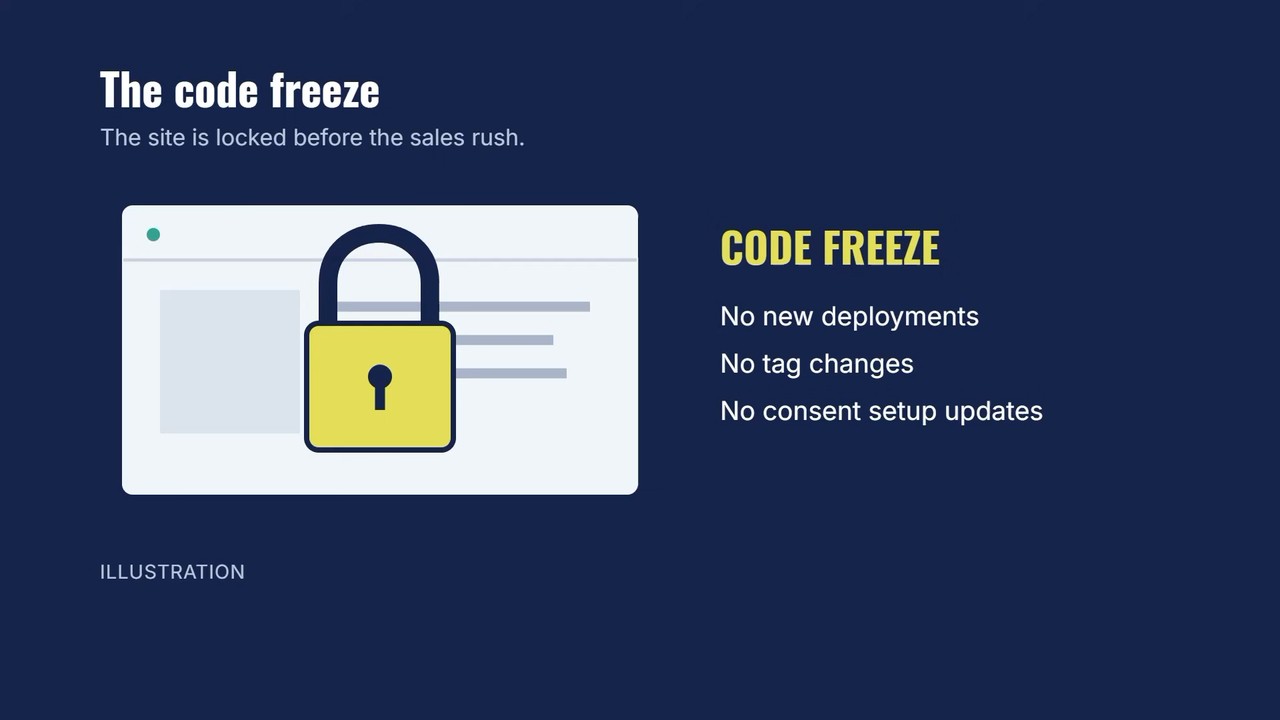
If that’s you, the window to make changes may already be closed.
And even if you’re not in a formal freeze, the last thing you want is to push a consent configuration change days before your biggest sales day. That’s how things break when it matters most.
That’s where the “check, don’t change” approach comes in.
The goal isn’t to fix anything this week. It’s to know what’s broken so your plan is ready the moment the busy season ends.
The 4 Pre-Black Friday Consent Checks (No Code Required)
When I say “check,” I mean something very specific, and none of this requires touching your code.
Check 1: The Reject Test
This is the most important check you can run.
Open your site the way a real visitor does. Click through to your consent banner (you know, the prompt that asks visitors to agree or reject cookies and tracking). Then reject cookies.
Now open your browser’s developer tools and watch whether your marketing tags still fire after you reject.
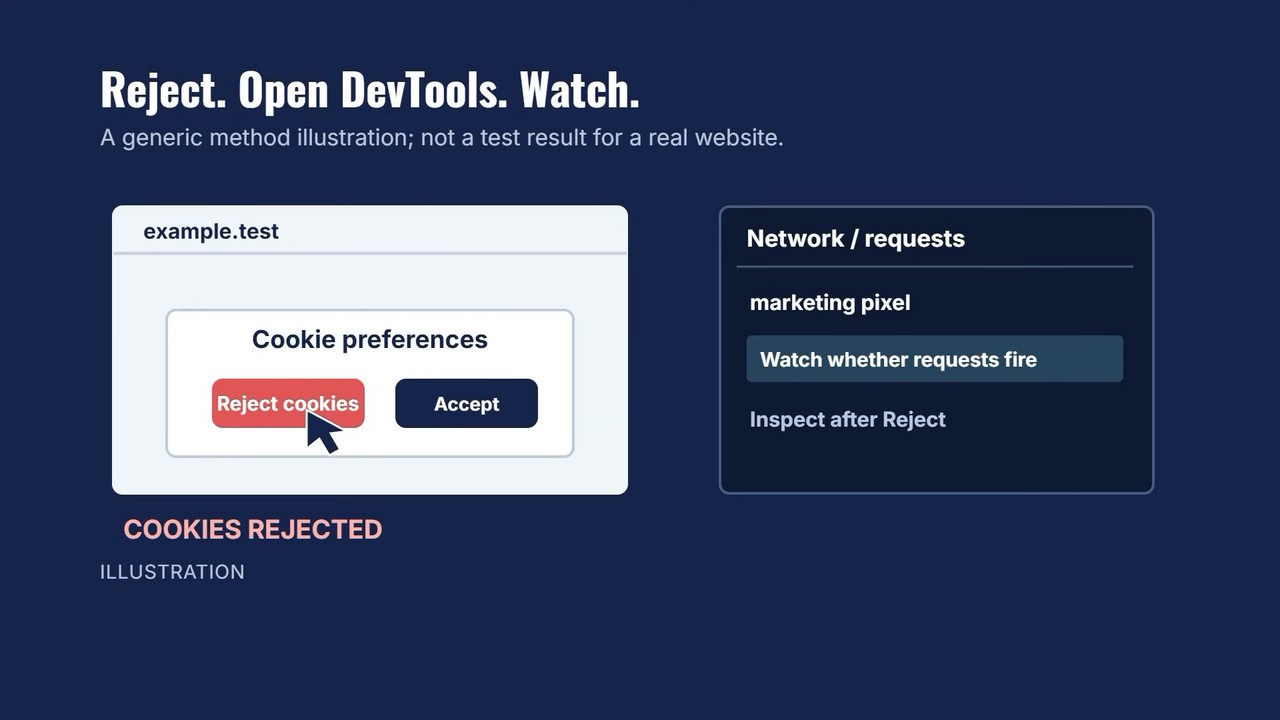
If tags fire after a rejection, your consent setup isn’t doing what it’s supposed to do. You have a real compliance risk that needs fixing.
For those using GA4 consent mode, this check reveals whether your implementation is actually blocking data collection when it should be, or if it’s just theater.
Check 2: Banner Timing Verification
Confirm that your consent banner appears before any tracking starts, not after the page has already loaded your ad pixels.
This one trips up a lot of sites. The banner might look like it’s doing its job, but if your Facebook pixel or Google tags fire before the visitor even sees the consent prompt, you’ve already collected data you shouldn’t have.
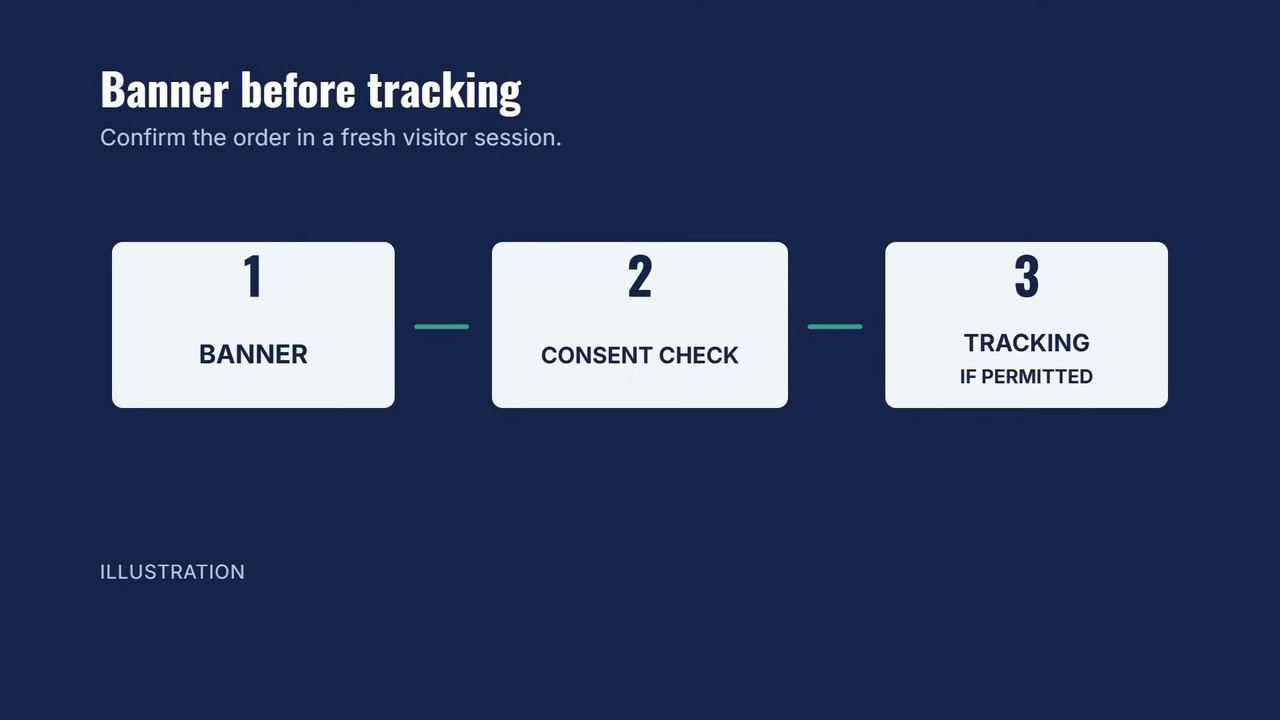
Watch the network tab in dev tools. The consent banner script should fire first, with marketing tags only loading after consent is granted.
Check 3: Opt-Out and Global Privacy Control Validation
This one’s often overlooked.
Global Privacy Control (GPC) is a browser-level signal that tells sites a visitor doesn’t want to be tracked. Several state privacy laws require you to honor it. But many sites either don’t detect it or don’t respond to it correctly.
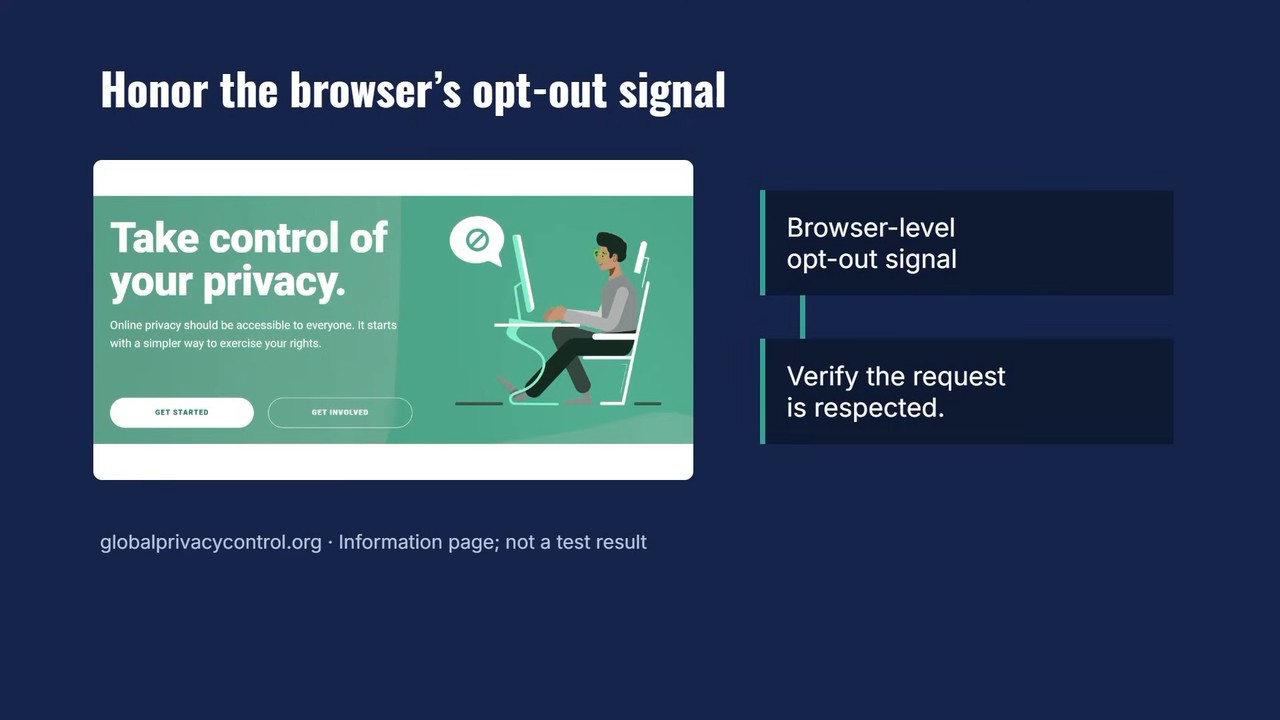
Confirm that:
- Opt-out requests from your banner are actually being honored
- GPC signals are being detected and respected
- Visitors who’ve opted out aren’t suddenly being tracked again on return visits
Check 4: New Campaign Asset Coverage
Here’s where Black Friday prep can bite you.
If your team added new landing pages, promo pixels, or campaign tags this month, and that’s pretty much guaranteed, check that those are covered by your consent setup too.
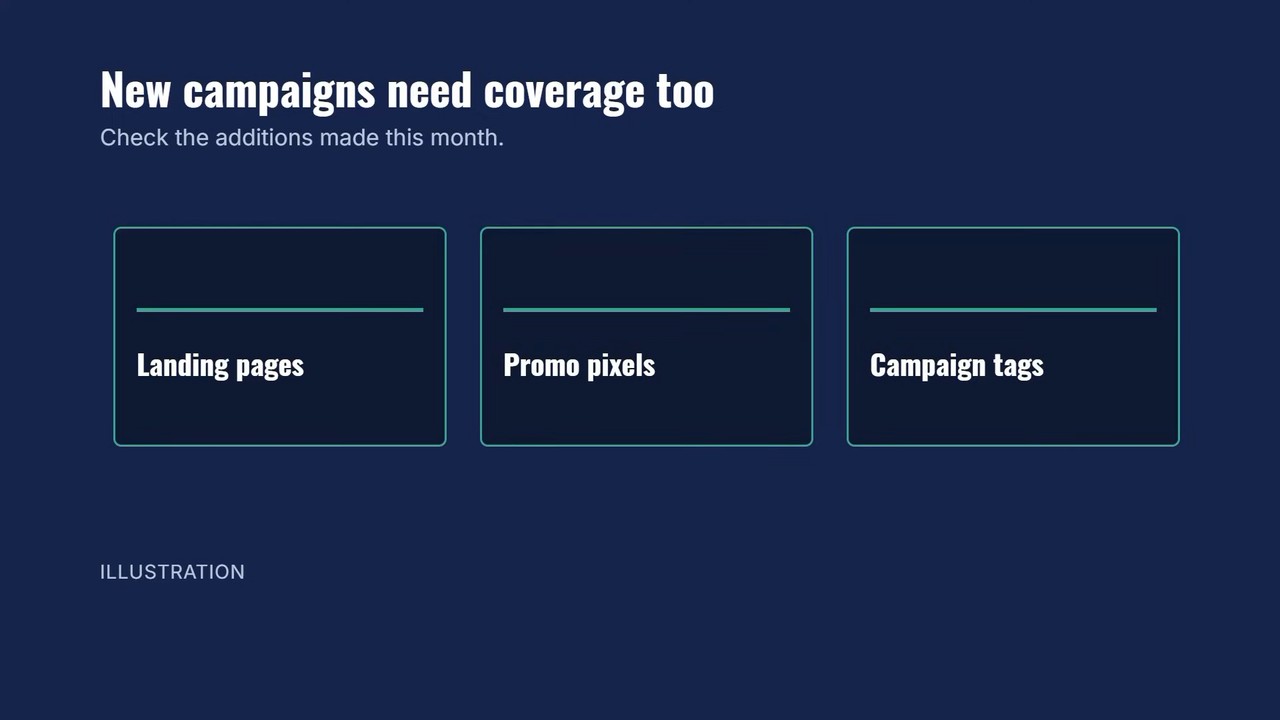
New pages often get deployed outside the normal workflow. That flash sale landing page your designer threw together last Tuesday? It might not have the consent banner configured at all.
Run the reject test on:
- Any new Black Friday or Cyber Monday landing pages
- Pages with new retargeting pixels
- Checkout flows if anything changed recently
What to Do When You Find Issues
So you’ve run the checks. Now what?
If you find a problem and you’re in a code freeze: don’t try to fix it right now.
Write down exactly what you found:
- Which page
- Which tag
- What happened when you rejected cookies
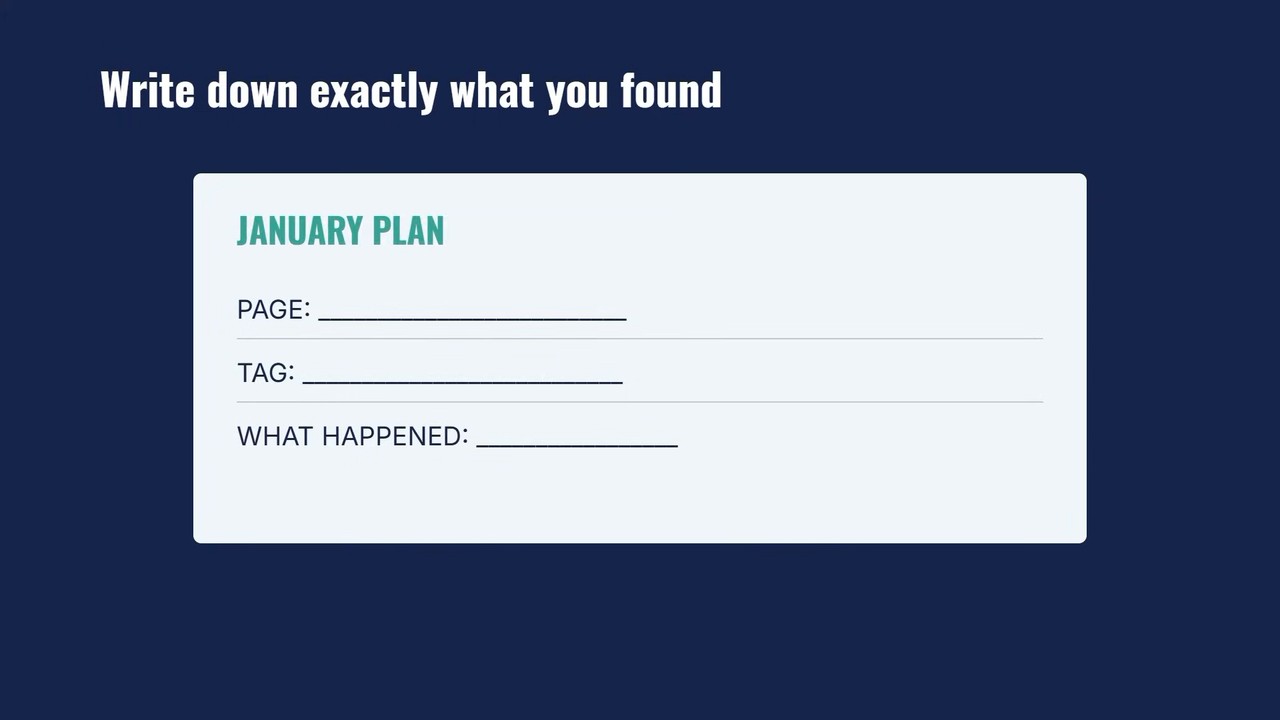
That list becomes your January plan. Having it documented means you’re not starting from scratch when the freeze lifts. You’re not trying to remember “wait, what was that thing I noticed three months ago?”
If something serious shows up, like tags firing on everyone regardless of consent choices, don’t just sit on it. Tell whoever owns the freeze and ask whether there’s a safe way to address it before Black Friday.
That’s a conversation worth having, even if the answer is “no, we can’t touch it.”
Monitoring Strategy for Black Friday Week
During Black Friday week itself, you’re not changing anything. You’re watching.
Rerun the Reject Test
Hit your main landing pages and checkout a few times during the week. Same test as before: reject cookies, watch dev tools. Things can break mid-week when traffic spikes, and you want to catch it.
Watch Your Consent Ratios
How many visitors are accepting versus rejecting? If that ratio suddenly shifts dramatically, way more rejections than normal, or suddenly everyone is accepting, something may have changed with your banner behavior.
Compare Tracked Conversions to Actual Sales
This is the tell.
Put your tracked conversions right next to your actual sales numbers. They should move together, roughly.
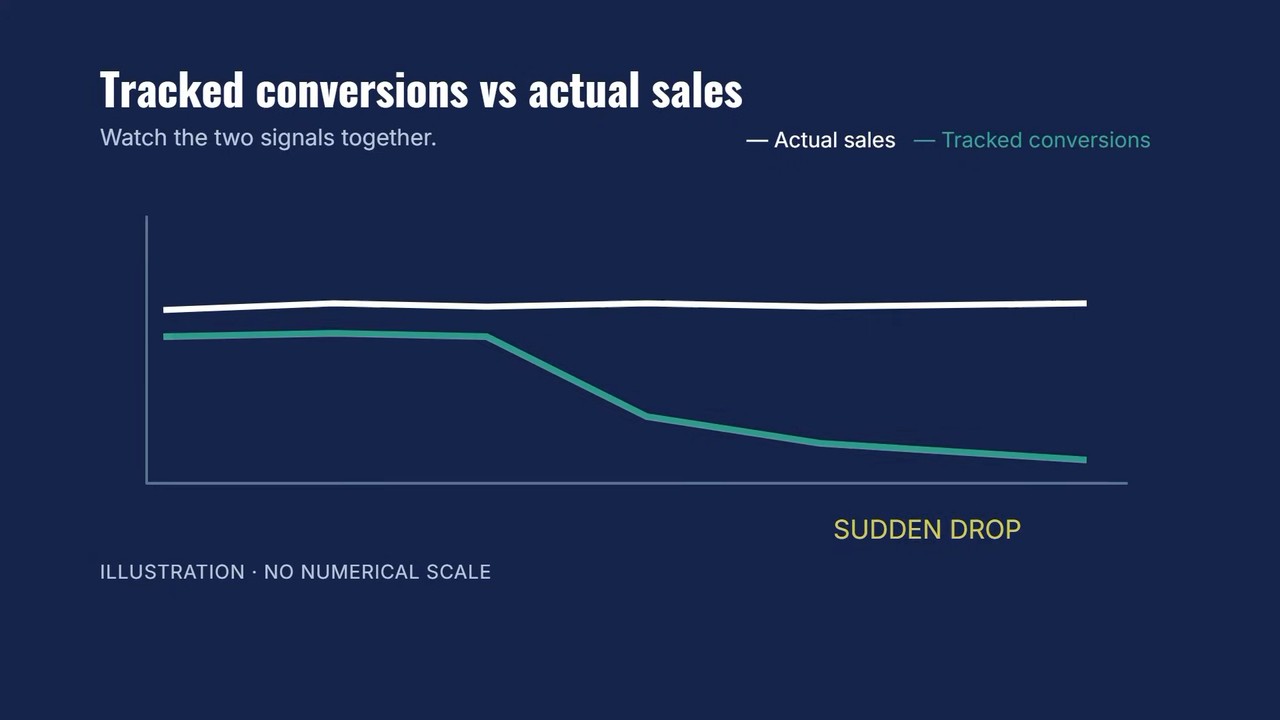
If sales hold steady but tracked conversions suddenly drop: Your tags may be getting blocked for more people than expected. Consent is working, but maybe too aggressively, or there’s a bug.
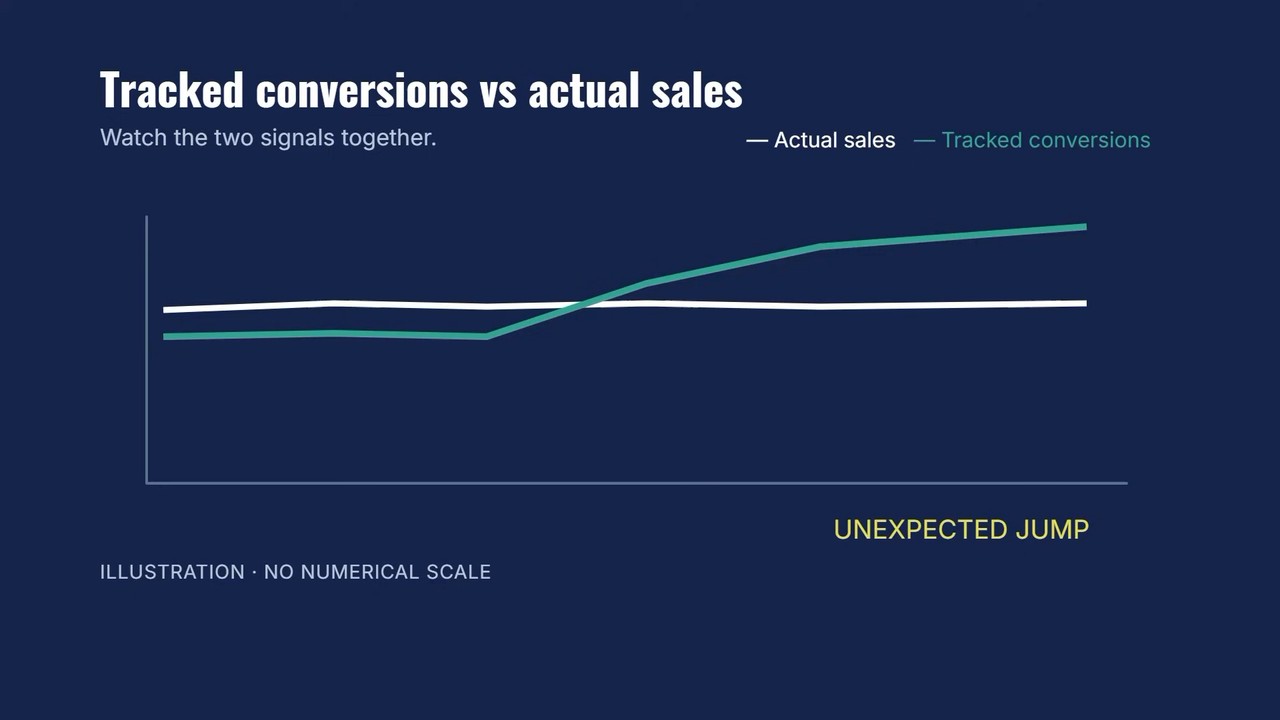
If tracked data jumps where it shouldn’t: Your tags may be firing on everyone, including people who rejected. That’s a compliance problem.
Neither outcome is what you want during your biggest revenue week.
Frequently Asked Questions
Can I actually fix my consent management setup before Black Friday?
If you’re reading this during Black Friday week, probably not safely. The risk of breaking something during peak traffic outweighs the benefit of a rushed fix. Document what you find and plan for January.
What is a code freeze and why does it matter for consent?
A code freeze is when teams stop all deployments and changes to production sites, usually before major sales periods. It protects against bugs during critical revenue times. If you’re in one, consent fixes have to wait.
How do I check if my consent banner is working correctly?
Open your site in a fresh browser, reject cookies on the consent banner, then open developer tools (F12 on most browsers). Watch the Network tab. If you see marketing tags or analytics requests firing after rejection, your setup isn’t working as intended.
What is Global Privacy Control?
GPC is a browser-level setting that automatically signals to websites that a visitor doesn’t want their data sold or shared. Several US state privacy laws require sites to honor this signal. You can test it using browser extensions that enable GPC.
What should I do if I find consent issues during Black Friday week?
Document everything: the page URL, which tags fired incorrectly, screenshots if possible. Don’t attempt fixes during peak traffic. Share critical findings with your compliance or legal team, and build your remediation plan for January.
Your Action Plan: Check, Monitor, Fix
Here’s the timeline that actually works:
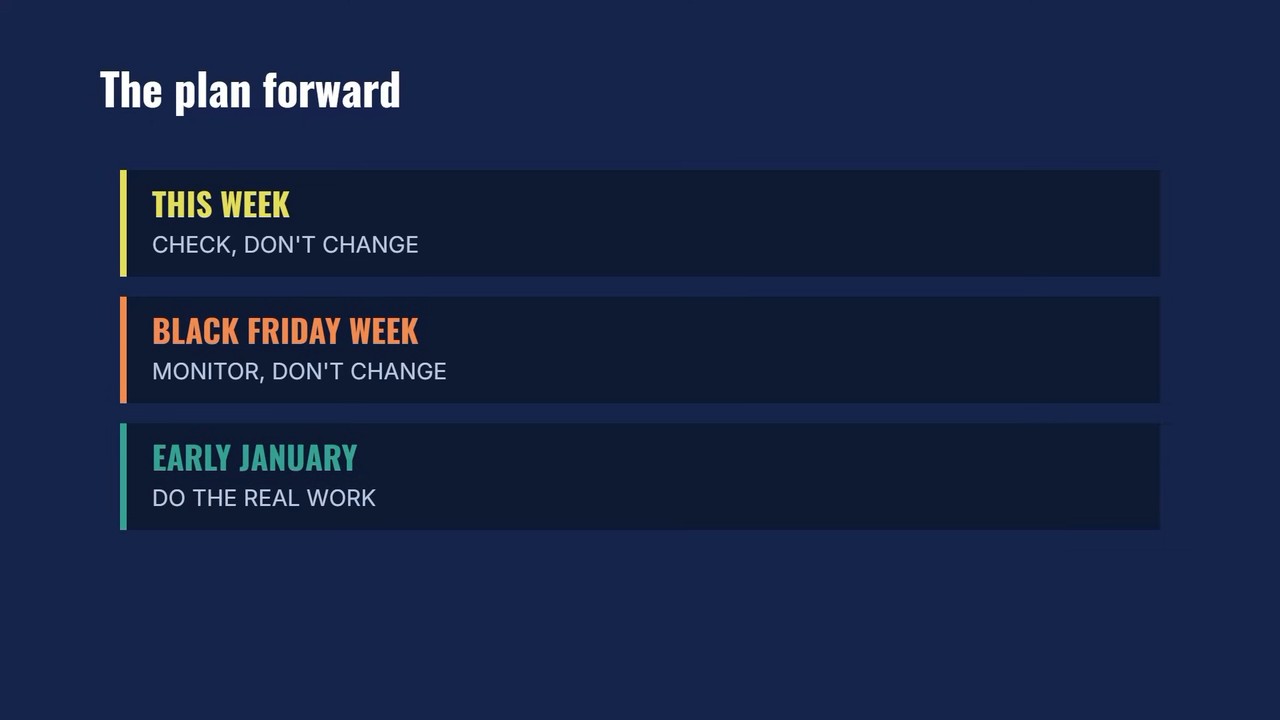
This week: Run all four checks. Document every issue. Build your fix-it list.
Black Friday week: Monitor, don’t change. Rerun the reject test. Watch consent ratios. Compare tracked conversions to real sales.
Early January: That’s when you do the real work. Traffic quiets down, the code freeze lifts, and you have time to actually fix what you found, rather than over the holidays or in the middle of Q4 when the risk is too high.
Get the Full Checklist
Cookiebot put together a free 2026 Black Friday Consent Compliance Checklist that walks through each of these steps phase by phase, with specific deadlines and guidance for teams running multiple properties.
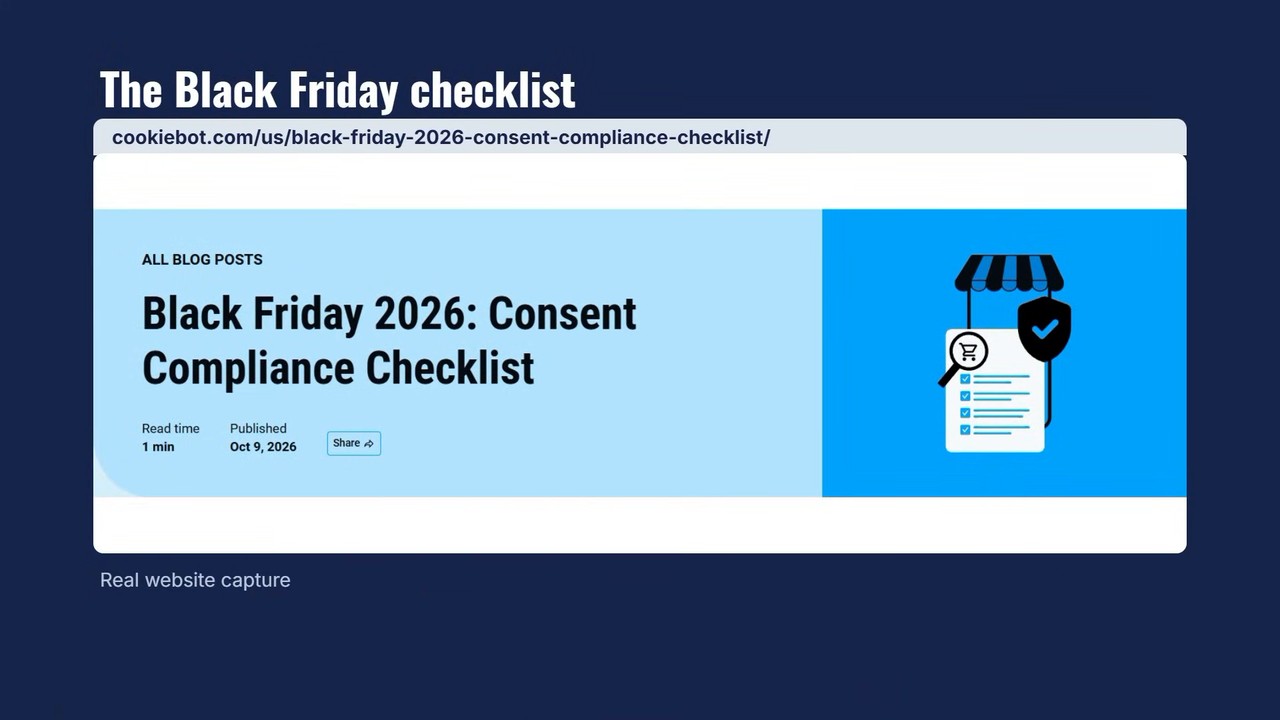
It covers how to handle things during a code freeze, what to watch for during Black Friday week itself, and the monitoring approach I outlined above, with more detail than I had space for here.
Download the free Cookiebot Black Friday checklist
If you want hands-on help going through your setup, MeasureMatch can connect you with a measurement pro from our community. Sometimes having a second pair of eyes makes all the difference.
The worst outcome for any marketer is learning your tracking and consent setup broke during your highest-revenue week of the year, after the fact, when the damage is done.
The best outcome? You caught the problem this week, documented it, and have a clean fix ready for January.
So go check your setup. Right now, before Black Friday gets here.