Your client’s conversion rate is down and you can’t explain it.
Traffic looks the same as always, but conversions keep sliding. You’ve checked the campaigns, reviewed the landing pages, and nothing obvious has changed. Know that feeling?
What if you’ve been optimizing against the wrong problem all along?
Here’s the thing: internal traffic used to be the biggest pollutant in your clients’ Google Analytics data. They’d click around their own site, drive low-quality pageviews, and their conversion rates would flatline. You set up filters, problem solved.
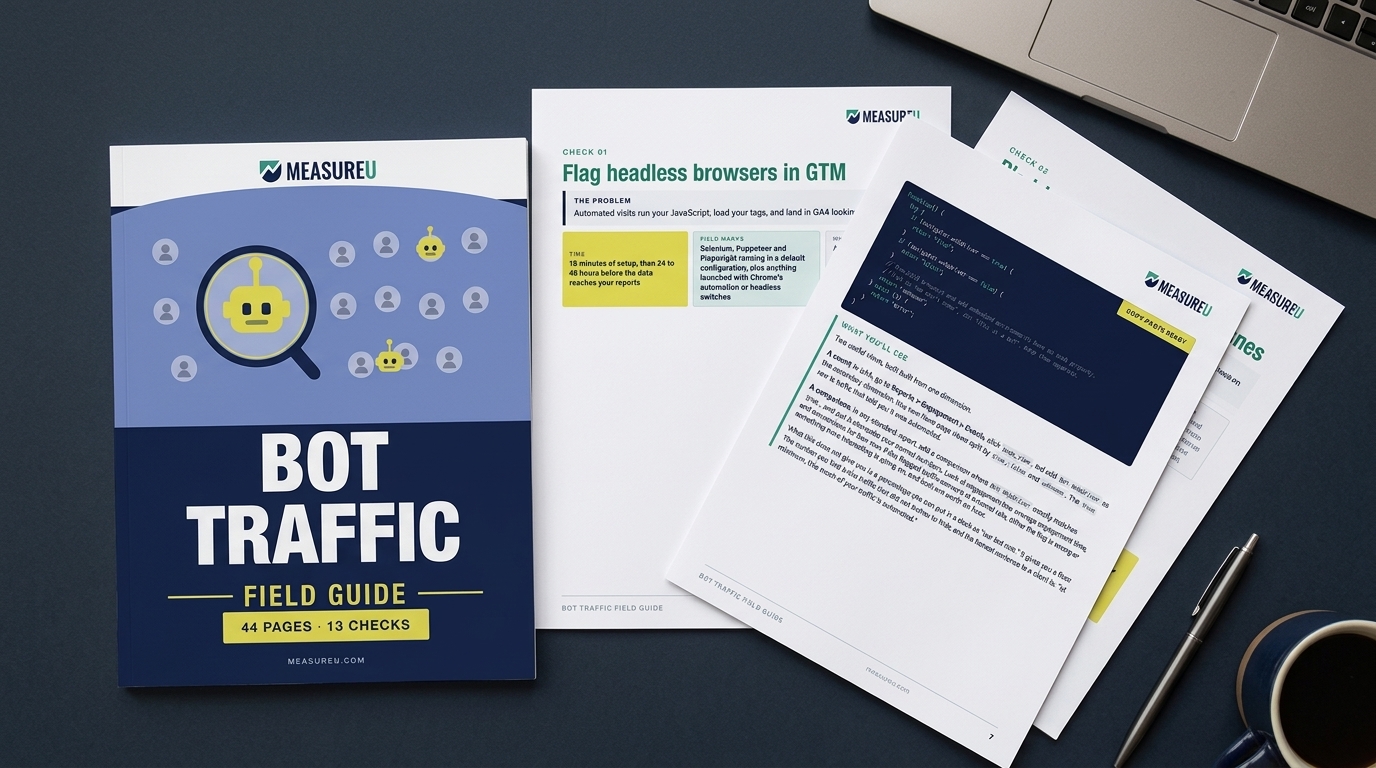
But now there’s a problem so big it deserves its own explainer. AI agents are visiting your client’s websites and acting like humans, mixing into the numbers you’re used to seeing. And unlike known crawlers and bots, GA4 is not filtering these visits.
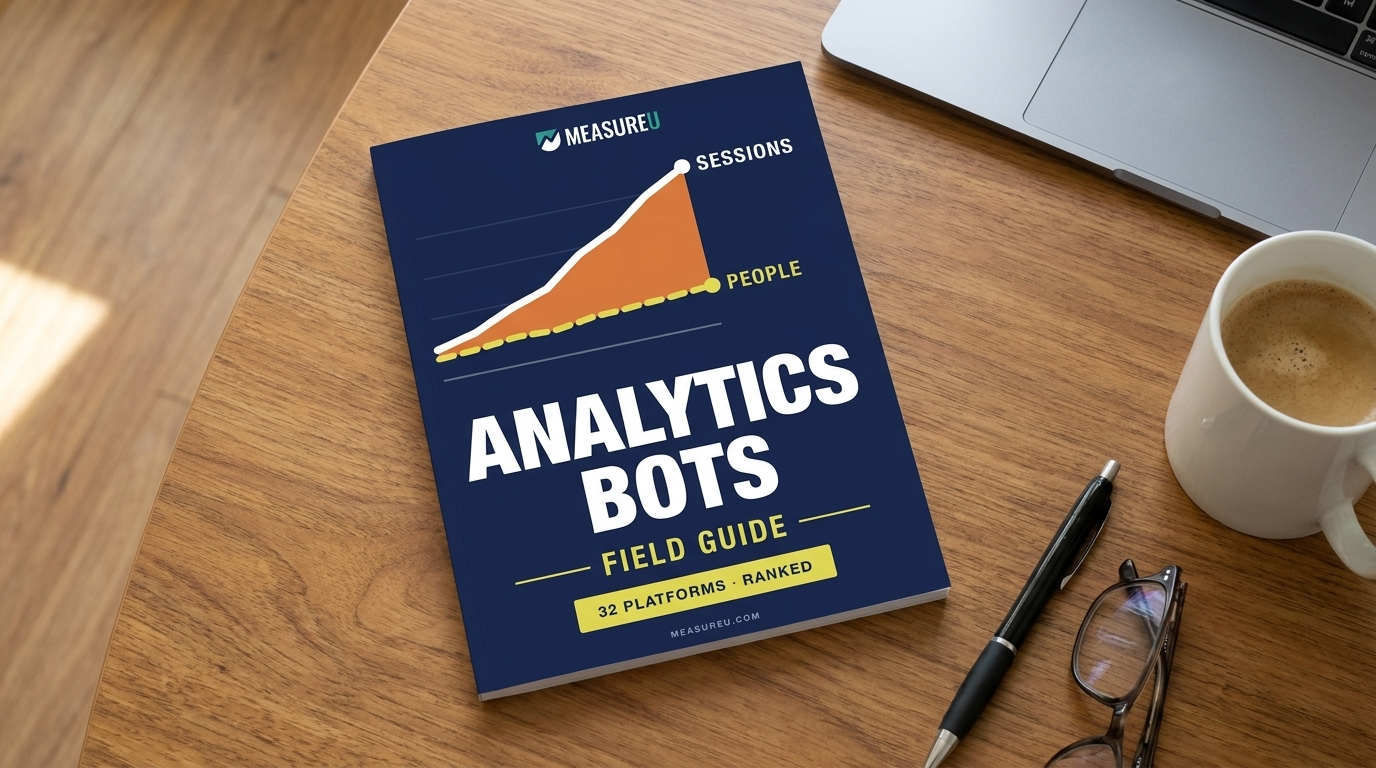
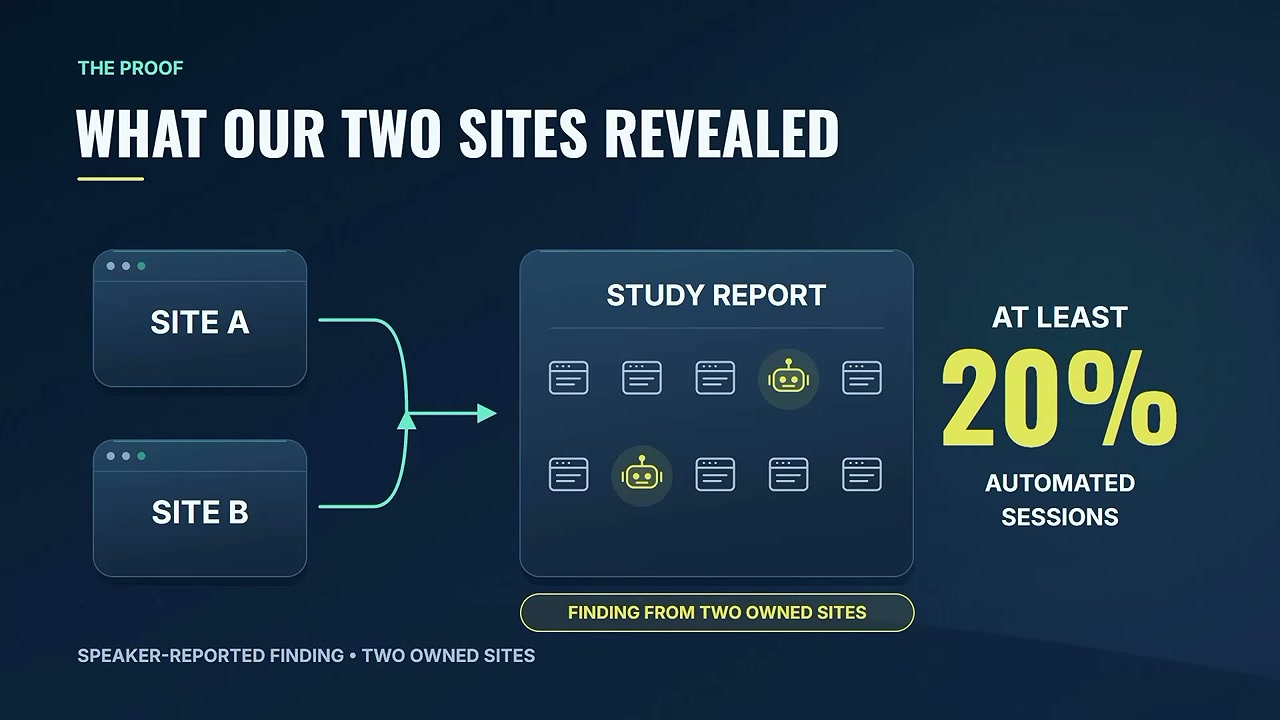
I ran a study on two sites I operate. At least twenty percent of the sessions reported in GA4 were from automated traffic. None of it was being filtered out.
Watch the Full Breakdown
In this video, I break down exactly how to identify AI traffic in your clients’ accounts, have the conversation without losing trust, and turn this into a recurring line item you can bill every month.
The written version below goes deeper on the client conversation and the two ways to price the work, so you can take it straight into your next account review.
What You’ll Learn in This Post
- Why at least 20% of sessions on two tested sites were automated traffic GA4 wasn’t filtering
- How AI agents run in real browsers and execute JavaScript exactly like humans do
- What happens to the numbers when you remove automated sessions: traffic goes down, conversion rate goes up
- The exact script for telling a client their conversion rate was wrong without losing their trust
- Two ways to turn AI traffic filtering into recurring agency revenue
Table of Contents
- Why Your GA4 Conversion Rate Keeps Dropping
- The Problem: AI Agents Are Bypassing GA4’s Bot Filter
- Proof: 20% of Sessions Were Automated
- How to Talk to Clients About Wrong Conversion Rates
- Turn AI Traffic Filtering Into a Recurring Revenue Stream
- What To Do Next
Why Your GA4 Conversion Rate Keeps Dropping
Most agencies have blindly trusted Google Analytics since it became the industry standard during George W. Bush’s second term back in 2006. The numbers looked good, no one questioned them, and you reported them as truth.
Maybe if your client was really active in their marketing, you filtered internal traffic to get the real conversion rate. You set up the filters, made sure your team’s visits weren’t inflating the session count, and explained why their own visits were making numbers look better than they were.
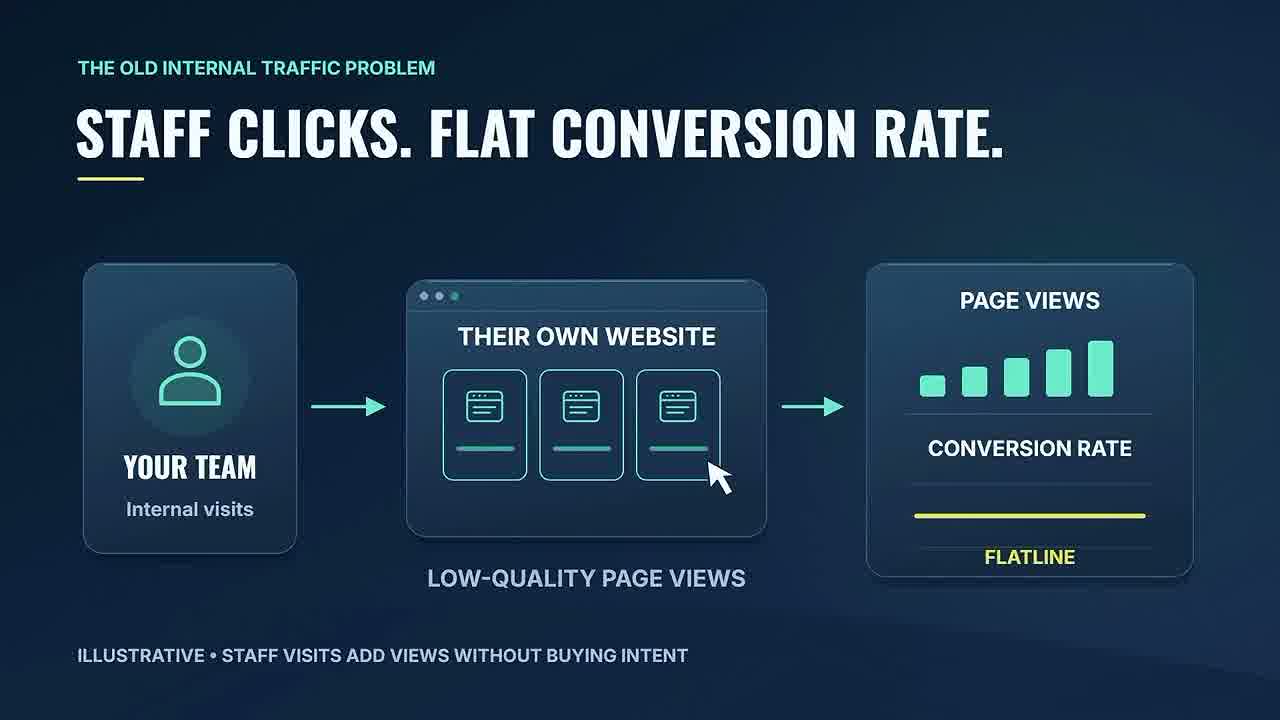
But at the end of the day, all traffic was considered human. The only setup marketers did was filter out non-buying humans, your internal staff.
Things are way different today:
- Consent banners have removed a percentage of real humans from tracking
- Ad blockers block analytics scripts entirely
- ITP (Intelligent Tracking Prevention) limits cookie duration and tracking capability
All of these have removed real humans from your analytics. And at the same time? AI agents and automated traffic are creeping into the reports you used to trust without hesitation.
This is where your conversion rate optimization efforts start falling apart. You’re optimizing for a denominator that includes a significant chunk of non-human traffic.
The Problem: AI Agents Are Bypassing GA4’s Bot Filter
Here’s how it works.
You use AI tools constantly. So do your clients. Those tools aren’t just sitting in a chat window. They’re browsing, crawling, clicking, and loading pages the same way a person would.
The new “internal traffic” problem is AI. And it’s sitting inside accounts you’re reporting on right now.
Why GA4’s Built-In Filter Isn’t Enough
GA4 already has a feature for bot traffic. It automatically filters known bots and spiders. This feature is always on, you can’t turn it off, and GA4 doesn’t tell you what or how much it removed. There’s no report, no line in the dashboard, nothing.
So agencies assume that when it comes to bots, Google is handling it. I used to assume that too, before I started using AI in the browser for hours each day.
There’s a second assumption that caused confusion: everyone has long assumed that bots can’t execute JavaScript, so they won’t show up in GA4 anyway, even if Google’s filter didn’t catch them on the IAB known bots list.
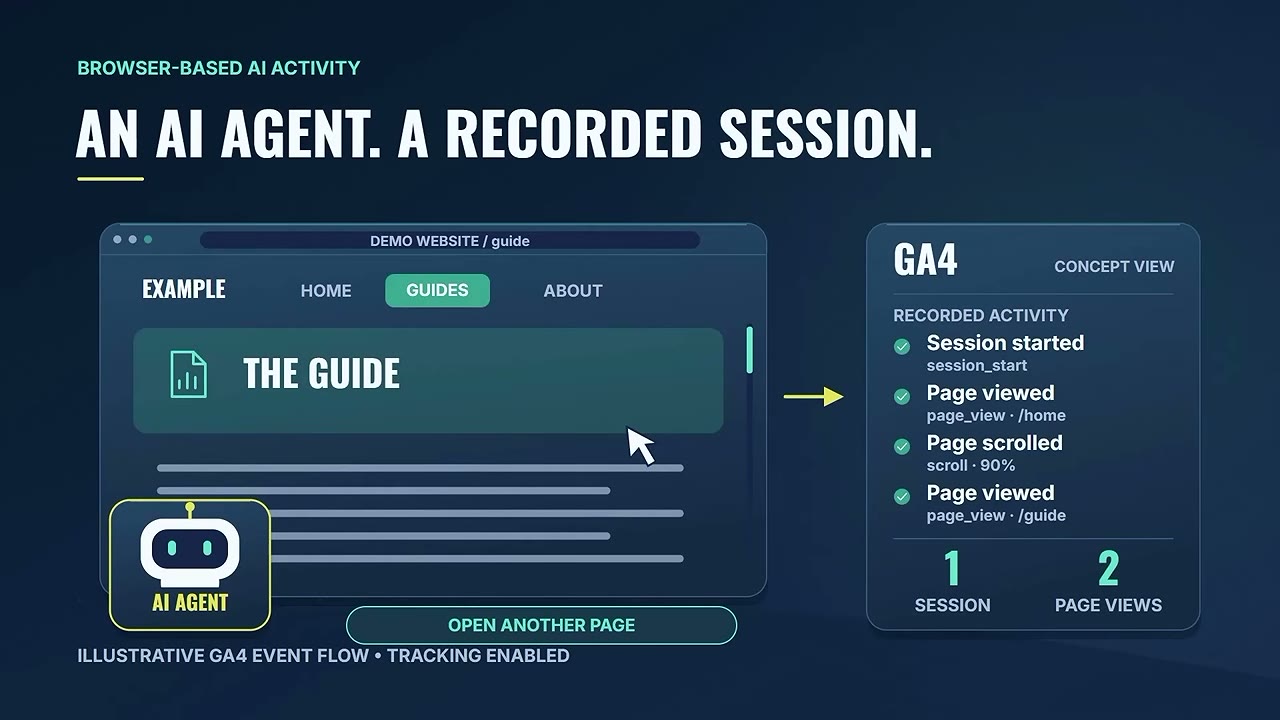
That logic made sense for a long time. It doesn’t anymore.
AI agents run inside real browsers and execute JavaScript exactly the way a person does.
GA4’s known-bot filter was built for a different era. It’s not catching what’s coming through now.
What This Looks Like From the Client’s Perspective
Clients are watching their conversion rate slide without seeing a traffic spike that looks suspicious. They want answers.
But since automated sessions aren’t distinguished in GA4, they’re blending into the session count, the denominator of your conversion rate calculation, and quietly making every real conversion look smaller than it is.
Proof: 20% of Sessions Were Automated
Let me make this real with specific data from an experiment I ran on two sites I own.
For these sites, we labeled automated visits to separate them from human sessions. The results?
At least twenty percent of the traffic on those sites was automated, and none of it was being filtered out by GA4.
As you can probably imagine, these automated sessions don’t convert into real leads or sales. They landed on a page, did whatever they were sent to do, and almost never filled out a form or made a purchase.
But they count as sessions. So they affect your conversion rate calculation and drag that rate down every single month.
The Math That Explains Everything
If roughly one in five sessions isn’t human, that alone can explain a conversion rate that keeps sliding without any drop in actual leads or sales.
When you label those automated sessions and remove them from your conversion rate calculation, two things happen that feel counterintuitive at first:
- Your traffic number goes down
- Your conversion rate goes up
The client’s instinct is going to be that lower traffic is bad news. Your job is to show them why it’s actually a more accurate picture of their business.
Why This Matters for Our Business Too
The reason this is necessary is the same for our business as it is for your clients. Our team uses AI tools every day, and some of those tools were visiting our own properties as part of normal workflows.
So we now tag every visit our AI agents make to our sites as test traffic we can filter out of reports. Our own AI doesn’t inflate our numbers.
It’s the old internal traffic filter rebuilt for the current marketing reality.
How to Talk to Clients About Wrong Conversion Rates
So how do you tell a client their traffic number was wrong without losing their trust?
The Wrong Way
Don’t be blunt: “Your numbers were wrong, we missed something, and traffic is down.”
The Right Way: Lead With Discovery
The right way to have this conversation is in how you frame what you found.
You didn’t break anything by running the same analytics playbook for twenty years. Sure, you missed a lot if you ignored consent, server-side tracking, ad blockers, and ITP. But if you implement this technique, you can share something new your client didn’t even know about.
You found a way to capture new information that their GA4 wasn’t catching. Something that’s been quietly sitting in the data and making the conversion rate look worse than it actually is.
Lead with the discovery instead of the confession.
The Script I’d Use
Here’s how I would put it to a client:
“We’ve been doing a deeper review of your traffic quality, and we found something that explains the conversion rate trend you’ve been watching.
We’ve been implementing a new tracking technique on client sites and found a significant portion of sessions are automated: AI agents, crawlers, tools running in real browsers, and GA4 is not filtering them out automatically the way most people assume.
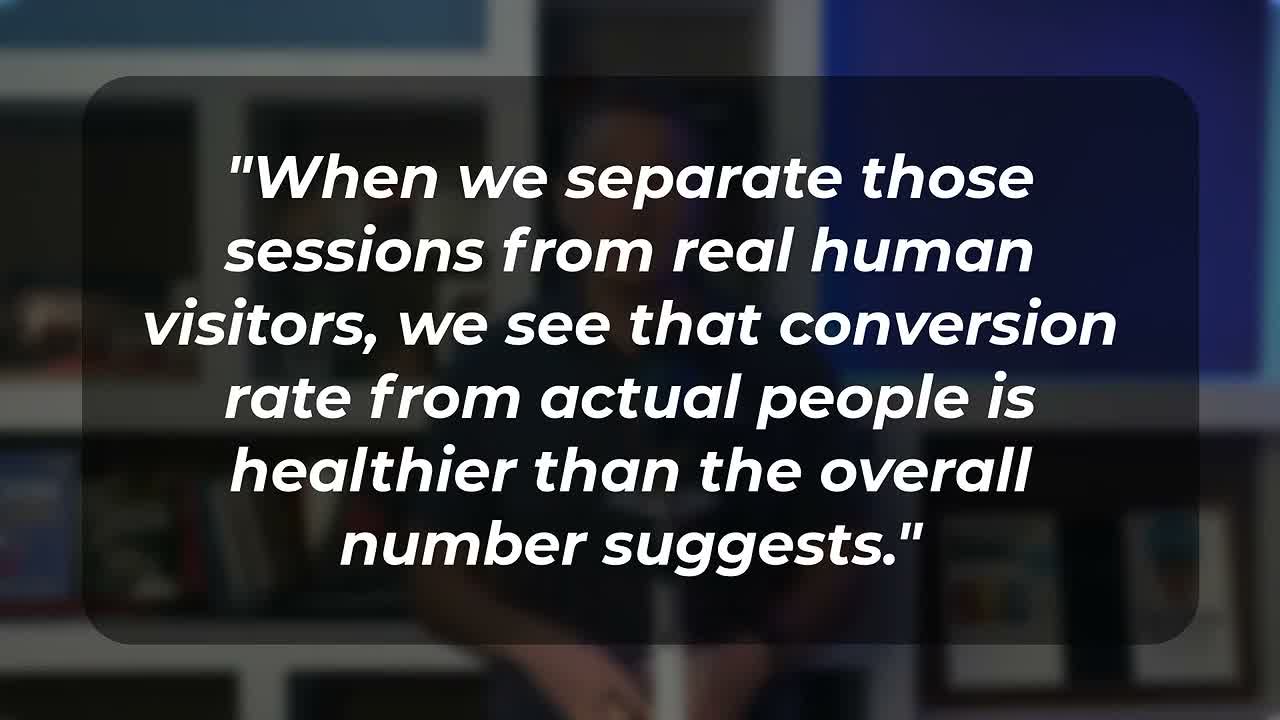
When we separate those sessions from real human visitors, we see that the conversion rate from actual people is healthier than the overall number suggests.
We’d like to implement this technique for your site as well.”
That framing:
- Explains the symptom the client has already been worried about
- Positions the agency as the one who went looking for the answer
- Reframes a lower conversion rate as something you can fix
Handling the Inevitable Questions
The question clients will ask next is predictable: Is this really necessary? How much will this cost?
The honest answer is that this problem will only get worse as AI tool usage increases and agents get more capable. GA4’s known-bot filter was designed for the previous generation of automated traffic. AI agents running in real browsers don’t match the patterns GA4 was built to catch.
Turn AI Traffic Filtering Into a Recurring Revenue Stream
If you’re a digital marketing agency, think about what you already sell on retainer: reporting, traffic analysis, campaign management, some version of keeping an eye on the numbers and telling clients what they mean.
That retainer exists because clients don’t want to do that work themselves and because the data changes every month in ways that require interpretation from specialists.
AI traffic is exactly the same category.
A number you pull today will be different in three months, and the average client has no way to track that movement on their own.
Two Ways to Position This Service
Option 1: Enhancement to Current Retainer
Make existing clients feel great about their choice to work with you. This becomes part of your standard analytics hygiene, something you do because it’s the right thing to do for data accuracy.
Option 2: New Line Item
Charge separately to implement, maintain, and report on AI traffic filtering. This works especially well for new clients or when you’re renegotiating scope.
Why This Matters for Your Agency’s Conversion Rate Optimization Services
Before you invest another dollar in conversion rate optimization for a client, you need clean data. If 20% of sessions are automated traffic that never converts, you’re making decisions based on a fundamentally broken denominator.
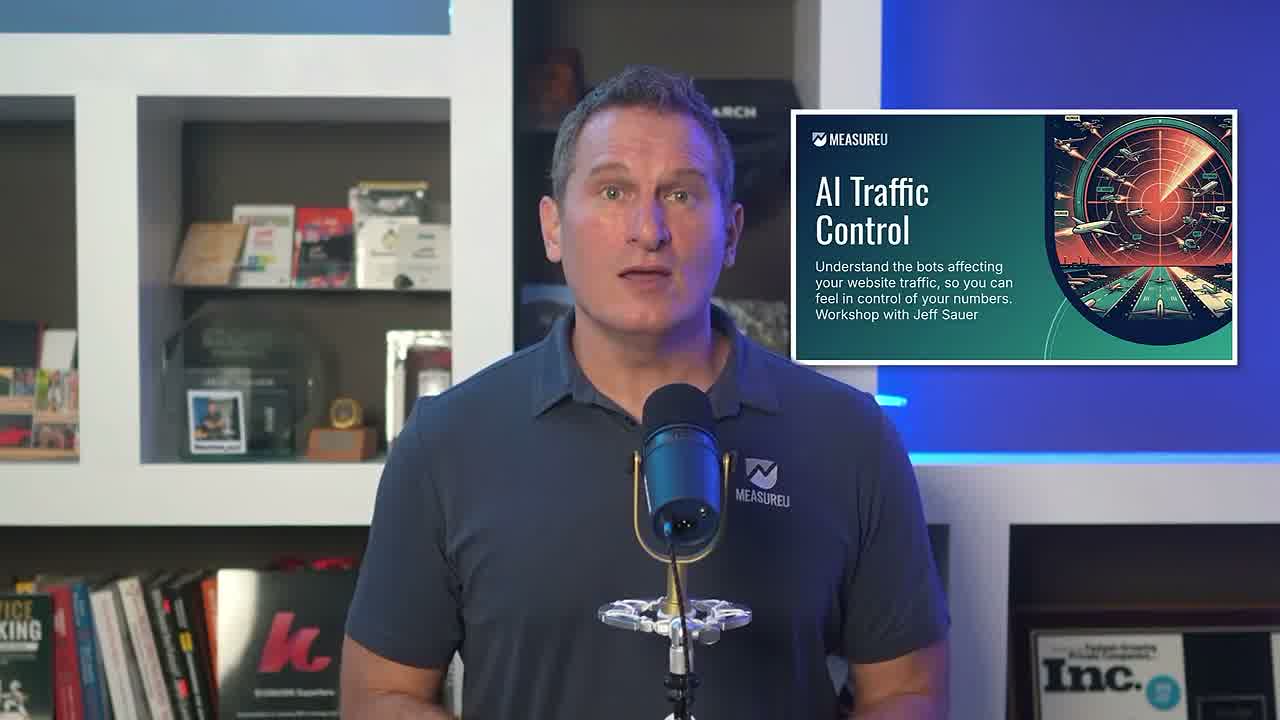
AI traffic reporting is going to become a bigger need, and most clients don’t even know they need to ask for it yet.
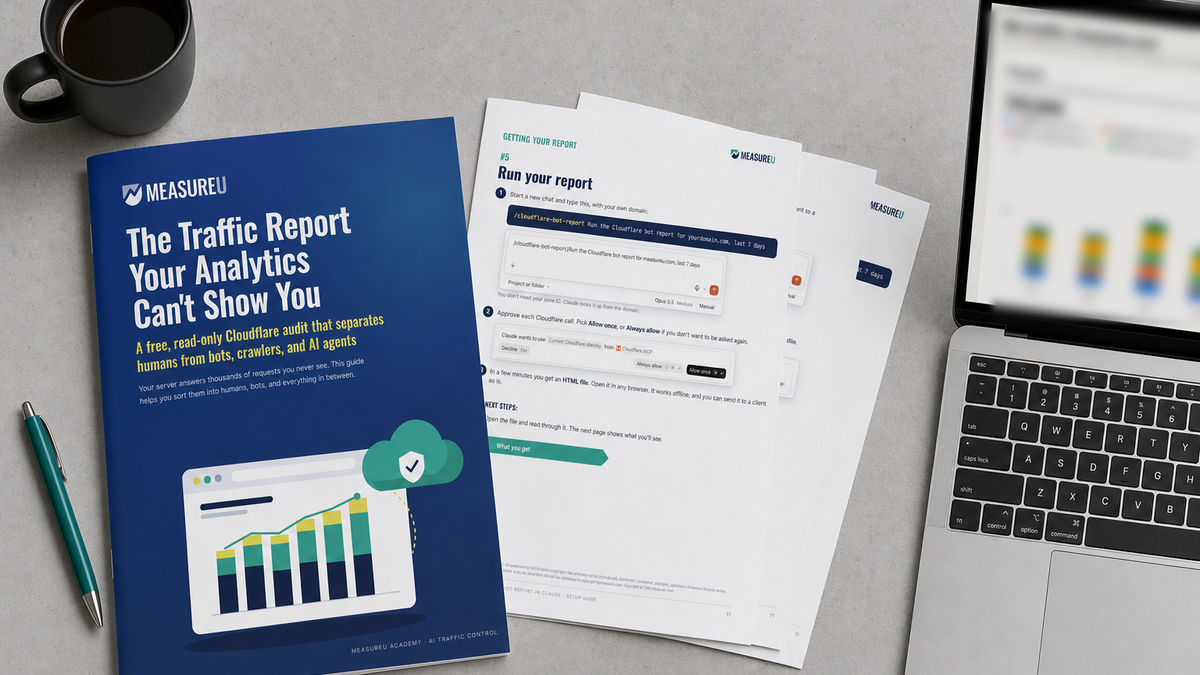
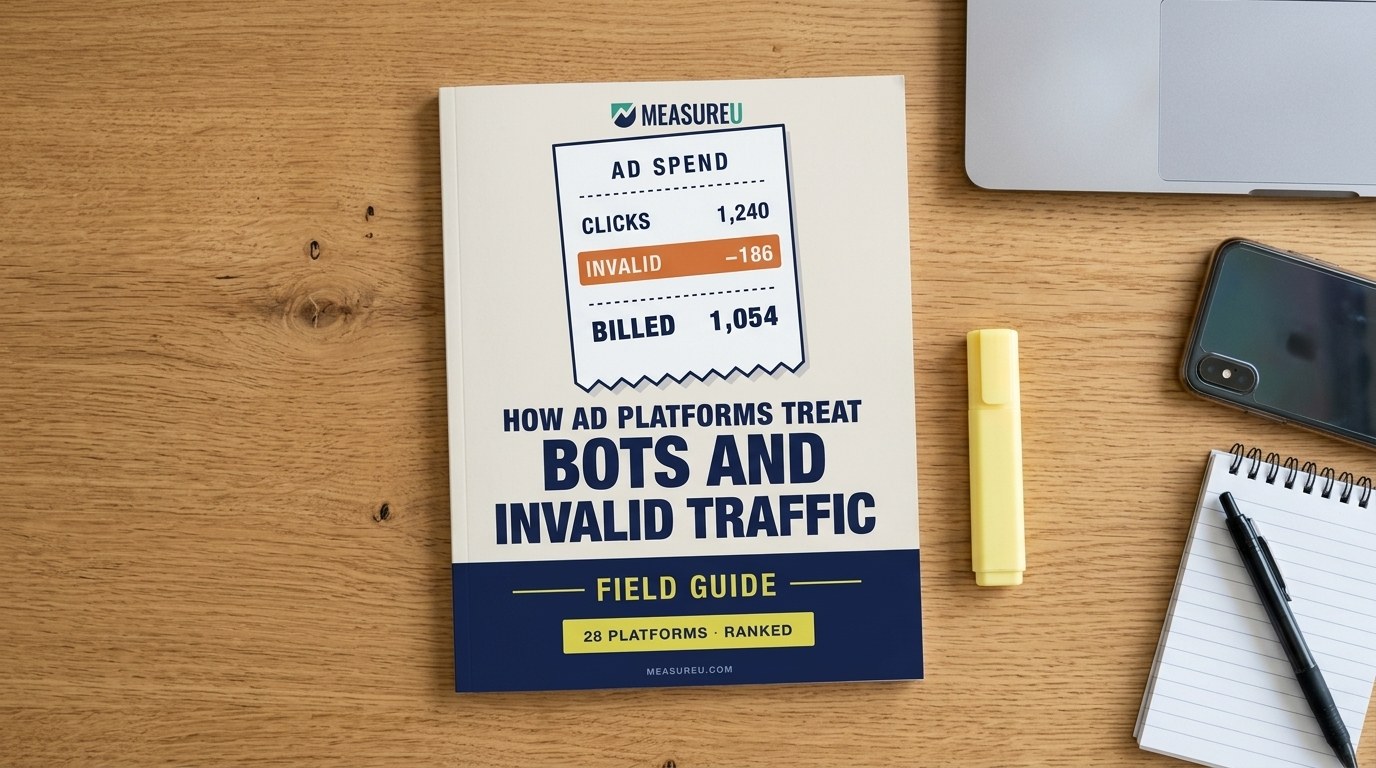
That’s where the AI Traffic Control workshop comes in. It includes the full setup, a monthly Cloudflare bot report you can run for any client, a proposal email you can copy, and an AI crawler policy builder. MeasureU Pro members get access at no additional cost.
What To Do Next
Here’s the bottom line:
On two of our own sites, at least twenty percent of sessions were automated, and GA4 was not filtering them out. That number will only grow.
The conversion rate drop your client is watching right now, the one nobody has been able to explain cleanly, AI traffic is likely a significant part of the answer.
Your action plan:
- Run the check on your top accounts using the techniques in the AI Traffic Control workshop
- Identify which clients have the biggest gap between reported sessions and likely human traffic
- Prepare the discovery conversation using the script above
- Decide whether this becomes part of your standard retainer or a new line item
The agency that brings this solution to the table first wins client goodwill and an additional revenue stream.
You’re not delivering bad news when you have this conversation. You’re delivering clarity, which is what clients are actually paying for.
Get the Full Agency Kit
The AI Traffic Control workshop covers the complete setup: labeling, segmented views, step-by-step implementation, the monthly Cloudflare bot report, proposal email template, and AI crawler policy builder.
Get the AI Traffic Control workshop and start billing for clean traffic data.
MeasureU Pro members already have access at no additional cost.