I gave an AI one sentence.
Not a carefully engineered prompt. Not a detailed creative brief. Just one sentence spoken into a microphone.
And instead of handing me a 5-second clip I'd have to stitch together in three other tools, it wrote a story. Named it. Cast a character. And rendered a finished 30-second cinematic ad about the exact thing my audience struggles with most.
This is what AI content creation looks like when it stops making clips and starts making stories.
I've been doing digital marketing for over 20 years. I built and sold an 8-figure agency. I make real client videos, and I've tried basically every AI video tool out there — Sora, Runway, Kling, Veo, Pika, you name it.
Most of them make clips. Not ads. Not stories. Clips.
But this one did something different. And I'm going to show you exactly what I built with it, warts and all.
Quick disclosure: This post is sponsored by OpenArt Director. That said, I'm still going to tell you where it breaks and what frustrated me. That's the only way this is useful to you.
Watch the Full Breakdown
Below is the full teardown — the one-sentence brief, what the tool built, and the three things that frustrated me. Here's what you'll take away from it.
What You'll Learn in This Post
- One spoken sentence can generate a complete narrative with a consistent character, story arc, and shot list
- The tool writes the story first, then generates the visuals — not the other way around
- Text rendering and credit burn are real friction points you need to budget for
- It's best for story-driven content, not hard-sell direct response ads
Table of Contents
- What's Broken About Current AI Video Tools
- The One-Sentence Voice-to-Story Workflow
- What It Built + My Honest Evaluation
- Who This Is Actually For
- Your Next Steps
What's Broken About Current AI Video Tools
Here's the problem with every other AI video tool right now.
You prompt a scene. You get 5 seconds.
You prompt another scene. You get 5 more seconds.
Then you drag everything into an editor, try to make it feel coherent, and hope the characters don't look like completely different people from shot to shot.
That's not making an ad. That's arts and crafts.
I've run this workflow with Sora, Runway, Kling, Veo, and Pika. They're all fundamentally the same process. Generate clips. Stitch manually. Pray for consistency.
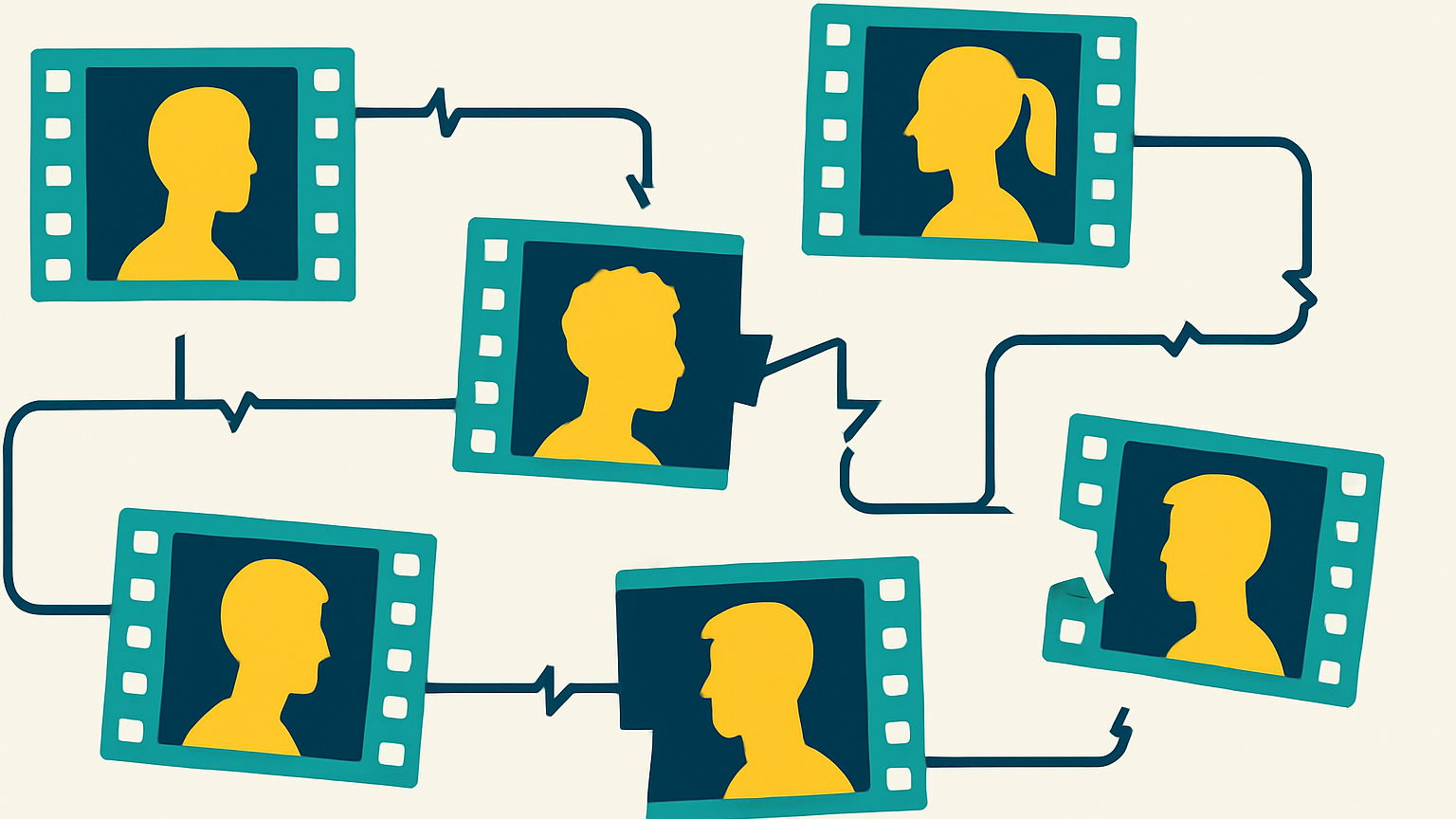
What's missing is the thing that makes a video actually work:
- A consistent story
- A consistent character
- A consistent visual direction
All coming from one place.
That's where OpenArt Director comes in. And based on what I tested, it's the closest thing I've seen to actually pulling off story-first AI content creation.
The One-Sentence Voice-to-Story Workflow
I went to OpenArt Director and I didn't write a carefully engineered prompt. I hit the microphone and just talked.
Here's exactly what I said:
A 30-second promo for my pricing tools — people don't know how much to charge for their services, and I want a video that captures that pain. Cinematic but realistic — a freelancer working from home, and I want them to feel that pain.
That's it. One sentence via voice-to-text.
I picked “Guide me” mode so I could watch it work. Director has a conversational assistant named Ori, and what Ori did next is what got my attention.
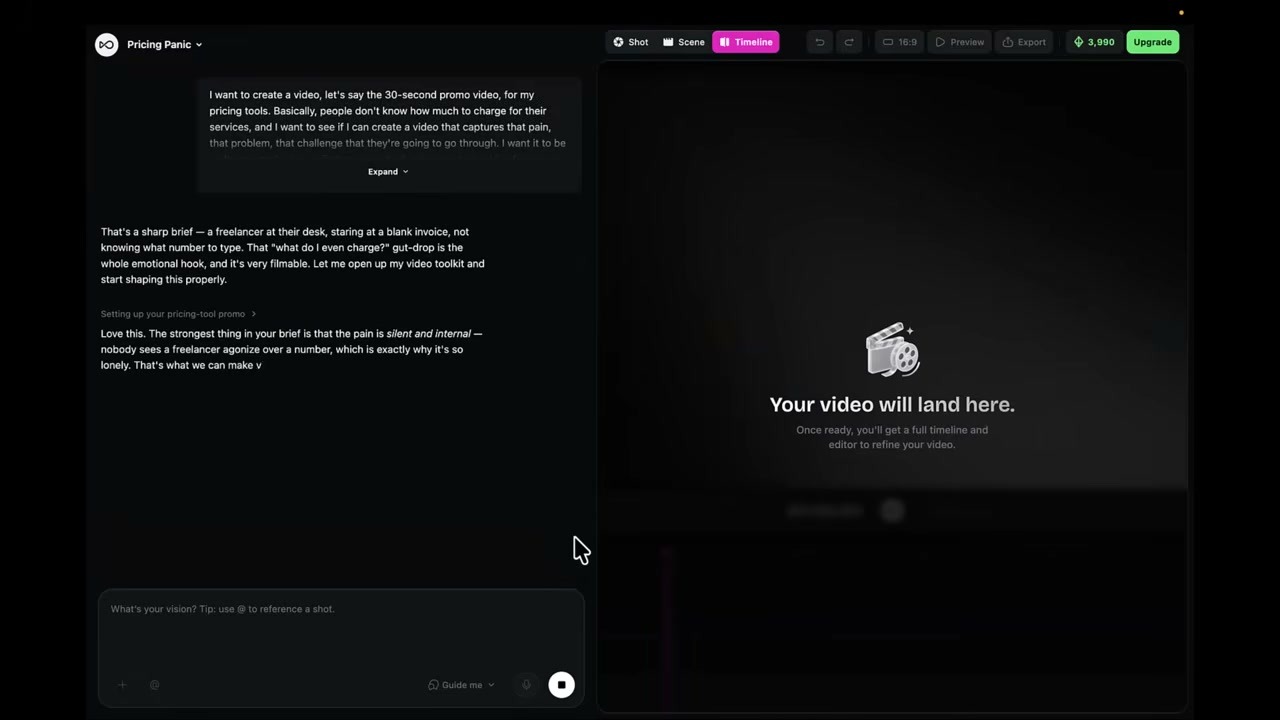
It didn't just generate footage. It wrote a story.
- Auto-named the project “Pricing Panic”
- Titled the story “The Blinking Cursor”
- The concept: a freelancer, late at night, typing a price — deleting it — retyping it. “Is it worth it?”
- Two scenes: “the spiral” and “the number”
- Built a full script
- Set the format to vertical 1080p, 30 seconds
- Cast a character named Maya — a woman designer
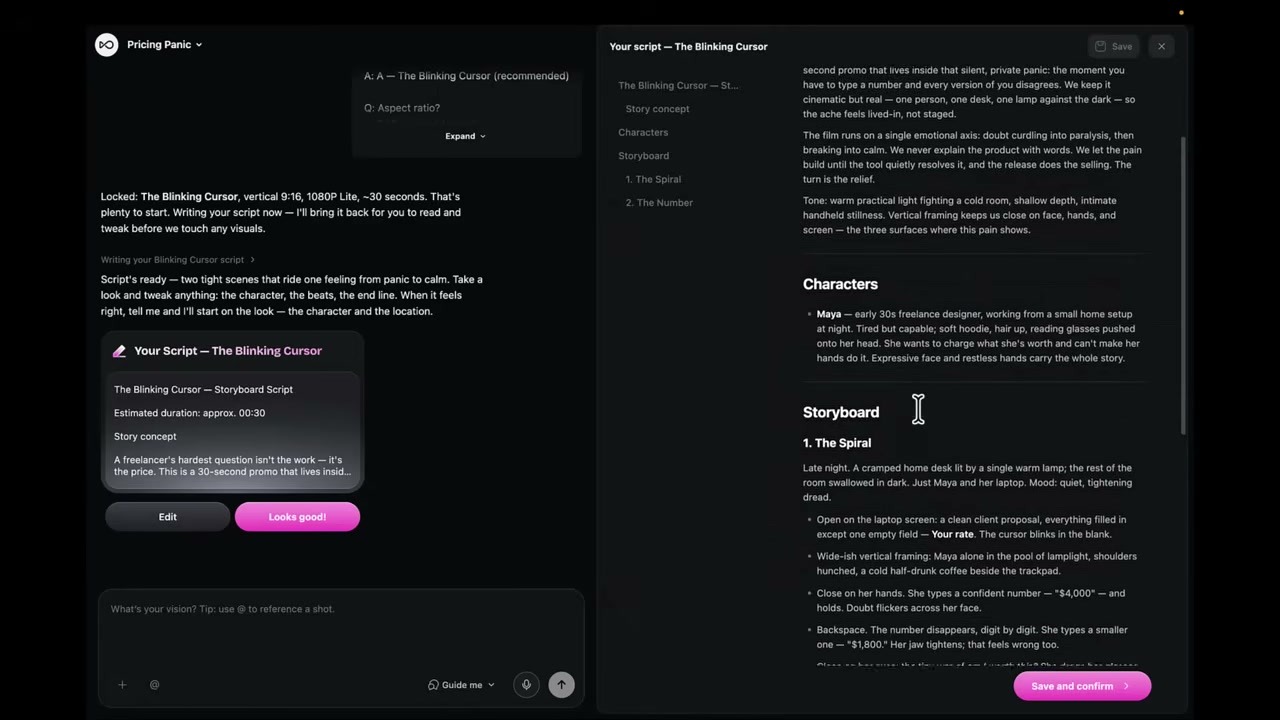
It showed Maya in multiple poses and angles — because everything downstream would be built on that one consistent character across every single shot.
Honestly, this is what I mean when I say “vibe directing.” You're not writing prompts. You're describing an idea the way you'd describe it to a director over coffee, and the system figures out the rest. It's doing the actual directing work.
I approved. It generated the shots and assembled them. Rendering took about 10 to 15 minutes.
What It Built + My Honest Evaluation
The verdict: the 30-second video is good. I could actually run that as an ad.
It nailed the brief. Cinematic, realistic, one consistent character, and it captured the emotional core of the thing — a freelancer feeling the pricing anxiety my audience knows exactly.
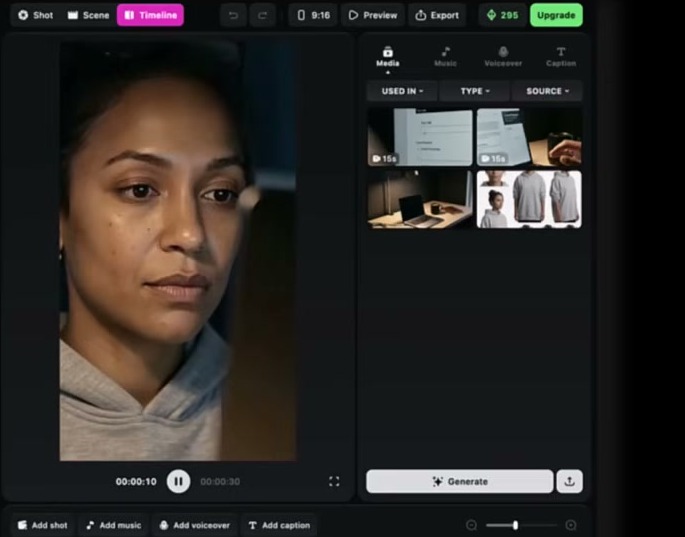
The machinery of going from one spoken sentence to a narrative with a title, a character, and a shot list — that part genuinely impressed me. This is the advantage of describing it with your voice. It forces you to think in story terms, and the tool responds in kind.
Now. The warts. Because there are warts, and you need to know them before you spend a dollar.
Wart #1: Lock Your Character Early
If you don't like Maya before you generate, she's going to show up everywhere. Go back and adjust her before you hit render — not after.
That's the single most important practical tip I can give you for this tool. Once you approve the character, that face is in every frame. Make sure you actually want it.
Wart #2: Text Rendering Is Glitchy
The on-screen numbers in my video rendered backwards. Glitched. Unreadable.
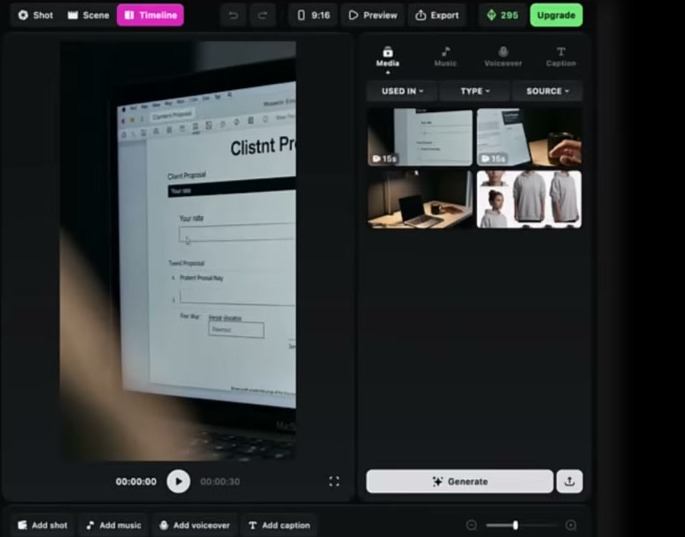
The fix I'd use next time: give it your own document — a real proposal template, something on-brand — so the text it pulls from is actually correct.
When Director generates text on its own, it can still cause problems. I reworked the shots, re-rendered, and it started working, but that's a real friction point right now.
Wart #3: Credits Burn Fast
I'm going to say this plainly because it's the real cost reality: I ran out of credits before I finished my revisions.
It's roughly 112 credits per second of video, and credits burn fast when you're iterating. Budget for that.
Also, even with a credit balance, it made me start a subscription before it would run — minor friction, but worth knowing going in.
The Cinematic vs. Direct Response Reality
One more thing, and this is the nuance that matters most for anyone coming from a direct-response background.
Director's instinct is cinematic storytelling. What it built for me was a story-driven promo — beautiful, emotional, character-led. That's not the same as a hard-sell ad.
If you need a direct-response format, you'll want to steer it more explicitly, or start from one of their templates. Know what you're asking for.
What I'd Do Next Time
- Add my own voiceover
- Bring in more of my own branding
- Test a male character since that's closer to my audience
- And the thing I actually want most — bring my own likeness in. Take a picture of myself and have it come to life in the video. That's where this gets really interesting for personal brands.
But here's the thing: I learned all of that in 15 to 20 minutes. Versus the old way — hunting across three tools, stitching clips, losing the thread of the story entirely.
Fast, cheap iteration on a real client concept. That's the actual value.
Who This Is Actually For
Let me be direct about who should actually try this.
If you're a solo operator, a freelancer, or running a small agency — and you want to test AI video for real client work without a film crew or an editor — Director is worth your time. No editing skills needed. If you can describe what you want, you can use this.
The digital marketing AI landscape is shifting fast, and this is one of the first tools I've seen that actually does the directing work, not just the rendering work.
Who it's NOT for (yet):
- Hard-sell direct response advertisers who need specific CTAs and urgency tactics
- Anyone who needs perfect text rendering without workarounds
- People who can't budget for iteration credits
Who should jump in:
- Content creators who need story-driven video fast
- Agencies testing concepts before full production
- Personal brands building emotional connection through video
- Anyone tired of the 5-second clip assembly line
Your Next Steps
Here's how to actually try this yourself:
- Head to OpenArt Director to start
- Use promo code AFF15 for 15% off a monthly plan
- Or grab the annual Wonder Plan — that's the tier I'd point you toward if you want the most cost-effective way in
- Start with voice, not typing — describe your video like you'd describe it to a director over coffee
- Lock your character early — seriously, this is the tip that saves you the most credits
Go build something. One sentence is enough to start — try OpenArt Director for yourself and see what it writes.