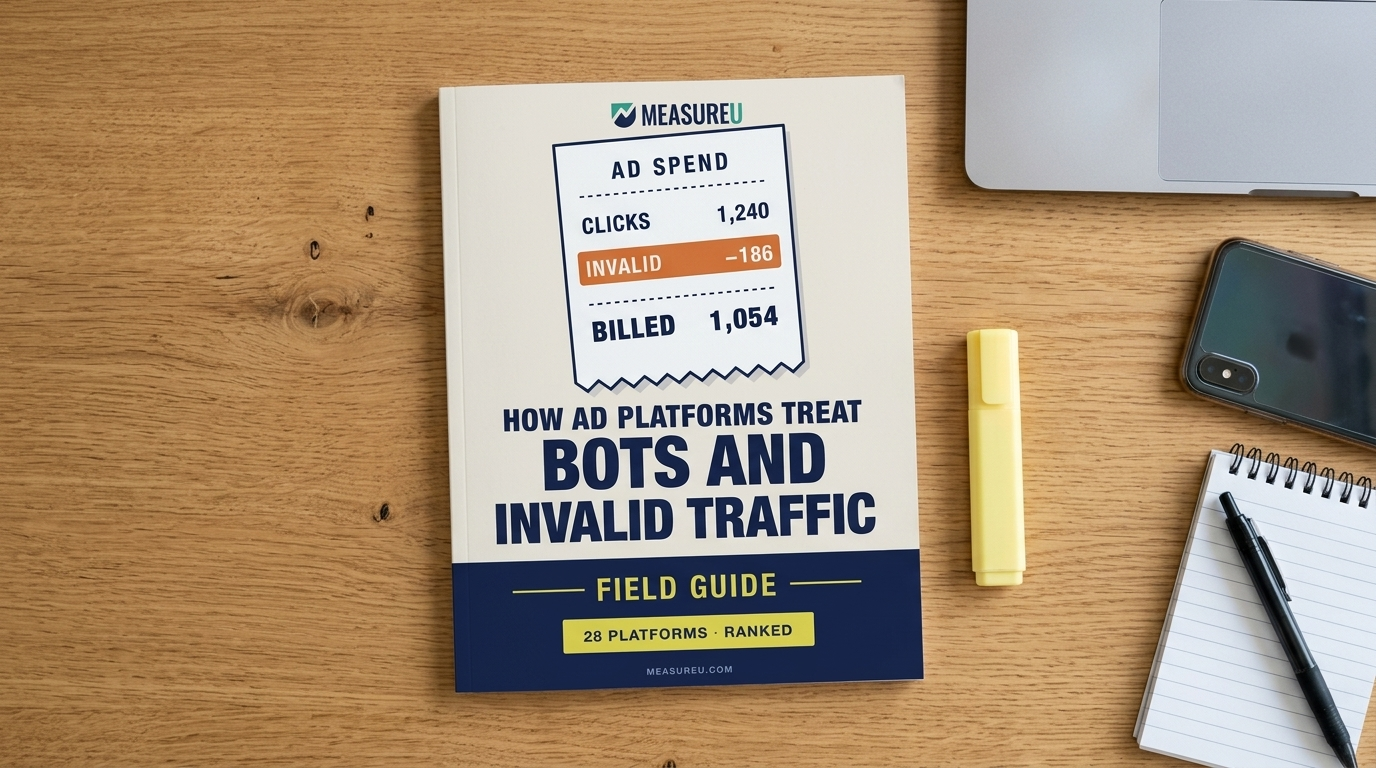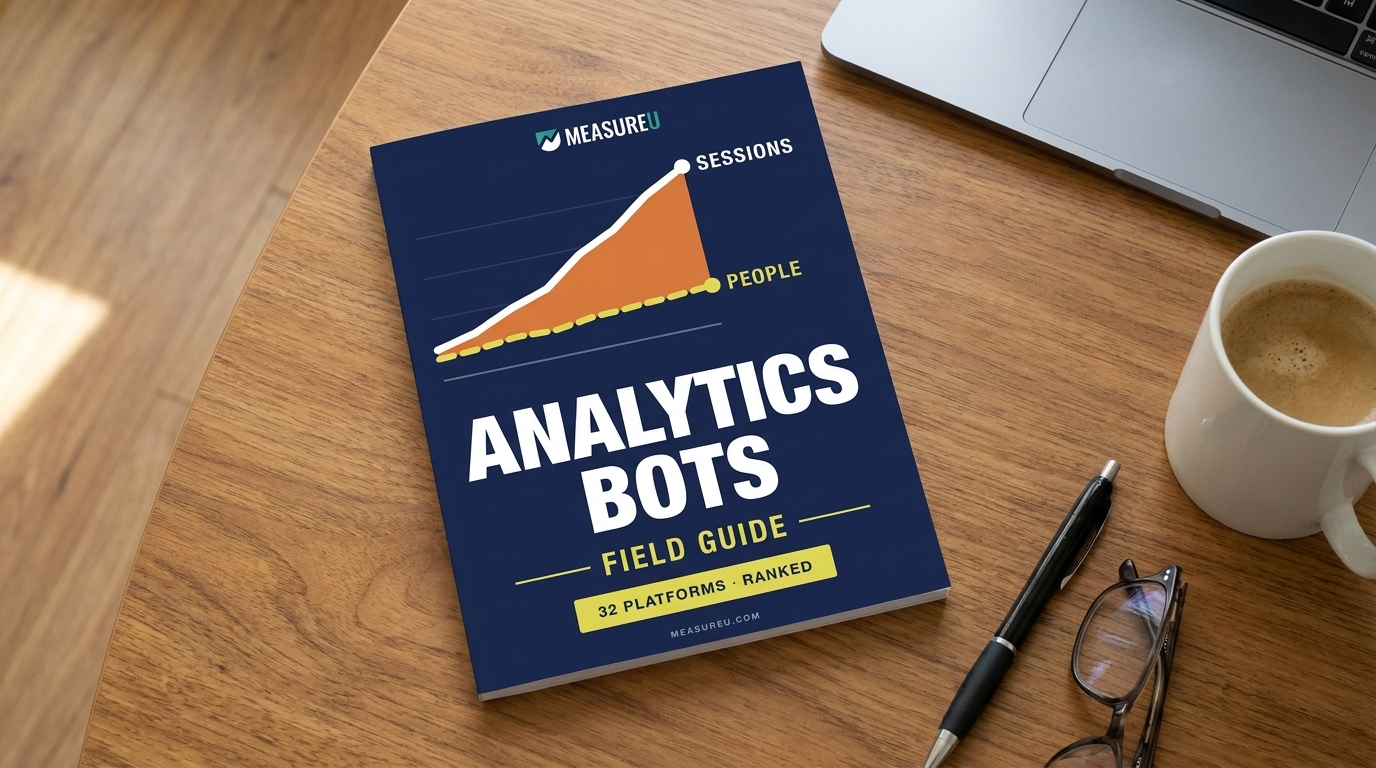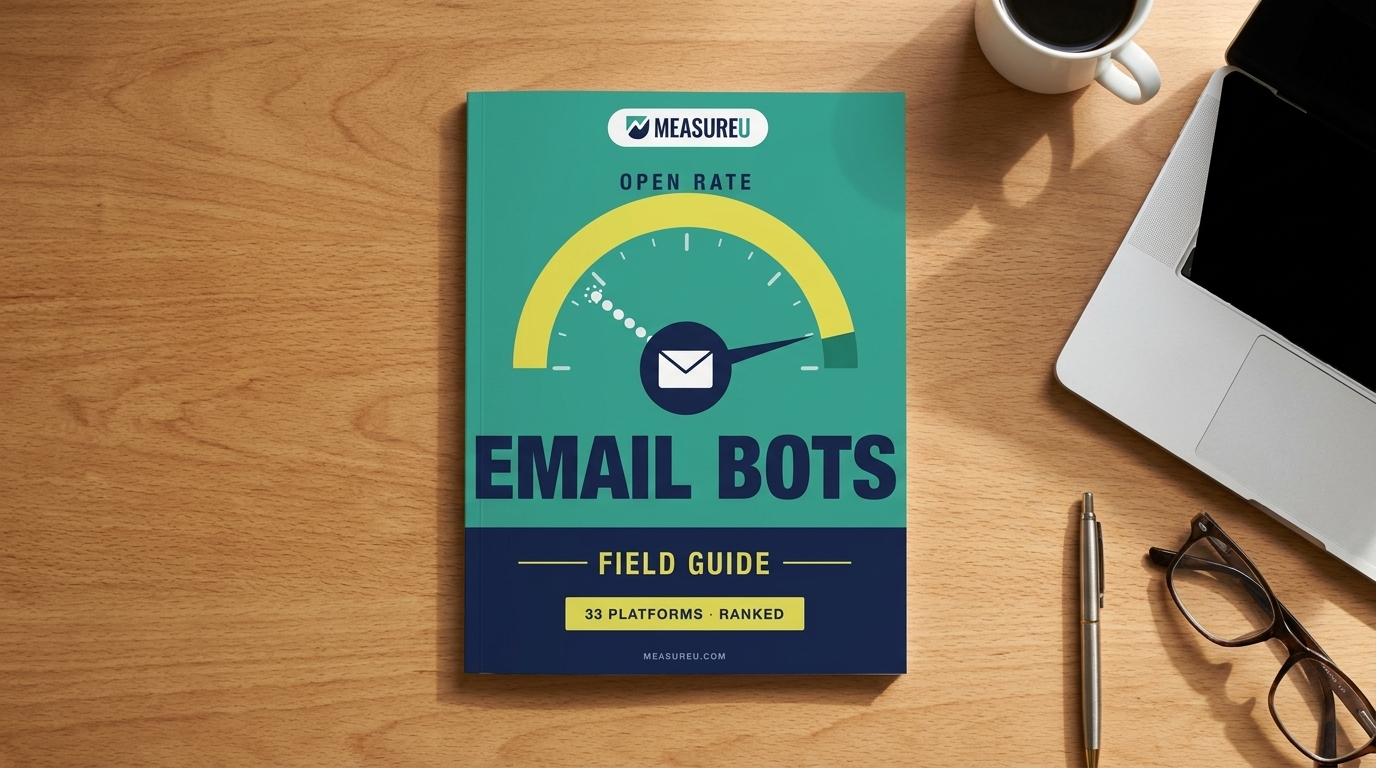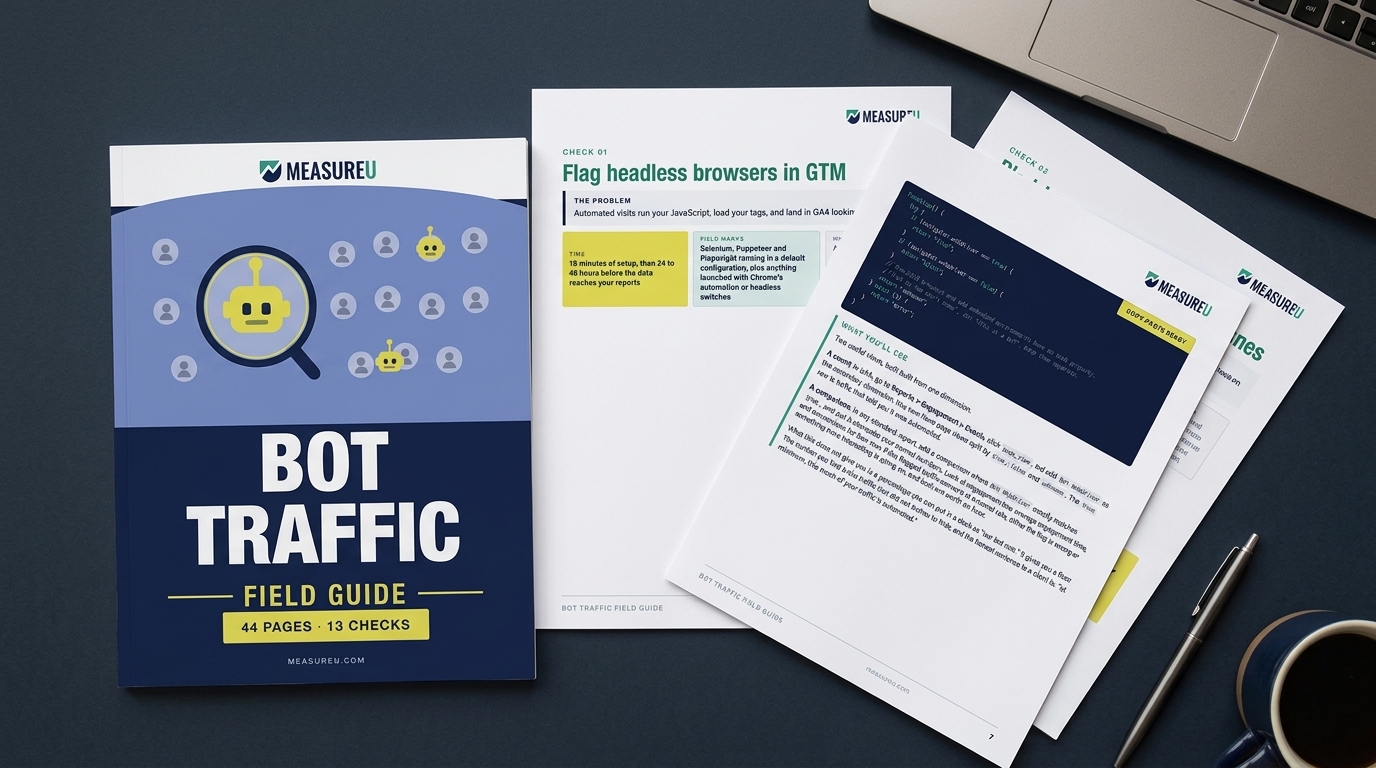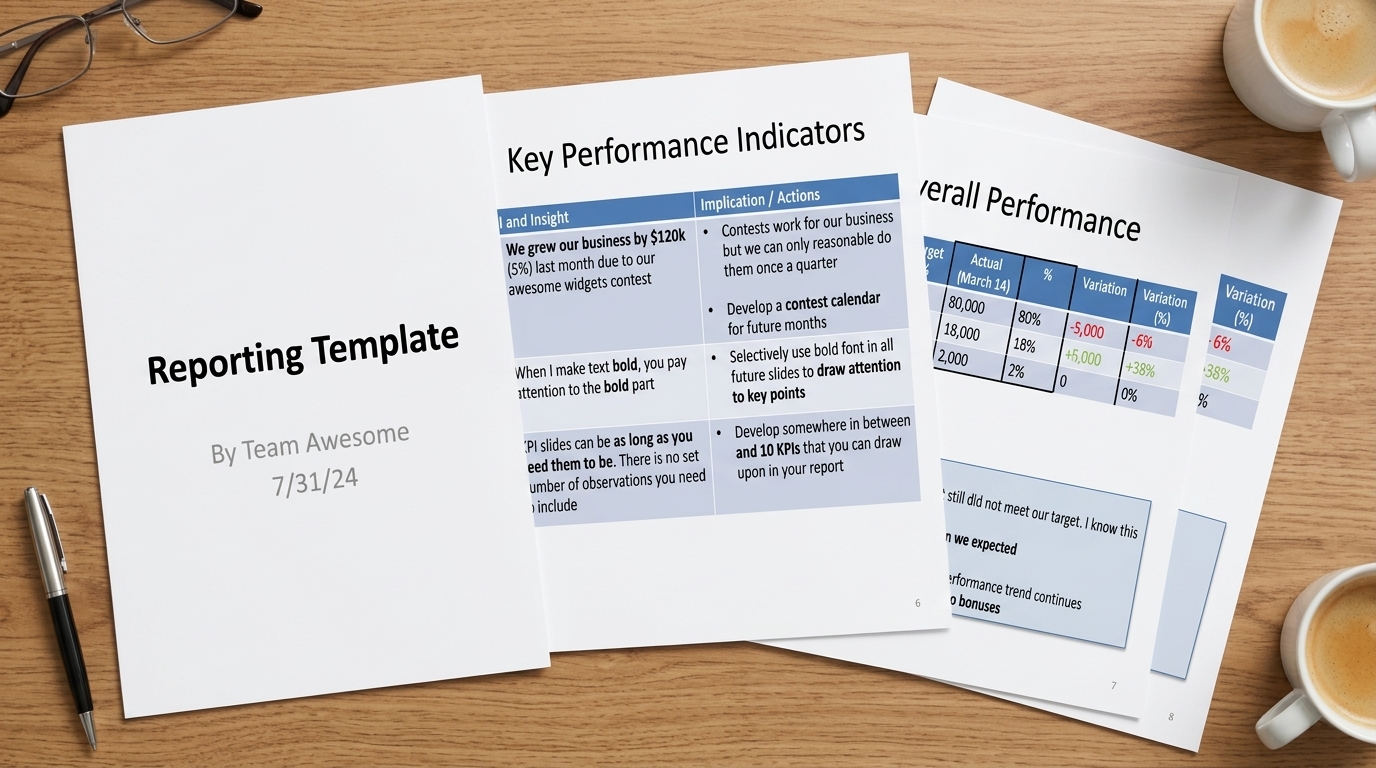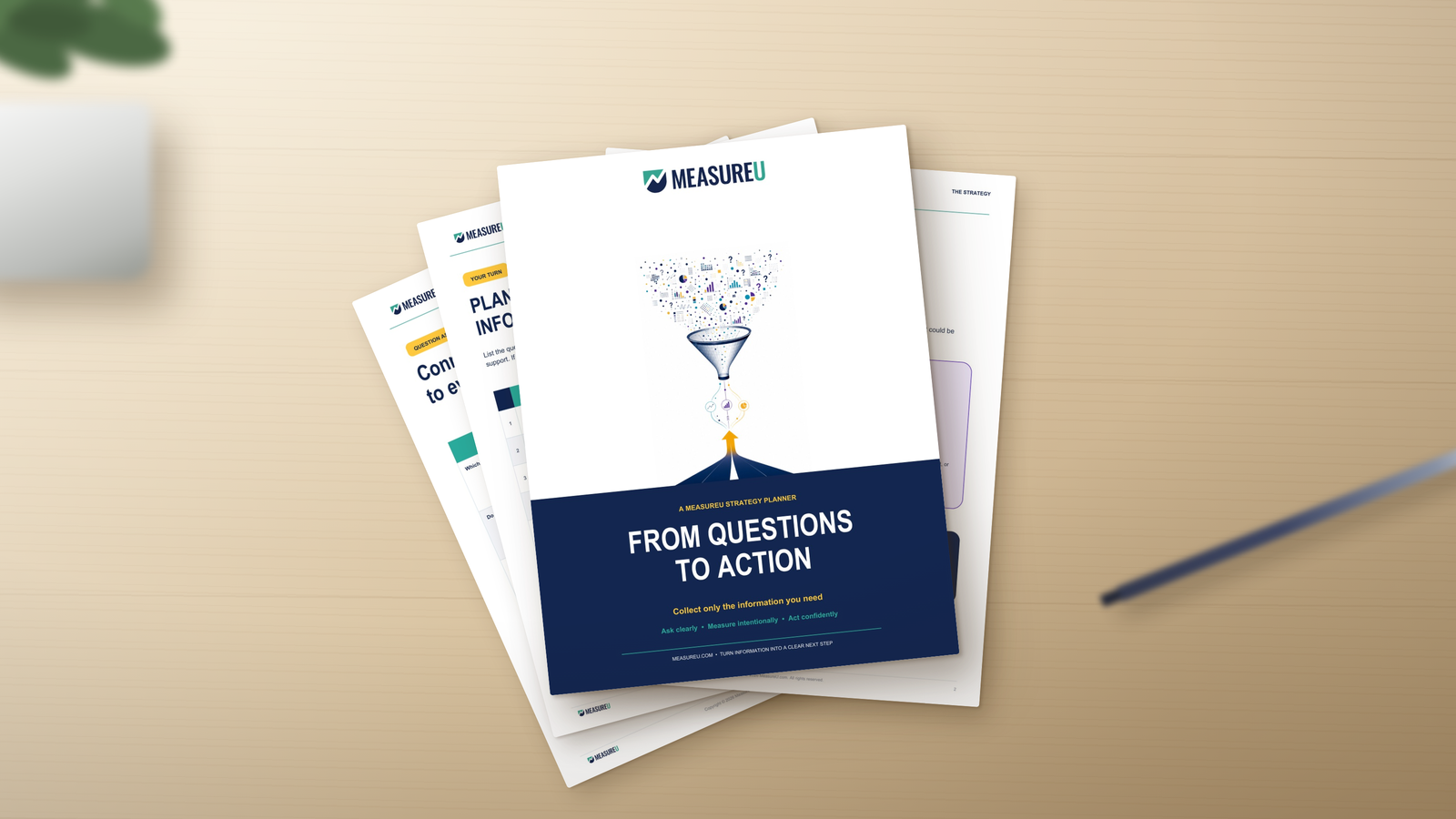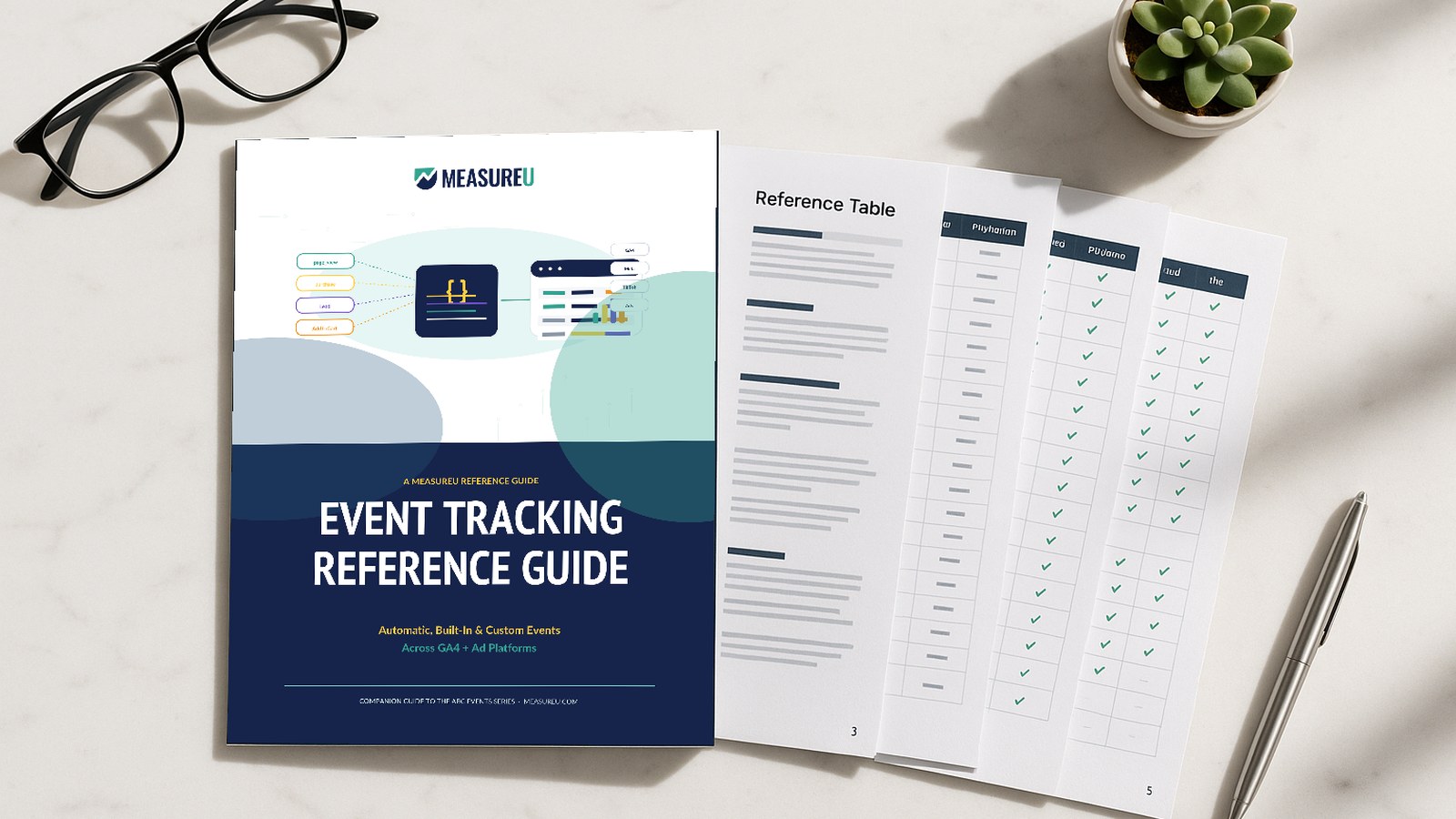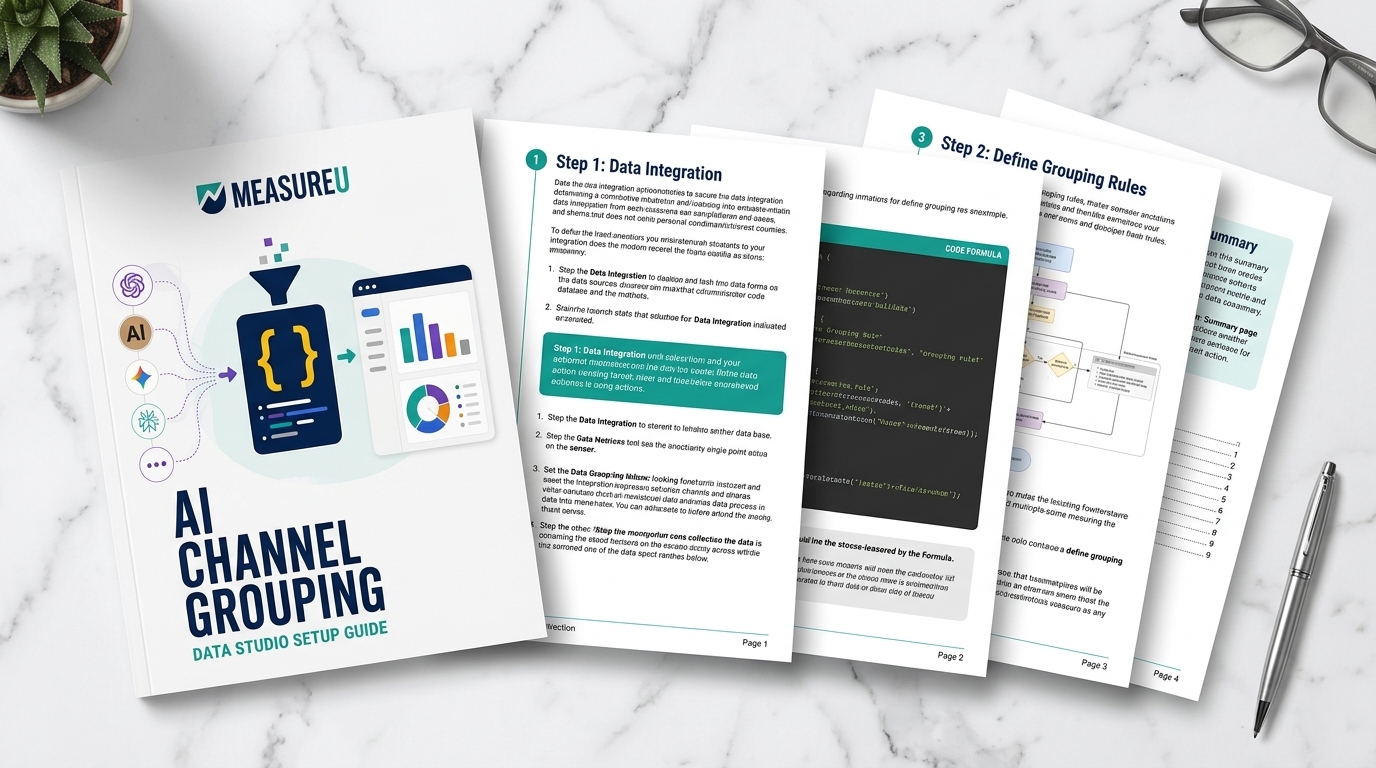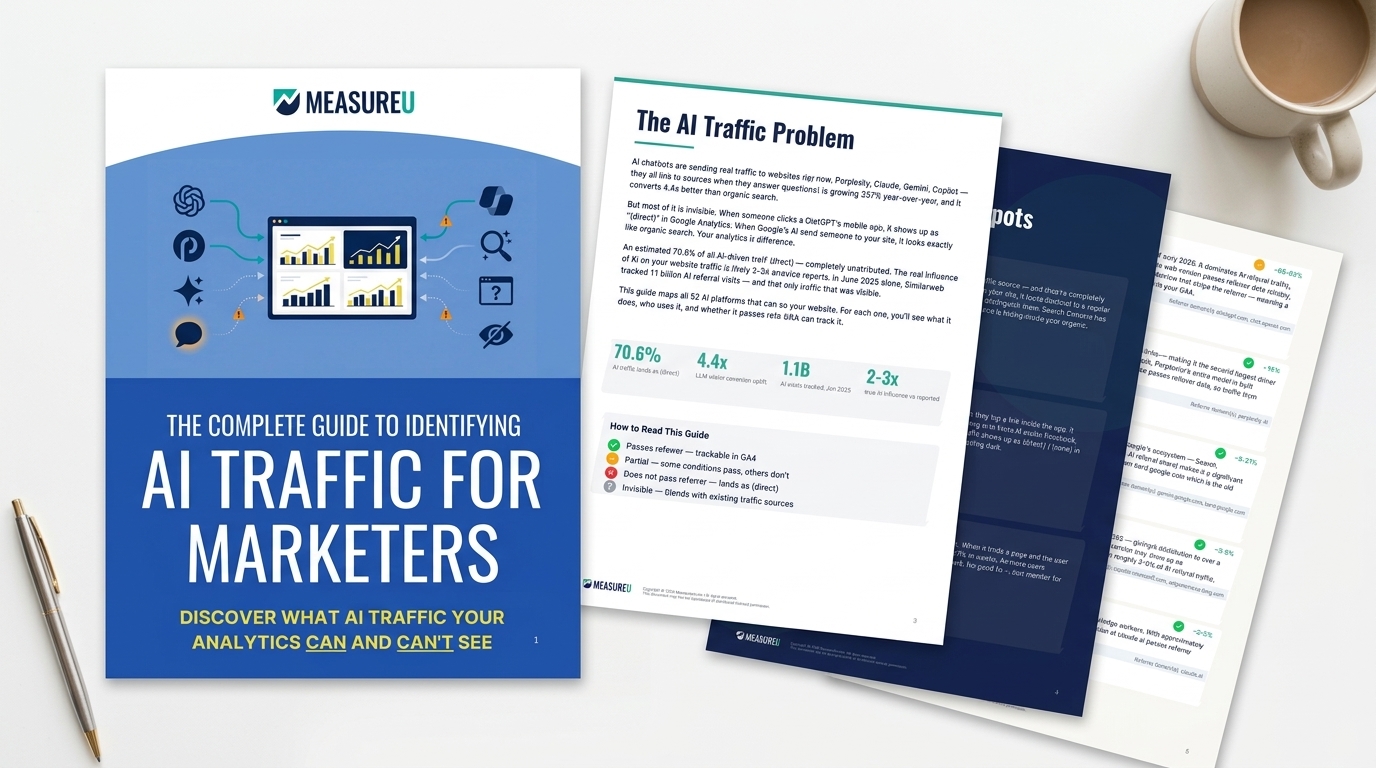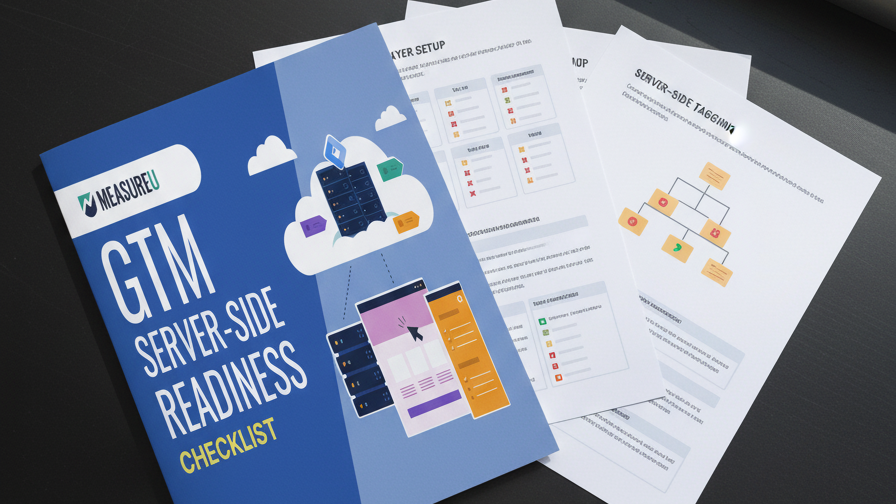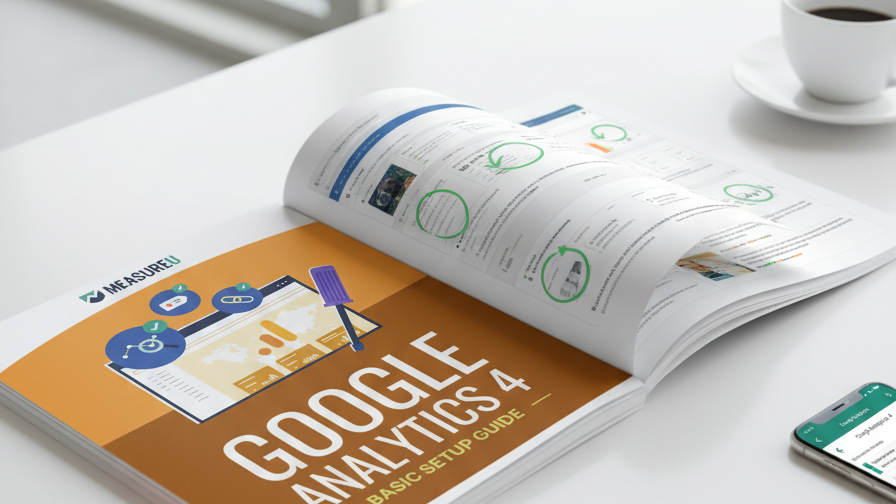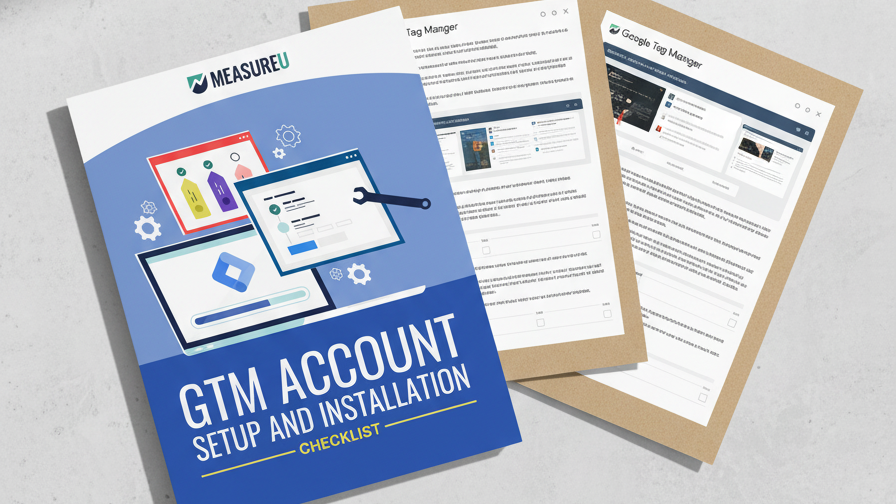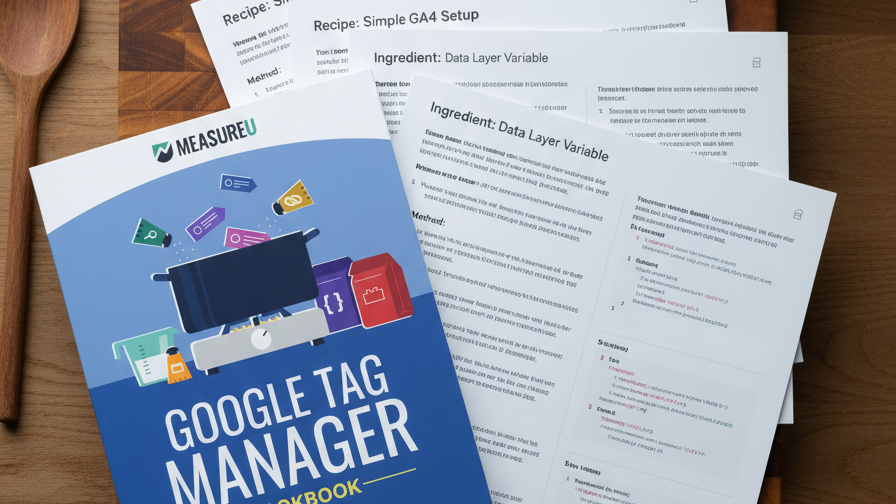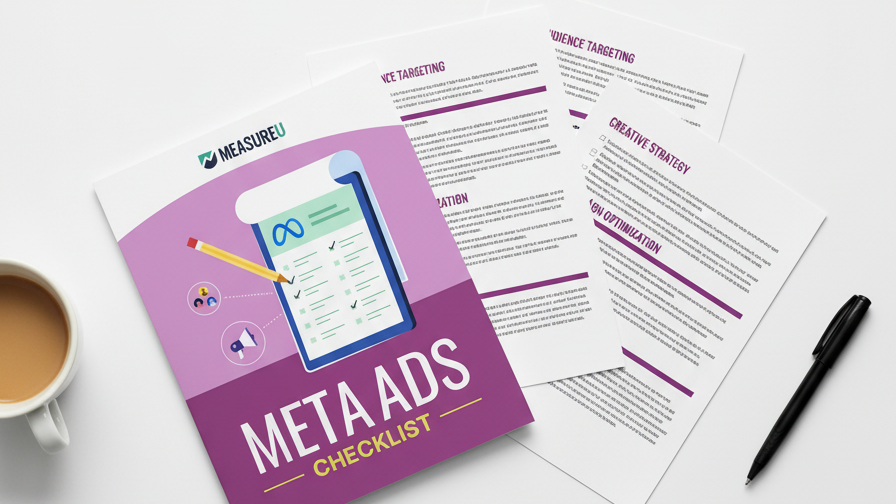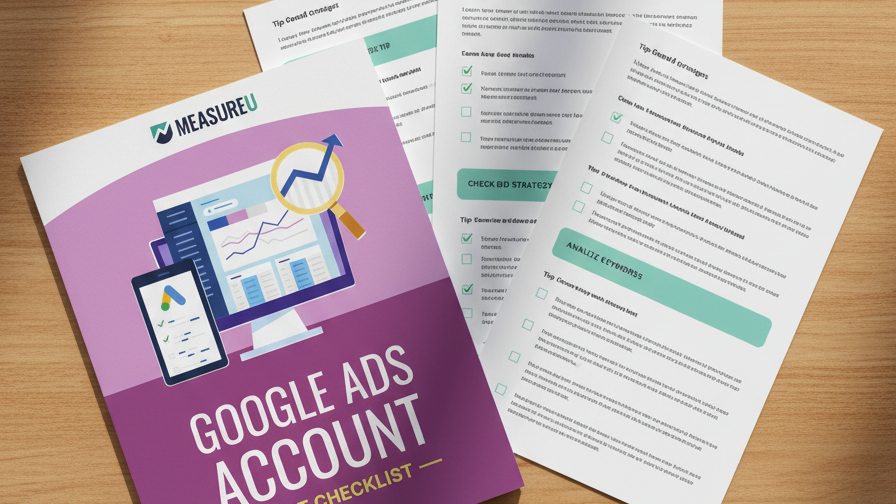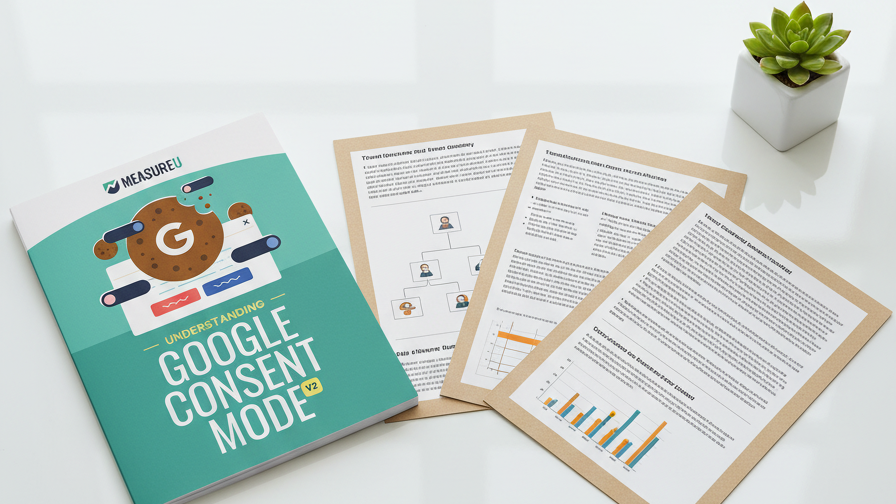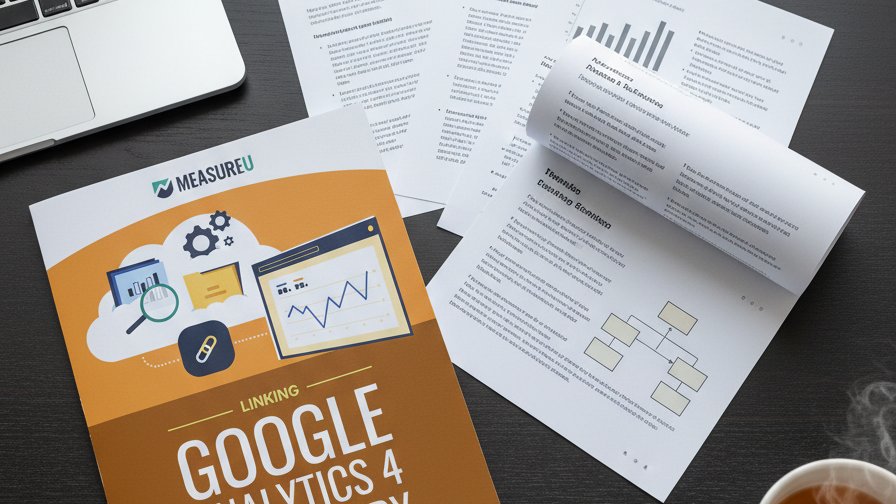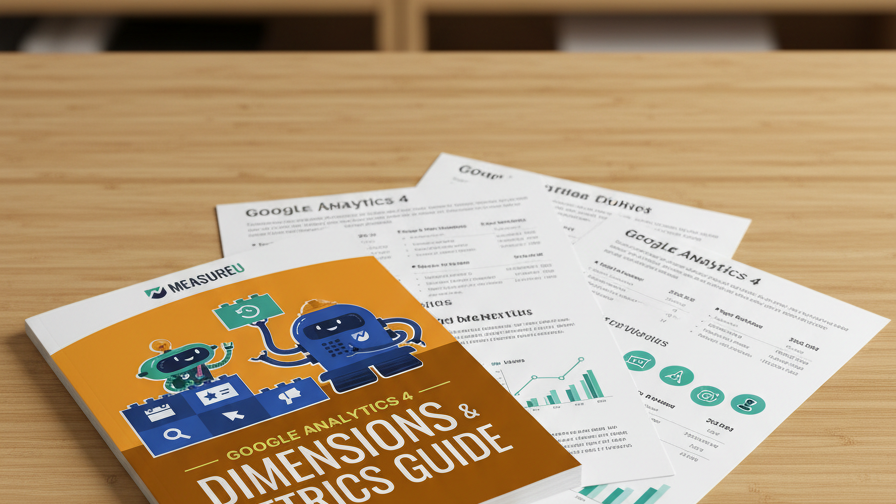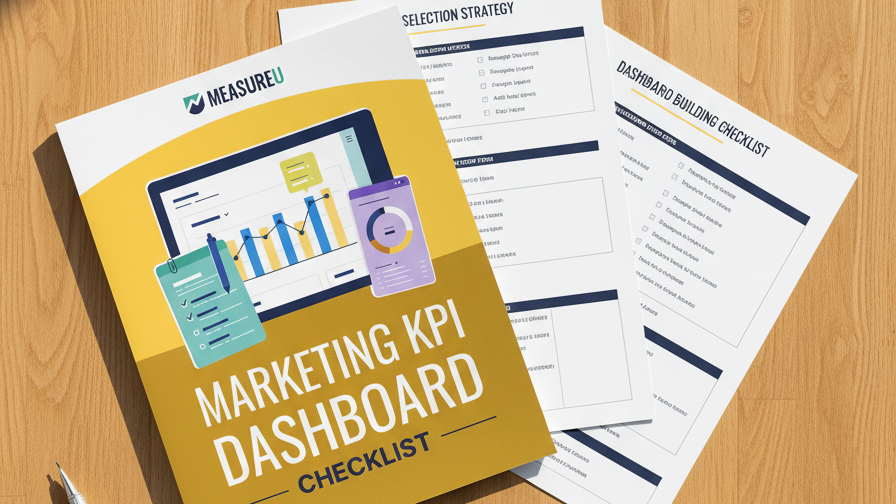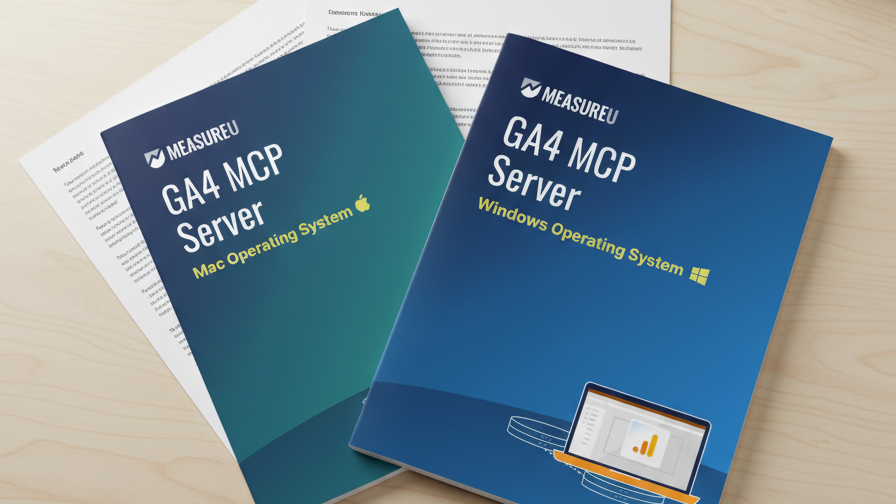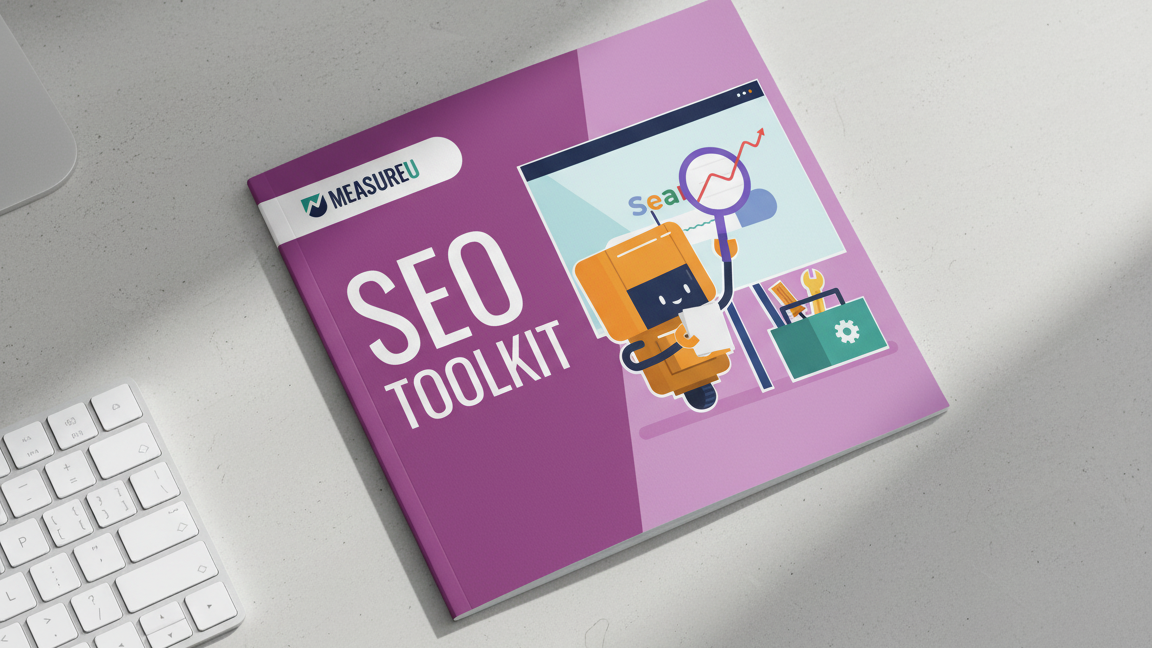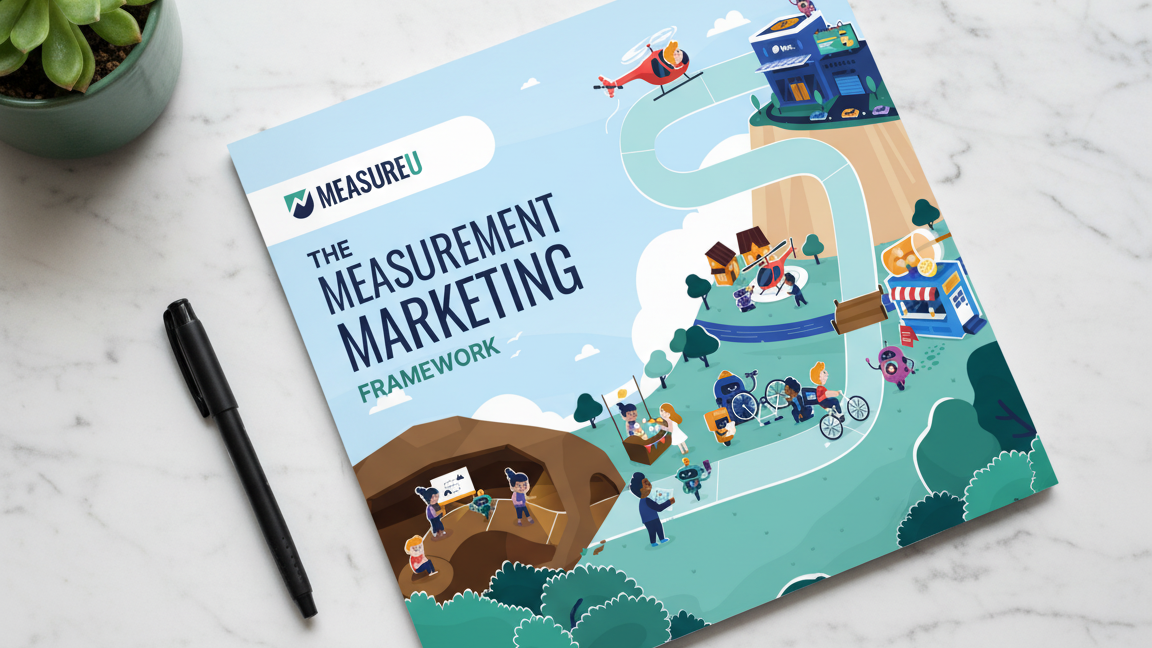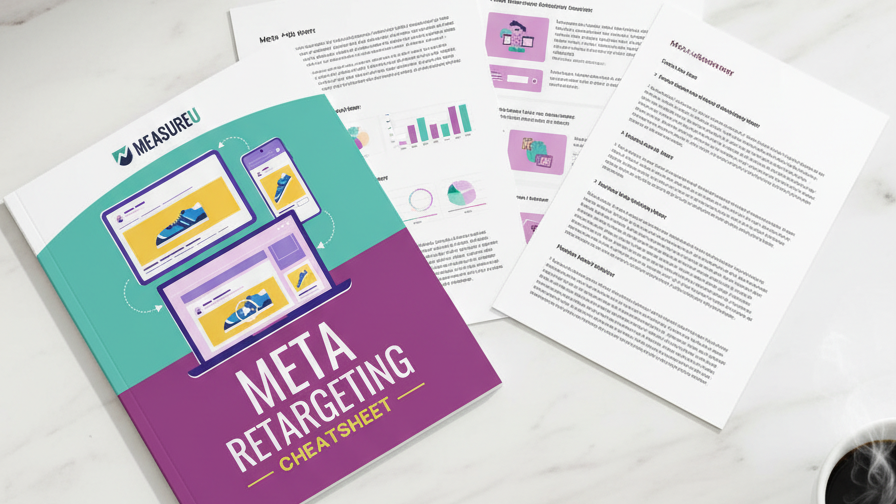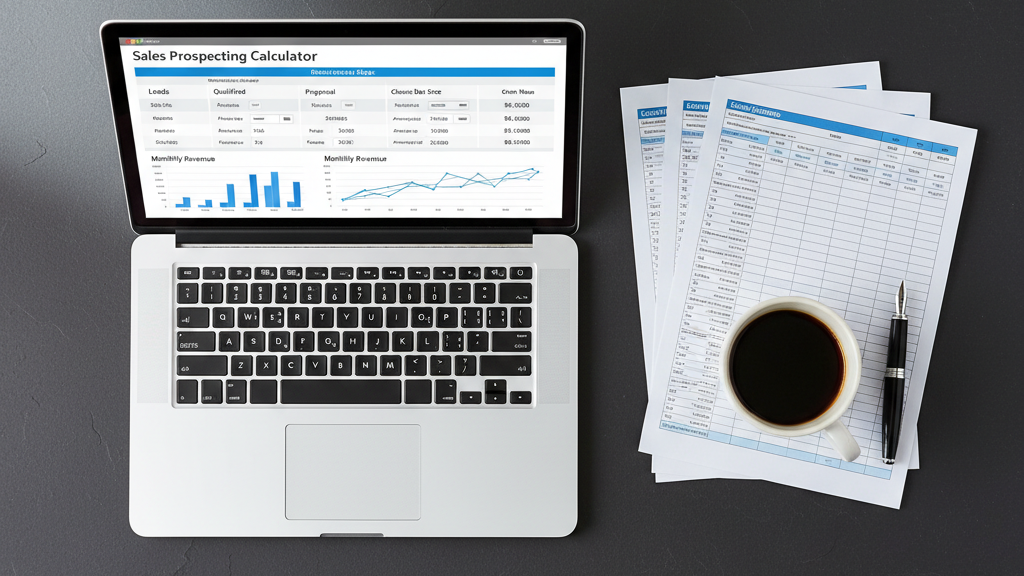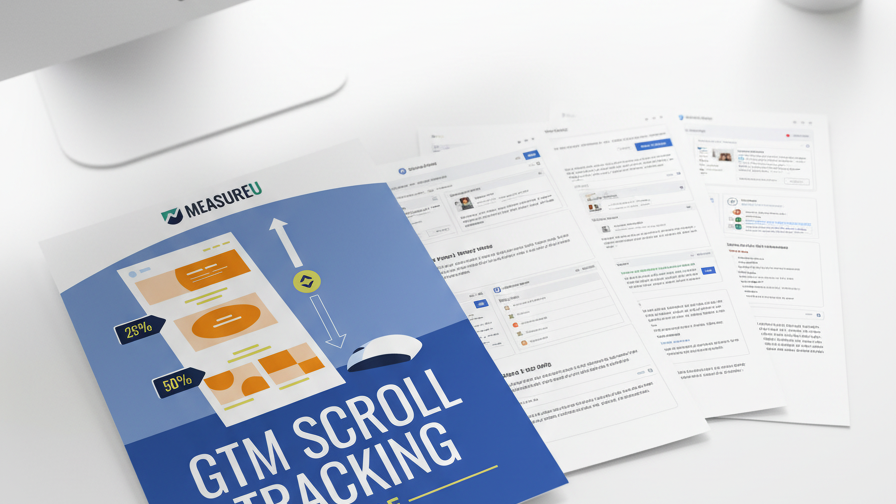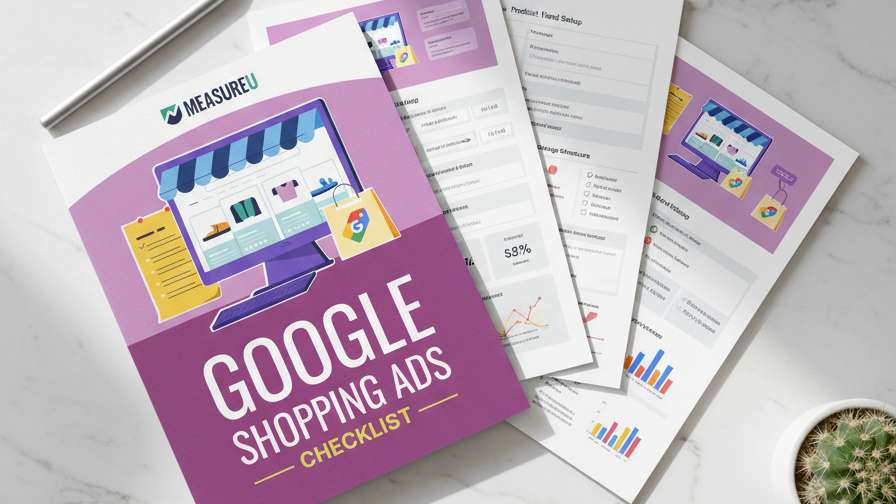
Nine dollars and thirty-nine cents.
That's what I spent to generate over two hundred on-brand images for MeasureU Academy. And I've scaled this approach to thousands of images since then.
Every single one matched our brand. The imagery, the colors, the full look. No designer involved. We didn't open Canva once.
Know that feeling when you type a prompt into an AI image generator and get back something completely generic? Or your logo comes out distorted and you think—well, I guess that's just what the tool does?
You're not alone. Most people assume there's no way to create branded images consistently with AI image generation. And most people never discover what's past the basics.
That's where Google AI Studio comes in. It's the interface that eliminates the watermark problem and drops your cost to about seven cents per image—with full brand control.
I'm going to walk you through three lessons that took me from average AI outputs to a production-level image system. Each lesson builds on the last, and by the end you'll know exactly which one fits your situation.
Who Am I and Why Should You Care?
I'm Jeff Sauer. Twenty-plus years in digital marketing. I ran an agency for most of that time, sold it, and now I teach full-time at MeasureU.
The images I'm showing you today? We're already running them inside MeasureU Academy. Every course, every lesson has its own custom thumbnail. All on-brand. All AI-generated.
This is production work inside our actual business—not theory.
Watch the Full Breakdown
I put together a video walking through all three lessons with live demonstrations:
Key Takeaways
- Lesson 1: The reference-image prompt gets you on-brand results using ChatGPT images in under five minutes
- Lesson 2: Google AI Studio eliminates the Gemini watermark for about 7 cents per image
- Lesson 3: A single voice prompt can hit four AI systems simultaneously and generate 10 images in two minutes
- The real cost: Over 200 branded images for $9.39 total
What You'll Learn
- Lesson 1: The Reference-Image Prompt (ChatGPT Images)
- Lesson 2: How to Remove Gemini Watermarks Using Google AI Studio
- Lesson 3: Scale It With AI Workflow Automation
- ChatGPT vs Gemini: Which One Actually Won?
- Frequently Asked Questions
- Your Next Steps
Why Most AI Images Look Generic (And What to Do About It)
Most people open an AI image tool and start with a blank text box. They describe what they want—colors, style, the general vibe—and get back something that looks like it could belong to any company on earth.
The problem isn't the AI. The problem is that you're asking it to create something from scratch instead of giving it a visual reference to work from.
Think about it. If you hired a designer and said “make me something blue and professional,” you'd get generic results too. But if you showed them your existing slide deck, your current thumbnails, your brand assets? Completely different output.
The same principle applies to AI. And once you understand this, everything changes.
Lesson 1: How to Generate On-Brand Images Using ChatGPT Images and a Reference Prompt
The reference-image prompt is the foundation of everything else I'm going to show you.
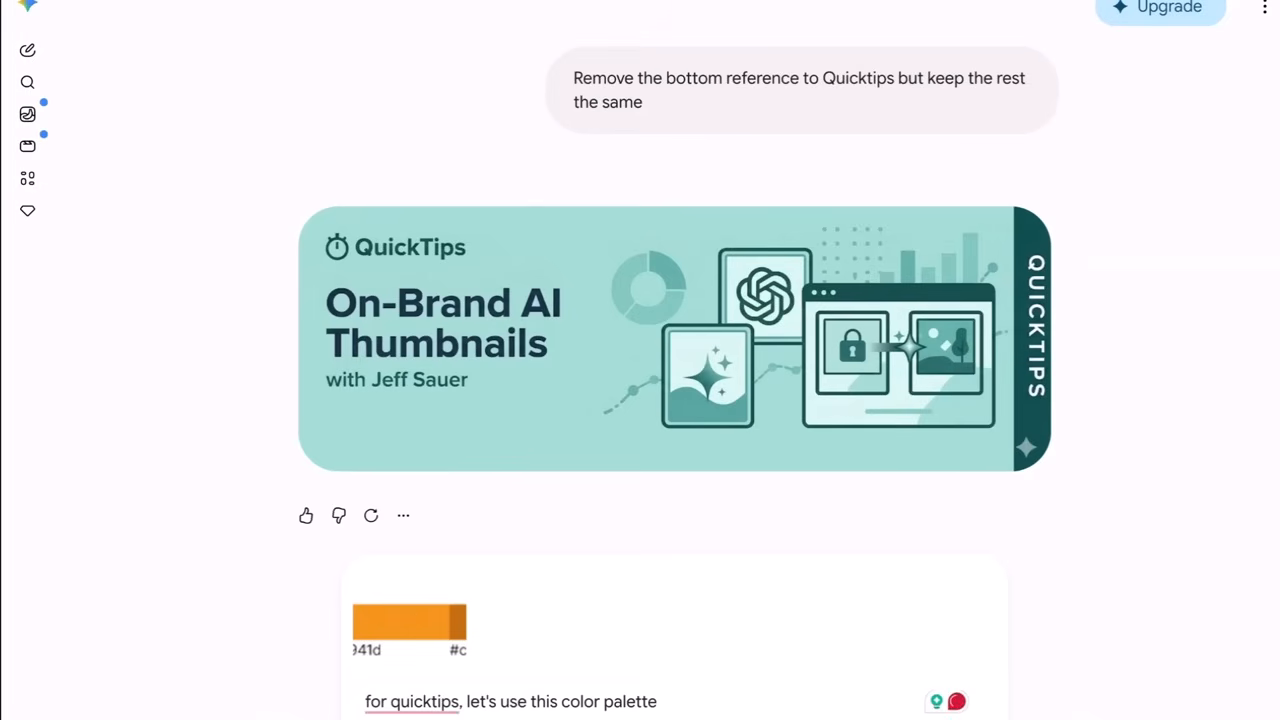
Here's how it works: You upload one of your existing branded images. Then you give the AI a specific instruction about what to do with it.
The prompt I use comes from Manisha, one of our MeasureU coaches. Write this down:
“Use the uploaded image as a visual reference and preserve its overall brand identity, layout, logic, and aesthetic.”
That one sentence does a lot of work.
The AI reads what makes the image feel like YOUR brand—the structure, the color story, the visual logic—and carries that into whatever you're creating next.
Then you describe the new thing you want on top of that. A thumbnail for a different topic, a course graphic, an infographic. Whatever it is gets built around your existing brand feel.
How to Do This Right Now
- Open ChatGPT (the free plan gives you about five image generations per day)
- Upload one of your existing branded images—a thumbnail, a slide, anything that represents your visual identity
- Paste the Manisha prompt: “Use the uploaded image as a visual reference and preserve its overall brand identity, layout, logic, and aesthetic.”
- Describe what you want to create (“Now create a thumbnail for a video about email marketing”)
- Generate and refine
If you need one image tonight, start here. You can do this in the next five minutes.
ChatGPT vs Gemini: The Head-to-Head Test
I ran this exact prompt on two tools at the same time. Same reference image. Same instruction.
ChatGPT on one side, Gemini on the other.
ChatGPT won. And it wasn't close.
The fonts landed right. Brand elements stayed in place. Gemini's output had the fonts slightly off—off enough to notice when you're publishing.
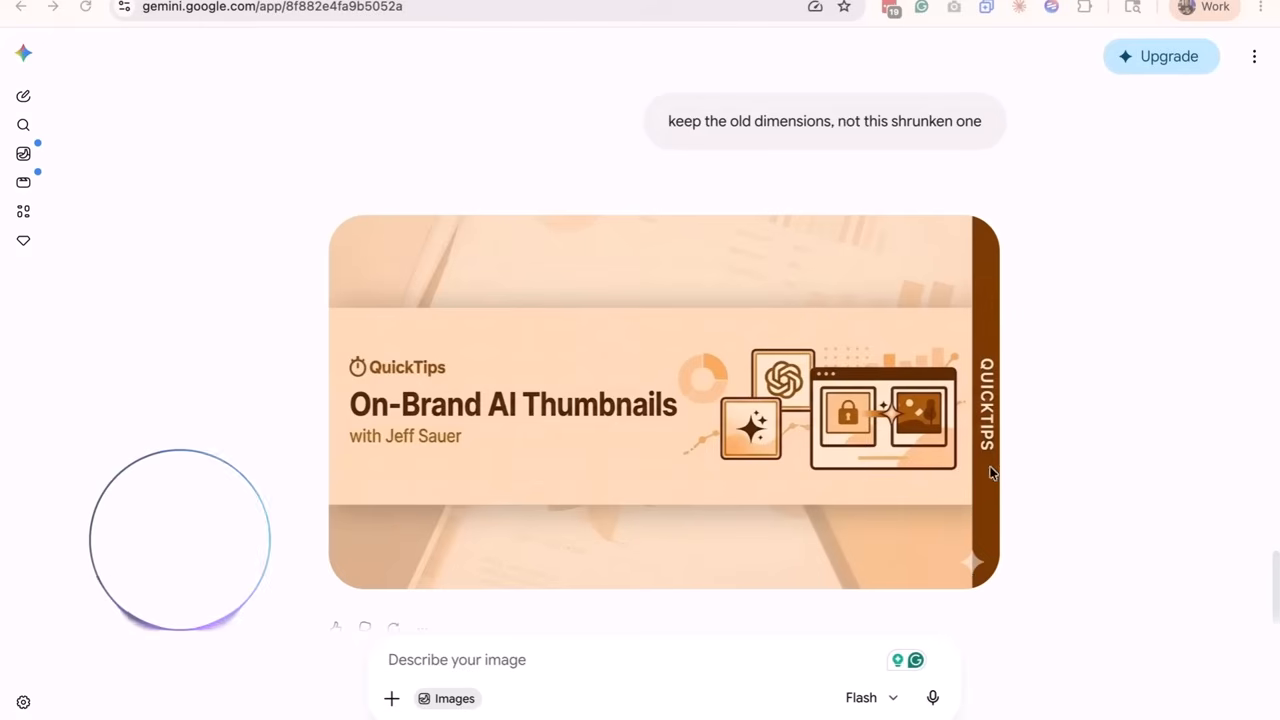
Here's my read on it: ChatGPT images are better right now for brand consistency. That might shift—these tools move fast. But that's what the actual head-to-head showed me.
So why would you ever use Gemini?
Because of Lesson 2.
Lesson 2: How to Remove Gemini Watermarks Using Google AI Studio and the Gemini API
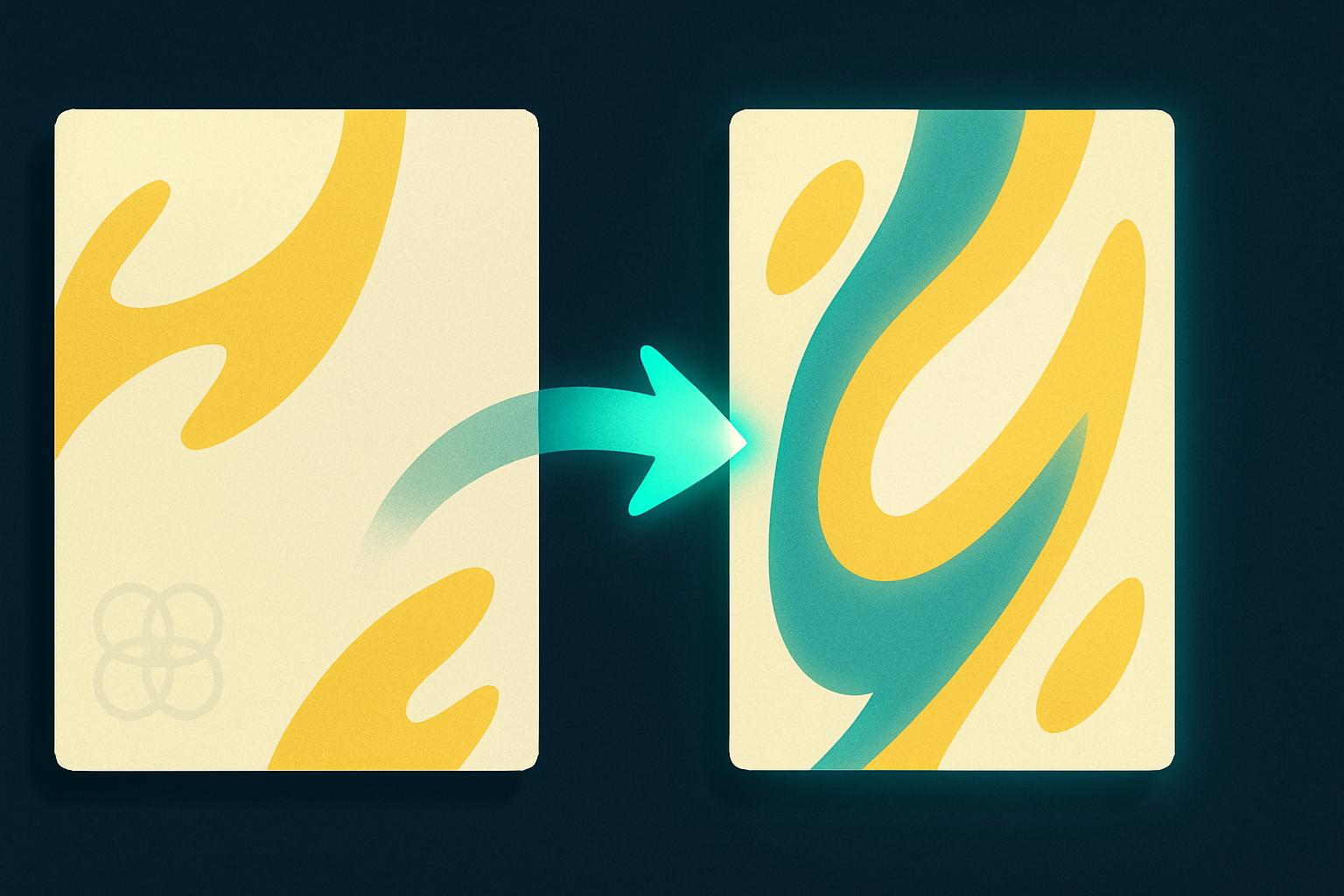
Gemini puts a watermark on every image from the free and Google Workspace tier. Bottom right corner. Every single time.
Let me tell you what happened to me with that watermark, because I want you to avoid this.
I was generating batches of images using a reference image Gemini had created. The watermark kept showing up on every output.
I had already switched to the API. I was paying per image. And it was still there.
I kept regenerating. Same result every time.
So I went back and looked at my reference image.
The output I had saved and uploaded as my brand reference? It had the watermark baked right into it.
The AI was doing exactly what I told it to do. It saw the watermark as part of my brand identity and faithfully reproduced it. Over and over.
That mistake cost me an entire hour.
The Fix: Google AI Studio
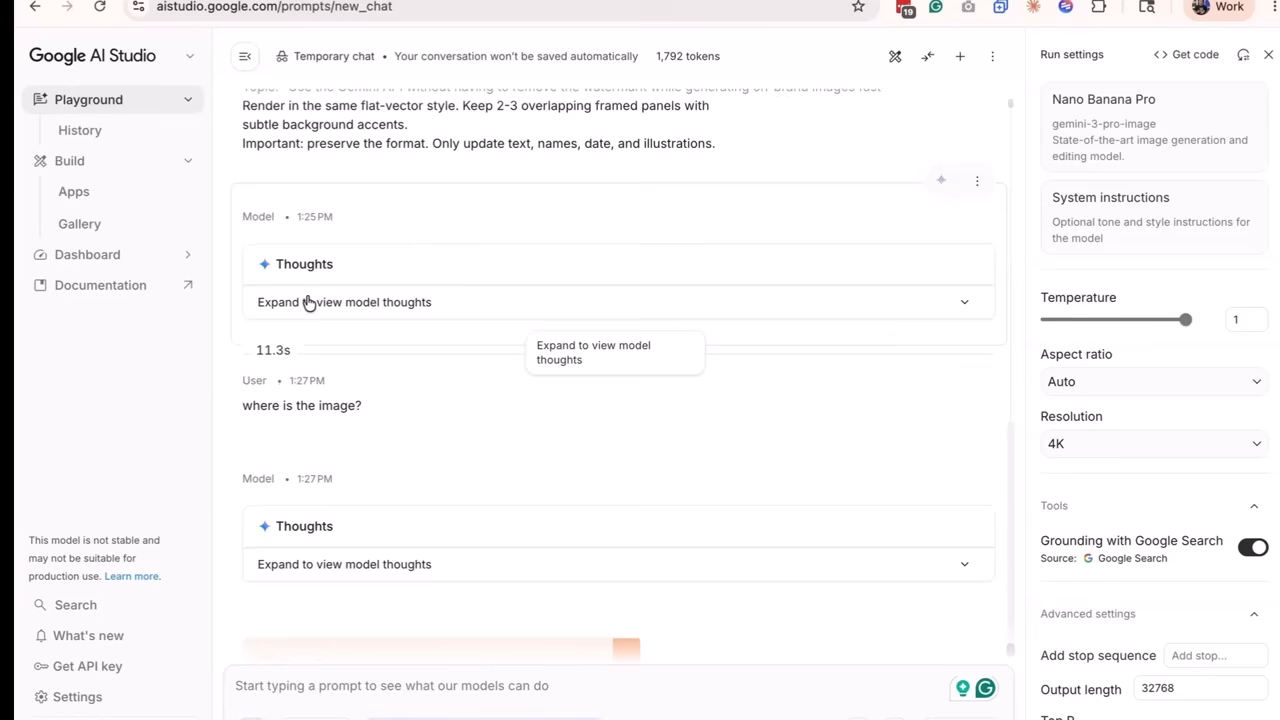
The interface you want is Google AI Studio. This is where you access the Gemini API instead of the free chat tier.
It looks more like a developer dashboard than a chat window, but here's the thing—you're not writing any code here.
You set up your prompt, upload your reference image, and choose your model.
The model I use is the paid “Nano Banana 2” model. (Yes, that name is ridiculous. I know.)
It costs about seven cents per image. And every image that comes back is completely clean.
Why This Works
The reason the images are clean is because you're on the paid tier now. You're calling the model directly through the Gemini API instead of running the free generation tool.
That one switch is the whole fix.
And the economics are hard to argue with. I generated over two hundred images for MeasureU Academy in one billing cycle for nine dollars and thirty-nine cents.
Cost Comparison
| Method | Cost Per Image | Watermark? |
|---|---|---|
| Traditional Designer | $25-75 | No |
| ChatGPT Free Tier | Free (5/day limit) | No |
| Gemini Free Tier | Free | Yes |
| Google AI Studio (Gemini API) | ~$0.07 | No |
If you're producing images on a regular schedule—for YouTube videos, a blog, or any project that needs consistent visual output—this is the setup that makes it sustainable.
Lesson 3: How to Automate AI Image Generation at Scale Using Claude Code
So you've got the reference-image prompt working. You've got the API running and your images are coming back clean.
Now the question is: what if you need a hundred of these? Or a thousand?
Here's how I actually prompt. Ninety percent of the time I'm using voice.
Especially when it's marketing work, because when I talk through a prompt, it comes out sounding like me. The energy is different. The specificity is different.
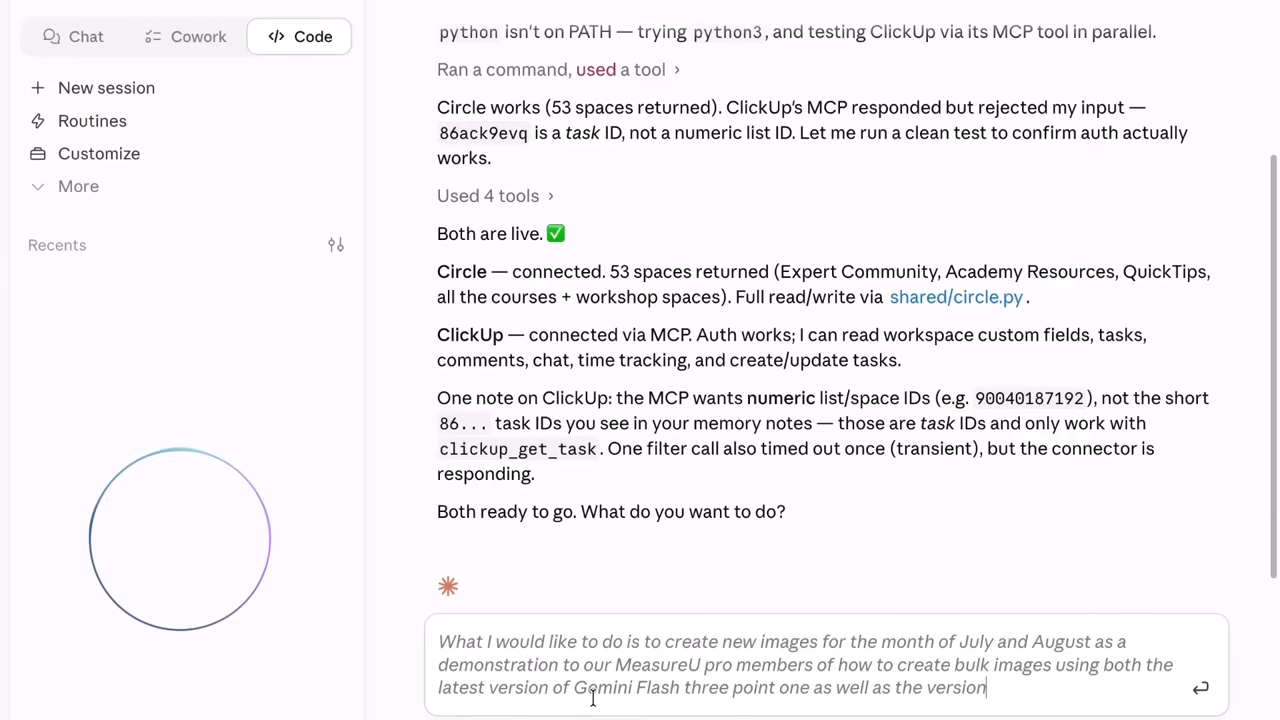
What I'm going to show you is one voice prompt hitting four different systems simultaneously: Circle, ClickUp, the Gemini API, and the ChatGPT API. All running at the same time.
This is AI workflow automation in action.
What Actually Happens
I'm not writing code here. I'm describing what I want out loud.
The images I need. The brand reference. The batch size.
And Claude Code takes that description and coordinates the four systems to go build it.
Ten images came back in about two minutes.
Every one matched the brand reference from Lesson 1. Every one came back clean—no watermark, API all the way through.
The Honest Truth About Setup Time
I need to be honest about something here.
That two minutes is the running time once everything is set up.
Getting the batch right the first time—writing the base prompt, testing the reference, getting Claude Code talking to all four systems cleanly—that took me way longer.
You'll probably spend more time than you think on that part. An hour is realistic. Maybe more on your first attempt.
But here's why that time is worth spending.
Once it's right, you run it again. And again.
We push images out to MeasureU Academy every single week. The same batch setup runs every time. I built it once, and now it's a machine.
That's where the thousands of images come from.
The Agency Opportunity
The other thing this setup does—and this matters if you're running an agency—you can build this for clients.
The voice prompt stays the same. The brand reference changes.
You swap in the client's reference image, and the batch runs with their brand identity instead of yours. Same workflow. Different brand. Every time.
Frequently Asked Questions
How do I use Google AI Studio for image generation?
Google AI Studio is the interface for accessing the Gemini API directly. You don't need to write code—just set up your prompt, upload your reference image, select the model (I use Nano Banana 2), and generate. The key difference from the free Gemini chat is that you're paying per image (~7 cents) and getting clean output without watermarks.
What's the difference between ChatGPT images and the Gemini API?
In my head-to-head testing, ChatGPT produced better brand consistency—fonts landed right, elements stayed in place. Gemini's free tier adds watermarks to everything. But the Gemini API through Google AI Studio removes that watermark and costs less than ChatGPT's paid tier for high-volume work.
How much does the Gemini API cost?
About seven cents per image using the Nano Banana 2 model through Google AI Studio. I generated over 200 images for $9.39 in one billing cycle.
Can AI image generation replace a designer?
For recurring visual content—thumbnails, course graphics, social images—absolutely. A designer would have charged tens of thousands for the scope we've covered at MeasureU Academy. But for complex brand development, custom illustrations, or one-off creative work? You still want a human. This is about eliminating the production bottleneck, not replacing creative thinking.
Do I need to know how to code to use Claude Code for batch generation?
No. I'm not writing code—I'm describing what I want out loud using voice prompts. Claude Code translates that into the coordination needed across multiple systems. The setup takes time (budget an hour for your first attempt), but no programming knowledge required.
Where to Start (Based on Your Situation)
Here's how to figure out which lesson fits you right now:
If you need one image tonight: Go to ChatGPT, upload a reference image, paste the Manisha prompt. You can do that in the next five minutes. The free plan handles most needs.
If you're creating images every week and want clean output: Set up Google AI Studio. Under seven cents per image, no watermark. This is the sustainable setup.
If you're doing this at volume—for your business, for clients, or for a platform with hundreds of pages: That's where Claude Code and the batch workflow earn their setup time.
You don't have to do all three tonight. Start with Lesson 1 and build from there.
Your Next Step
Lesson 3 runs on Claude, and Claude connects to marketing tools through something called MCPs.
If you've been hearing that term and you're not sure what it means for someone running a marketing business, I made a video on that. There are over ten thousand MCPs right now, and most of the content about them is written for developers.
That video maps the ones that actually matter for marketers.
Watch the MCP breakdown for marketers →