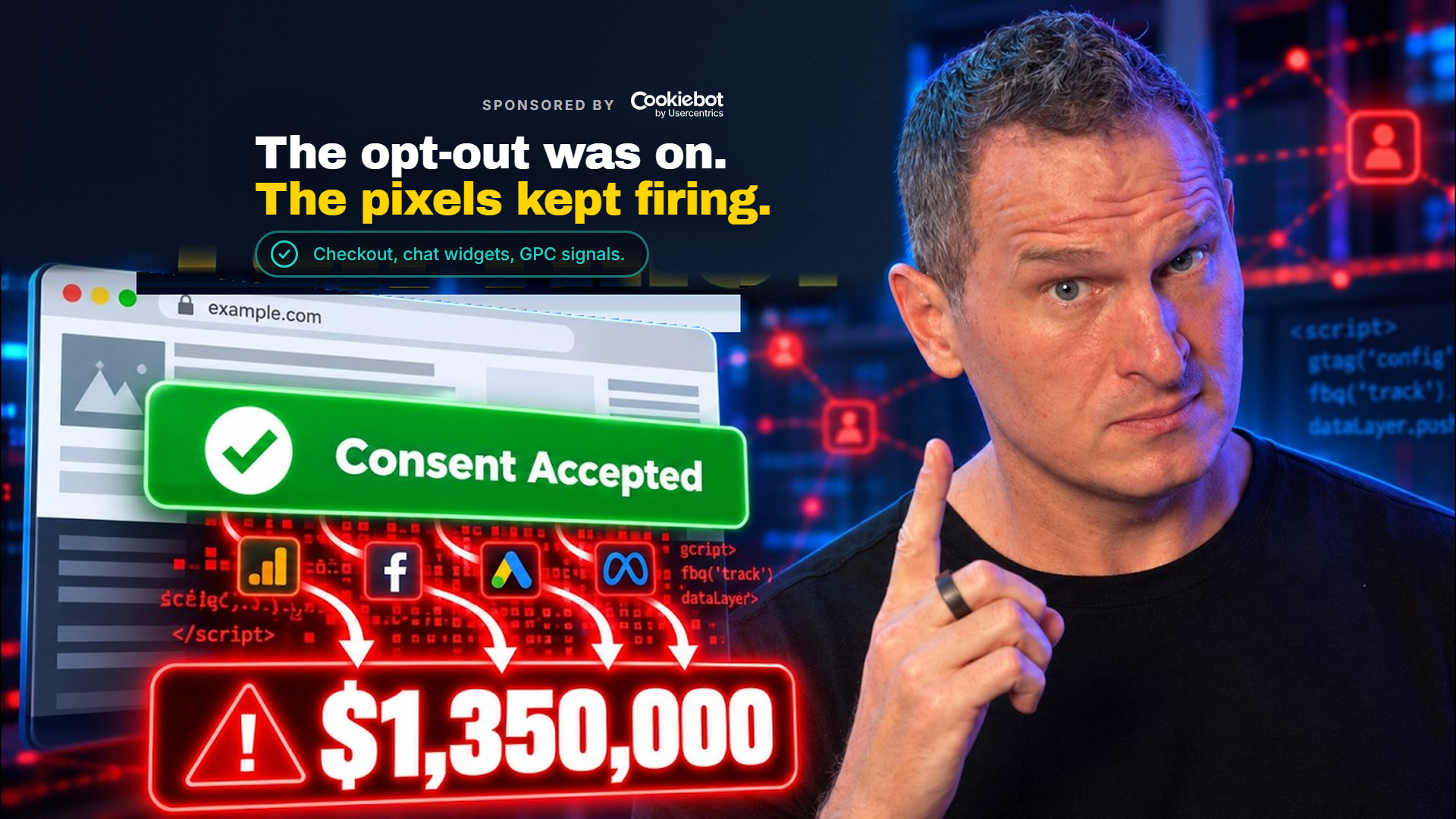
One consumer complaint. A $1.35 million fine. Tractor Supply, September 2025.
The worst part? They probably thought they'd done everything right. And honestly, you might think the same thing about your own setup, or your client's site. You installed the consent banner. You checked that box. You moved on to the next project.
But here's the thing: does your banner actually stop your tracking pixels from firing when someone opts out? Does it honor Global Privacy Control signals from browsers? Because that's exactly where Tractor Supply's implementation fell apart.
And while consent can cost you some data, getting it wrong can get you fined. The difference between those two outcomes is closer than you think.
This post is sponsored by Cookiebot by Usercentrics.
Watch the Full Breakdown
In this video, I break down exactly where consent fails, and it's not where most marketers are looking.
What You'll Learn in This Post
- Your cookie banner is just the visible part, consent compliance involves every tag that fires (or doesn't) based on visitor choices
- The Tractor Supply case reveals four specific failure points that cost them $1.35M from a single complaint
- Checkout pages, chat widgets, and downstream integrations often load scripts independently of your consent management platform
- Google Consent Mode Advanced gives you a way to preserve measurement while respecting consent, but only if implemented correctly
Table of Contents
- The Tractor Supply Case: What Actually Went Wrong
- This Isn't Just a California Problem
- Where Consent Actually Breaks for Measurement Teams
- What Is Global Privacy Control and Why Your Site Needs to Honor It
- How Google Consent Mode Preserves Your Data While Respecting Consent
- Your Audit Checklist: What to Check Before Black Friday
The Tractor Supply Case: What Actually Went Wrong
I've spent over 20 years helping companies get their marketing data right. And the Tractor Supply case is the clearest example I've seen of how implementing consent wrong breaks in practice.
In September 2025, the California Privacy Protection Agency (the state agency created to enforce California's consumer privacy law) fined Tractor Supply $1.35 million. At that point, it was the largest fine that agency had ever issued.
It started from a single consumer complaint. Not a class action lawsuit. Not a regulatory sweep. One person filed a complaint.

When the agency investigated, they found four specific problems:
- The opt-out didn't actually work. When a user submitted a do-not-sell request through the site, the request did not stop the selling and sharing of their data through third-party tracking technologies on the site. The opt-out existed on screen, but it didn't affect the actual tracking collection.
- The site wasn't honoring Global Privacy Control signals. GPC is a setting in a person's browser that tells every site they visit: do not sell or share my data. If your setup isn't reading that signal, you're ignoring a consent choice the user already made before they ever saw your banner.
- Missing vendor contracts. Tractor Supply shared personal information with ad-tech vendors without contracts limiting how those vendors could use the data.
- Outdated privacy policy. Their privacy policy hadn't been updated since 2021.
In addition to the fine, the agency required regular audits of the tracking technologies on their sites. That tells you something important about where the agency focused its attention.

This Isn't Just a California Problem
I want to address something before we go further, because it affects you no matter where you operate.
You might be thinking, “California is aggressive, so if I'm not in California, this doesn't apply to me.”
But Tractor Supply is based in Tennessee. And they're not alone.
Disney settled with the California Attorney General in February 2026 for $2.75 million. The issue: when a user opted out on one device or one service, the opt-out only applied to that device or service, not to everything connected to their account.

PlayOn Sports was fined $1.1 million by the California Privacy Protection Agency in March 2026. No effective way to opt out, and the site didn't honor browser opt-out signals.
TicketNetwork paid $85,000 to the Connecticut Attorney General in July 2025. That was the first money penalty under Connecticut's privacy law. The problem: their privacy rights mechanisms were misconfigured or didn't work.
That's Connecticut. Not California.

There are now more than 20 US states with active privacy laws, and that number is still growing.
The pattern across every one of these cases is the same: the opt-out existed somewhere on the site. It just didn't actually work the way the company intended.
Where Consent Actually Breaks for Measurement Teams
So where do consent and opt-outs actually break? And what does it mean for the measurement work you're doing day to day?
The cookie banner you're used to seeing is not the only place where the problem lives. The problem can also live downstream of the banner, in the parts of the site that load their own scripts independently of whatever your consent or tag management platform is doing.
Checkout pages are the first place to check. Checkouts often run a completely different set of scripts than the rest of the site. If yours was built on a different platform or added later, it may be loading pixels that never received the consent signal your banner collected.

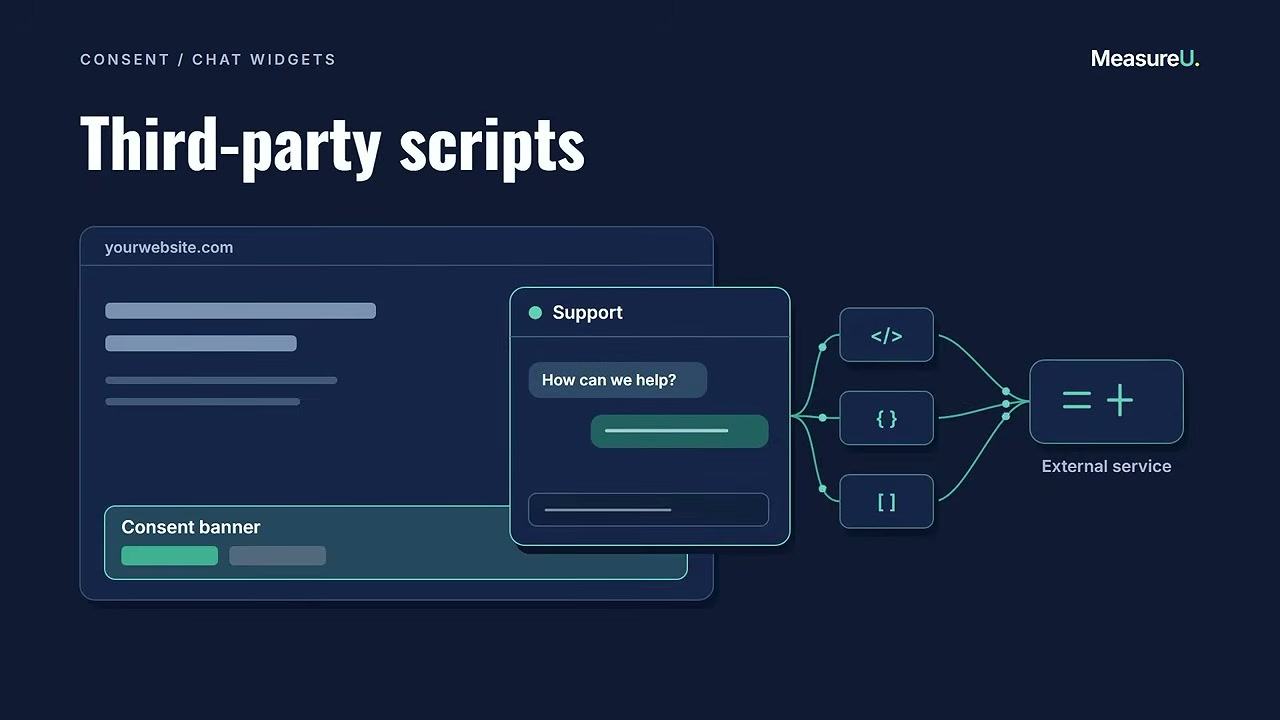
Chat widgets are another common blind spot. That live chat or support bubble that appears in the corner of a site loads its own third-party scripts. Chat widgets are a recurring target in privacy lawsuits, and for good reason.
Downstream integrations are where things get complicated. When a visitor opts out on your site, that choice has to travel through your entire technology stack to every vendor receiving that visitor's data. Honoring an opt-out on your site for your own first-party tracking doesn't automatically mean every pixel, every partner integration, and every data feed honors it. You have to implement your tracking system so the opt-out signal actually reaches the end of the chain.

What Is Global Privacy Control and Why Your Site Needs to Honor It
And then there's Global Privacy Control, which I mentioned in the Tractor Supply case.
A user can have Global Privacy Control enabled in their browser right now, visiting your site right now. And if your setup isn't reading that signal, you're ignoring a consent choice they made before your banner ever appeared.
Let me be direct: Global Privacy Control is a browser-level setting that communicates “do not sell or share my data” to every website the user visits. It's not optional under California law. Both Tractor Supply and PlayOn Sports were cited specifically for not honoring Global Privacy Control signals.
The tricky part? Many marketers don't even know if their consent management platform is detecting and responding to Global Privacy Control. It's not something you can see in the banner interface, it's happening before the banner even loads.

None of this requires a new banner. It requires checking the parts of your tracking that the banner doesn't automatically control and making sure everything is actually set up properly.
How Google Consent Mode Preserves Your Data While Respecting Consent
The instinct when you hear all of this is to worry that consent is going to hollow out your data.
It doesn't have to.
That's where Google Consent Mode comes in. There's a right way to build this, and it keeps more of your measurement while respecting what your visitors actually chose.
Google Consent Mode is Google's system for letting your tags respond to a visitor's consent choice, so your measurement doesn't just go dark when someone opts out. There are two ways it works, and the difference matters.
Basic consent mode blocks your Google tags entirely until the visitor consents. Nothing fires, nothing is collected. If the visitor leaves without consenting, that session is invisible to your measurement.
Advanced consent mode works differently. The tags load with consent set to denied by default, and they send cookieless pings that let Google model conversions and behavior for the traffic you can't measure directly.
| Mode | What Happens | Data You Keep |
|---|---|---|
| Basic | Tags blocked until consent | Only consented traffic |
| Advanced | Cookieless pings with denied consent | Modeled conversions for opted-out traffic |
Advanced consent mode means you're not completely blind to the traffic that opts out. CMPs like Cookiebot support both modes, so whichever approach fits your setup, the consent signal your visitor gave is the one that reaches your tags.
What About Server-Side Tagging?
Some of you are running server-side tagging, or thinking about it. Let me address that directly.
Server-side tagging means your tracking runs through your own server before the data goes to any vendor. That gives you more control over what fires and what data leaves your environment.
Server-side Google Tag Manager works with consent management platforms so the events you send through your server respect the consent choice your visitor made on the front end.
But, and this is important, server-side on its own doesn't make you compliant. Running your tracking through your own server doesn't change what your visitors consented to. You still need to honor the visitor's choice and pass it through the whole system.

What server-side plus Advanced consent mode gives you is a legitimate way to keep more of your data while respecting consent. Not a way around consent.
Note: I'm not a lawyer, and nothing in this post is legal advice. But this is the approach the platforms themselves recommend. If you need certainty about your specific situation, talk to someone qualified to give it.
Your Audit Checklist: What to Check Before Black Friday
Black Friday is close. The fix isn't complicated. But you have to actually check, because the banner being live doesn't mean the system is working.
Here's what to verify:
- Test your opt-out flow end-to-end. Submit a do-not-sell request on your own site. Then check whether your third-party pixels actually stop firing. Use browser dev tools or a tag monitoring tool to verify.
- Check your Global Privacy Control response. Enable GPC in your browser (Brave has it built in, or use a browser extension). Visit your site and see if your consent management platform detects it. If your banner appears anyway asking for consent, you may have a problem.
- Audit your checkout page separately. Open dev tools on your checkout page and compare the scripts loading there to the scripts on your main site. Are they the same? Are they respecting the same consent signals?
- Verify chat widget compliance. If you have a chat widget, check whether it loads before or after consent is granted. Many chat tools load their own tracking that bypasses your CMP entirely.
- Review your consent mode implementation. If you're using Google Consent Mode, verify whether you're on basic or advanced. Check that the consent signal is actually reaching your Google tags.
Cookiebot put together an audit guide specifically for checking your consent setup across all these areas. It's self-serve and structured, and it walks you through these checks in detail.
Download the Cookiebot Retail Consent Audit Guide
Now You Know Where to Look
The pattern in every enforcement case is the same: the opt-out existed somewhere on the site. It just didn't actually work.
Your cookie banner is what your visitors see. It isn't consent compliance on its own. Consent compliance involves every tag that fires, or doesn't fire, based on what that visitor chose.
The companies getting fined probably thought they did everything right too. The difference between them and you is whether you actually check.
Ready to run that audit? Grab the guide and work through it before the holiday traffic hits. And if you want to talk through your specific setup, you can reach me through the contact form.com.