This post is sponsored by Fish Audio. The opinions and the demo are my own.
Tired of AI voice tools that sound like robots reading a grocery list? You're not alone.
I cloned my voice, fed it a sales letter, added emotion tags, and hit generate. What came back sounded so much like me that I had to double-check it wasn't my own voice recording.
And I'm not exaggerating, there was a point when I was listening to the AI-generated recording that I genuinely forgot it wasn't me.
That's when I knew Fish Audio was different from every other AI voice generation tool I'd tested.
My Background (And Why I Was Skeptical)
I'm Jeff Sauer, and I've spent twenty years building marketing agencies and productivity systems. I've been working with audio ever since I ran a show on my college radio station, so I know exactly where voice tools usually fall short. I've hit every wall.
Here's the thing: a while back I cloned my voice with the biggest-name tool out there. I even had it make the audiobook version of my book Service Stacking the hard way. It took take after take to even get something semi-decent, going back and forth with the interface until I wanted to throw my laptop across the room.
That experience made me genuinely skeptical that anything in the voice cloning space was worth the effort.
Fish Audio changed that. And I want to show you exactly how, step by step, so you can walk away from this post and do it yourself today.
Watch the Full Breakdown
In this video, I walk through the entire Fish Audio setup process, from the instant clone to professional voice training to calling the API through Claude.
What You'll Learn in This Post
- The professional voice clone trained in 21 minutes and 33 seconds using 81 minutes of my audio
- Emotion tags like [excited] and [laughing] make AI-generated speech sound genuinely human
- The S2.1 Pro API is free under fair use, no credit counter ticking down
- Claude can handle the emotion tagging AND the API call, eliminating the last piece of workflow friction
Table of Contents
- The Problem with AI Voice Tools Right Now
- What Fish Audio Actually Is
- Step 1: The Instant Clone (Free Plan)
- Step 2: The Professional Clone (Studio Quality)
- The Free API: Why This Changes Everything
- Claude + Fish Audio: The Killer Workflow
- Emotion Tags: The Secret Sauce
- Real Use Cases for Your Business
- Free Plan vs. Pro: An Honest Assessment
- Frequently Asked Questions
- Ready to Try Fish Audio?
The Problem with AI Voice Tools Right Now
Here's the assumption most people make: AI voice means one big-name tool, probably the one everyone talks about, and you go log into it as a separate app and separate subscription every single time you need audio.
That was my experience with the competitor I used for my audiobook.
It wasn't that the voice quality was terrible. It was that the workflow was exhausting.
Every time I needed to generate more audio, I had to:
- Leave whatever I was working in
- Open a different browser tab
- Paste my text
- Tweak settings
- Download the file
- Bring it back into my actual project
That friction compounds fast. And eventually I just stopped using it.

The tool wasn't worth the context-switching cost.
What I kept thinking was: I already have an LLM open all day. Why is my voice generation happening somewhere else entirely?
That's where Fish Audio comes in.
What Fish Audio Actually Is
Fish Audio is a text-to-speech platform with a voice cloning feature and a free API called S2.1 Pro.
Here's what makes it different:
- 83 languages supported
- No hard usage cap on the API under fair use
- Emotion tags: free-form bracket cues you drop at the start of a sentence
Those emotion tags are what separate Fish Audio from everything else I've tried. Something like [excited] or [laughing] at the start of a sentence, and the model reads that sentence with that specific emotional quality baked in.
I'll show you what that actually sounds like in a minute, because hearing it is the whole point.
But the architecture here is what matters first. Fish Audio isn't asking you to live inside their app. You clone your voice once, get your API key, and then you call it from wherever you already work.
For me, that means Claude.
Step 1: The Instant Clone (Free Plan)
When you first get into Fish Audio, you'll see two cloning options.

The instant clone is exactly what it sounds like, you upload about ten seconds of audio, and it processes your voice in minutes.
I recorded a few lines, hit create, and it came back with a description of my voice: “wry, relatable tone, measured, friendly, clear.”
I did not know I was wry. But apparently that's me.

The instant clone is genuinely easy, probably the easiest voice cloning I've ever done, and it produces something that sounds recognizably like you.
For quick tests and low-stakes use cases, it works.
But I want to be straight with you: if you're planning to put this voice on a landing page or a video sales letter that clients are going to hear, the instant clone is a starting point, not the finish line.
That's where the professional clone comes in.
Step 2: The Professional Clone (Studio Quality)
The professional clone requires a Pro account, and it asks you to upload twelve to fifteen audio clips with a consistent tone.
Here's what I did:
- Pulled audio files from my own YouTube channel: I had plenty of consistent-quality recordings
- Dragged them into Fish Audio: I uploaded 81 minutes of audio total (more than enough)
- Let the system analyze them
- Completed the voice ownership verification: you read a short passage to confirm you're actually you

Quick note: I fumbled that verification the first time and had to redo it. So just know that step exists and don't rush through it.
After verification, the model trains. Fish Audio told me to expect ten to thirty minutes.
Mine came back in 21 minutes and 33 seconds.

And then I hit play on the preview sample.
“I always find that taking a short walk in the morning completely changes how I feel about the rest of the day.”
It sounded like me.
The inflection wasn't perfect on every syllable, I noticed that immediately, but the voice, the cadence, the tone? It was me.
And that's before we added emotion tags, which is where the distance between “sounds like me” and “is indistinguishable from me” actually closes.
The Free API: Why This Changes Everything
Once your professional clone is ready, this is what makes Fish Audio your go-to tool.
The S2.1 Pro API, the actual generation endpoint you call to produce audio, is free.
We're not talking about a ten-minute free tier that runs out in a week. Free, with no hard cap under fair use. Which means you can generate as much audio as you actually need without watching a credit counter tick down to zero.
Compare that to the competitor I used:
| Feature | Fish Audio | Competitor |
|---|---|---|
| Free API generation | Yes (fair use) | Limited free tier |
| Pricing model | Pro subscription + free generation | Subscription + per-character charges |
| Workflow | API calls from any tool | Separate app required |
Fish Audio flips the typical model. You pay for the Pro account to unlock the professional clone, and then the generation itself doesn't cost you anything extra.
For anyone who's been burned by voice tool pricing before, that's a meaningful difference.
Claude + Fish Audio: The Killer Workflow
Here's the demo that made me want to write this post.
I opened Claude Code, that's Anthropic's coding-capable version of Claude, which can call external APIs and write files, and I gave it three things:
- My Fish Audio API key
- A video sales letter I had already written
- The Fish Audio developer docs
Then I told it: “Add emotion tags to this script, call the S2.1 Pro API with my cloned voice, and give me back an audio file.”
Here's what Claude did:
- Found the documentation on its own
- Figured out how the emotion tags work
- Saved my API key to an environment file so I wouldn't have to expose it again
- Started generating
Six minutes in, it was almost done.
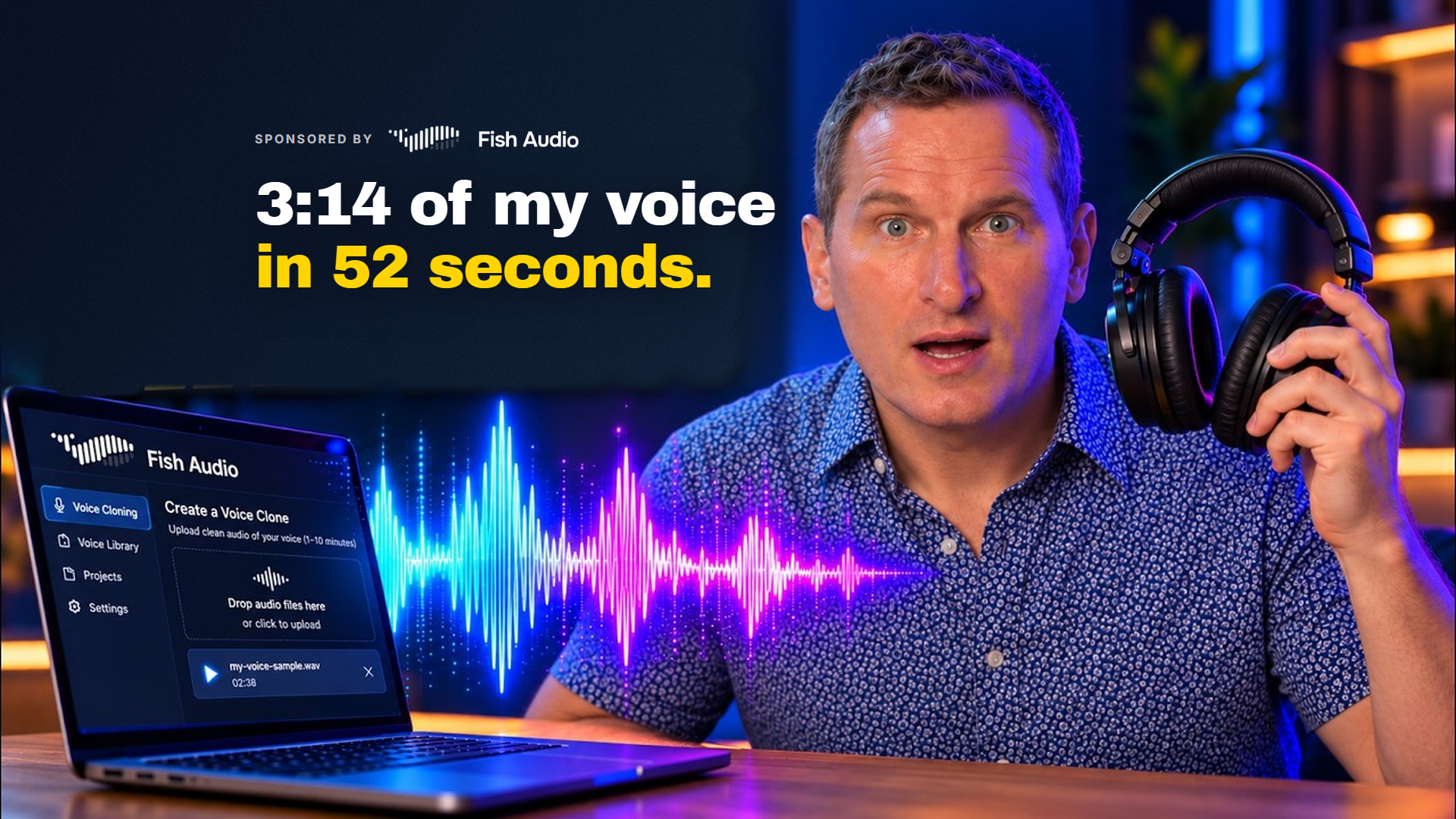
The final output: 3 minutes and 14 seconds of audio, produced in 52 seconds across five sections of the sales letter.

I downloaded the MP3, opened it in QuickTime, and hit play.
“Your clients are losing their conversion data right now due to privacy regulations, browser changes, and the war on cookies. And tomorrow it's going to get worse…”
That's me. That's my cloned voice reading a sales letter I wrote, generated through an API, called by Claude, with zero clicking around in a separate app.
That's the workflow.
Emotion Tags: The Secret Sauce
The emotion tags did something to that audio that I think most people won't believe until they hear it.
Here's how they work:
- Format: Free-form bracket cues at the start of a sentence
- Examples: [excited], [laughing], [serious], [warm]
- Effect: The model reads that sentence with that feeling baked into the delivery
You can stack them. You can experiment with them. And the best part? I had Claude handle the tagging for me based on the content of the script.

So it's not just slapping [excited] on every line. It's reading the material and deciding what emotional register fits.
Here's what blew my mind: the laughing line in my sales letter was a moment where the script had a “hilarious” response to a client objection.
When that came back with [laughing] applied, it sounded like me really laughing.
I didn't use a clip of me laughing in the voice training.
It had none of the robotic approximation you expect from AI audio. None of the cringe-quality that makes you wince. It just sounded like a person. Like me.
So much so that I forgot more than once it was computer-generated and not my actual voice.
That's the difference between a voice clone that sounds like a demo and one you'd actually use.
Real Use Cases for Your Business
So what do you actually do with this?
It works everywhere in marketing:
- Landing page voiceovers: instead of paying a voice actor or recording yourself every time you update your copy, you update the script, run the API call, done
- Video sales letters: same logic, and you can test different emotional framings without re-recording anything
- Audiobooks: I mentioned I did one the hard way with a competitor. With this setup, I could feed my entire book into Claude and have it produce chapter-by-chapter audio with appropriate emotion throughout
- Ad testing: rapidly test different angles with AI-generated b-roll. Iterate faster than ever
- Course content: create audio versions of your written materials at scale
- Podcast intros and outros: consistent quality without booking studio time
The hard part used to be knowing what emotions to assign to which lines.
The emotion tags and your favorite LLM handle that now.
That gives you on-demand voiceovers for any content you're already producing, without a voice actor and without a separate app eating your workflow.
Free Plan vs. Pro: An Honest Assessment
Let's be honest about what the free plan actually gets you.
I started on the free plan, and I ran through my credits faster than I expected.
| Feature | Free Plan | Pro Plan |
|---|---|---|
| Instant clone | ✓ | ✓ |
| Basic text-to-speech | ✓ | ✓ |
| Professional voice clone | ✗ | ✓ |
| Use cloned voice via API | ✗ | ✓ |
| Free API generation | ✗ | ✓ (fair use) |
The bottom line:
If you're testing the concept and want to see if the voice quality is in the right ballpark, the free plan is a real starting point.
If you want to actually use this in production, for client work, for your own content, for anything you'd put in front of an audience, you should upgrade to the Pro account.
The free API on top of Pro is the thing that makes the pricing feel fair to me, because you're not paying per generation on top of a subscription.
You pay once for Pro, you clone your voice once, and the generation itself doesn't cost you anything extra.
For agency owners and creators who are generating audio regularly, it makes perfect sense.
Frequently Asked Questions
Can I really use any voice I clone through the API?
Only after you complete voice ownership verification. Fish Audio requires you to read a short passage to confirm the voice is actually yours. This prevents people from cloning voices without permission.

How much audio do I need for a good professional clone?
Fish Audio recommends 12-15 audio clips with consistent tone. I uploaded 81 minutes total, which is way more than necessary, but I had it available from my YouTube channel. Quality matters more than quantity, consistent audio with minimal background noise produces better results.
What if I don't have Claude Code?
The API works with any tool that can make HTTP requests. You could use n8n, Make.com, a simple Python script, or even Postman for testing. Claude Code just happens to be my workflow because I already have it open all day.
Do the emotion tags always work perfectly?
Not always. But they work surprisingly well. The [laughing] tag genuinely impressed me because I never provided laughing audio during training. Some experimentation helps, start with obvious emotions and see how the model interprets them with your specific voice.
Ready to Try Fish Audio?
Here's where I land on this: Fish Audio is the first voice tool I've used where the workflow actually fits how I already work, and the output quality is good enough that I genuinely couldn't tell the output wasn't me unless I was hanging on every word.
The emotion tags are what separate it from everything else I've tested.
The free API is what makes it sustainable to use at scale.
And Claude handling the emotion tagging and the API call is the unlock that removes the last piece of friction.
I'm not going to oversell this, you need a Pro account to get the full setup, and the professional clone takes some upfront work to do right.
But if you're serious about voiceover for your content or your clients' content, this is worth your time to set up.